
AR Try-On and Spatial Commerce: The ROI Case for Retail in 2026
Jul 9, 2026

16 MIN READ
AR try-on is augmented reality that lets a shopper see a product on their body or in their space before buying, and by 2026 it functions as a measurable revenue lever rather than a novelty. Products with 3D or AR content convert 94% higher than those without, and in a 2025 Snap and Publicis study of 4,028 shoppers, 80% felt more confident buying while 66% were less likely to return an item. It attacks the two costliest e-commerce problems at once: purchase hesitation and returns, which drain U.S. retailers more than $400 billion a year. WebAR, native app AR, and headset experiences form the three implementation paths, each trading friction against fidelity.
Key Takeaways
- Products with 3D/AR content convert 94% higher than those without, according to Shopify data cited in BrandXR’s 2026 retail research report.
- 80% of AR shoppers feel more confident buying and 66% are less likely to return an item, per a 2025 Snap and Publicis study of 4,028 shoppers.
- The virtual try-on market reached $12.09 billion in 2025 and is projected to hit $15.29 billion in 2026, per The Business Research Company.
- U.S. returns cost retailers more than $400 billion a year; AR try-on attacks the visual uncertainty behind many of them.
- WebAR removes the app-install barrier, making it the lowest-friction entry point for retailers new to AR.
Two problems cost e-commerce more than any others: shoppers who hesitate and never add to cart, and shoppers who buy, guess wrong, and send the item back. Purchase hesitation caps conversion before checkout. Returns erase margin after it, with shipping, restocking, and markdown costs stacked on top of the lost sale. AR try-on works on both at once, because both come from the same root cause: the buyer cannot tell whether the product will fit, suit, or look right from a flat photo. Give them a way to see it in context and the guesswork drops.

Need help building an AR try-on experience?
We are here to help!
AR Try-On’s Conversion Impact Is Large and Measurable
AR try-on raises e-commerce conversion by letting shoppers resolve their biggest doubt — how a product will actually look or fit — before they buy. Across retailers and product types, the lift is consistent and often steep, with several brands reporting double-digit or larger gains after adding AR product visualization to their storefronts. The pattern holds whether the experience runs in a browser, an app, or a headset.
How AR Try-On Lifts Conversion Rates
Products with 3D or AR content convert 94% higher than those without, according to Shopify data cited in BrandXR’s 2026 retail research report. The mechanism is simple: AR answers the “will this work for me?” question that stops a shopper mid-consideration.
The brand-level numbers back this up. Fashion label Rebecca Minkoff found customers were 65% more likely to place an order after interacting with a product in AR, and 27% more likely after viewing it in 3D alone, as reported in Envive’s 2026 conversion analysis. Pet-gear maker Gunner Kennels recorded a 40% conversion increase after adding AR visualization. On Snapchat, users who engage an AR shopping lens are 2.4 times more likely to buy than those who don’t, and AR campaigns generate 6.4 times higher purchase intent than traditional video ads.
There is also a discovery signal worth noting. In a 2025 study by Snap and Publicis, 7 of the top 10 drivers of purchase intent were AR features — try-on, visualization, and smart features — outranking online display, video, and marketplace search. AR try-on is now one of the strongest conversion tools a retailer can put in front of a shopper.
How AR Try-On Cuts Return Rates
AR try-on reduces returns by letting shoppers confirm fit and appearance before purchase, so fewer items come back. In the same 2025 Snap and Publicis study of 4,028 shoppers across four countries, 80% said they felt more confident in their buying decisions when using AR, and 66% said they were less likely to return a purchase. Retailers implementing virtual try-on see up to 40% lower return rates, according to Rewarx’s July 2026 category analysis, and a separate figure compiled by Sensape puts the average at a 30% return reduction alongside a 30% conversion gain (Onix Systems, 2025).
Returns are where AR quietly protects margin. U.S. returns cost retailers more than $400 billion a year, as documented in Banuba’s returns research, and every returned item carries shipping, restocking, and markdown costs on top of the lost sale. Furniture shows the effect most clearly: a Macy’s AR pilot held returns under 2%, against a normal 5–7%, per the BrandXR report. Broader furniture and fashion data points to a 25–40% return reduction with AR, as Zolak’s April 2026 retail analysis found.
Helen Lin, Chief Digital Officer at Publicis Groupe, put the return case plainly: “Virtual try-ons and 360 product demos can help lessen returns.” For a retail director, the return line is often where AR pays for itself.

What Brands Are Already Seeing in the Real World
AR try-on has produced concrete, published results for major retailers across beauty, fashion, and home. These are not pilots that stalled; they are live programs with reported revenue and engagement gains that a retail decision-maker can benchmark against. Four examples show the range of what AR product visualization delivers when it is built well.
Ulta Beauty ran a Snapchat AR lens that let shoppers try on makeup shades through their phone camera. It drove 30 million product try-ons and $6 million in incremental sales in two weeks, according to the BrandXR report. Gucci used a foot-tracking Snapchat lens for shoe try-on that lifted product page views 188% and purchase intent 25%, reaching more than 18 million users.
In home goods, the IKEA Place app lets shoppers drop true-to-scale 3D furniture into their rooms; customers who use it are 11% more likely to buy, with 98% accuracy on product scale. Tommy Hilfiger tested an in-store AR mirror that raised try-ons and foot traffic 60%. Frame Sixty, an AR/VR and spatial computing development studio, has cataloged more patterns like these in its roundup of augmented reality examples across industries. The common thread: each experience removed a specific visual doubt and turned it into a sale.
The Three Implementation Tiers for AR Try-On
There are three ways to implement AR try-on, and they trade friction against fidelity. WebAR runs in a browser with no install and the widest reach. Native app AR delivers richer, more accurate experiences to a brand’s existing app users. Headset and spatial commerce experiences offer the deepest immersion for showroom and staging use. Most retail programs start at the WebAR tier and add the others as the use case justifies them.
| Tier | Runs on | Friction | Best for |
|---|---|---|---|
| WebAR | Mobile browser via QR or link | Lowest — no install | Social campaigns, product pages, DTC launches |
| Native app AR | Brand’s iOS/Android app (ARKit/ARCore) | Medium — requires app | Repeat-purchase catalogs, loyal app users |
| Headset / spatial | Apple Vision Pro, Meta Quest | Highest — needs device | Showrooms, automotive, luxury, staging |
WebAR: No App, No Friction, Instant Deployment
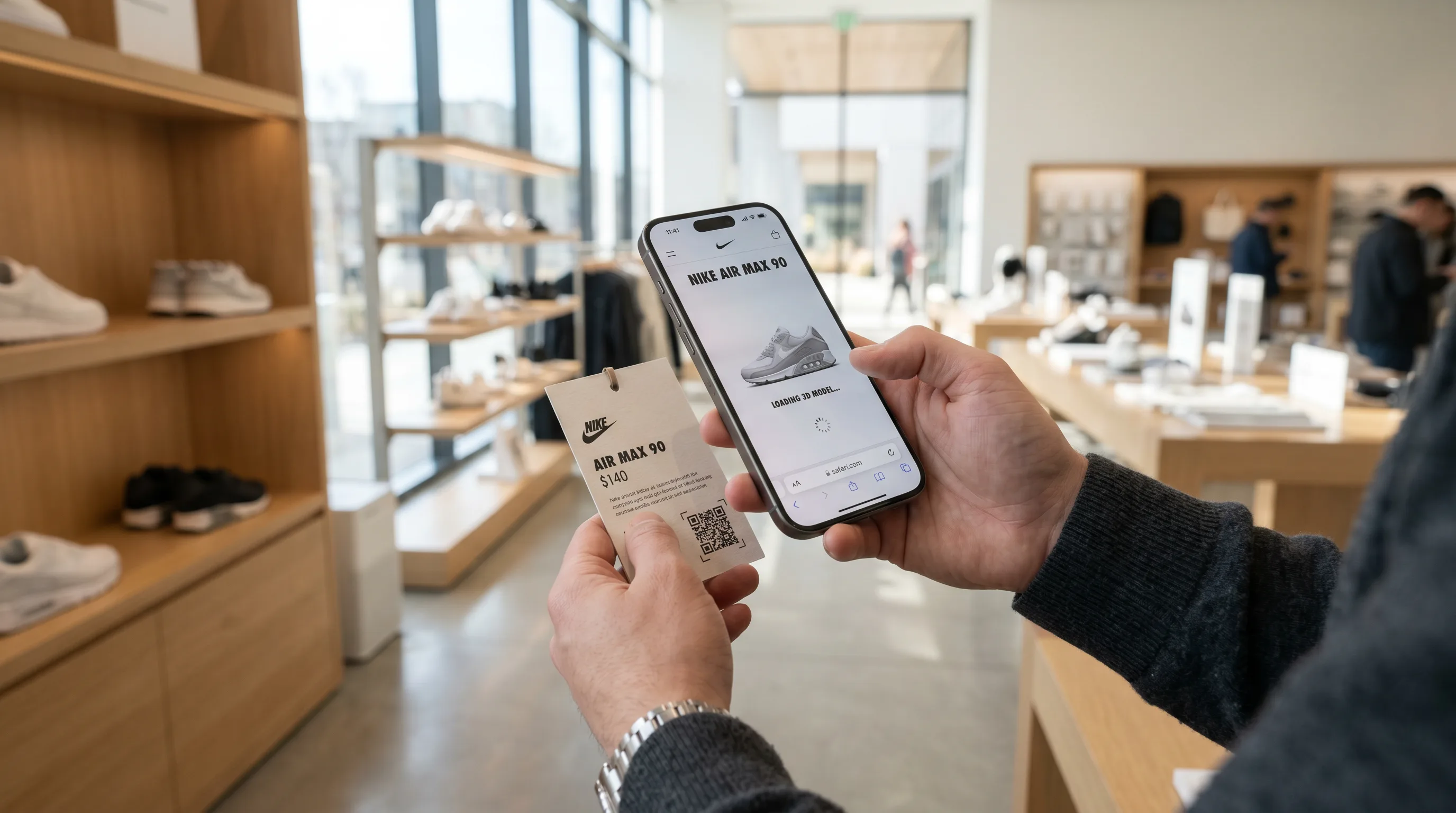
WebAR is augmented reality that runs directly in a mobile browser such as Safari or Chrome, launched by a QR code, a link, or a button on a product page, with no app download required. That zero-install path is why WebAR delivers the widest reach for a given campaign and the lowest barrier for a first-time shopper.
Common platforms include 8th Wall, Snap’s shopping lenses, and Shopify AR built on Google’s Model Viewer. The experiences run on 3D assets in two main formats: USDZ for Apple devices and GLB or glTF for Android and the web. The tradeoff is visual fidelity — WebAR generally looks a step below a native app and offers less persistent world-tracking — but for social launches and product pages, removing the install gate is worth far more than the polish. Frame Sixty details this approach on its WebAR development page, and compares the main platforms in its guide to the top web-based augmented reality solutions. For most retailers, WebAR is the right first tier.
Native App AR: Higher Fidelity with ARKit and ARCore
Native app AR is augmented reality built into a brand’s own iOS or Android app using Apple ARKit or Google ARCore. It supports persistent world-tracking, LiDAR depth on Pro-tier iPhones and iPads, and better lighting and occlusion, which produces a more convincing try-on than a browser can.
The clearest example is Sephora’s Virtual Artist, built into the Sephora app, which has logged more than 200 million shade try-ons. Native AR suits retailers who already have an active app and a repeat-purchase customer base willing to install it — beauty, fashion, and home goods with deep catalogs. The catch is the app install itself: it is a real barrier, and the development is heavier than WebAR. The payoff is session depth and higher-quality conversions. Frame Sixty builds these experiences through its AR app development service. Choose native AR when your customers are already in your app.
Headset and Spatial Commerce: The Emerging Showroom Tier
Headset-based spatial commerce is immersive AR built for devices like Apple Vision Pro and Meta Quest, aimed at showroom, staging, and high-consideration purchases rather than everyday e-commerce. It lets a shopper walk around a full-scale car, place an entire room of furniture at true scale, or examine a luxury watch at 1:1 with depth and spatial audio. That is the full-VR end of the virtual showroom formats, which run from a browser-based product preview to a headset walkthrough of an entire branded space.
Vision Pro’s spatial computing and Quest’s mixed-reality passthrough have made true-scale visualization practical at a pop-up, showroom, or sales-floor level for the first time. The tradeoff is obvious: this is the highest-cost tier with the smallest current audience, so it fits products where a single conversion — a car, a kitchen, a luxury piece — justifies the session cost. Frame Sixty produces immersive virtual reality product demos for exactly these scenarios. Treat the headset tier as a premium showroom tool, not a mass-market channel.
Which Product Categories Benefit Most from AR Try-On?
The categories that benefit most from AR try-on are the ones where a shopper’s main doubt is visual or spatial: will it fit the space, suit my face, or match at scale? Accessories and jewelry show the highest ROI, footwear delivers the fastest payback because its baseline return rate is so high, and basic apparel benefits least, per Rewarx’s July 2026 analysis. The rule of thumb: if the uncertainty is how something looks or fits, AR pays off.
Furniture and Home: True-Scale Placement
Furniture and home goods are the strongest case for AR try-on because the core buying question — will this piece fit and look right in my room? — is exactly what AR answers. A shopper places a true-to-scale 3D model of a sofa or shelf in their actual space and resolves the doubt that drives most furniture returns. Our guide to AR product visualization prices that room-placement build out, from hosted viewers at $140 to $500 a month to custom WebAR at $25,000 to $75,000.
The results are direct. The Macy’s AR furniture pilot held returns under 2% versus a normal 5–7%, and IKEA Place raised purchase likelihood 11% with 98% scale accuracy, both per the BrandXR report. Home-design platform Houzz reported 11 times higher conversion after adding AR visualization, according to AR-Go’s 2025 analysis. LiDAR scanning and accurate USDZ or GLB models make the placement convincing. Furniture is where AR’s return-reduction value is most immediate.
Apparel, Accessories, and Beauty: Face and Body Tracking
Apparel, accessories, and beauty use AR try-on through face and body tracking, and the payoff varies sharply by sub-category. Beauty leads: face-mesh tracking overlays lipstick, eyeshadow, and foundation in real time, which is how Ulta and Gucci drove the results above. Eyewear works well too, since face tracking places frames accurately enough to replace an in-store fitting for many buyers.
Accessories such as jewelry, watches, and hats show the highest overall ROI, per Rewarx, because scale and proportion are so hard to judge from a photo. Clothing is the hardest to do well: body-tracking try-on is improving, and true-to-scale 3D draping works for outerwear and dresses, but fit variation makes basics a weak fit for AR. Frame Sixty explores these mechanics in depth in its piece on augmented reality in fashion. Match the AR approach to the category, not the other way around.
Automotive and Big-Box Retail
Automotive and big-box retail benefit from AR try-on wherever scale and configuration drive the decision. Automotive configurators let a buyer place a vehicle at true scale in their driveway and change paint, trim, and features, and because the average order value is so high, even a small conversion lift produces outsized revenue. This is primarily a native-app or headset use case.
Big-box categories such as appliances, tools, and outdoor equipment follow the same true-scale placement logic as furniture: “will this refrigerator fit my kitchen?” is a returnable moment AR prevents. The consistent principle across automotive and big-box is that AR resolves a spatial or scale question a photo cannot. Where the doubt is visual, AR try-on earns its keep; where it is about durability or taste, it does not.
What an AR Try-On Project Actually Involves
An AR try-on project comes down to three decisions: how you create the 3D assets, which platform tier you target, and how you measure results. None of these are primarily technical calls — they are business calls about cost, reach, and proof. Scoping them well at the start is what separates an AR program that shows ROI from one that becomes a line-item nobody can justify.
The 3D Asset Pipeline: Where Most Projects Stall
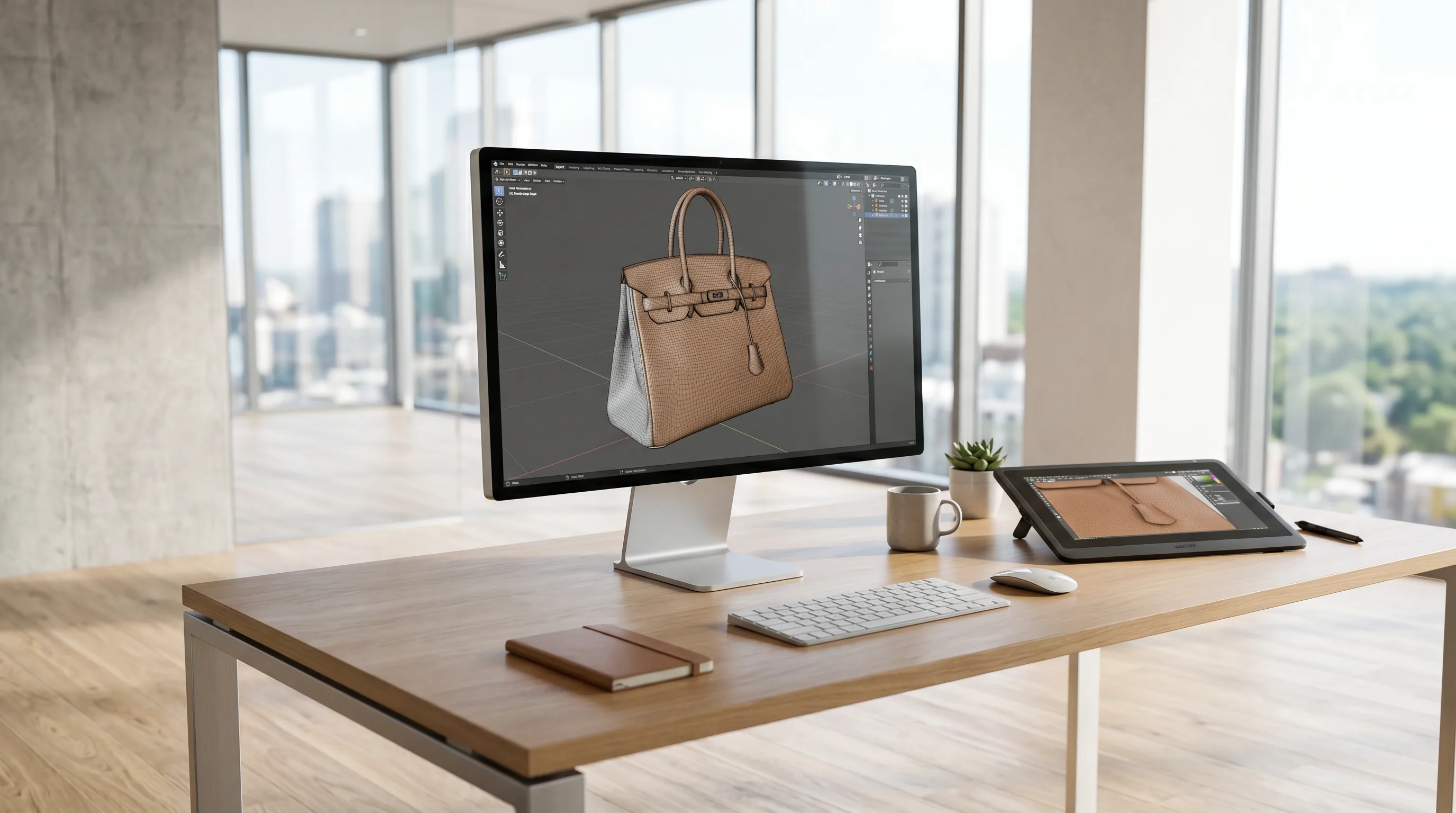
The 3D asset pipeline is the most underestimated part of an AR try-on project. Every experience needs a properly textured, correctly scaled 3D model of the product in the right format — USDZ for iOS, GLB or glTF for Android and WebAR. No photo or 2D render will do.
The assets come from one of three routes: existing manufacturer 3D files, which are rare and usually sit in proprietary CAD formats that need conversion; photogrammetry from product photos, which is fast but varies in quality by product type; or purpose-built modeling by a specialist. A catalog of 50 products with professional 3D assets can take four to eight weeks, and it is usually the budget line that surprises clients. Frame Sixty handles this end to end through its 3D model design services. Budget for the asset pipeline first, because it gates everything else.
Platform Choice: WebAR, Native, or Headset
Platform choice for AR try-on depends on three variables: where the shopper is in the journey, whether the brand already has an app, and how spatially complex the product is. Getting this right decides both cost and reach before a single asset is built.
The decision breaks into a few clear questions:
- Does the experience need to live on a product page or in a social campaign? Choose WebAR.
- Does the brand already have an app with logged-in, repeat customers? Native AR fits.
- Is this a showroom or sales-floor scenario for a high-value product? A headset experience earns its cost.
Platform choice also drives asset format, so a program targeting iOS, Android, and web at once needs assets in multiple formats or a conversion pipeline. Treat tier selection as a strategy decision, not a technical default.
Analytics and Measurement: Define the Metrics Before You Build
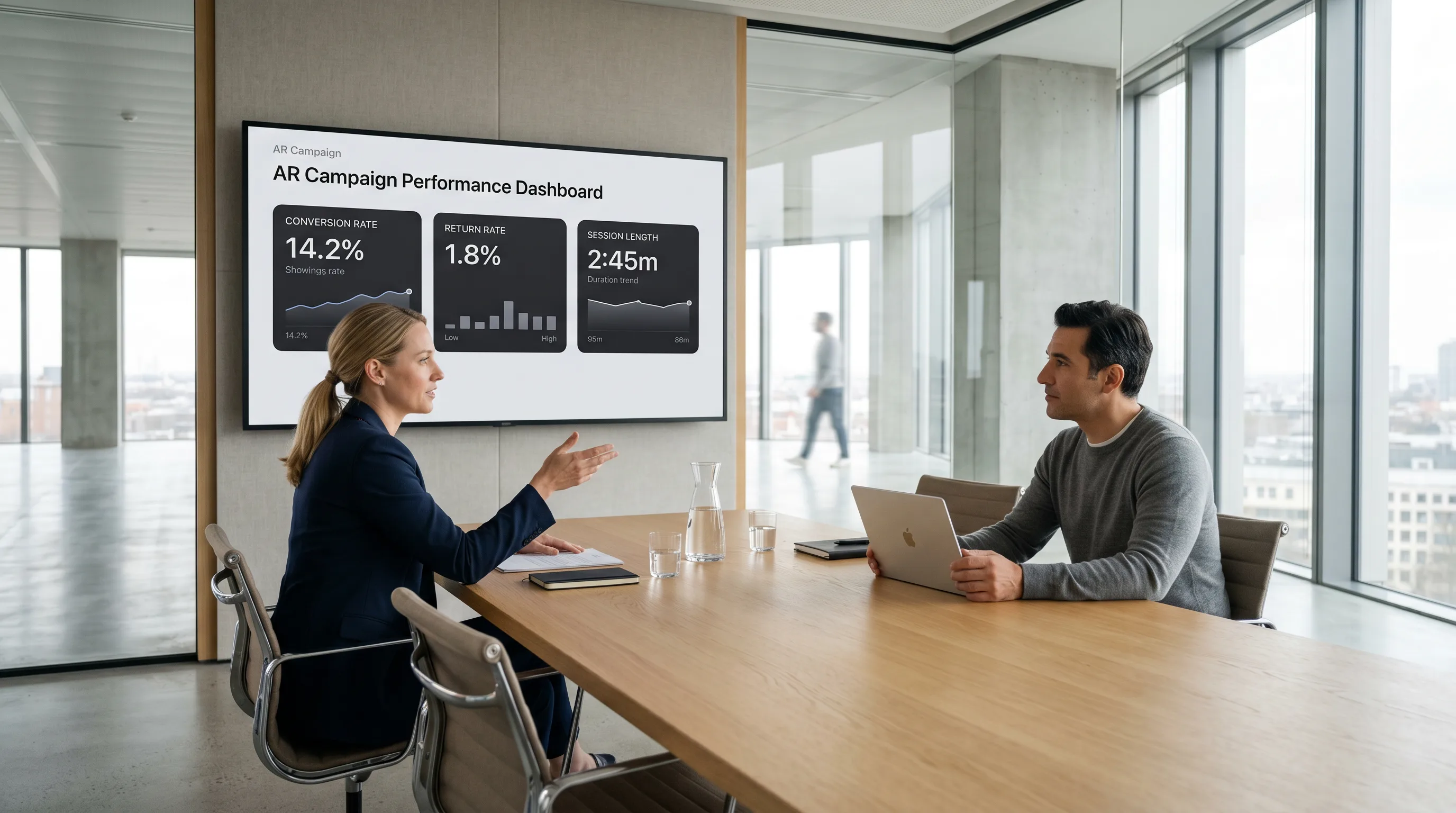
Measurement is what turns AR try-on from a feature into a proven revenue lever, and it has to be planned before launch, not retrofitted after. An AR experience with no conversion tracking cannot demonstrate ROI, and the next budget cycle will treat it as a cost.
Instrument three metrics from day one:
- Try-on-to-add-to-cart rate, the primary conversion signal.
- Return rate for AR-session buyers versus non-AR buyers, the return-reduction proof point.
- Average try-on session length, an engagement-quality signal; AR campaign dwell time averages around 75 seconds per AR-Go’s 2025 research.
The common failure is wiring AR to a “number of sessions” dashboard that never connects to revenue. Define the measurement plan at kickoff so the results speak for themselves.
Three Mistakes That Kill AR Try-On ROI
Most AR try-on programs that underperform fail for the same three reasons, and all of them are avoidable at the planning stage. Each mistake breaks the link between the experience and the revenue it is supposed to produce. Avoiding them costs nothing beyond attention up front.
Low-quality 3D assets undermine everything. A blurry texture, a mis-scaled model, or a product with missing surfaces makes shoppers less confident, not more, and a shaky model erases the trust AR is meant to build. The asset quality is the experience.
Requiring an app download adds a step that kills conversion for first-time and casual buyers. WebAR removes that gate entirely. A brand should only choose native-app AR when it already has an active, loyal app audience — otherwise the install requirement costs more shoppers than the richer experience wins back.
No conversion tracking leaves the whole program unprovable. Without try-on-to-purchase and AR-session-to-return-rate baselines, there is no way to show the investment worked. Frame Sixty helps retailers avoid these traps across its augmented reality solutions. Get the assets, the access path, and the tracking right, and the ROI takes care of itself.
Conclusion
The data on AR try-on has settled the argument. Products with AR content convert 94% higher, 80% of AR shoppers buy with more confidence, and returns — a $400-billion-a-year drain on U.S. retail — fall by double digits when shoppers can resolve fit and appearance before purchase. The virtual try-on market grew to $12.09 billion in 2025 and is heading toward $15.29 billion in 2026, per The Business Research Company. Adoption is still early, and 40% of consumers say they would pay a premium for products they can experience in AR, according to Deloitte data compiled by Reydar, where those experiences run 200% more engaging than static product pages. The retailers moving now are buying a conversion and margin advantage before it becomes table stakes.
The path is a sequence, not a leap. Start with WebAR to remove friction and reach the most shoppers, add native app AR where a loyal audience already lives in your app, and reserve headset and spatial commerce for high-value showroom moments. Match the tier and the category to the doubt you are trying to remove, get the 3D asset pipeline and the measurement plan right, and the numbers follow.
Frame Sixty offers end-to-end AR and spatial commerce development, from 3D asset creation and format conversion through WebAR, native app, and headset deployment, with the analytics wired in to prove the return — our augmented reality for retail page covers the full set of experiences we build for stores and e-commerce, virtual try-on included. If you want to turn AR product visualization into a measurable revenue lever for your retail business, get in touch with our team at Frame Sixty.
AR Try-On for Retail: Frequently Asked Questions
Common questions about AR try-on for retail, covering development cost, implementation tiers, 3D asset formats, and how to measure conversion and return-rate ROI.
AR try-on development cost depends on three variables: the platform tier, the number of products, and how the 3D assets are created. The 3D asset pipeline is usually the largest budget line, and a catalog of 50 products with professional models typically takes four to eight weeks to build. WebAR is the lowest-cost entry tier, while headset experiences cost the most.
AR try-on can replace in-store fitting for some apparel categories but not all. Eyewear works well, since face tracking places frames accurately enough to substitute for a physical fitting for many buyers. Outerwear and dresses render well with true-to-scale 3D draping, but basic apparel is the hardest to do well because fit variation makes it a weak match for body-tracking AR.
AR try-on works without an app through WebAR, augmented reality that runs directly in a mobile browser like Safari or Chrome. A shopper launches it from a QR code, a link, or a product-page button, with no download required. That zero-install path gives WebAR the widest reach and the lowest barrier for first-time shoppers, which is why it is the recommended first tier for most retailers.
AR try-on requires 3D models in two main formats: USDZ for Apple devices and GLB or glTF for Android and the web. Each product needs a properly textured, correctly scaled model, since no photo or 2D render works. A program targeting iOS, Android, and web at once needs assets in multiple formats or a conversion pipeline, which shapes both cost and timeline.
You measure AR try-on ROI by instrumenting three metrics from launch: try-on-to-add-to-cart rate, return rate for AR-session buyers versus non-AR buyers, and average try-on session length. The common failure is wiring AR to a session-count dashboard that never connects to revenue. Define the measurement plan at kickoff, because an experience with no conversion tracking cannot prove its return.
An AR try-on development partner should handle the full pipeline: 3D asset creation and format conversion, platform choice across WebAR, native app, and headset, and analytics wired in to prove ROI. Frame Sixty builds these experiences end to end, from USDZ and GLB modeling through deployment, with conversion and return-rate tracking instrumented from launch. Ask any partner how they measure results before you build.
Get in touch
We’re interested to see how we can help. Send us a message and we will get back to you within 24 hours.