
Product Configuration
Change materials, colors, modules, accessories, sizes, or packages and show only combinations allowed by the product rules.
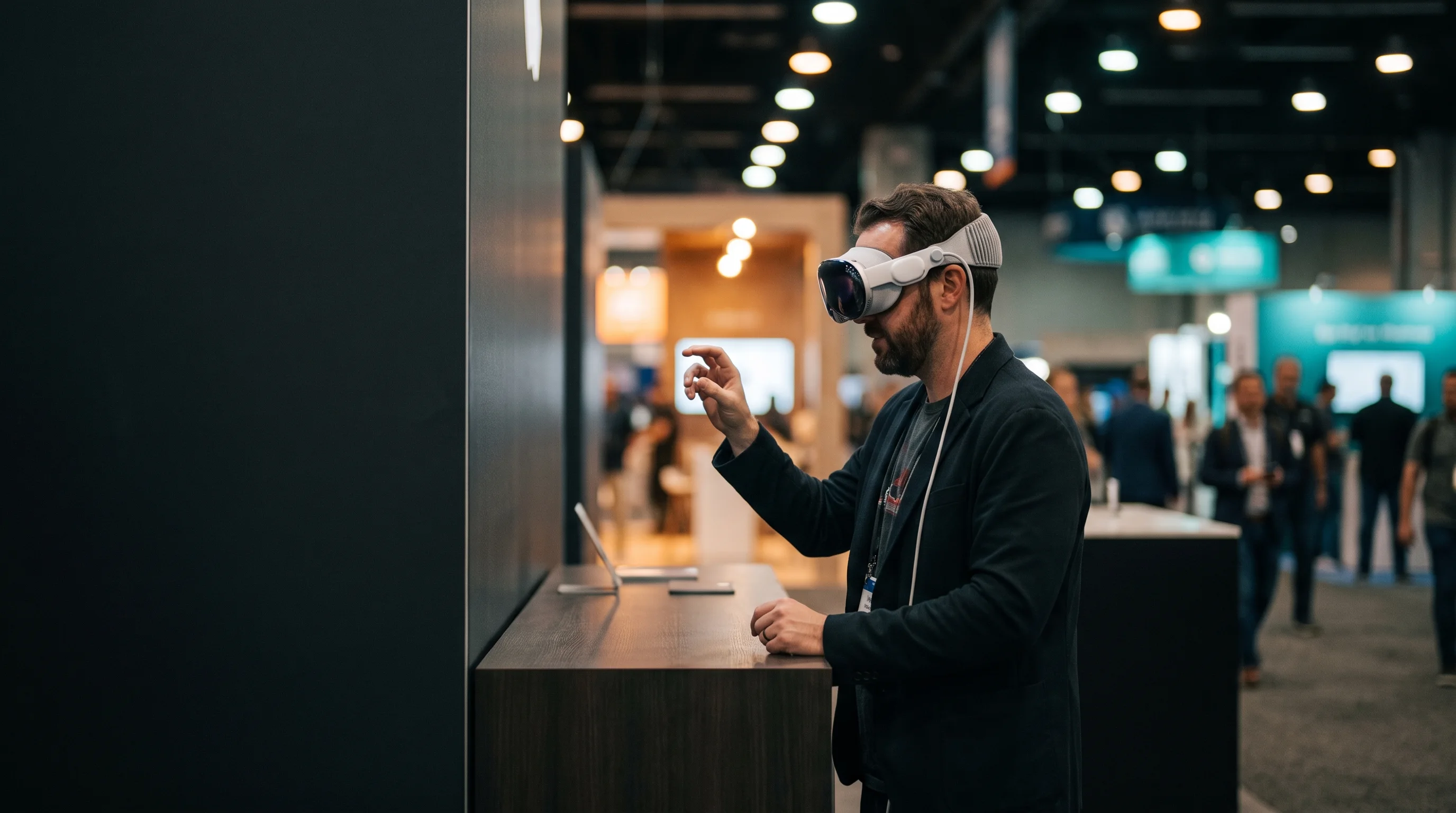
Trade Show Demos · AR · VR · Web 3D
Frame Sixty is a US-based studio building 3D product configurators and virtual product demos. We turn CAD and product data into interactive 3D — web configurators, AR view-in-your-space visualization, and virtual showrooms — that shorten sales cycles for e-commerce and enterprise product companies. Our team has shipped 100+ apps with more than 10 million downloads.
01 · Trade Shows & Product Launches
Your entire product line. One booth. No freight-sized imagination required.
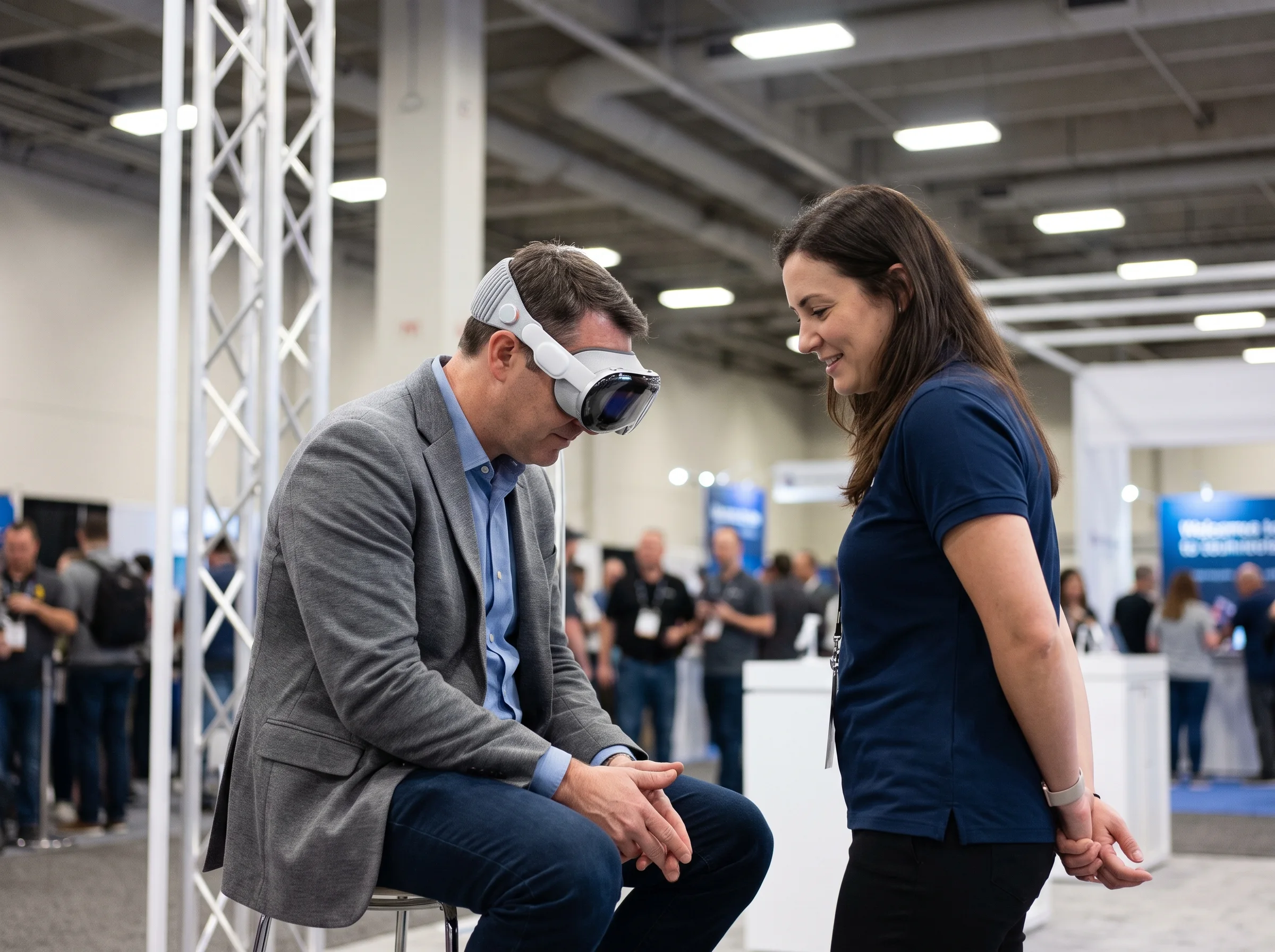
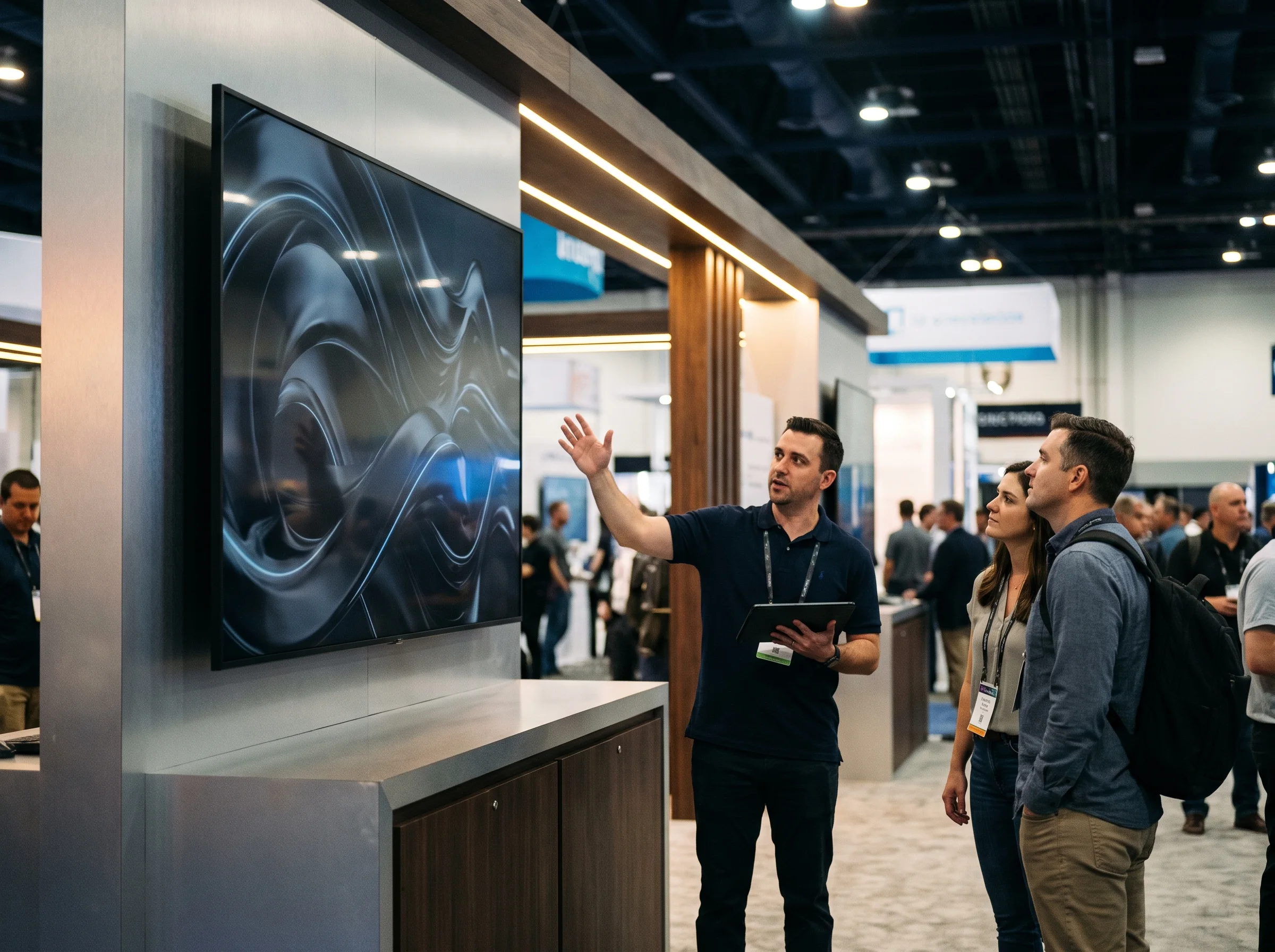
Trade-show space is limited. Your product story does not have to be. Frame Sixty builds interactive AR, VR, and 3D product demos that let attendees inspect equipment at full scale, open cutaways, trigger animations, compare configurations, and understand how the product works — even when the real product is too large, too expensive, too complex, or not yet ready to ship.
The experience can run on Apple Vision Pro, Meta Quest, a large touch display, a tablet, or a browser. After the show, the same build can support sales calls, product launches, dealer presentations, training, and follow-up campaigns.
02 · One Demo, Multiple Experiences
A headset can deliver the most immersive view, but the best event experience considers the attendee, the booth team, the waiting audience, and the follow-up conversation. We design the product story across every surface that matters.
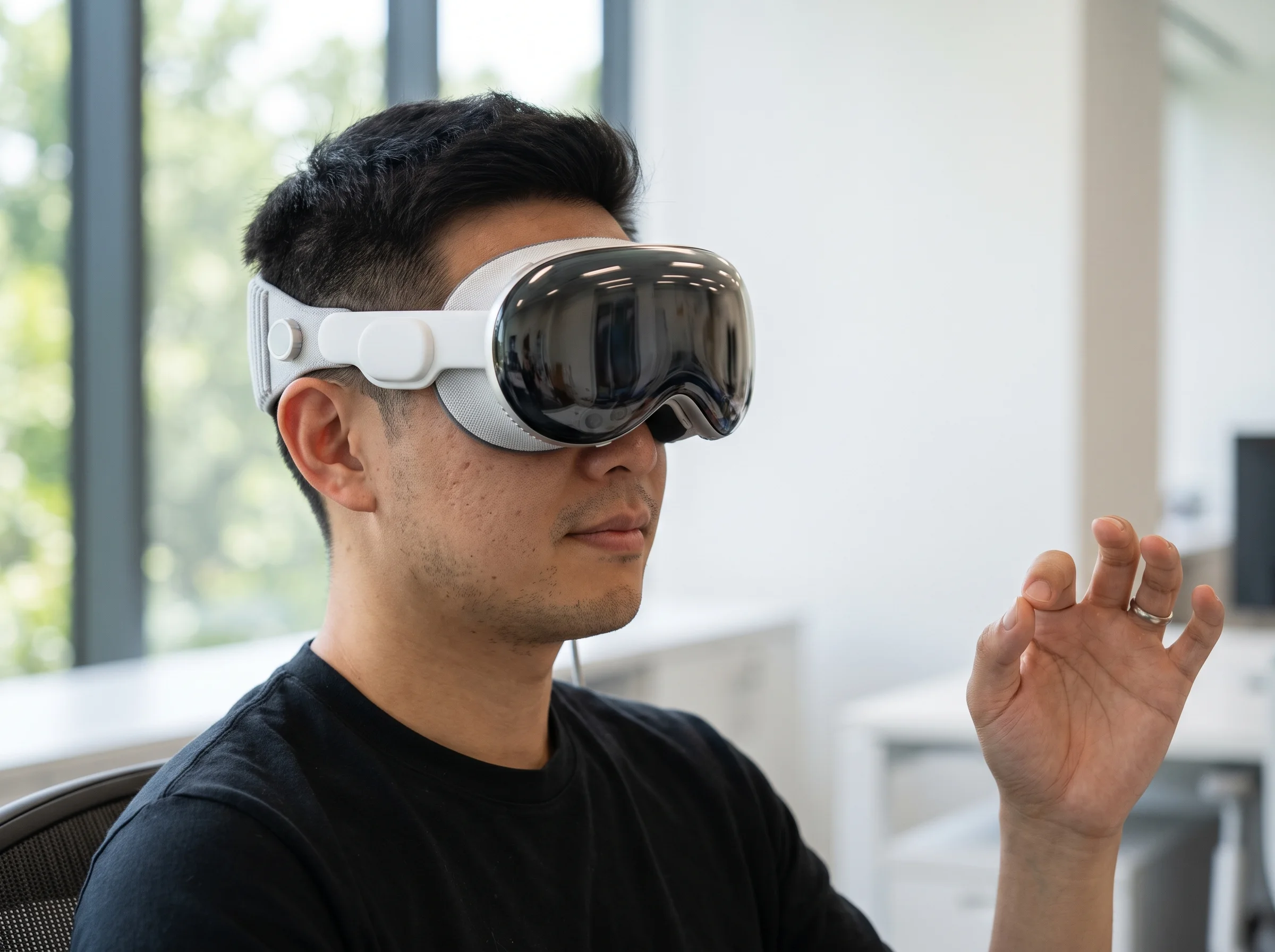
Built in RealityKit, it uses eye and hand interaction to inspect a photoreal product, place it at true scale, reveal internal components, and move through a guided presentation without traditional controllers. Best for premium enterprise demonstrations, executive presentations, and products where visual fidelity matters.
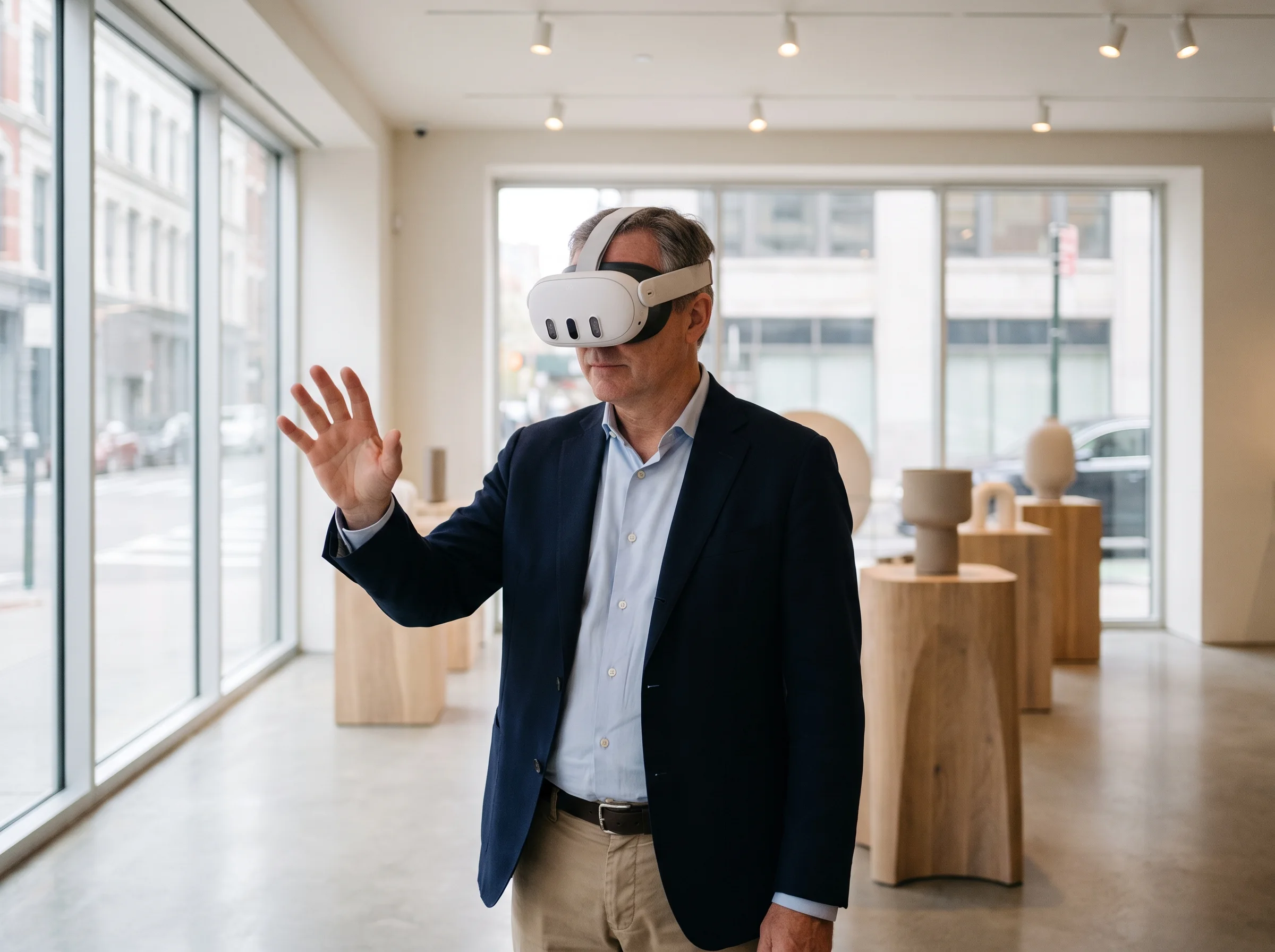
Build a controlled, repeatable demo that can travel from event to event. Meta Quest is well suited to fully immersive environments, product walkarounds, simulations, controller-based interactions, and multi-device deployments.
Let booth staff rotate, explode, animate, and configure the product on a large display so the entire aisle can see what is happening. This mode also supports visitors who do not want to wear a headset.
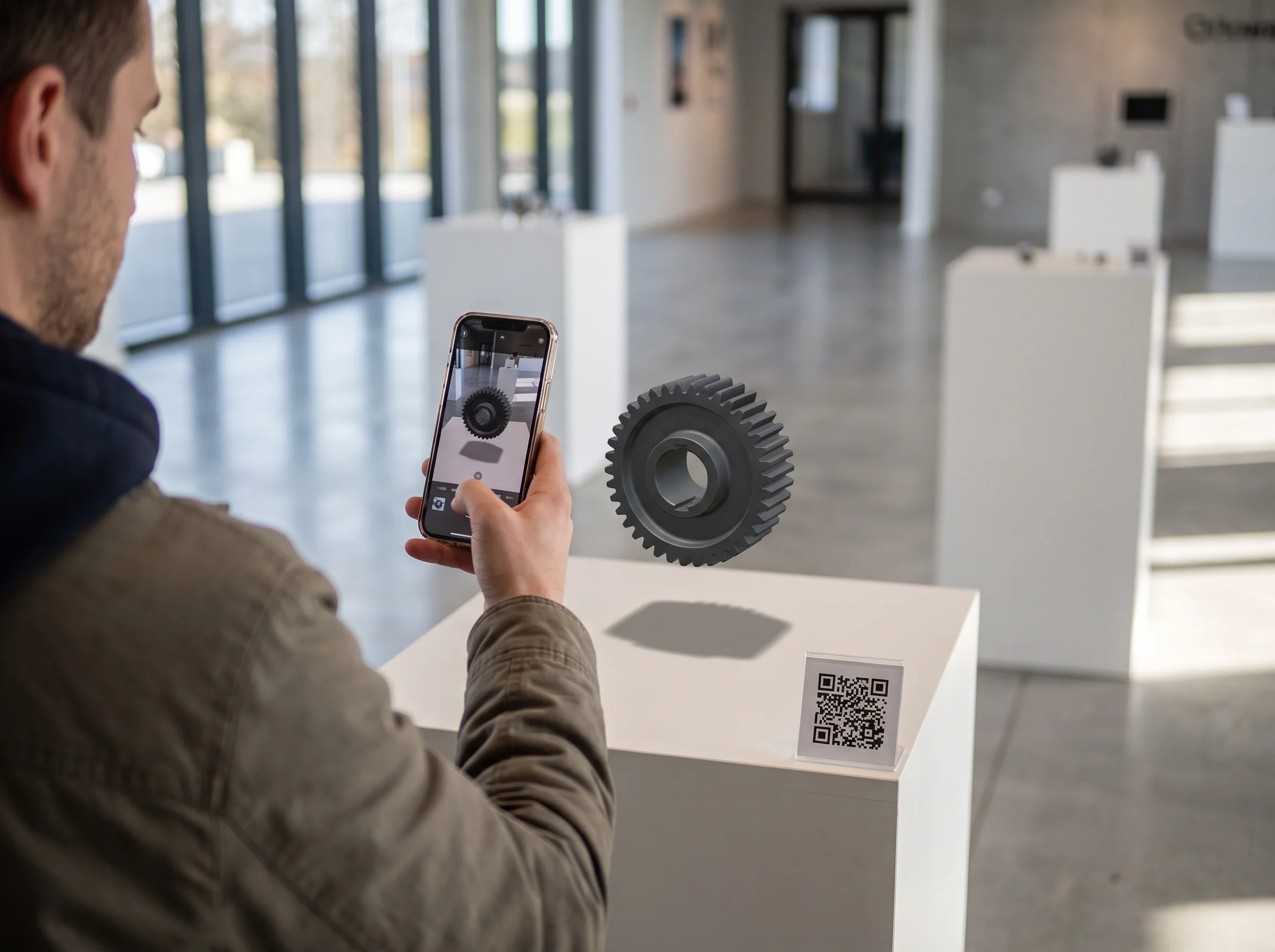
Send each prospect to a browser-based 3D product demo or WebAR experience — AR Quick Look on iOS, the native viewer on Android — through a QR code or personalized follow-up link. They can revisit the configuration, place the product in their space, and share it internally without installing an app.
03 · The Full Sales Lifecycle
A trade-show demo should not become an expensive file that disappears after teardown. Design the experience once, then adapt it across the entire campaign and sales cycle.
The booth is the launch point, not the finish line.
A 3D product configurator lets customers build their exact product — color, materials, options — and see it photoreal from every angle before they buy. Published retail research has repeatedly linked interactive 3D and AR to higher engagement and buyer confidence, which is why configurators have moved from a luxury-brand novelty to standard equipment for considered purchases.
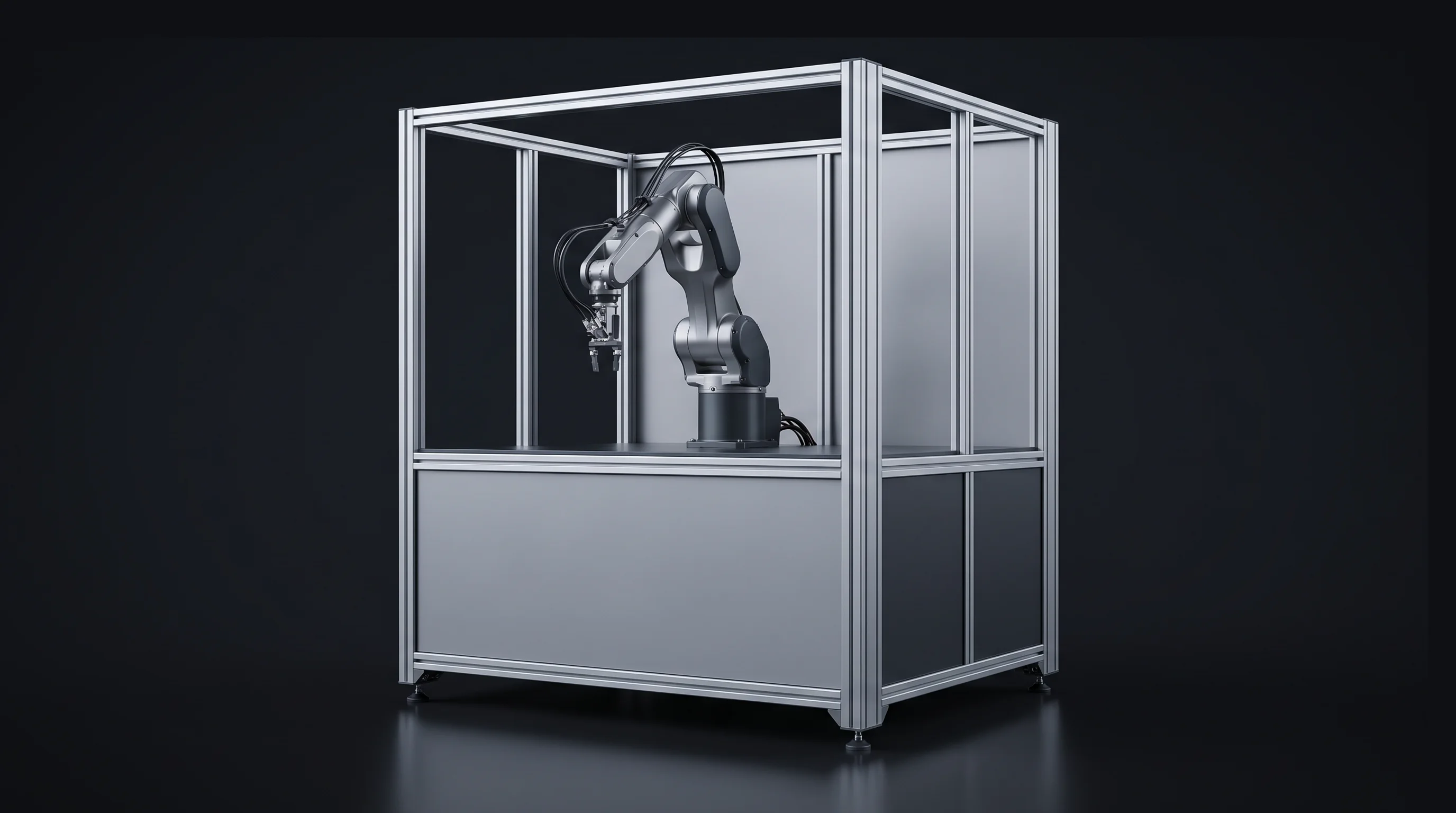
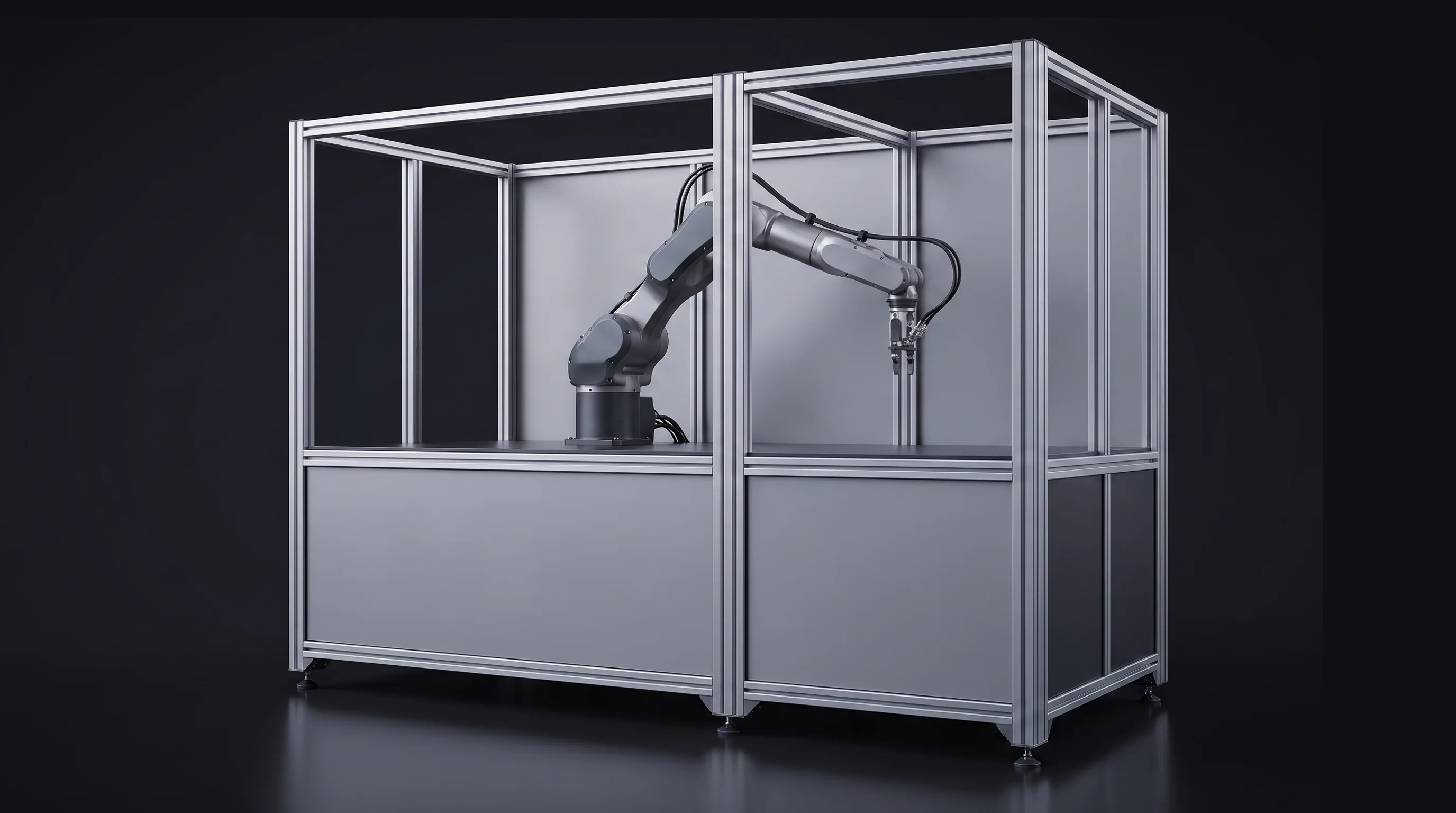
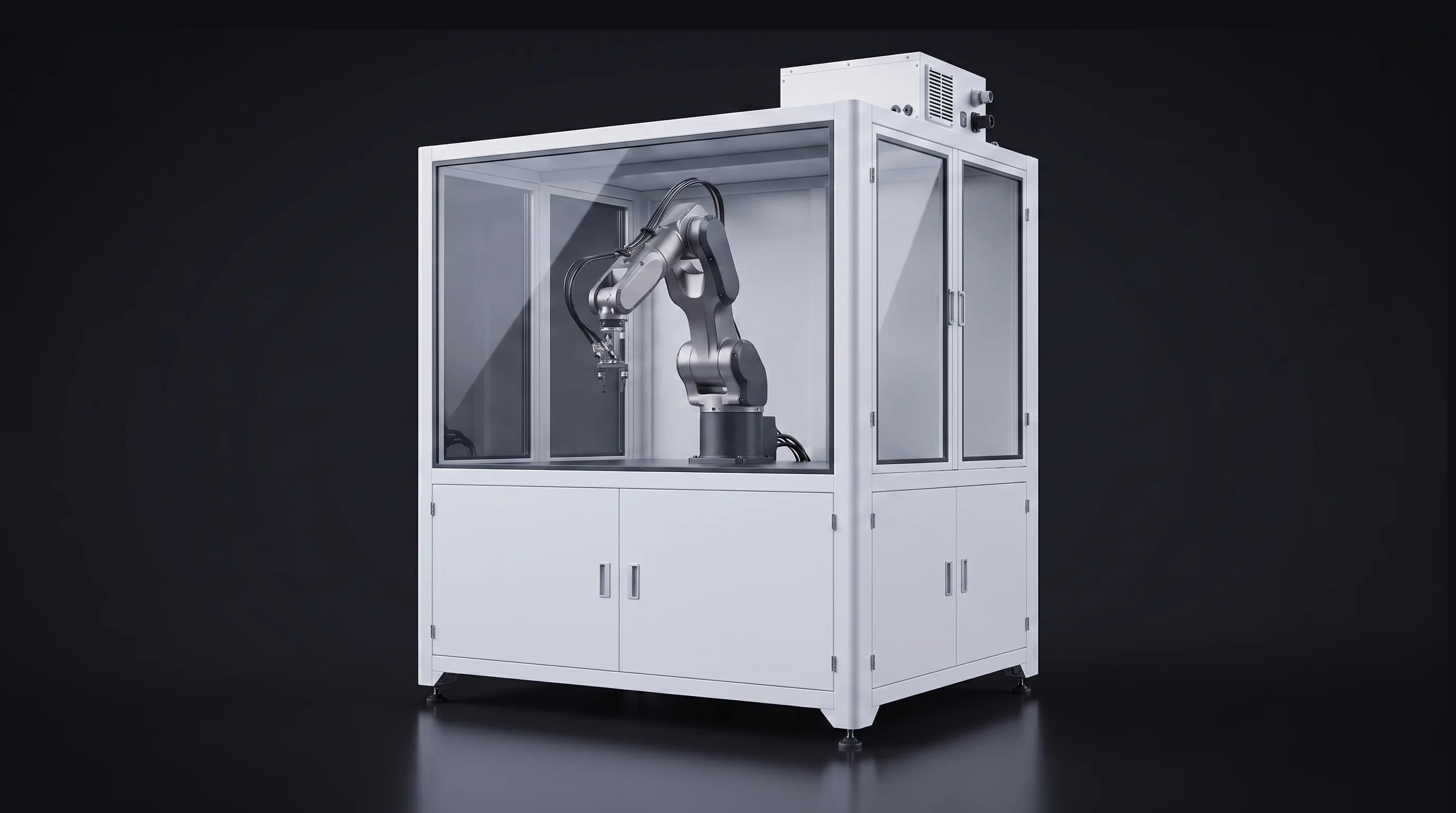
Base Module — $48,200
Full-scale AR: view it in your space · Price updates as you configure
Present colors, finishes, modules, accessories, and product variants without photographing or transporting every combination.
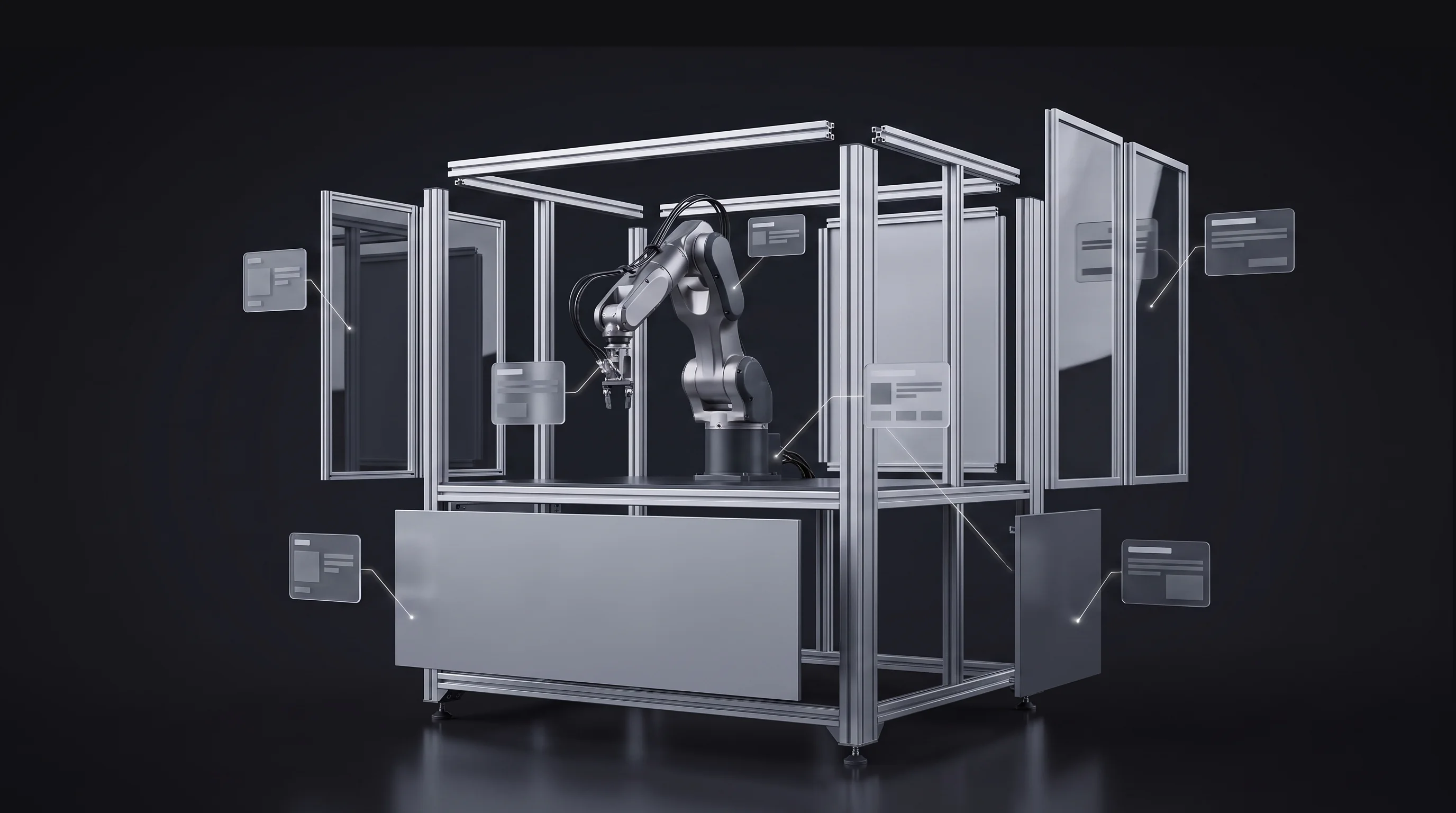
Use hotspots, exploded views, transparent cutaways, and operating animations to explain what a brochure cannot.
Keep the buyer and salesperson focused on the same configured product, selected features, and saved result.
Let the customer revisit, share, request a quote, add to cart, or view the selected configuration in AR when those features are included in the build.
04 · What the Experience Can Show
The strongest product demos do more than rotate a model. They reveal the information a buyer needs at the exact moment it becomes relevant.
Change materials, colors, modules, accessories, sizes, or packages and show only combinations allowed by the product rules.
Separate assemblies into understandable layers while preserving the relationship between components.
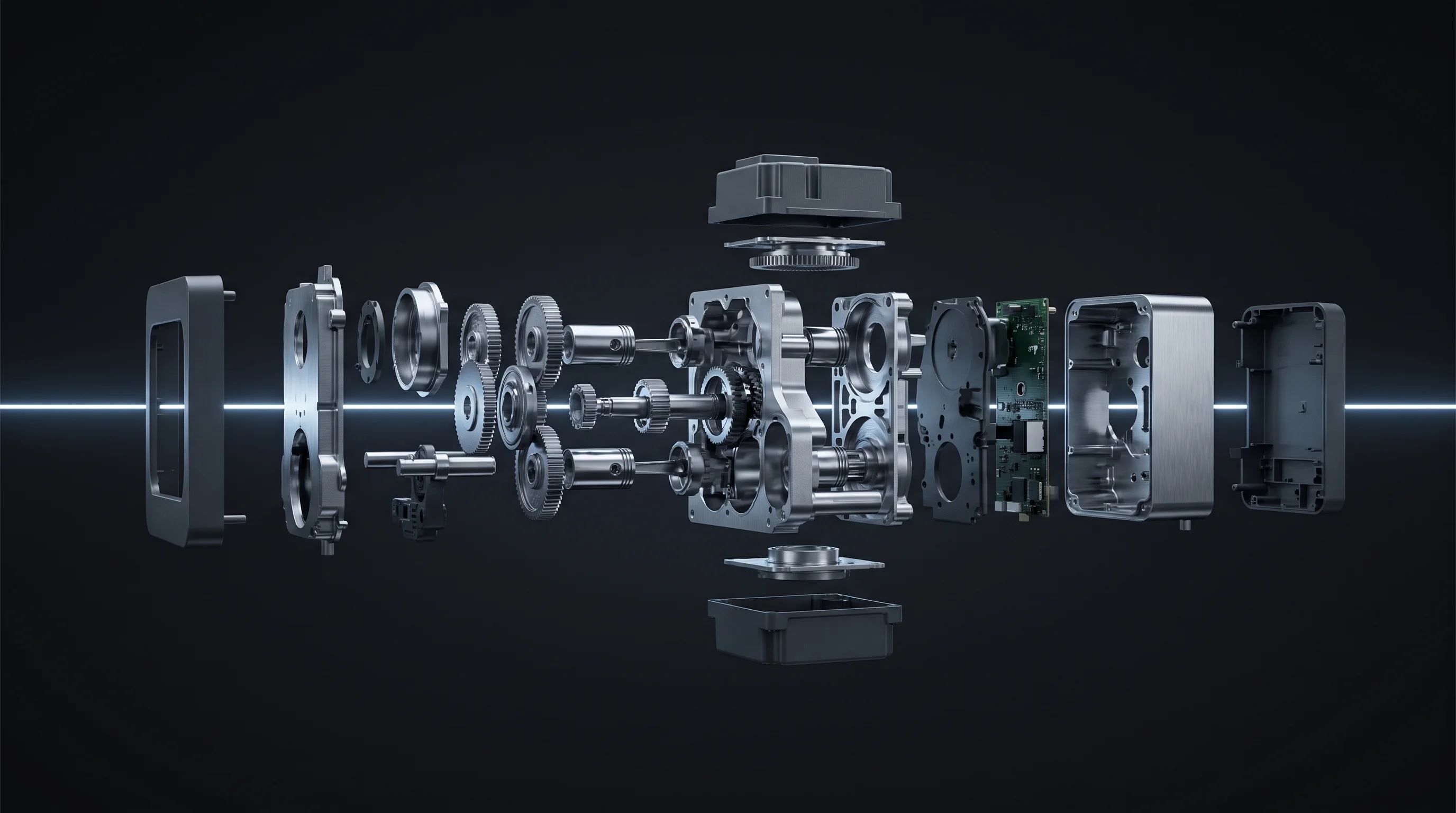
Reveal internal systems, flow paths, construction, and hidden mechanisms without dismantling a physical product.
Show movement, assembly, installation, maintenance, workflows, or a complete product cycle.
Move attendees through a consistent sequence of features with optional narration, callouts, and controlled transitions.
Place the configured product into the customer's room, facility, showroom, or booth at a believable scale.
Place two configurations, product models, or options side by side and make the differences visible.
Add request-a-quote, save, share, cart, lead capture, analytics, or CRM handoff according to the project scope.
From browser-based configurators and full-scale AR to headset demonstrations, virtual showrooms, sales tools, technical animations, and digital twins, Frame Sixty turns CAD, product data, and sales logic into interactive experiences that help customers understand complex products and move confidently toward a decision — product rendering services through to a configurator wired into checkout.
Interactive Product Experiences
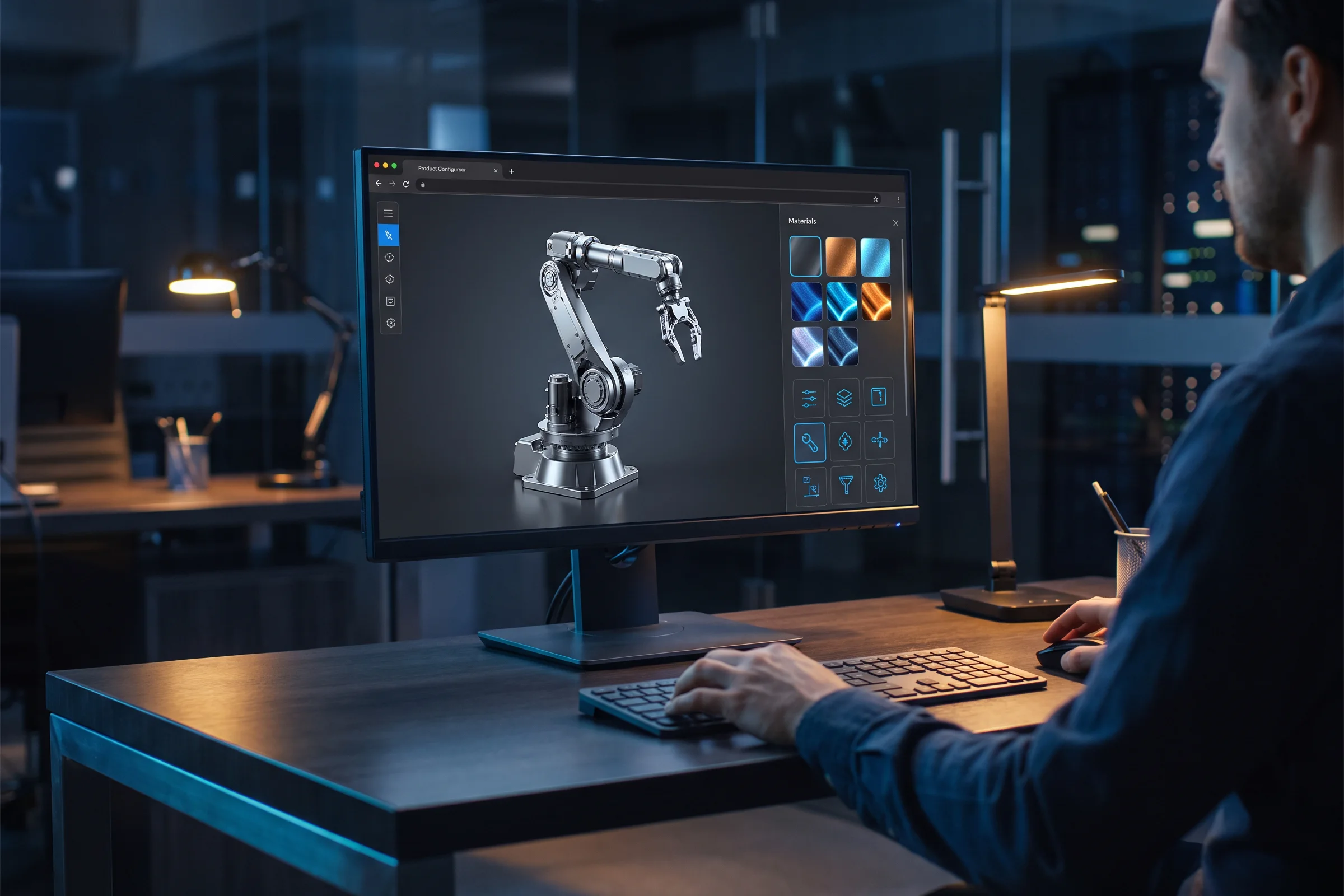
We build browser-based 3D configurators that let buyers change colors, materials, dimensions, modules, accessories, and product packages in real time. Valid-option rules, dynamic pricing, saved configurations, quote requests, and checkout can all be connected to the same experience.
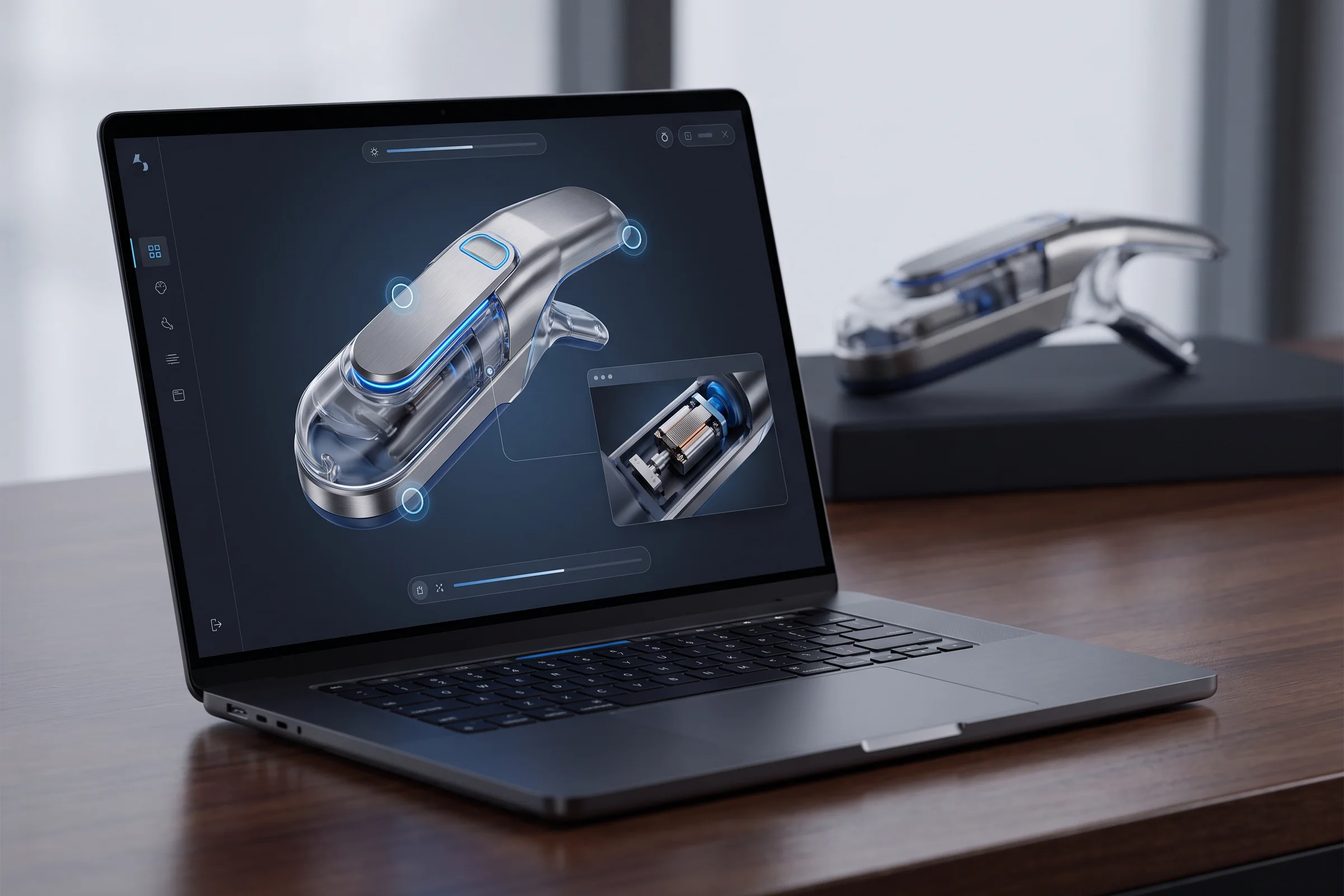
Give customers a detailed 360-degree view of a product directly on your website. We add zoom, hotspots, annotations, feature callouts, component isolation, animations, measurement tools, and guided product tours without requiring a full configuration system.
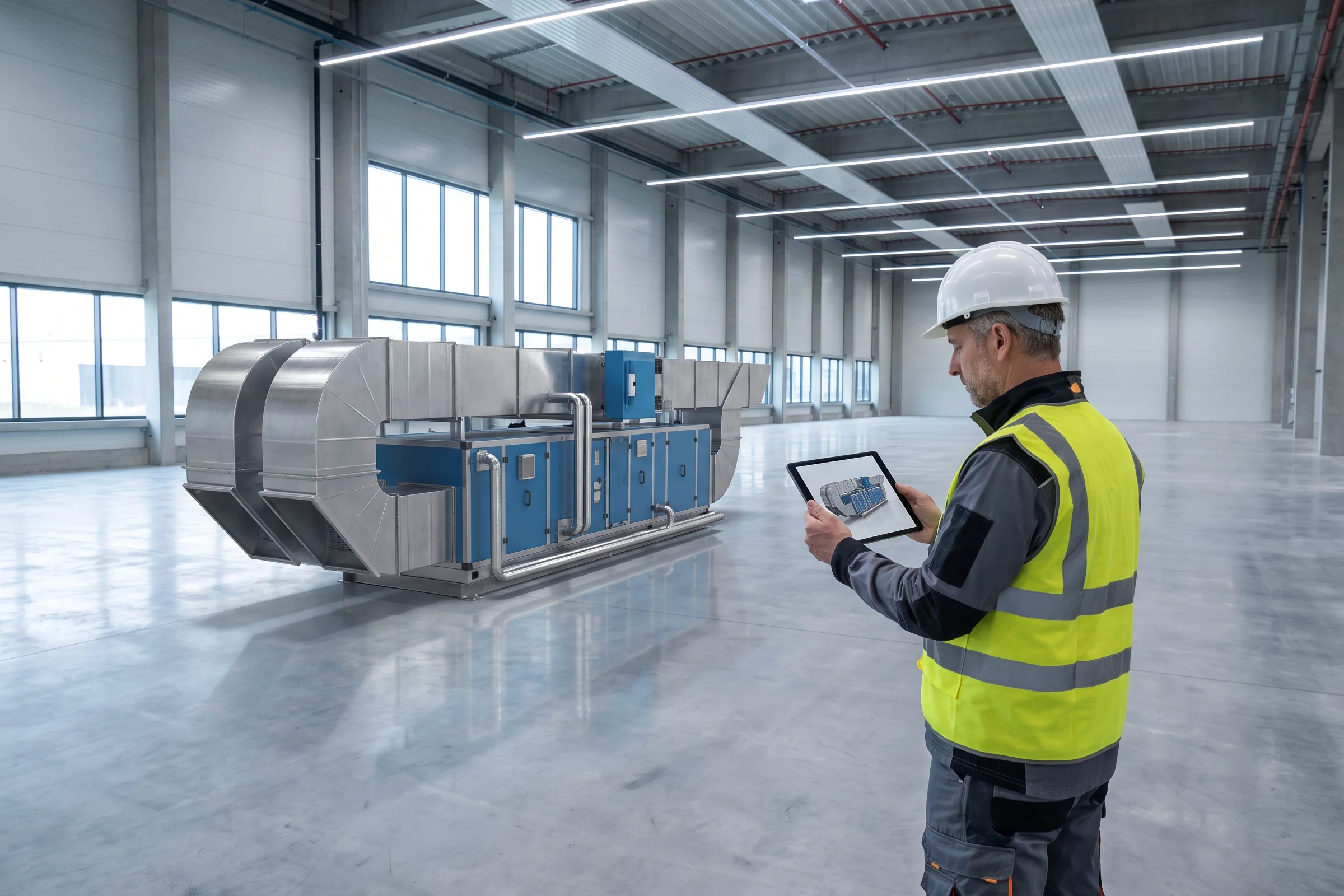
Let customers place products in their own room, facility, showroom, or job site at believable scale. We develop browser-based WebAR and native mobile AR experiences with product placement, repositioning, rotation, configuration, measurement, screenshots, and shareable results.
WebAR development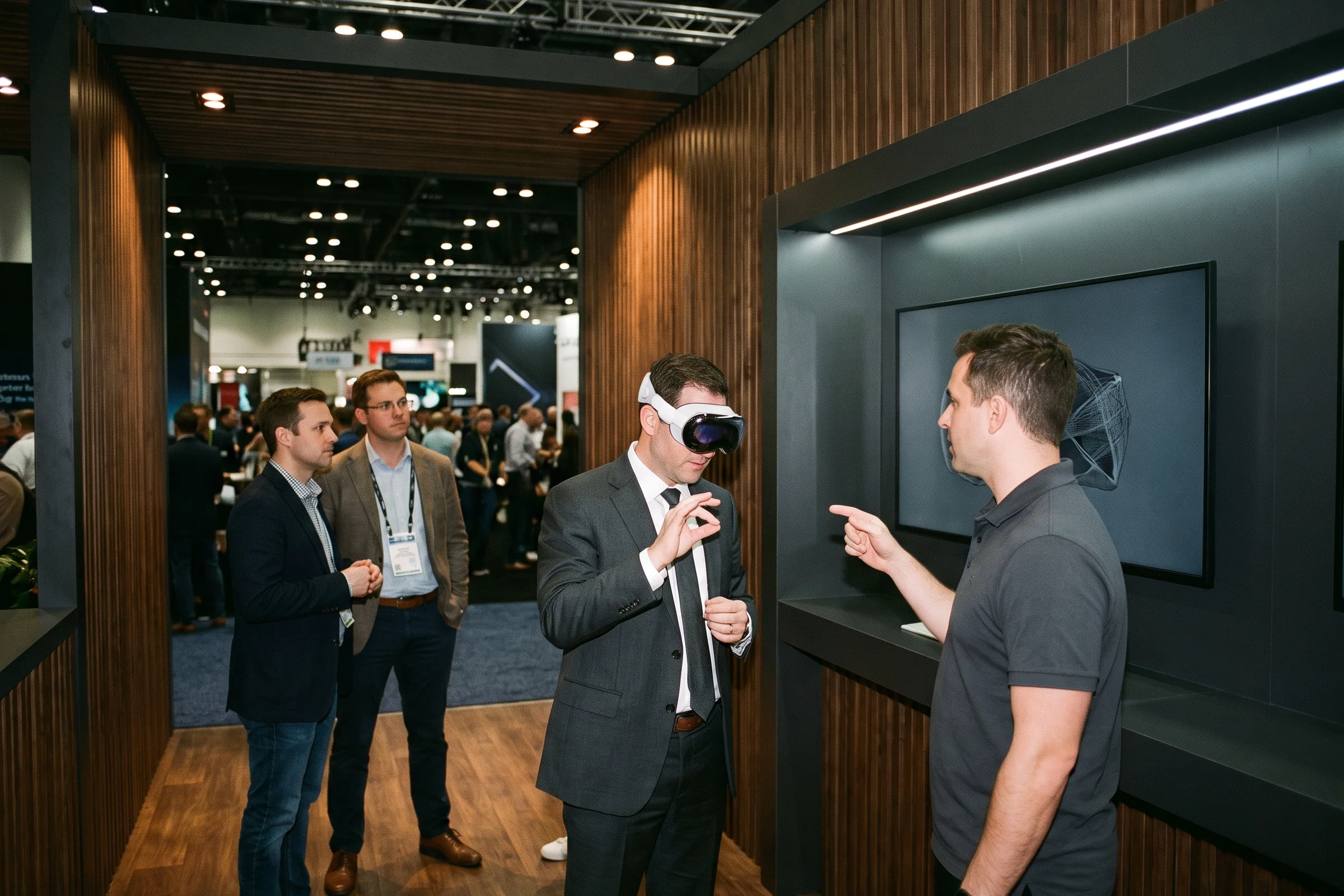
Create premium spatial product presentations for executives, customers, and trade-show attendees. Buyers can inspect products at true scale, use natural eye and hand interaction, reveal internal components, compare options, and move through guided demonstrations without traditional controllers.
Apple Vision Pro developers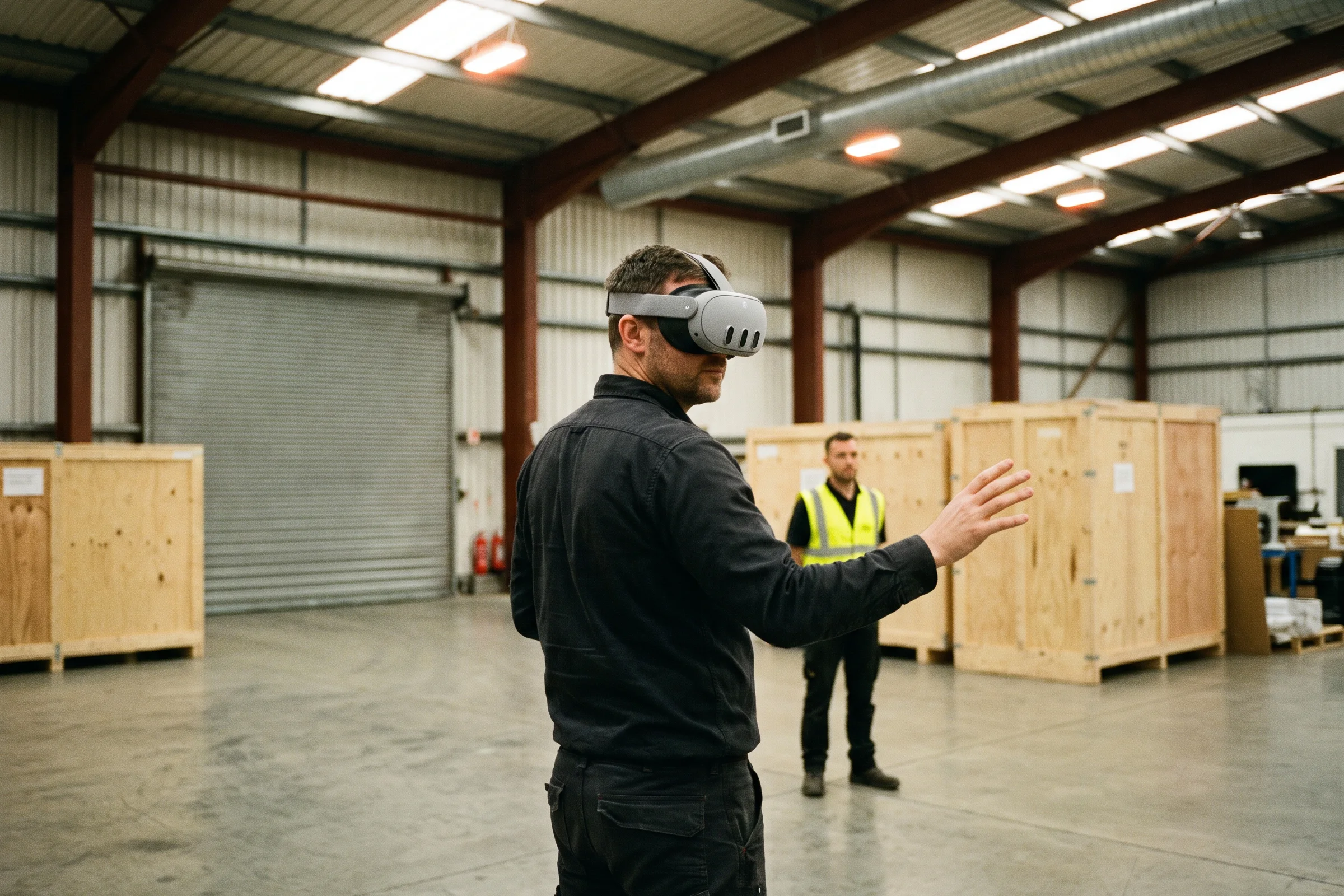
We create immersive product experiences for Meta Quest, Android XR, and other headset platforms. Customers can walk around full-scale equipment, explore operating environments, trigger product animations, practice workflows, and experience products that are too large, costly, or complex to transport.
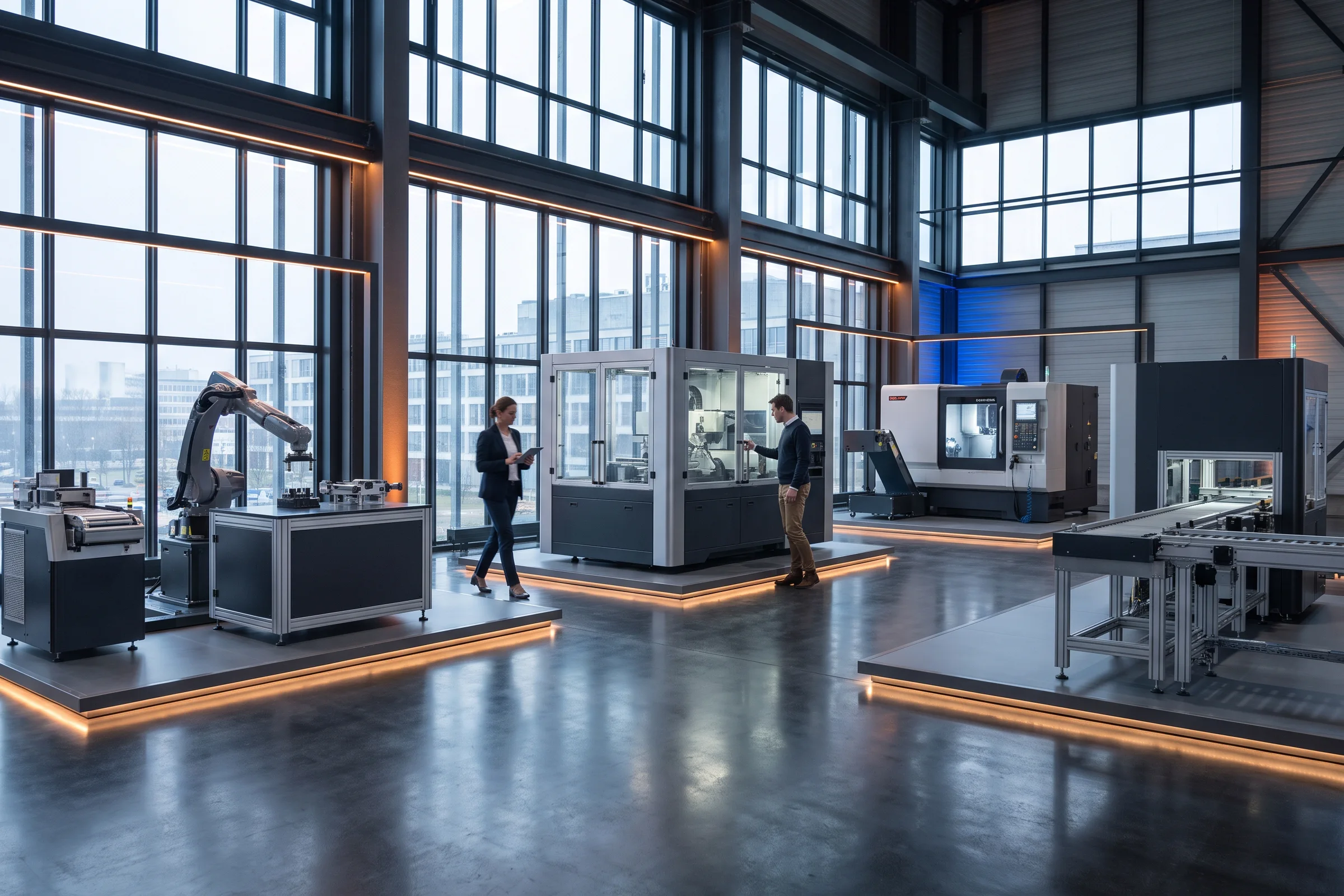
Present an entire product line inside a branded, navigable 3D environment. Virtual showrooms can support self-guided exploration, salesperson-led presentations, product hotspots, configuration, video, specifications, quote requests, and direct links into commerce.
What is a virtual showroom?Sales, Commerce and Event Experiences
We build the XR product demos companies bring to trade shows: interactive 3D on Apple Vision Pro, Meta Quest, or a booth screen that shows the product working — cutaways, animations, configurations — in rooms where the real product can't go. The same build serves sales calls after the show.
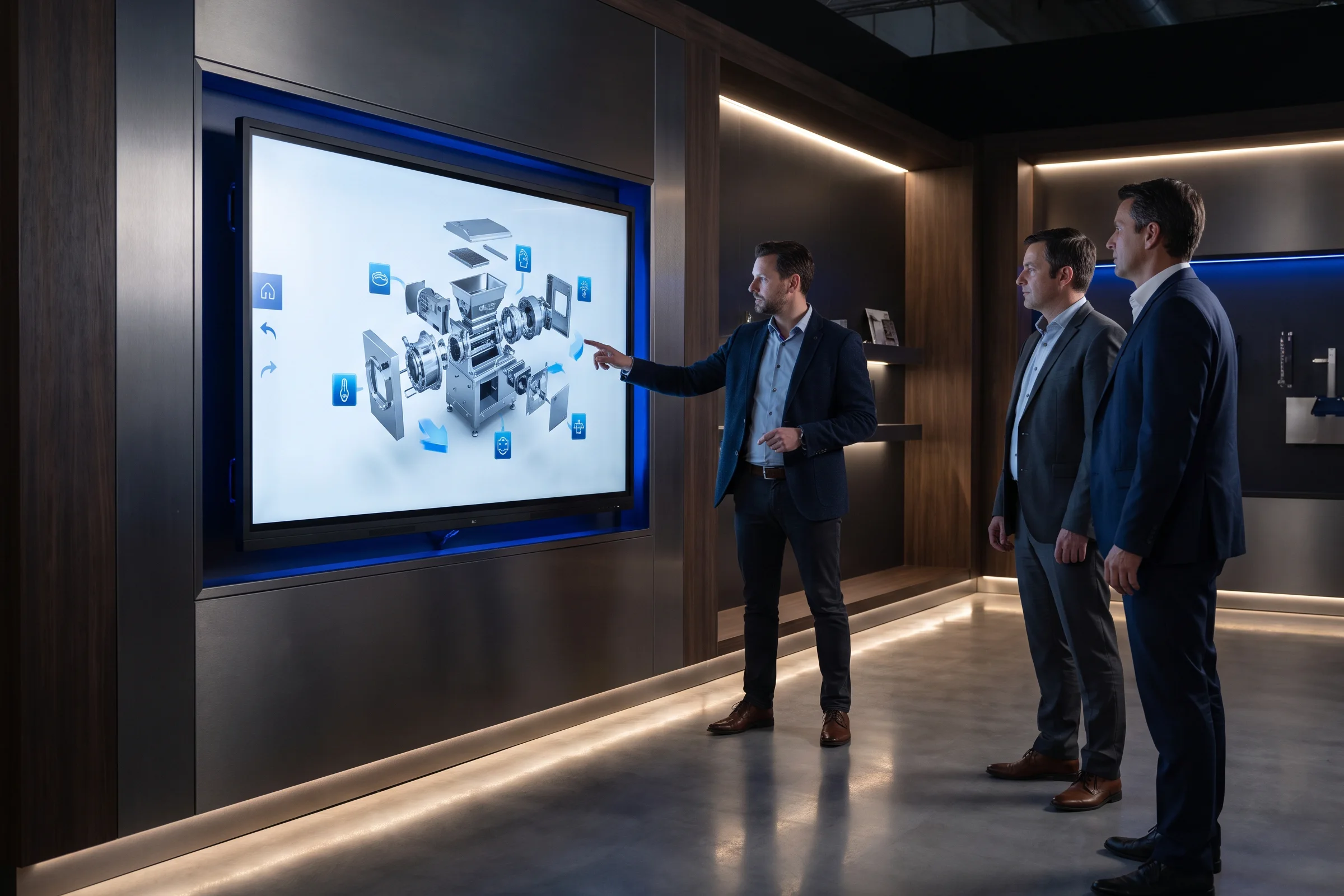
Make complex products understandable to an entire group through large interactive displays. Salespeople and customers can rotate products, trigger animations, compare configurations, reveal internal components, browse product lines, and send selected information to a phone or email.
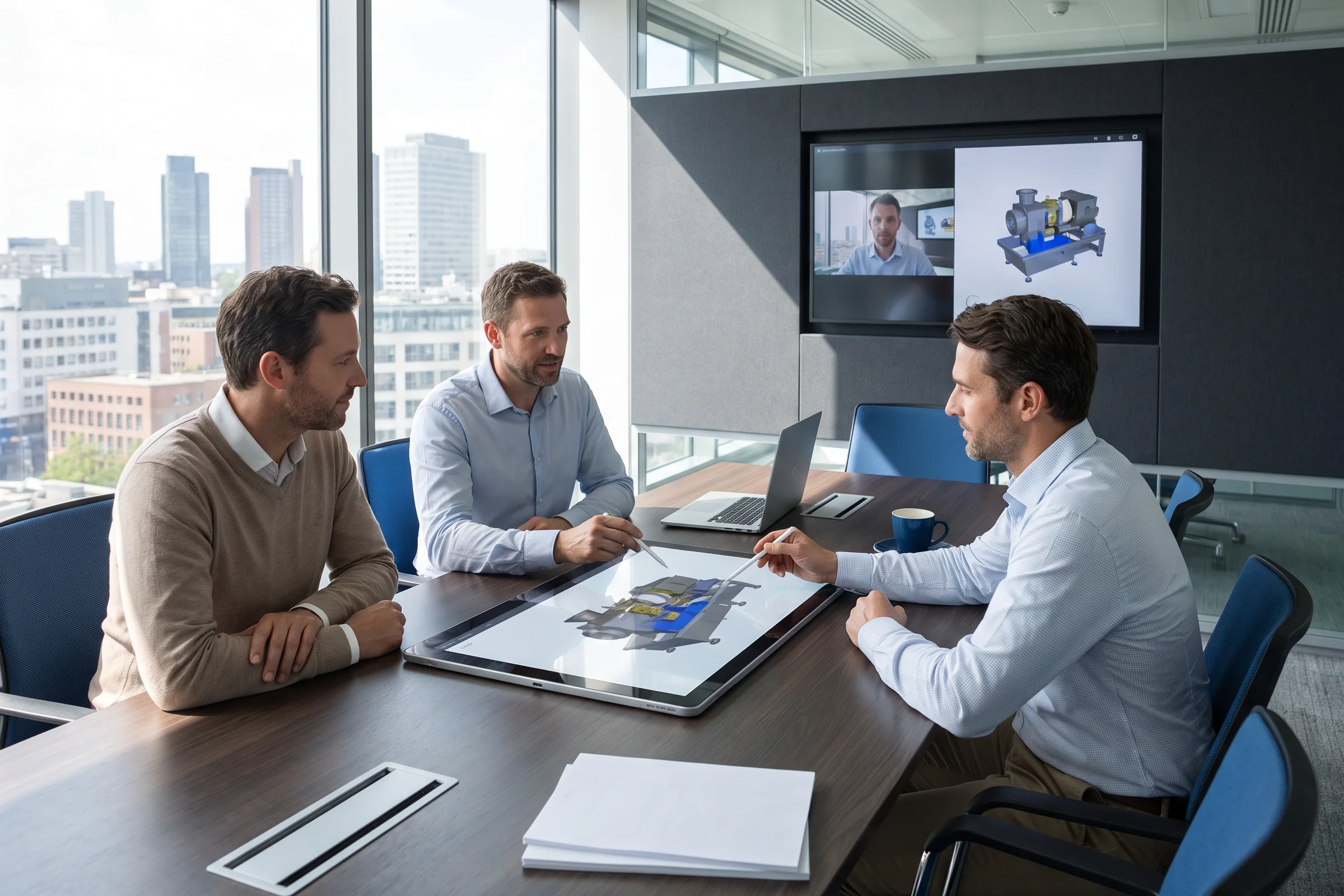
Equip sales representatives, dealers, and distributors with interactive product presentations that work on tablets, phones, laptops, and conference-room displays. Experiences can include offline catalogs, saved configurations, customer-specific presentations, remote demonstrations, follow-up links, and specification exports.
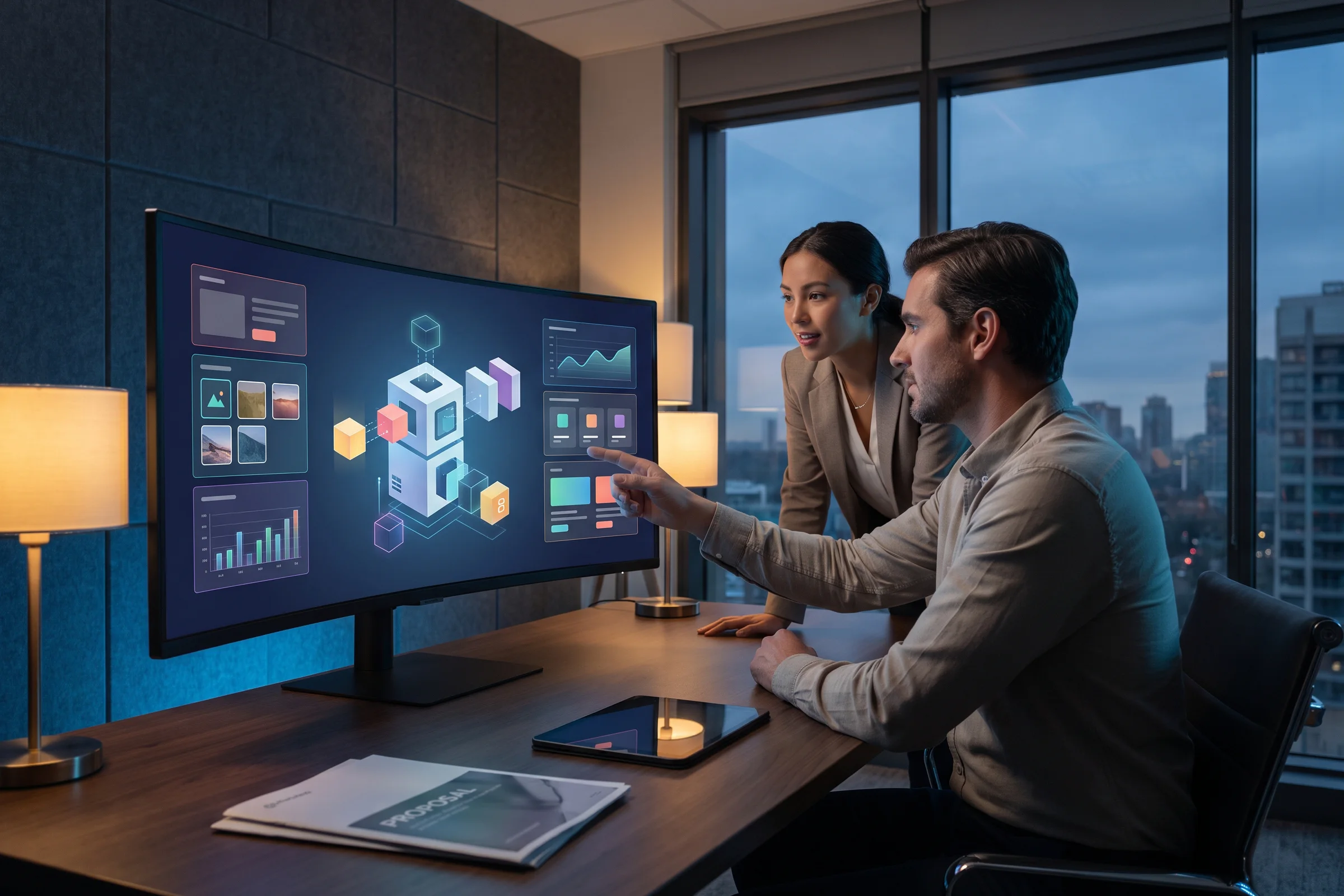
Connect interactive 3D with configure-price-quote workflows. We can enforce valid product combinations, calculate pricing, generate SKUs or bills of materials, save customer configurations, support approval processes, and carry the selected product into a formal quote.
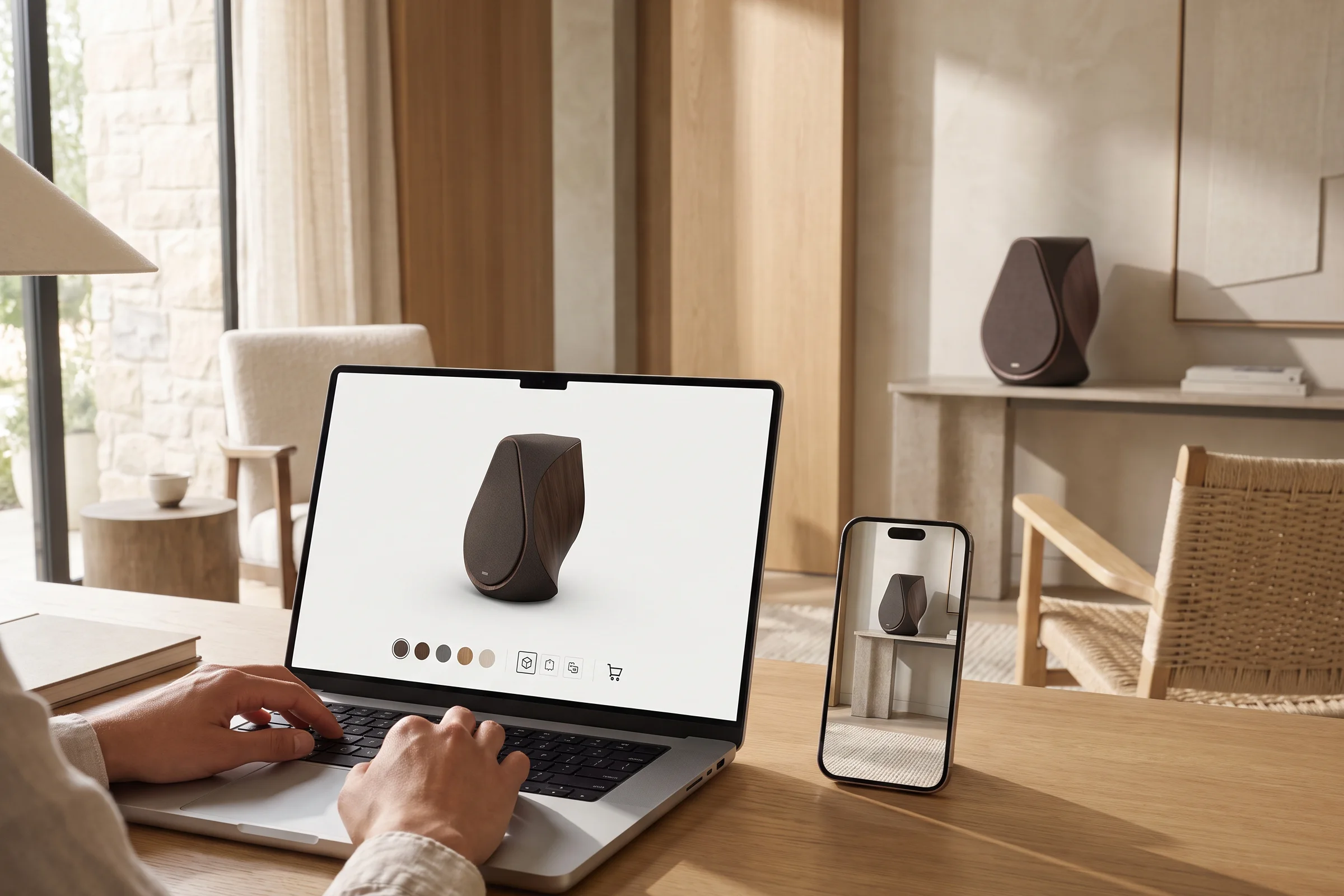
Connect product visualization to the systems that complete the sale. We integrate 3D configurators and AR experiences with Shopify, custom commerce platforms, product data, pricing, inventory, customer accounts, saved configurations, cart, quote requests, and checkout.
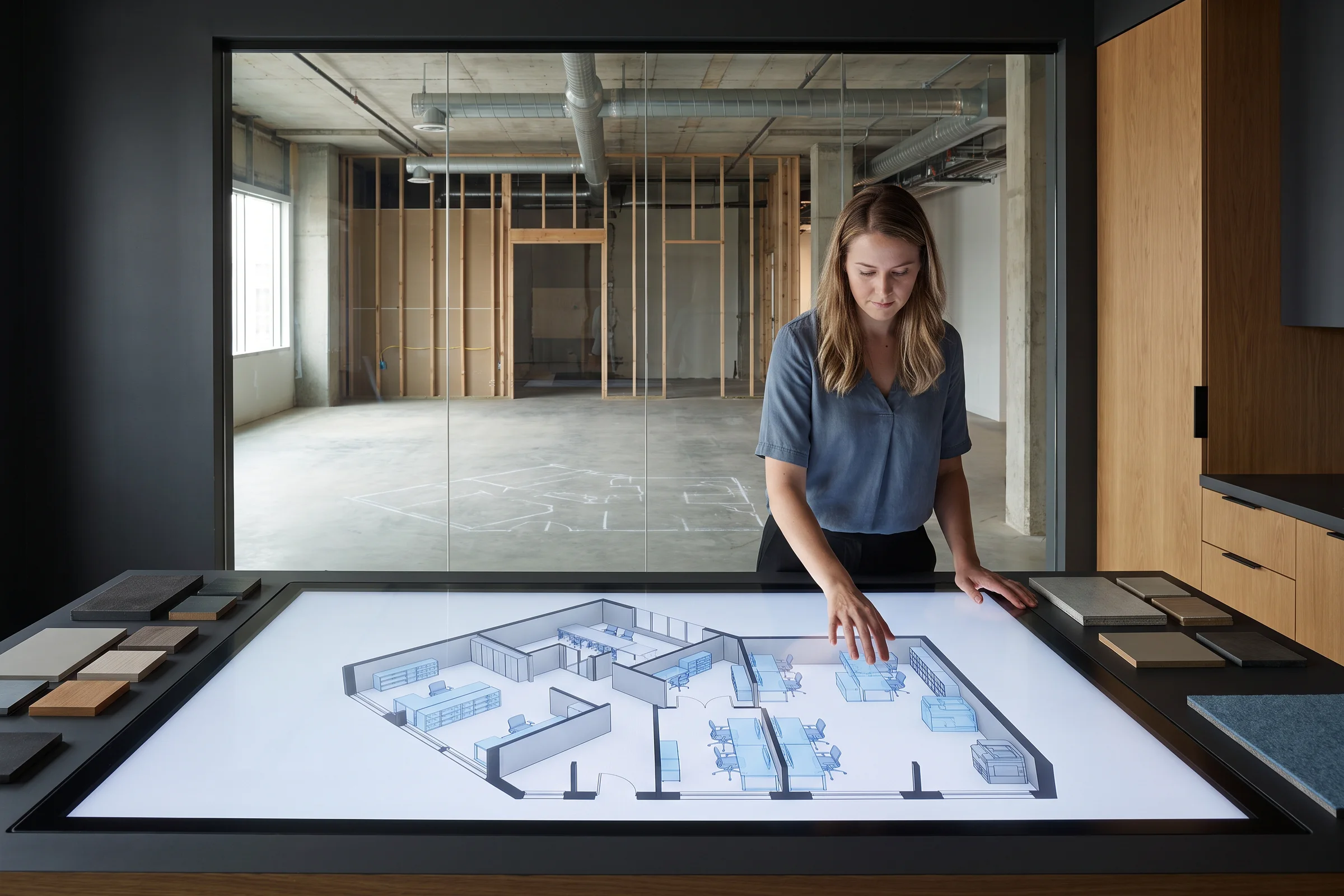
Help customers determine what fits before they buy. We create interactive planners for furniture, equipment, building systems, modular structures, retail fixtures, and production layouts with accurate dimensions, clearances, product combinations, and saved designs.
3D Content, Technical and Advanced Visualization
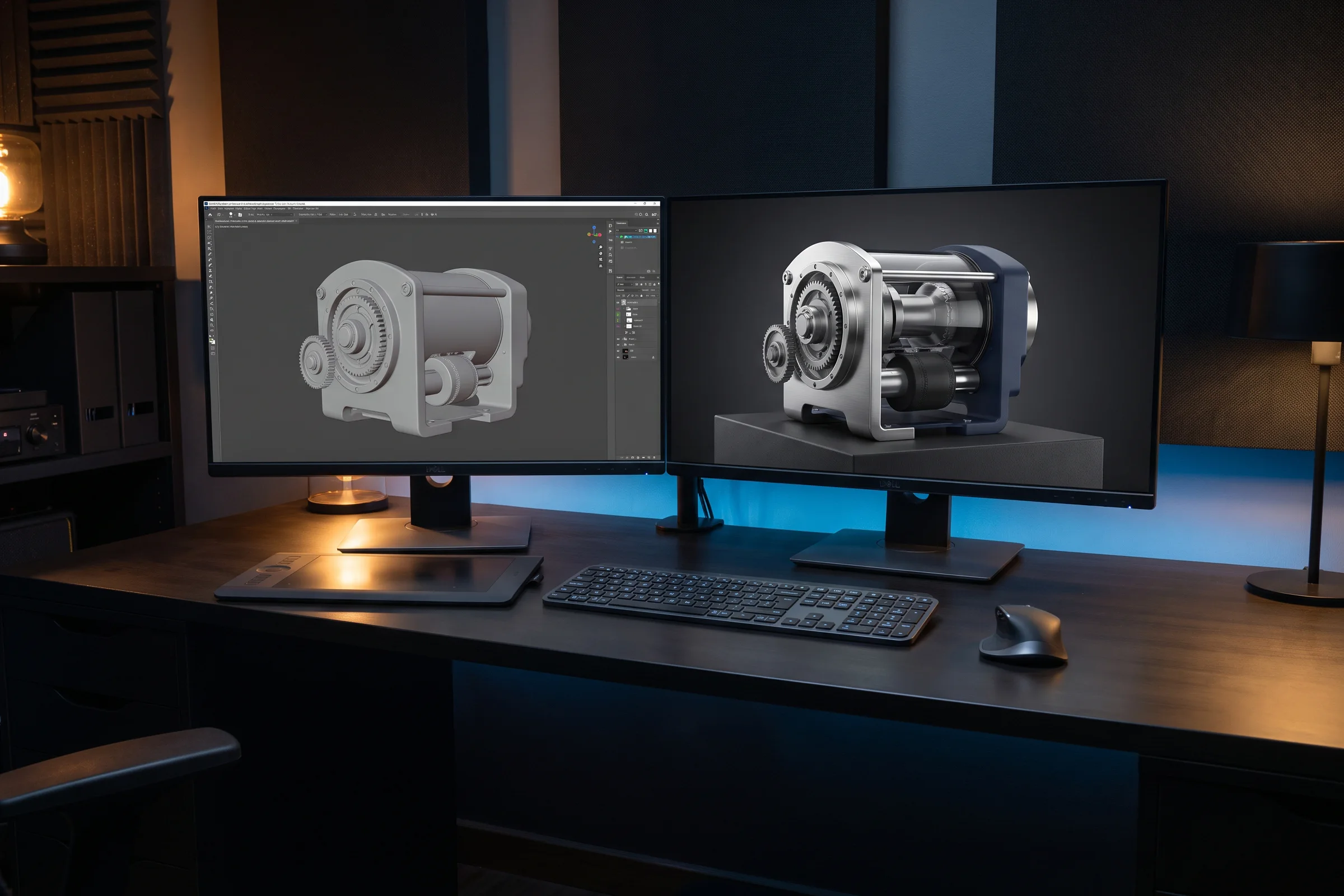
Our 3D artists create photoreal product renders and optimized real-time models for websites, configurators, AR, VR, spatial computing, sales presentations, and marketing. One approved asset library can support every platform instead of maintaining separate models for each channel.
3D modeling services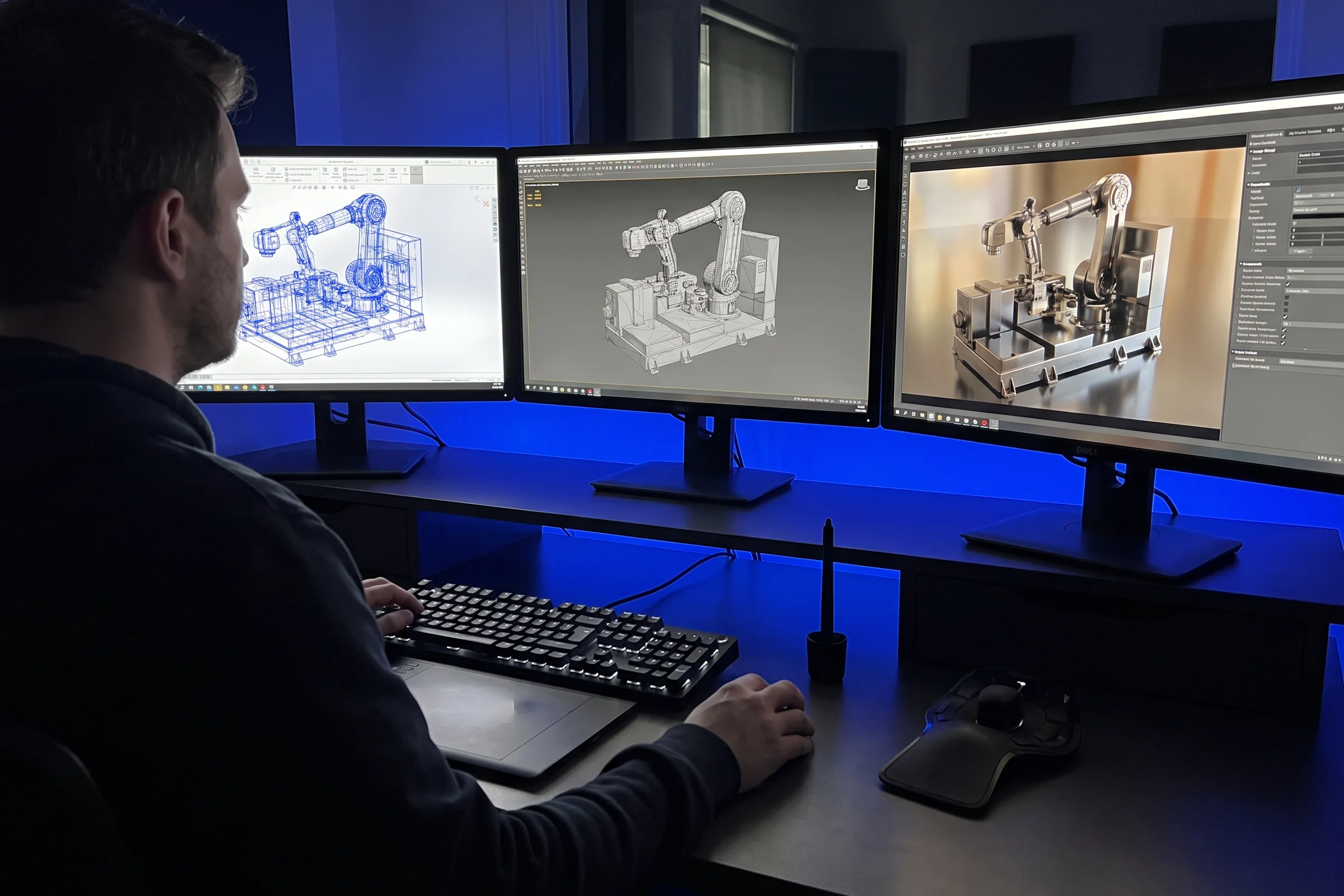
We transform heavy engineering CAD into accurate, lightweight models that load quickly and perform smoothly across browsers, mobile devices, AR, and headsets. The process includes geometry cleanup, retopology, UVs, PBR materials, pivots, animation preparation, and levels of detail.
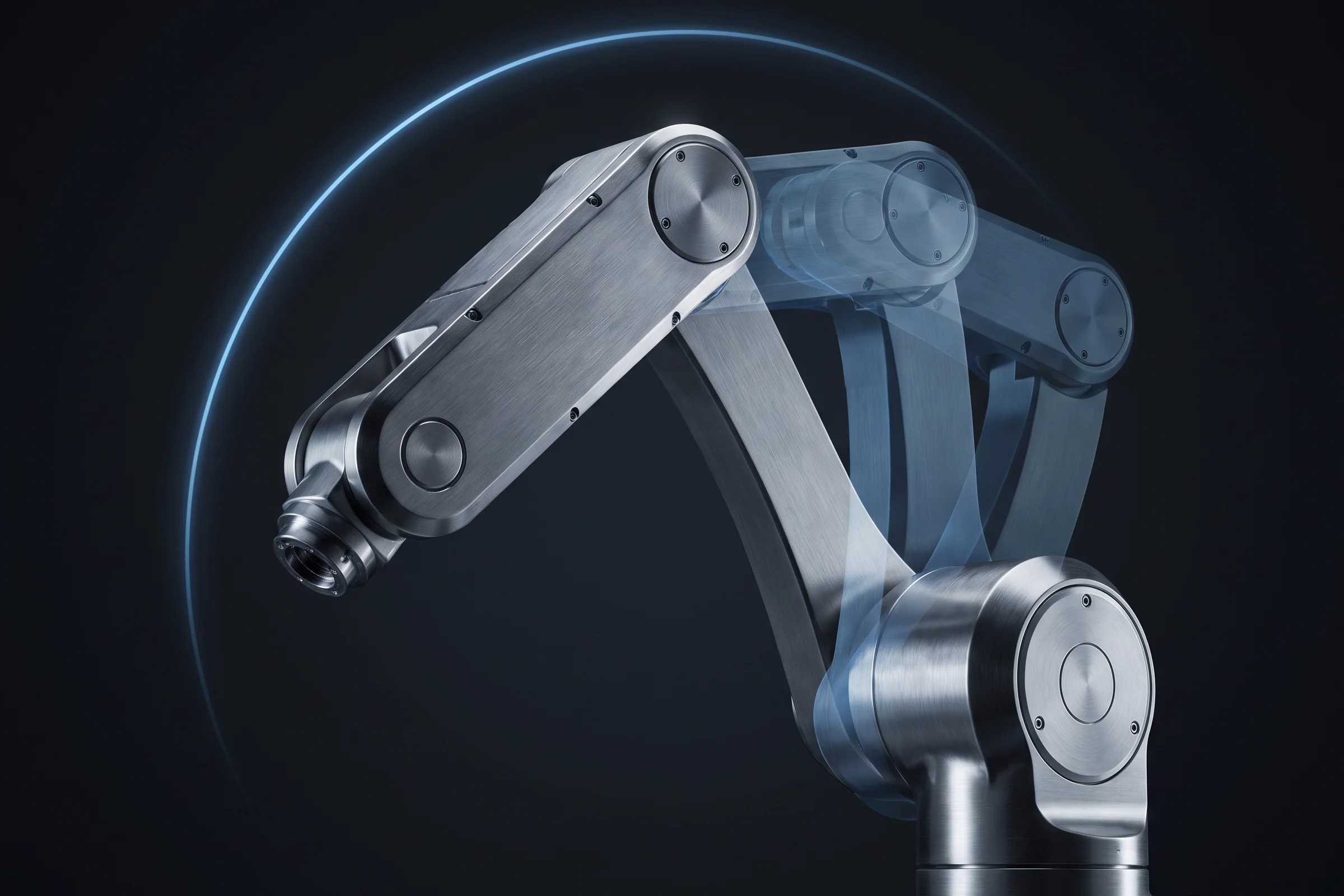
Show how a product assembles, operates, installs, changes over, or moves through a complete working cycle. We create technical animations, product-launch films, operating sequences, installation demonstrations, maintenance animations, and short visual content for trade shows and social campaigns.
3D animation services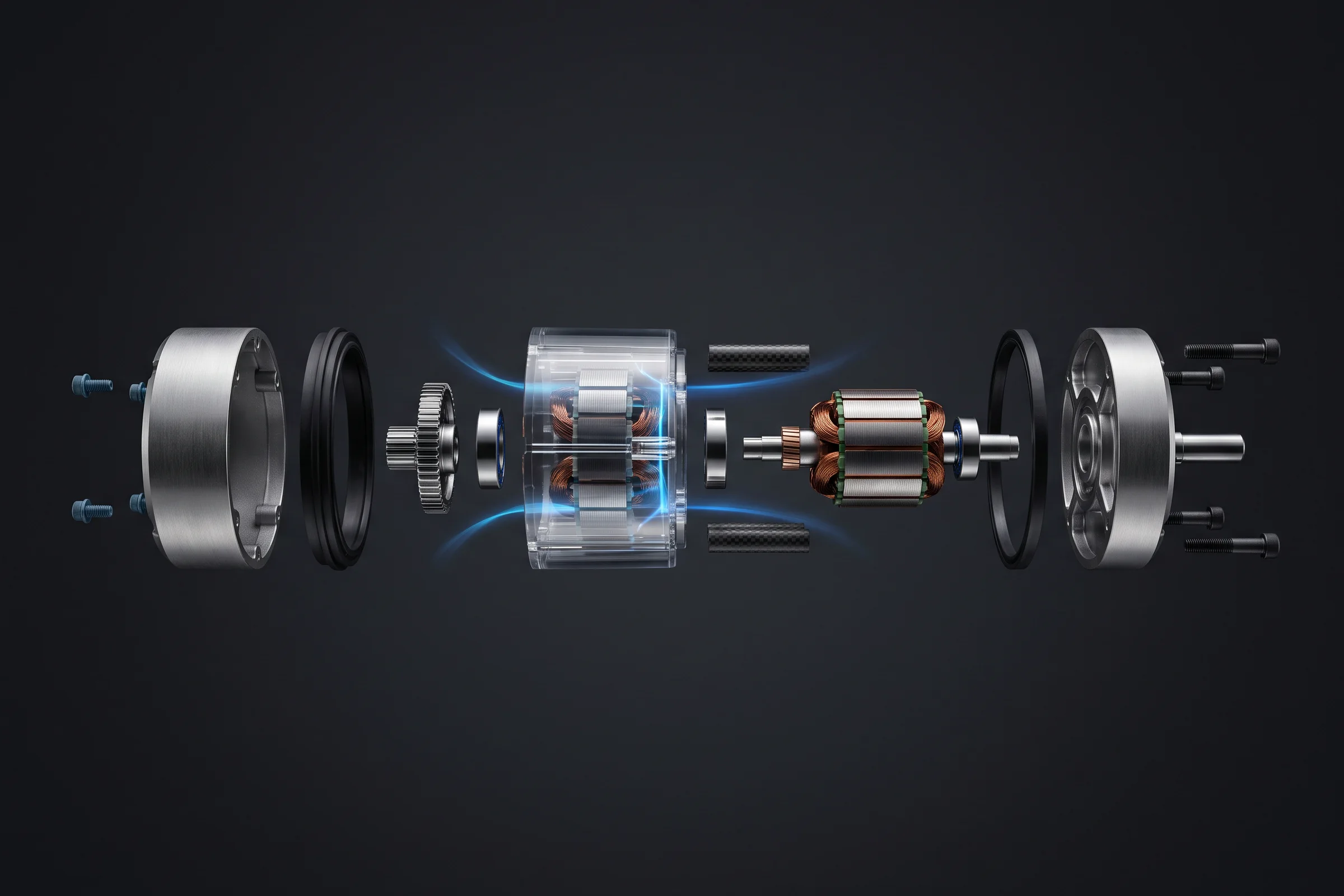
Reveal what customers cannot normally see. We create exploded assemblies, transparent housings, sectional views, internal-component visualizations, airflow and fluid paths, mechanical sequences, and interactive technical explanations for sales, training, and product support.
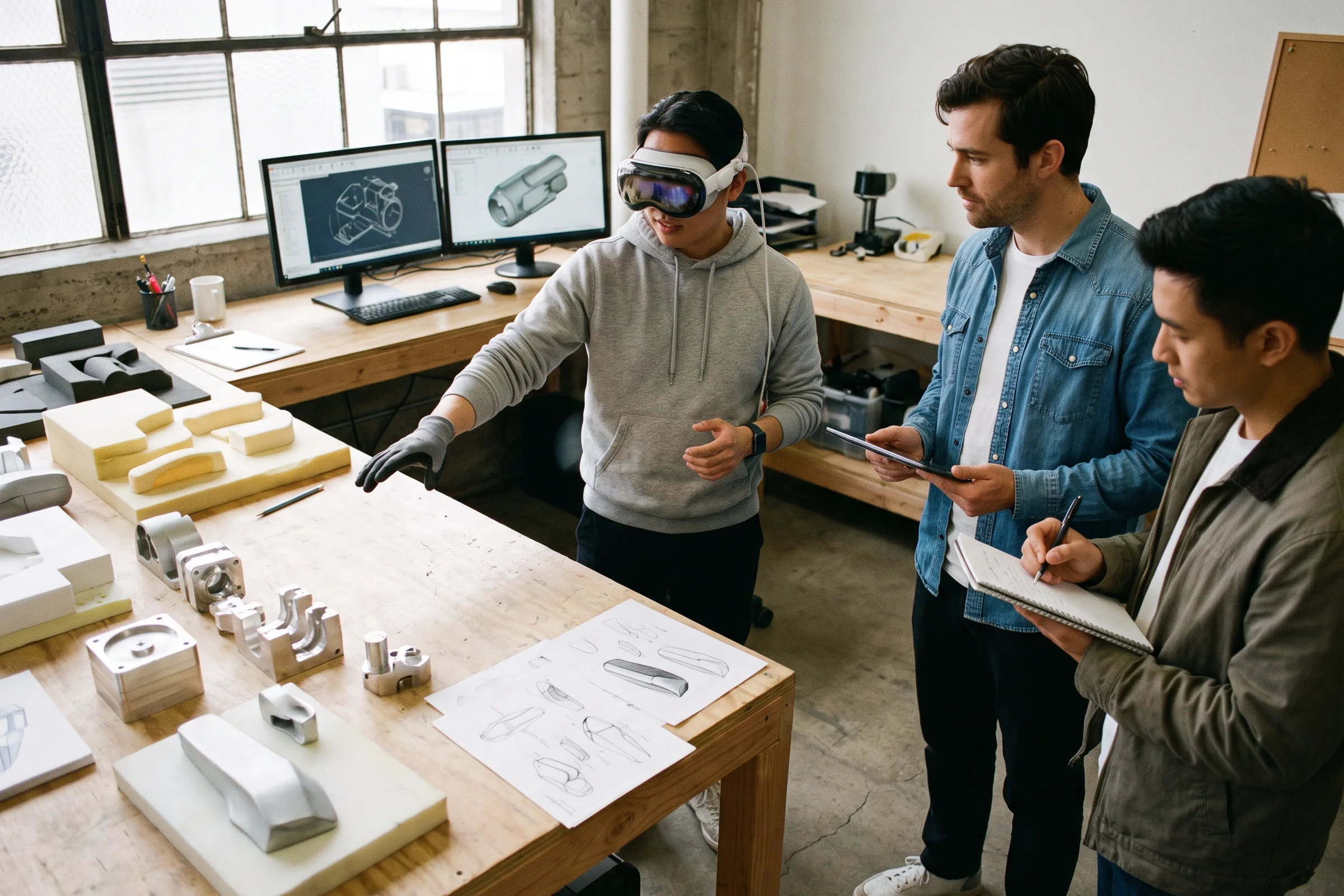
Present products before physical prototypes or production inventory exist. Interactive concepts can support internal design reviews, investor presentations, customer research, dealer previews, product launches, marketing production, and early sales conversations while the product is still being developed.
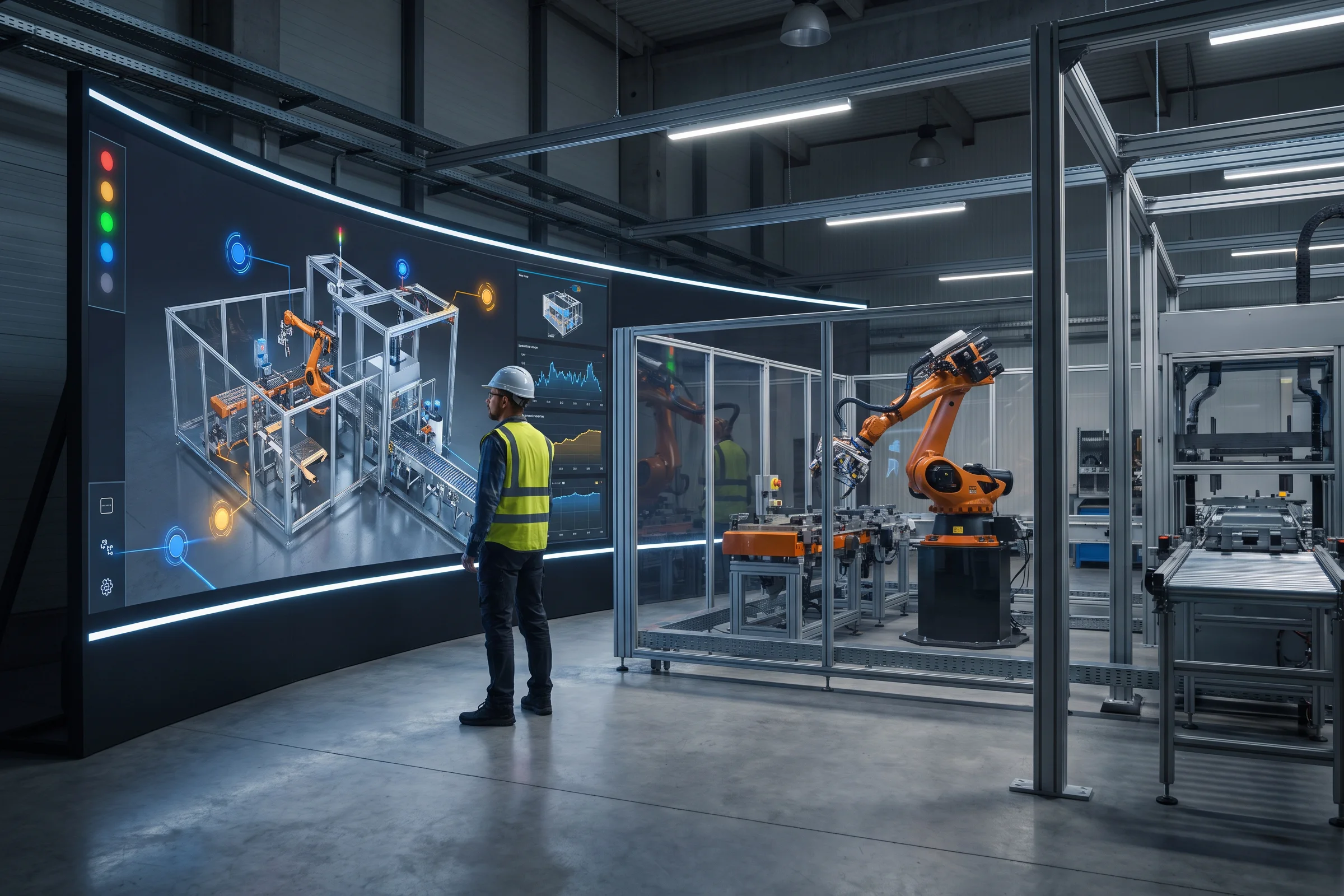
Create a living visual representation of a product, machine, production line, or connected facility. Digital-twin interfaces can display operating states, sensor information, historical performance, maintenance conditions, spatial relationships, and simulated scenarios in an understandable real-time 3D environment.
Digital twin companies05 · Built for Hard-to-Show Products
Interactive 3D is especially useful when scale, configuration, internal operation, installation, or context is central to the buying decision.
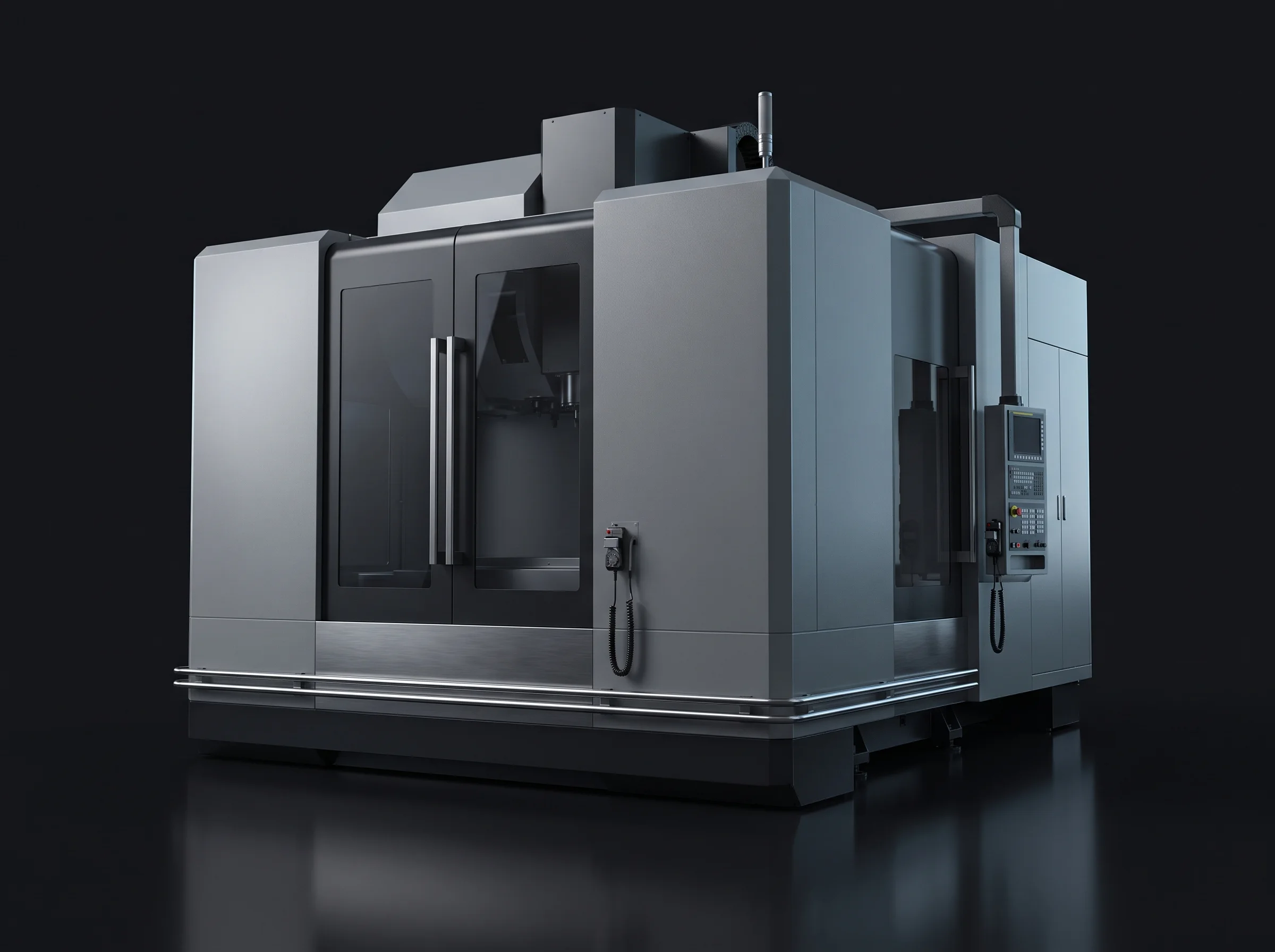
Show large equipment, production lines, internal mechanisms, changeovers, safety zones, and operating sequences without shipping the machine.
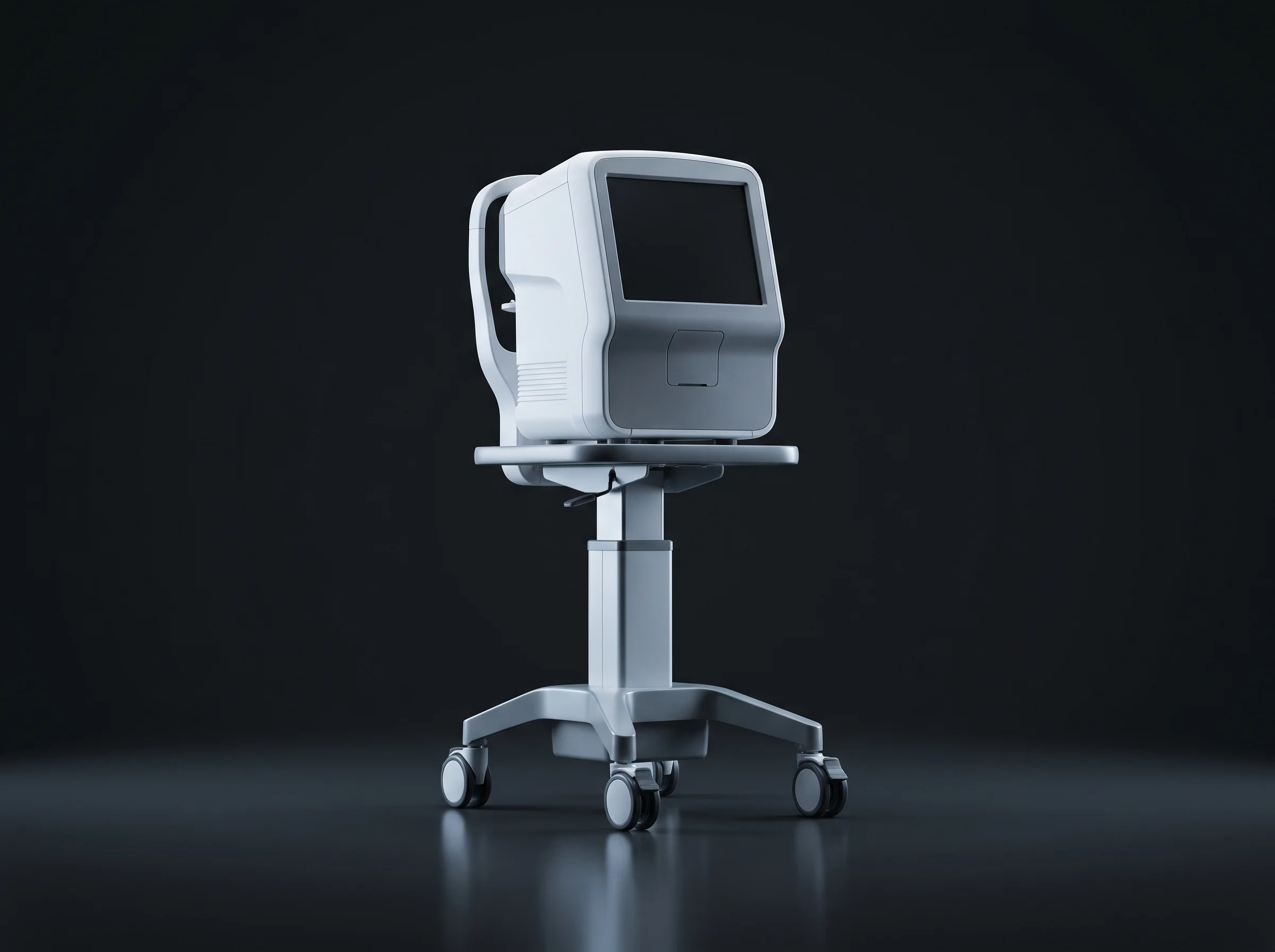
Present device construction, workflows, component relationships, accessories, and product variants with controlled, guided interaction.
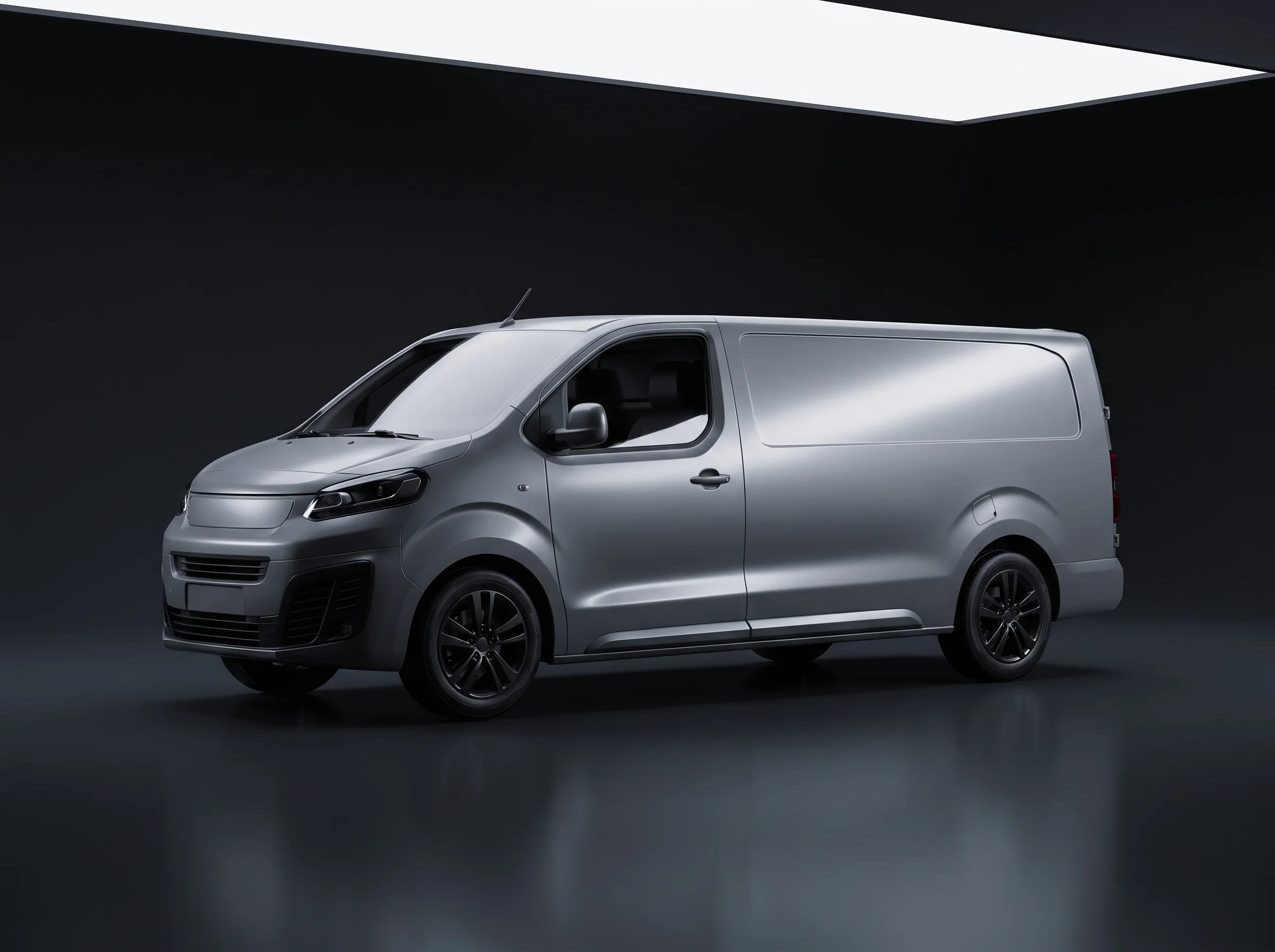
Configure trims, finishes, components, interiors, systems, or fleet variants and present the product at true scale.
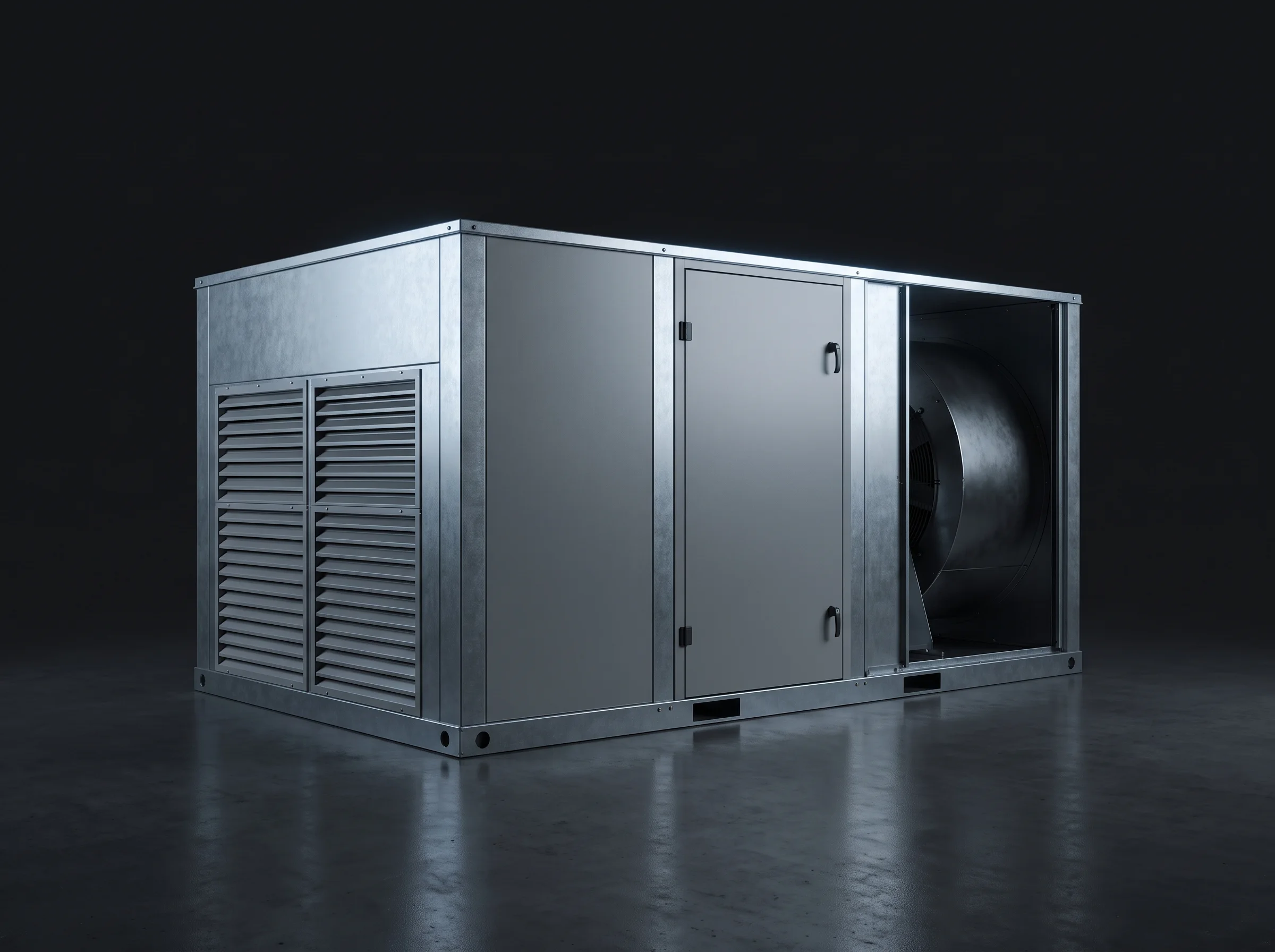
Demonstrate HVAC, energy, lighting, modular construction, structural systems, fixtures, and installed product context.
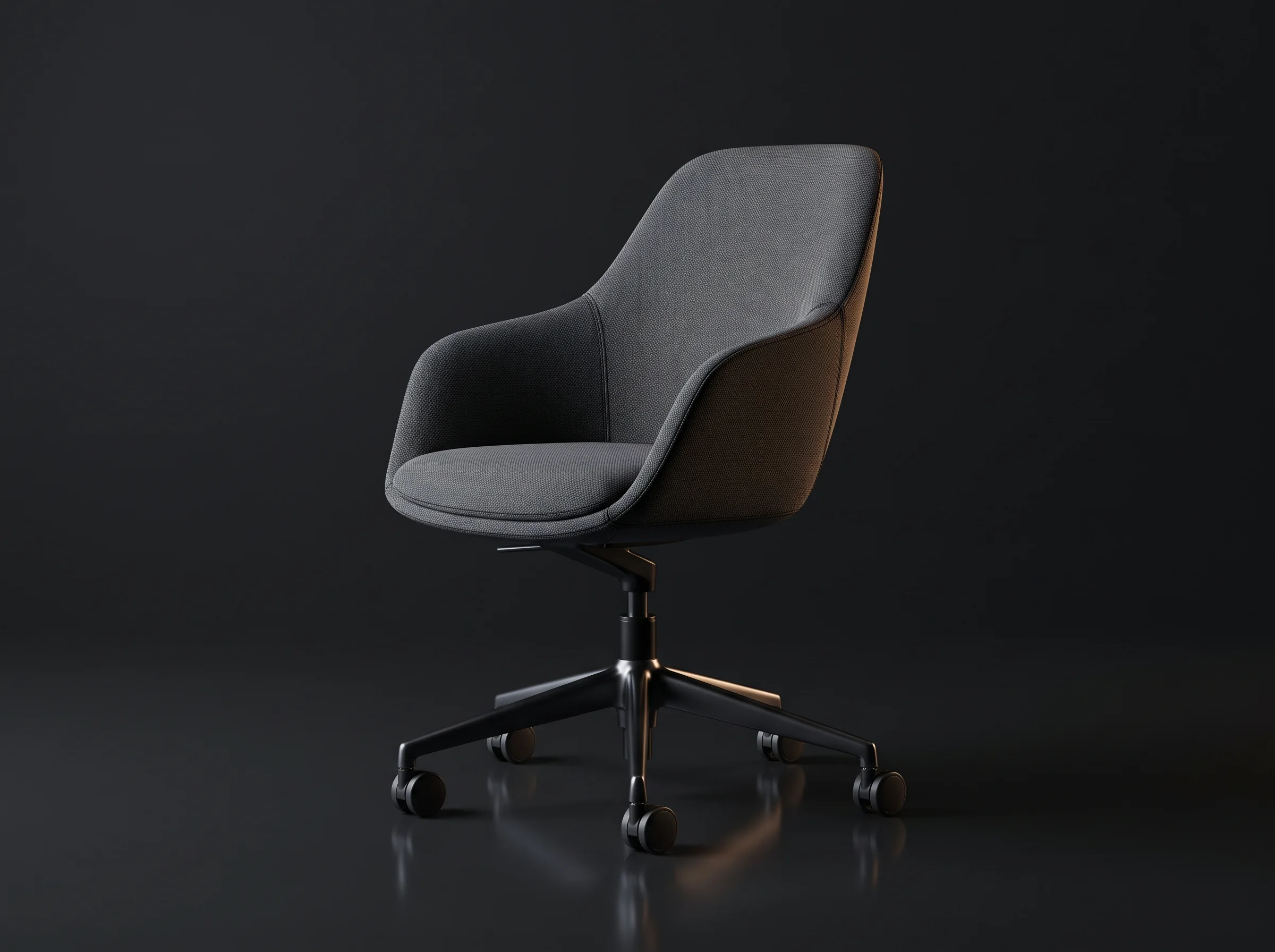
Change materials and dimensions, create room-scale arrangements, and launch AR view-in-your-space experiences.
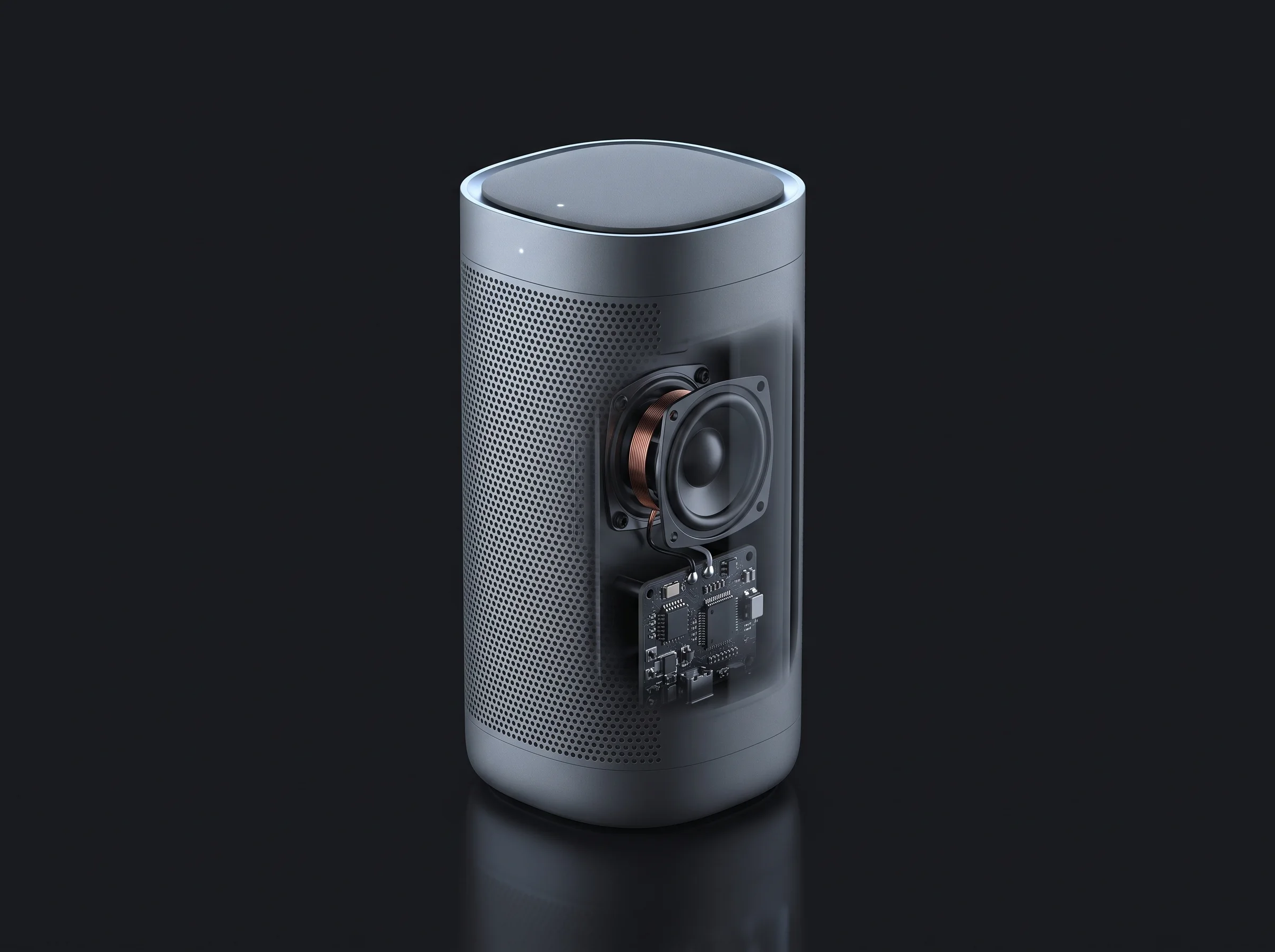
Reveal feature details, internal components, finishes, accessories, and product families through web, mobile, and event experiences.
Every experience above starts from the product data you already have. We take CAD files and product photography, rebuild them as optimized real-time 3D in formats like glTF and USDZ, and deliver them through WebGL in the browser, AR on iOS and Android, and RealityKit on Apple Vision Pro — one asset pipeline, every channel.
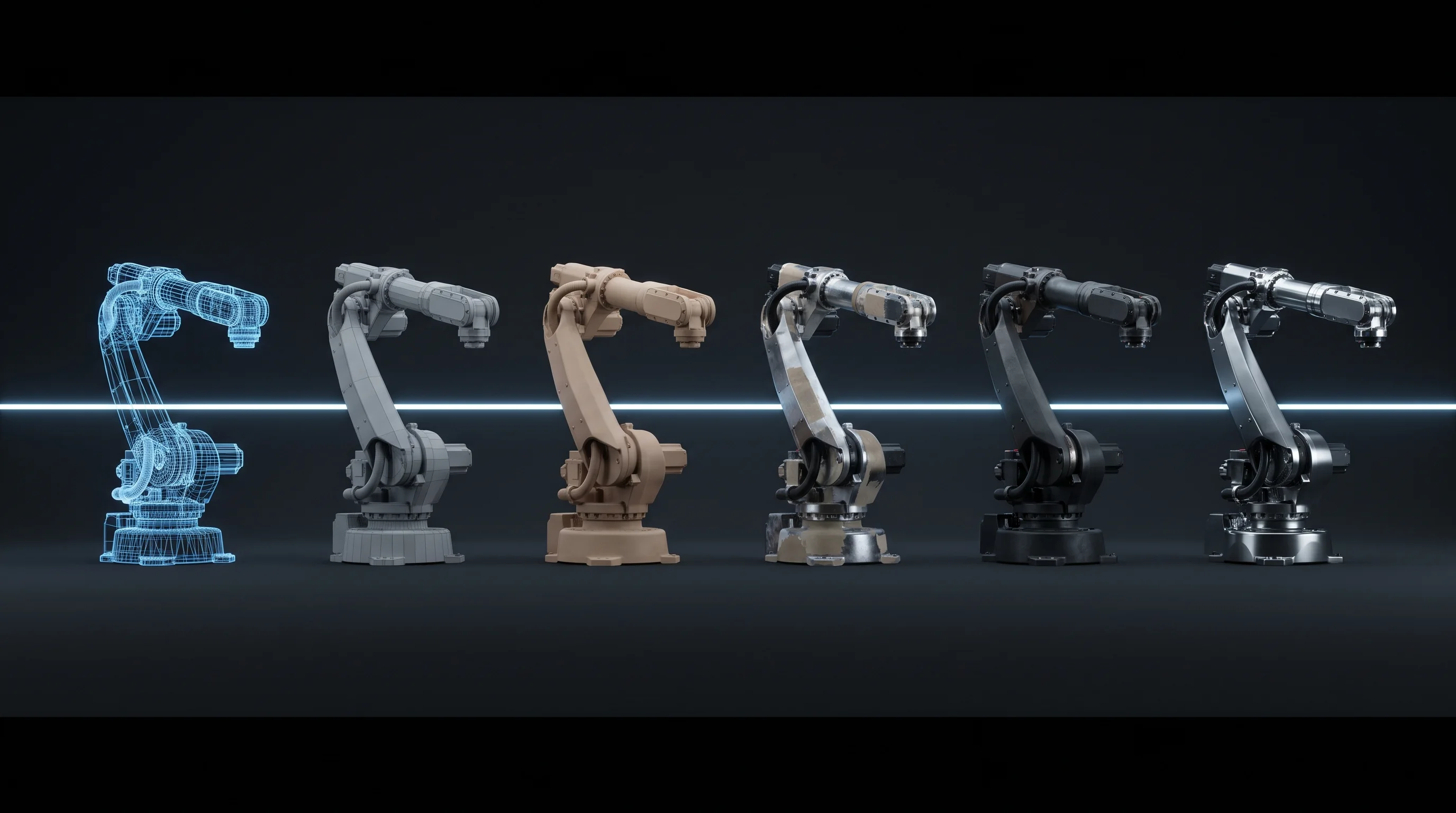
Define the product story, audience, valid configurations, event conditions, target platforms, and the action the buyer should take at the end.
Review available CAD, engineering files, product photography, dimensions, material references, animation requirements, and existing 3D assets.
Rebuild and optimize geometry, UVs, textures, PBR materials, pivots, scale, animation, and levels of detail for the target hardware.
Create option rules, hotspots, cutaways, exploded states, guided sequences, UI, narration, and sales actions.
Deploy through WebGL and glTF for the browser, WebAR and device viewers, USDZ and AR Quick Look on iOS, Android AR, and RealityKit or Unity on Apple Vision Pro and other headset platforms.
Connect Shopify, product data, pricing, cart, quote, analytics, or lead systems when required. Test on the actual hardware, optimize loading and frame rate, and prepare a clear event-day reset and support workflow.
One approved asset library can support the configurator, product renders, animations, AR, VR, booth displays, sales presentations, and future product experiences.
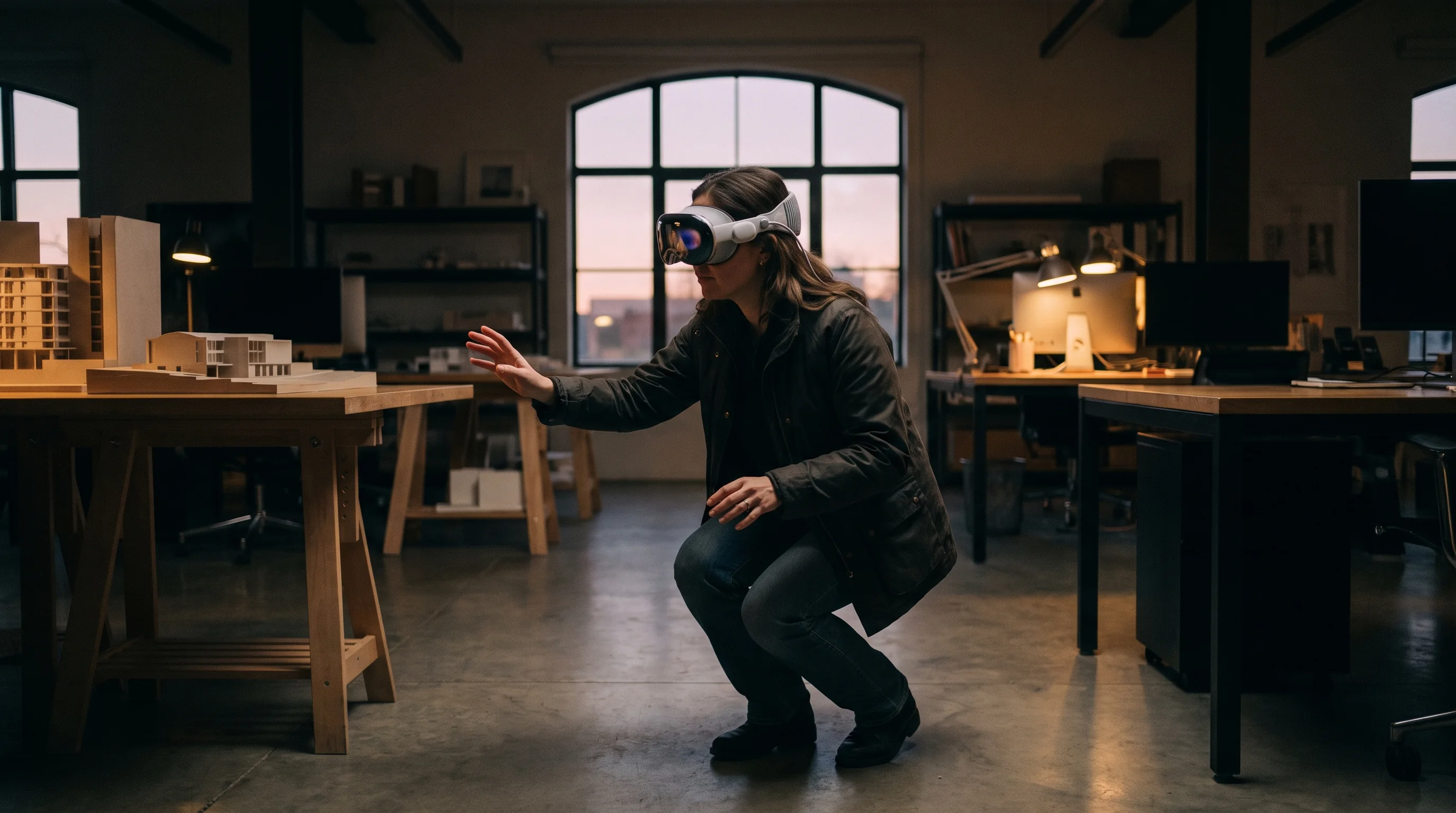
Before It Exists · Before It Ships
Walk around the full-size product, step inside it, reveal what is normally hidden, or place an unreleased design directly into the customer's environment. Spatial visualization turns scale and complexity into something buyers can understand in seconds.
Frame Sixty combines in-house 3D production with shipped AR/VR and commerce experience — including the Red Bull × Walmart retail campaign. The same team can shape the product story, build the assets, engineer the experience, and carry it onto the devices where customers use it, whether the destination is a 3D product configurator on a product page or a headset demo on a show floor.
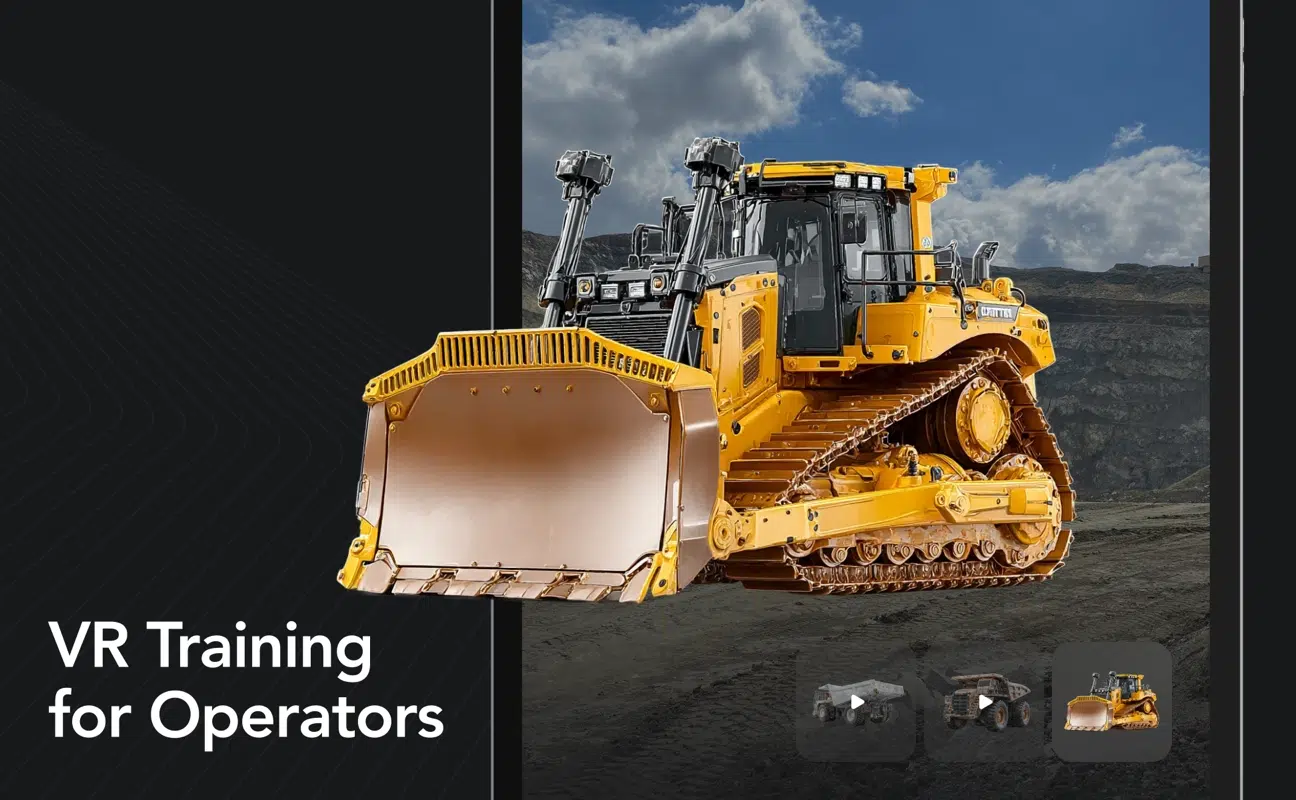 Virtual Reality Training SimulationPhotoreal equipment, modelled and made interactive
Experience by the numbers
 Justin · iRobotClient review
“In the 20 years that I have been developing technical products, this was the very first time that a developer successfully deployed code to an IoT device that worked the very first time without any bugs or prior testing.”
 Justin HosekHosek Enterprises
“Frame Sixty far exceeded my expectations on design. They also went above and beyond to add some features that were not in our original scope but were discovered as needed during the build.”
 Nick AlfieriBlitz Media, LLC
“They work with an incredible urgency, getting tasks done with a great turnaround and creative problem-solving that saves us time and money.”
The cost of a 3D product configurator depends on scope: a single-product AR viewer is a different budget from a full-line configurator with commerce integration. Project work is quoted as a fixed bid after a discovery call, so the full cost is clear before development begins.
Focused
Event-ready
Platform
The discovery call determines the right scope. It does not commit you to a full configurator build.
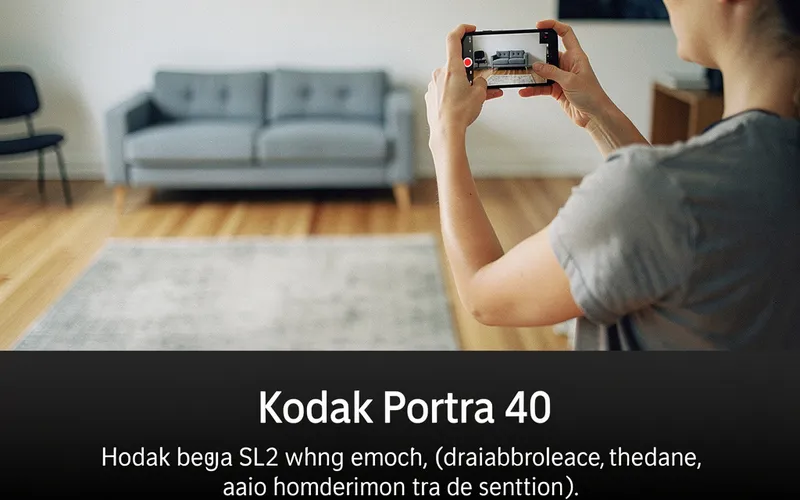
AR product visualization renders products at 1:1 scale in a shopper's space — the costs, formats, and pipeline behind experiences that actually convert.
Continue Reading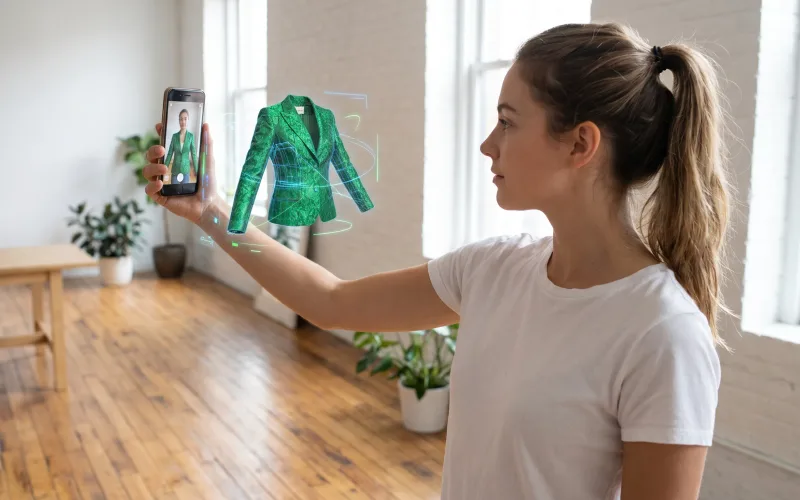
What a virtual showroom is, how the AR, WebAR, and VR versions differ, and why products with 3D and AR content convert higher, per Shopify's research.
Continue Reading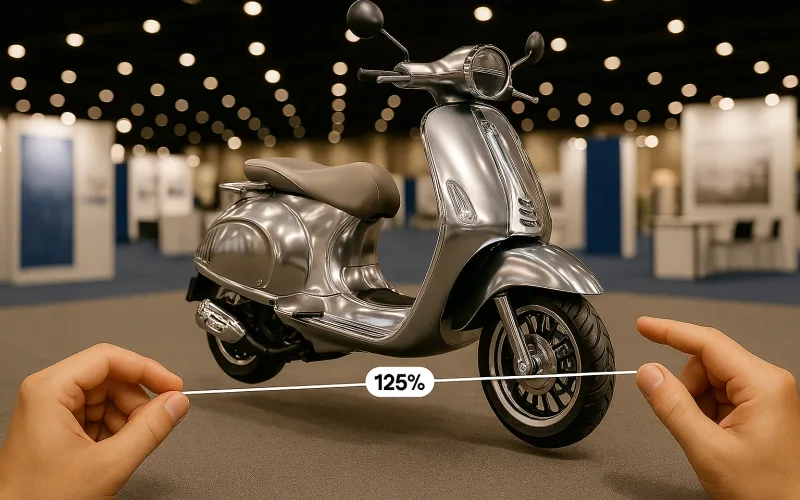
How virtual reality product demos on Apple Vision Pro and Meta Quest turn trade shows and events into hands-on product experiences.
Continue ReadingA 3D product configurator is an interactive tool that lets customers customize a product — colors, materials, components, options — and see the result in real-time 3D before buying. Configurators run on product pages in the browser, and often pair with AR so customers can place their configured product in their own space.
The cost depends on scope: a single-product AR viewer is a different budget from a full-line configurator with pricing logic and commerce integration. Project work is quoted as a fixed bid after a discovery call, so the full cost is clear before development begins.
Yes — CAD is the usual starting point. We convert engineering CAD into optimized real-time 3D models that look photoreal but load fast in a browser, preserving the accuracy that matters while stripping the weight that doesn't. Product photography and spec sheets fill any gaps.
Published retail research has repeatedly linked interactive 3D and AR product experiences to higher engagement, stronger buyer confidence, and fewer returns on considered purchases — which is why major retailers keep expanding them. Results vary by product and implementation; we design around the decision your buyer is actually making.
Yes — we integrate configurators with Shopify and other commerce platforms, connecting product data, pricing rules, and the configured result to cart and checkout. Integration scope is defined during discovery so the configurator sells rather than just displays.
A configurator focuses on one product and its options — build your exact version. A virtual showroom stages your whole line in a navigable 3D space. They share the same asset pipeline, and many clients deploy both: the showroom to browse, the configurator to decide.
Yes — everything we build runs in the mobile browser. WebGL handles the 3D configurator, and AR launches through WebAR or the device's native viewer using USDZ on iOS and glTF on Android. An app is an option for sales teams, never a requirement for customers.
You own everything — the configurator, the code, and the 3D product models — under contracts that assign full IP ownership. The asset library we build is yours to reuse across marketing, AR, and future experiences. We sign NDAs before discovery when needed, including for unreleased products.
Frame Sixty pairs an in-house 3D team with shipped commerce AR: the Red Bull × Walmart retail campaign, virtual try-on work, 100+ apps, and more than 10 million downloads. One studio handles the whole pipeline — models, configurator, AR, and integration — so quality stays consistent from CAD to checkout.
We’re interested to see how we can help. Send us a message and we will get back to you within 24 hours.
Get the latest tech news and updates for mobile, web and Apple Vision Pro delivered to your Inbox.