Industrial & Manufacturing

VR for Industrial & Manufacturing

Frame Sixty is a US-based studio building virtual and augmented reality for industrial and manufacturing companies. We develop XR for the factory floor — assembly and safety training, AR work instructions, maintenance support, and digital twins — deployed on Meta Quest, Apple Vision Pro, and mobile devices. Our team has shipped 100+ apps with more than 10 million downloads.

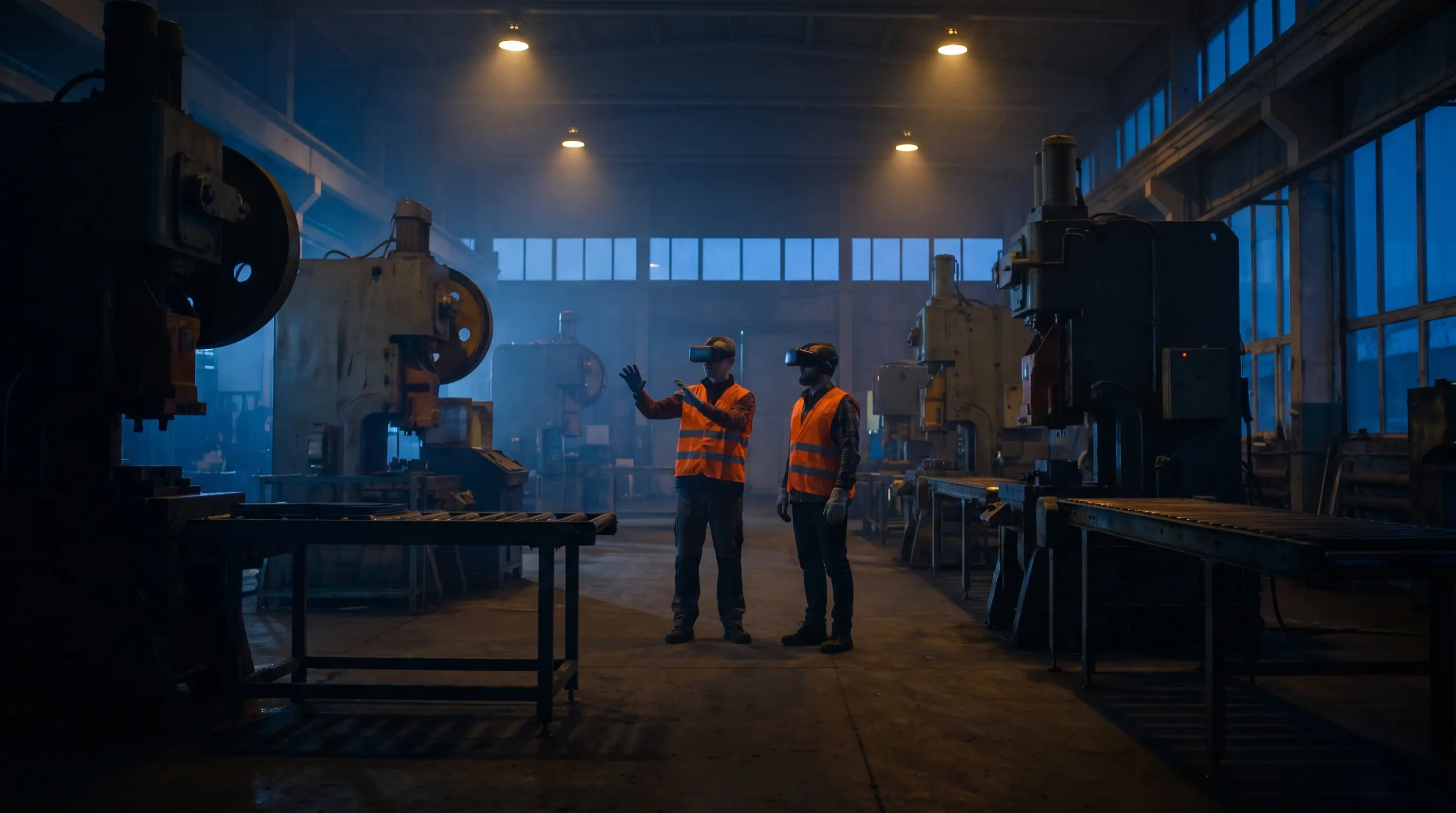
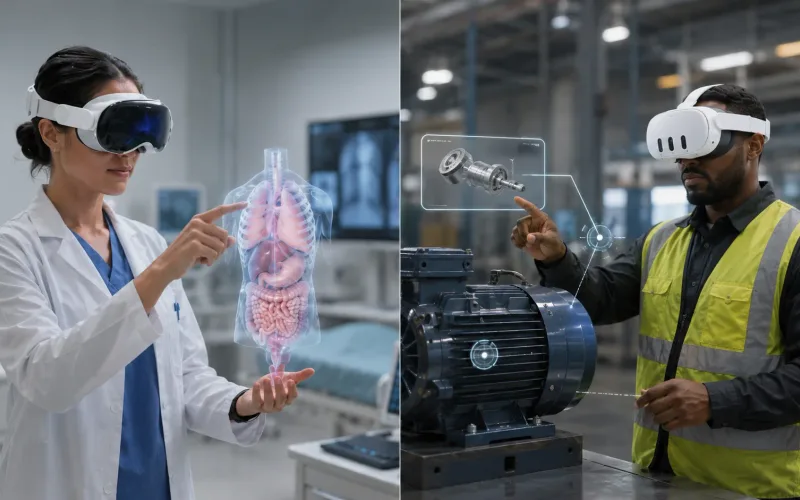
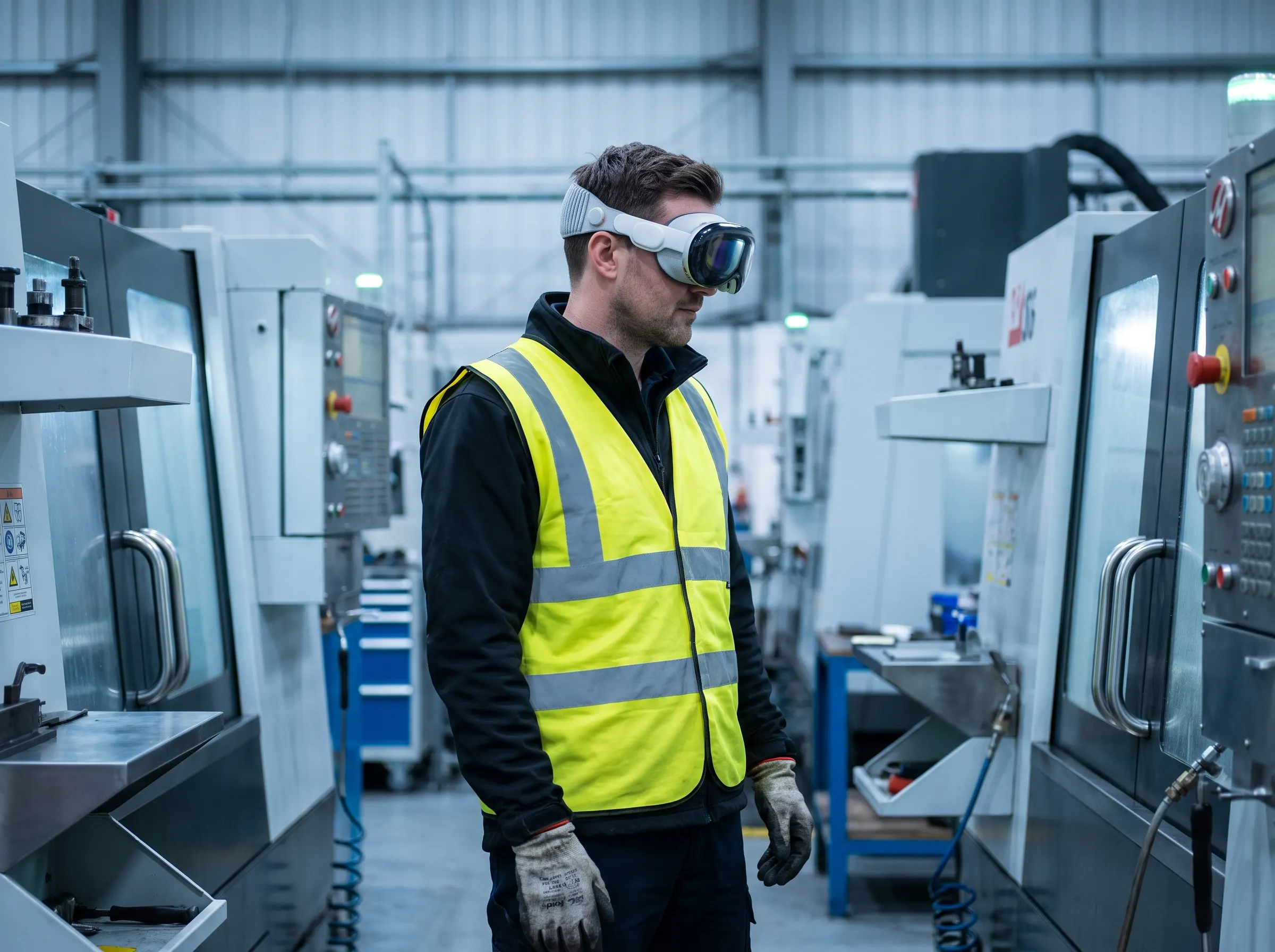
VR for industrial — technician in a hi-vis vest wearing an Apple Vision Pro on a production floor
Built for the floor, not the demo roomMeta Quest · Apple Vision Pro · Tablets & Mobile
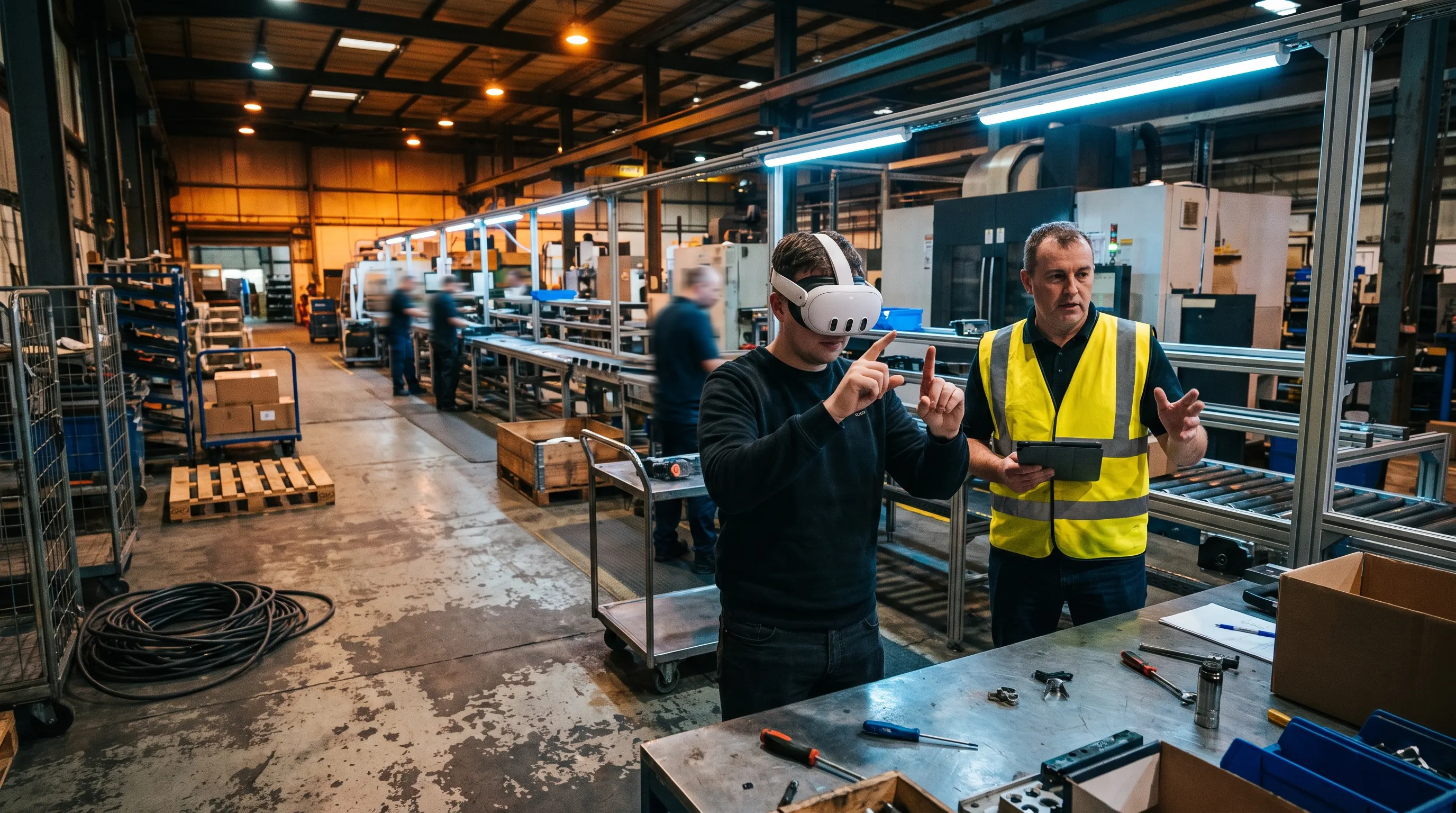
Trainee in a Meta Quest 3 headset practicing an assembly motion on an active factory floor while a supervisor observes

How VR and AR Are Used in Manufacturing

Today, VR for industrial teams covers six core jobs on the floor — from day-one VR manufacturing training to the capital decisions behind a line change.

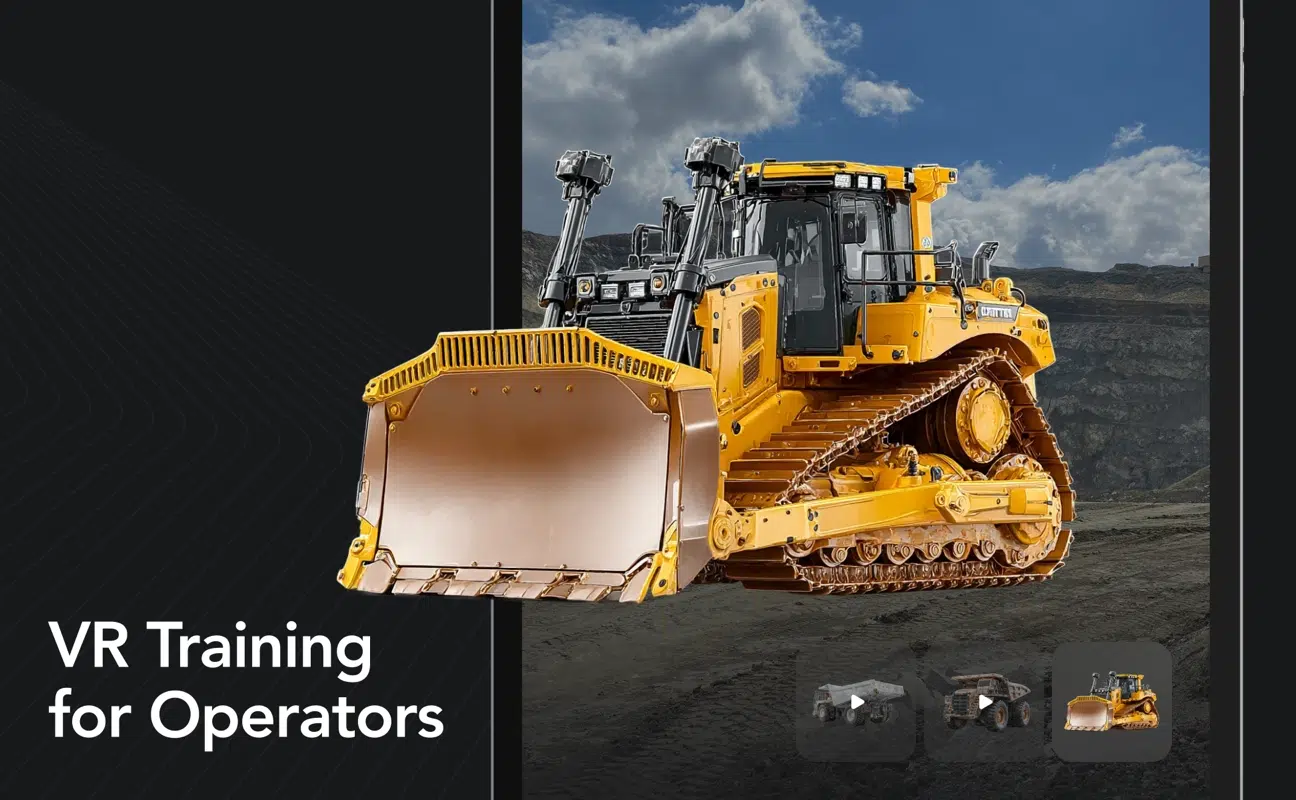
Assembly & Equipment Training

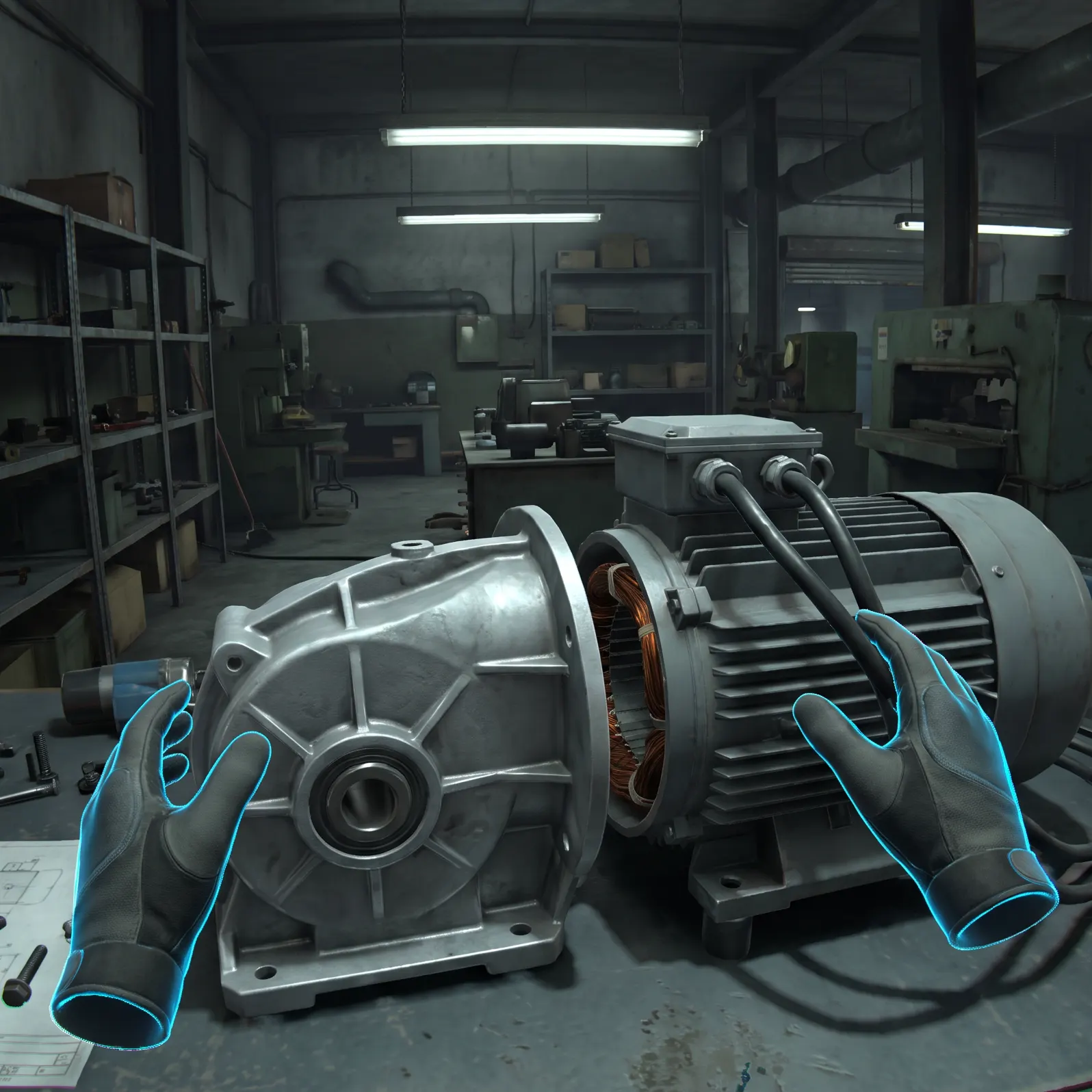
We build VR training that lets operators practice assembly sequences and equipment operation on virtual replicas of your actual machines. Trainees repeat procedures until they're fluent — without downtime, scrap, or pulling a line supervisor to babysit.
VR Safety Training

We develop VR safety training for the scenarios you can't safely rehearse: lockout/tagout, confined spaces, emergency response, hazard recognition. Workers experience the consequence of a mistake in the headset instead of on the floor.

AR Work Instructions

We replace paper travelers and static PDFs with AR work instructions: step-by-step guidance anchored to the actual equipment, visible on a tablet or headset while both hands stay on the work.

AR for Maintenance & Field Service

We build AR maintenance support that overlays procedures, torque specs, and live equipment data where the technician is looking. Less time flipping manuals, fewer second visits, and a record of every completed step.

Remote Assistance & Collaboration

We develop see-what-I-see remote assistance: a technician on the floor shares their view, and an expert anywhere annotates directly onto the equipment. One expert supports every site instead of flying to one.

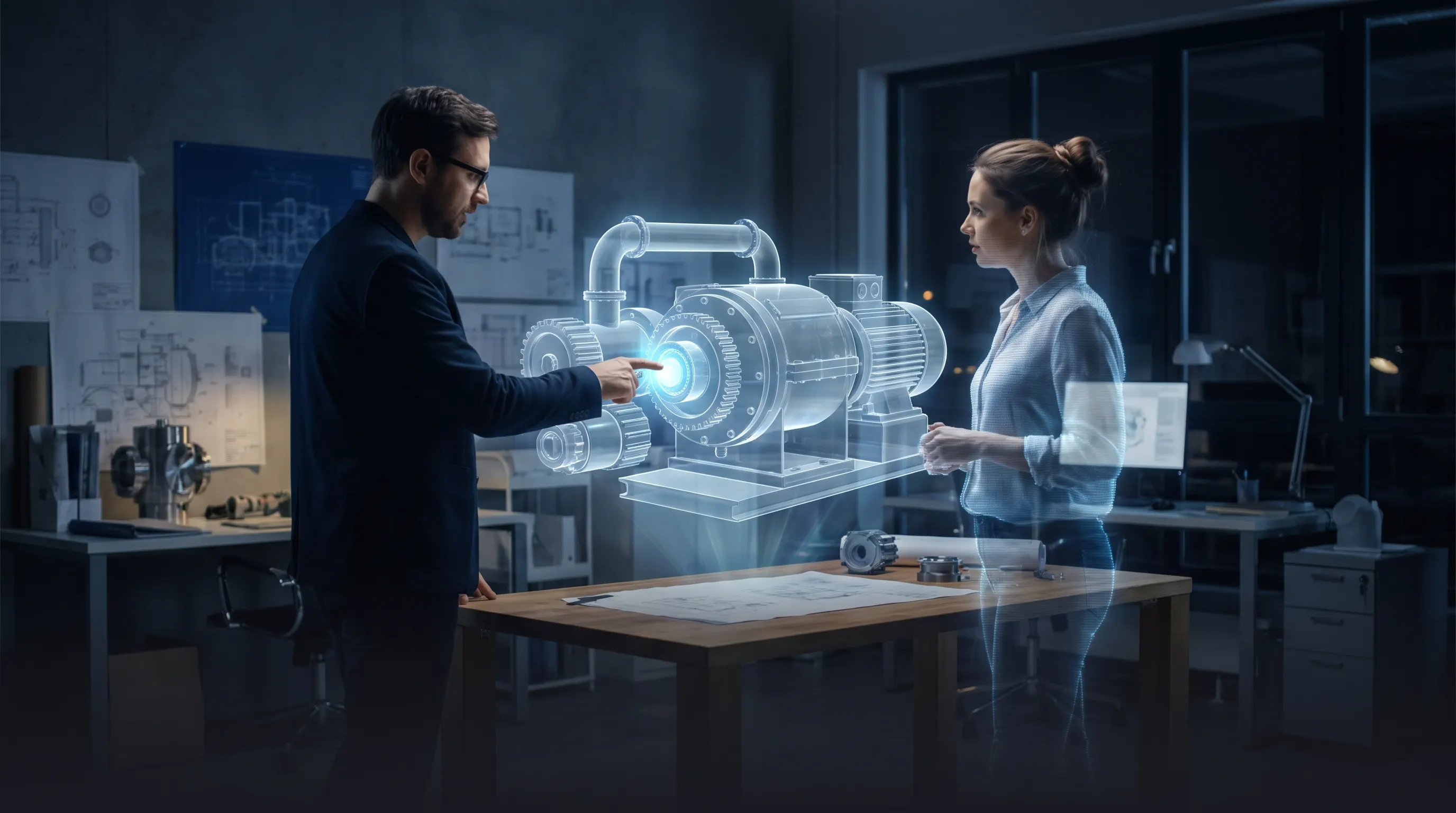
Digital Twins on the Factory Floor

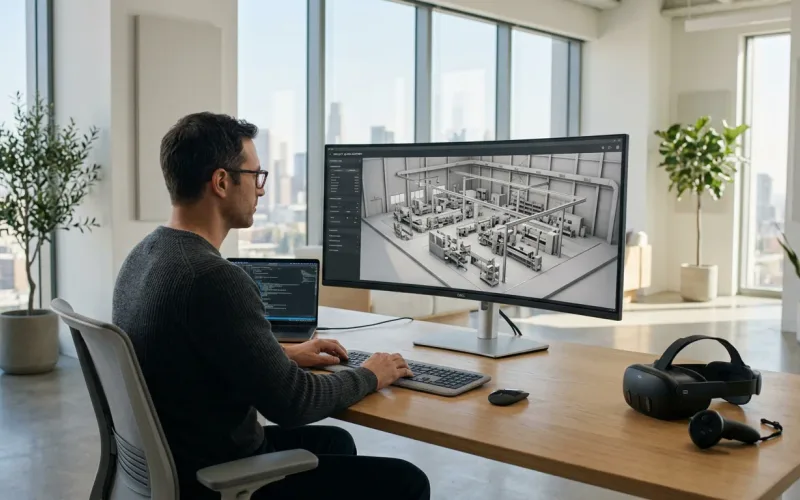
We create walkable digital twins of production lines and facilities — for layout planning, training environments, and reviews you can hold in a headset before committing capital to a change.

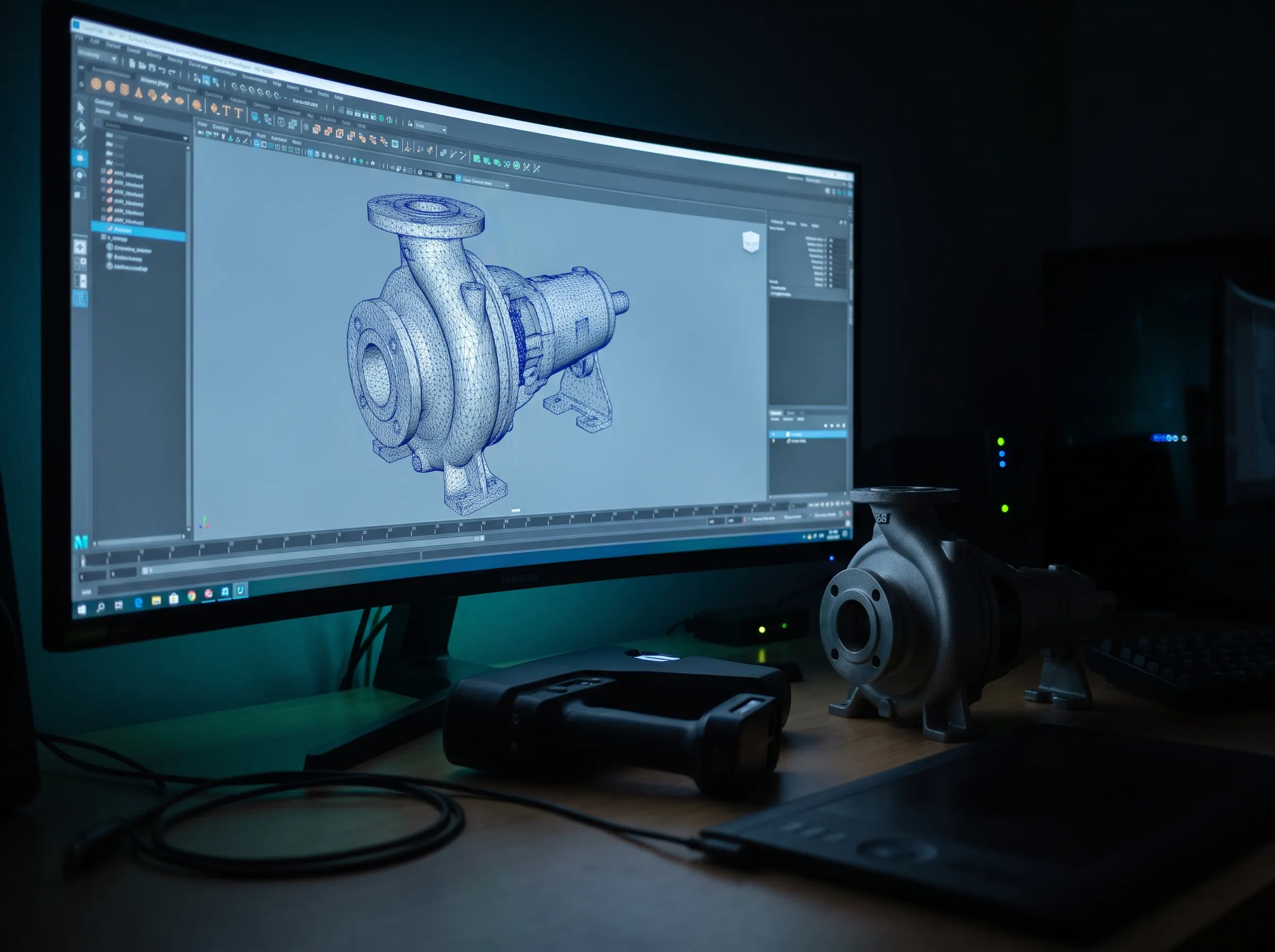
3D artist workstation showing a retopology mesh of an industrial pump beside a 3D scanner and the real part

High-Fidelity Asset Creation & Pipeline

Industrial XR requires extreme precision. Our dedicated 3D artists use 3D scanner workflows and precise retopology so digital twins and equipment replicas match the real machines — down to the fasteners.

Every mesh and texture is optimized to hold smooth rendering performance on standalone processors like Meta Quest 3 and Apple Vision Pro, without sacrificing visual fidelity or dimensional accuracy.

Augmented Reality in Manufacturing

Augmented reality in manufacturing puts information where the work happens: instructions anchored to the machine, inspection criteria overlaid on the part, live sensor data floating beside the equipment it describes. We build manufacturing AR for tablets, phones, and headsets — usually starting with one line and one process, then scaling what works.

Industries We Serve

The same XR building blocks — training simulations, AR guidance, digital twins — apply across industrial sectors. We've built for enterprise environments where compliance, uptime, and scale are the requirements that matter.

Logistics

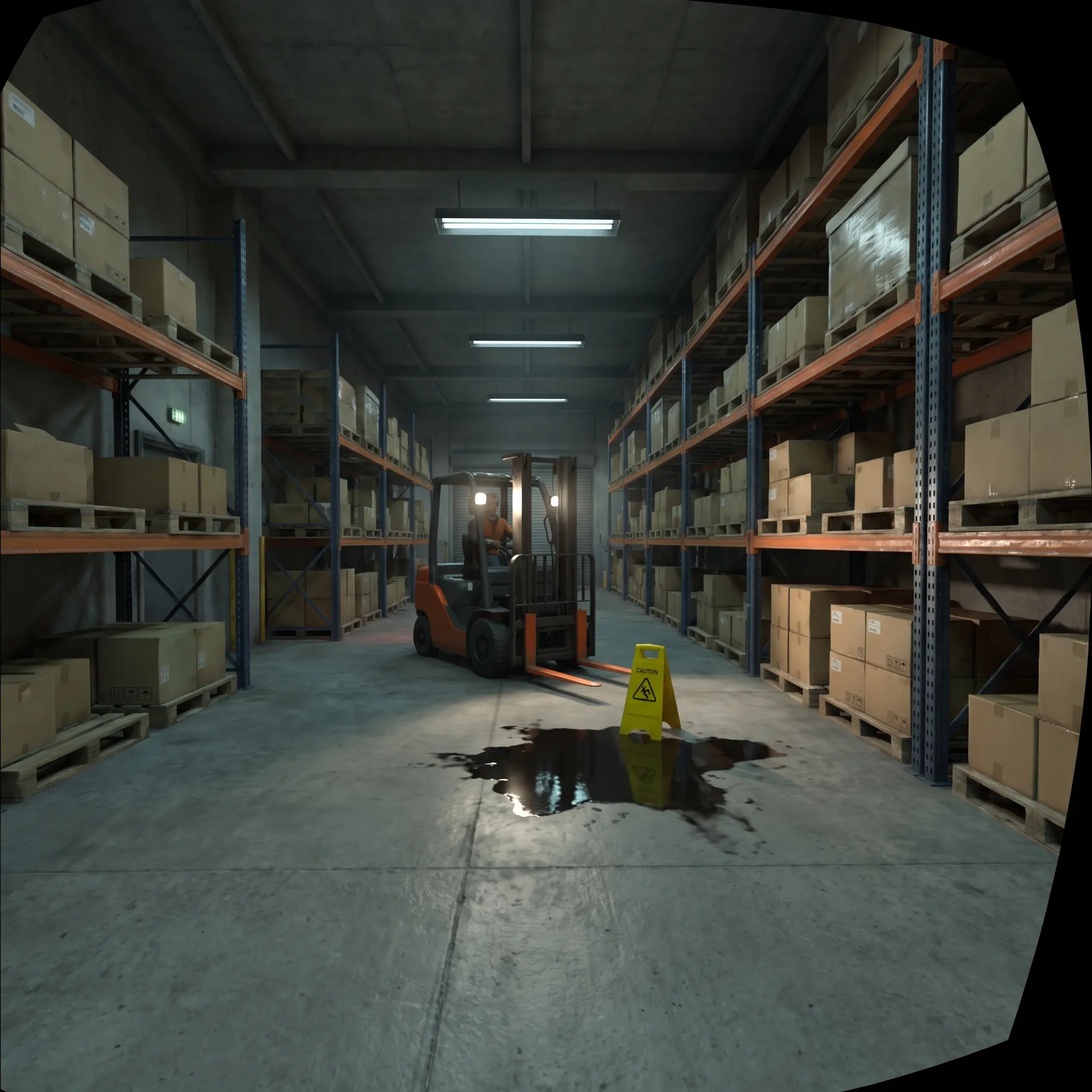
Warehouse optimization, spatial picking guidance, and material handling simulations.

Defense

High-security maintenance training and tactical equipment familiarization.

Automotive

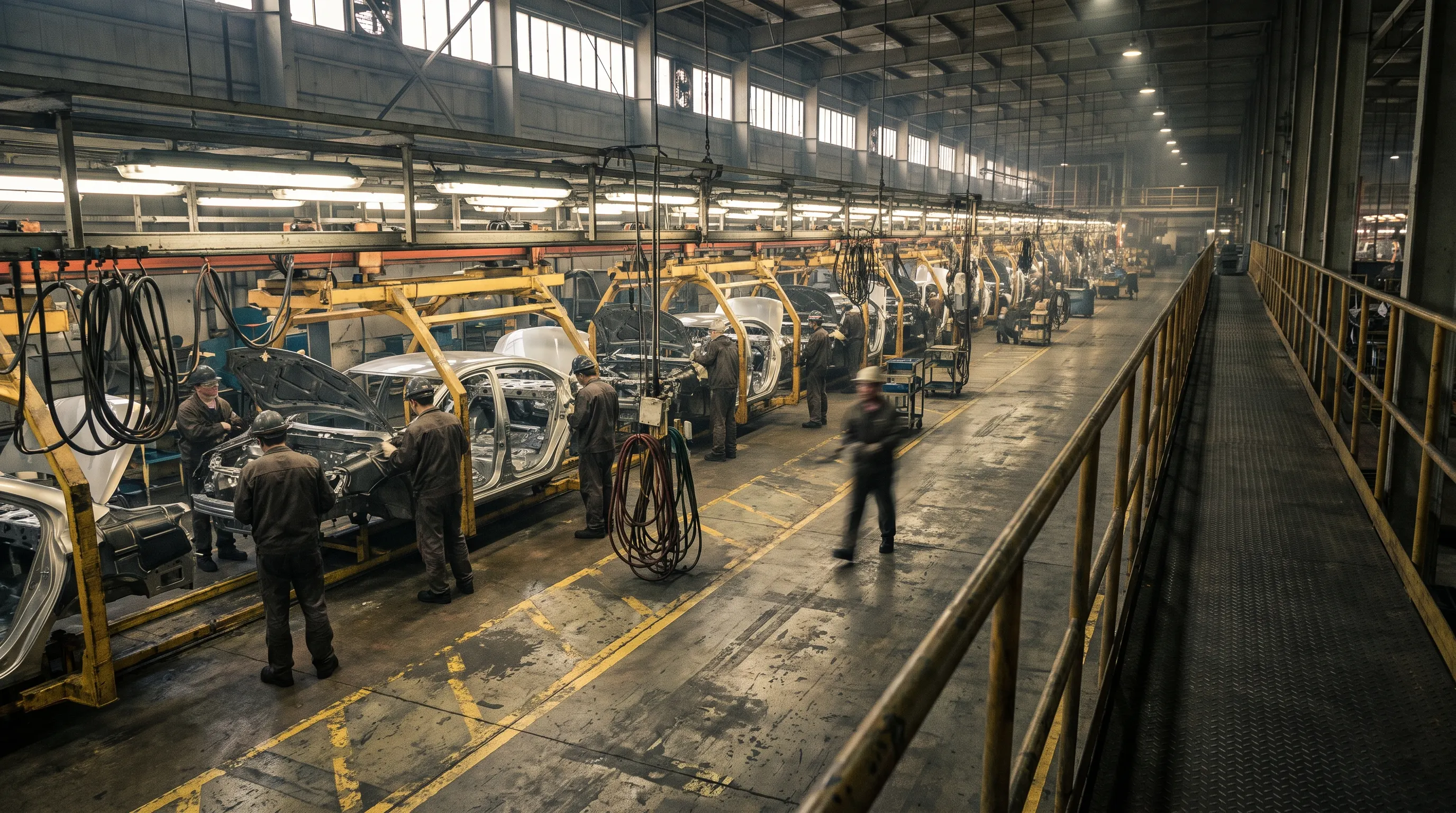
Assembly line virtual validation and dealership service technician AR support.

Pharma

Cleanroom procedural training and complex lab equipment operation without risk of contamination.

Aerospace & Aviation

Maintenance, repair, and overhaul training plus guided inspection for airframes, engines, and ground equipment.

Energy & Utilities

Turbine, substation, and plant safety training for hazardous environments where mistakes are unrepeatable.

Heavy Equipment & Construction

Operator training and service guidance for machines too large, costly, or dangerous to practice on.

Medical Device Manufacturing

Regulated assembly training and cleanroom procedures with completion records built in from the start.

Scale Expertise Across Your Organization

Empower your frontline workforce with the spatial computing tools they need to perform at their best, from day one. Done right, VR for industrial teams becomes part of how the whole organization trains, plans, and ships.

Schedule a Demo

Devices for the Factory Floor

Every deployment of VR for industrial teams is hardware-agnostic — optimized for the realities of the floor, with robust hand tracking so gloves stay on and controllers stay in the case.

  • Meta Quest 3 & Pro

    Cost-effective, scalable VR and mixed reality with color passthrough for complex training fleets.

  • Apple Vision Pro

    Ultra-high-fidelity spatial computing for executive reviews, intricate digital twins, and premium maintenance support.

  • Standard Tablets (iOS/Android)

    Accessible AR work instructions running on the facility hardware you already own.

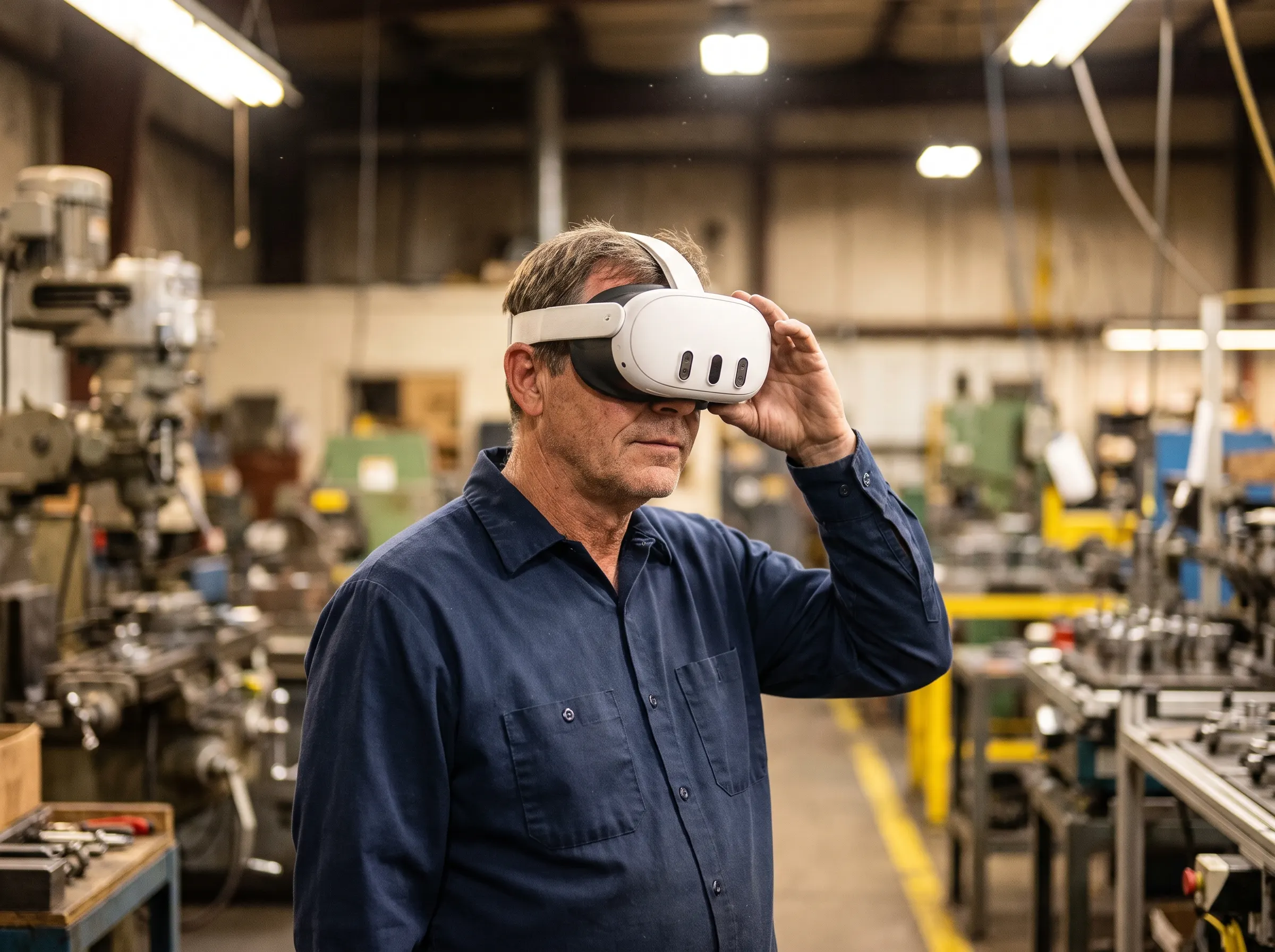
Factory worker adjusting a Meta Quest 3 headset at his workstation on a production floor

More Industrial XR Applications

Training, maintenance, and work instructions are the most common starting points for VR and AR in manufacturing, but the same spatial building blocks can support other industrial workflows. The right application depends on where physical context, repeatability, or a shared 3D view removes friction from the process.

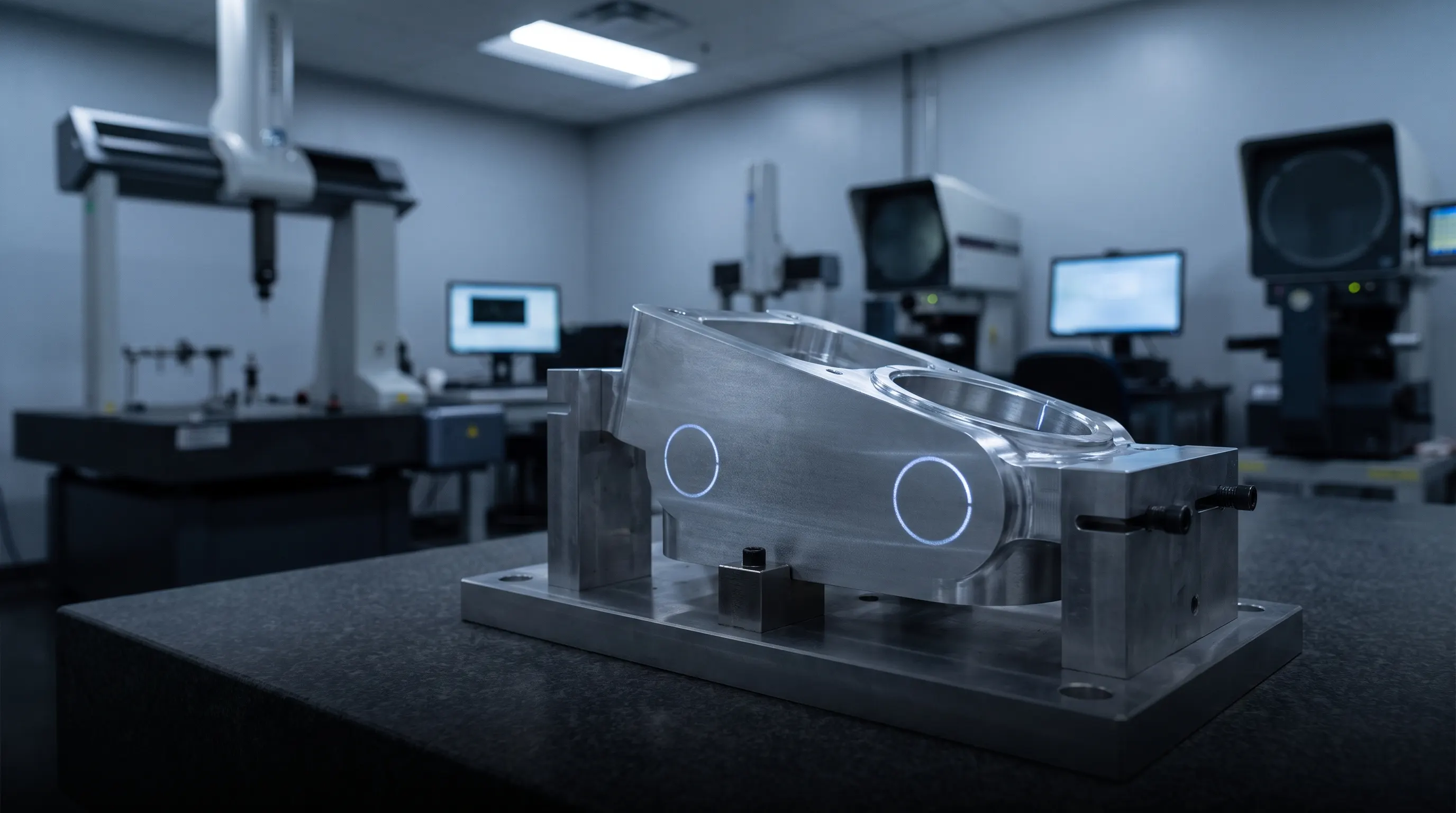
Machined component on an inspection bench with two AR inspection zones highlighted

Quality Inspection and Visual QA

Overlay inspection points, reference geometry, checklists, or acceptance criteria on the part and capture project-defined results in context.

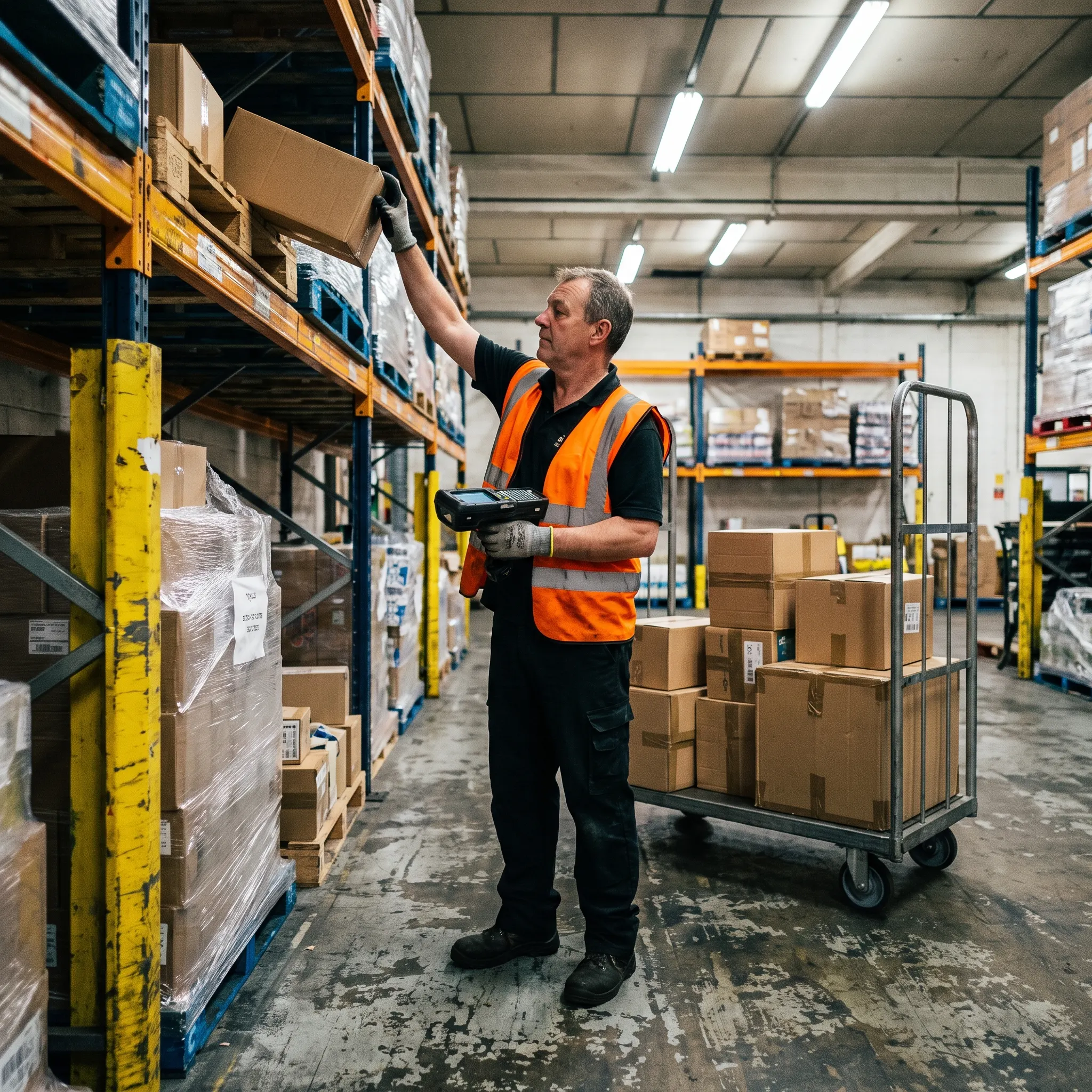
Warehouse picker in a hi-vis vest reaching for a box on pallet racking with a handheld scanner

Warehouse Picking and Logistics

Guide workers to the correct location, part, quantity, and sequence through a hands-free or mobile interface.

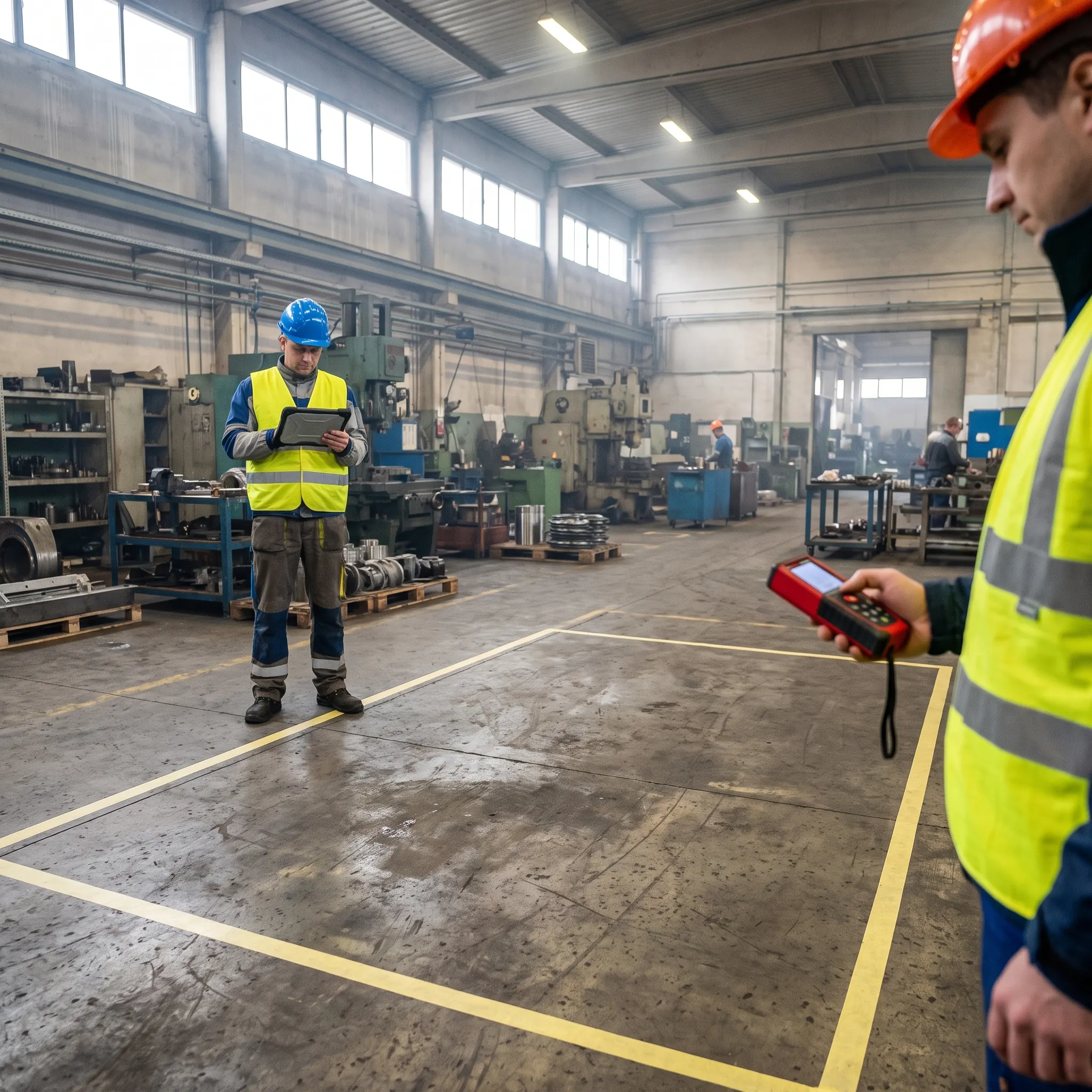
Engineers marking out a planned machine cell with floor tape and a laser measure on a factory floor

Facility and Line Planning

Review a proposed machine, cell, or layout at full scale to discuss access, clearances, workflow, and placement before a physical change.

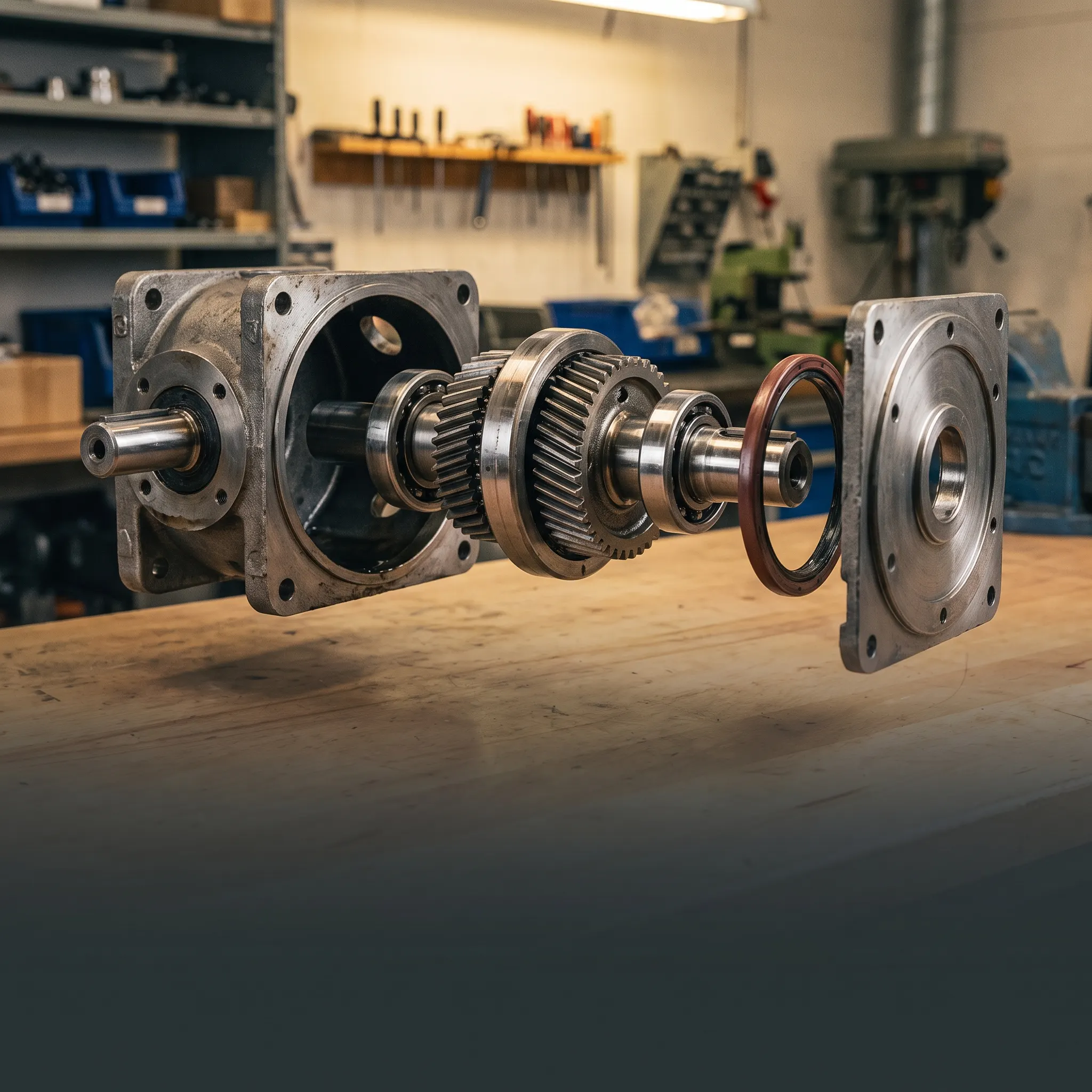
Industrial gearbox separated into its serviceable modules as an exploded training view

Product and Service Training

Use interactive 3D models, exploded views, and guided sequences to teach internal assemblies, service procedures, and product operation.

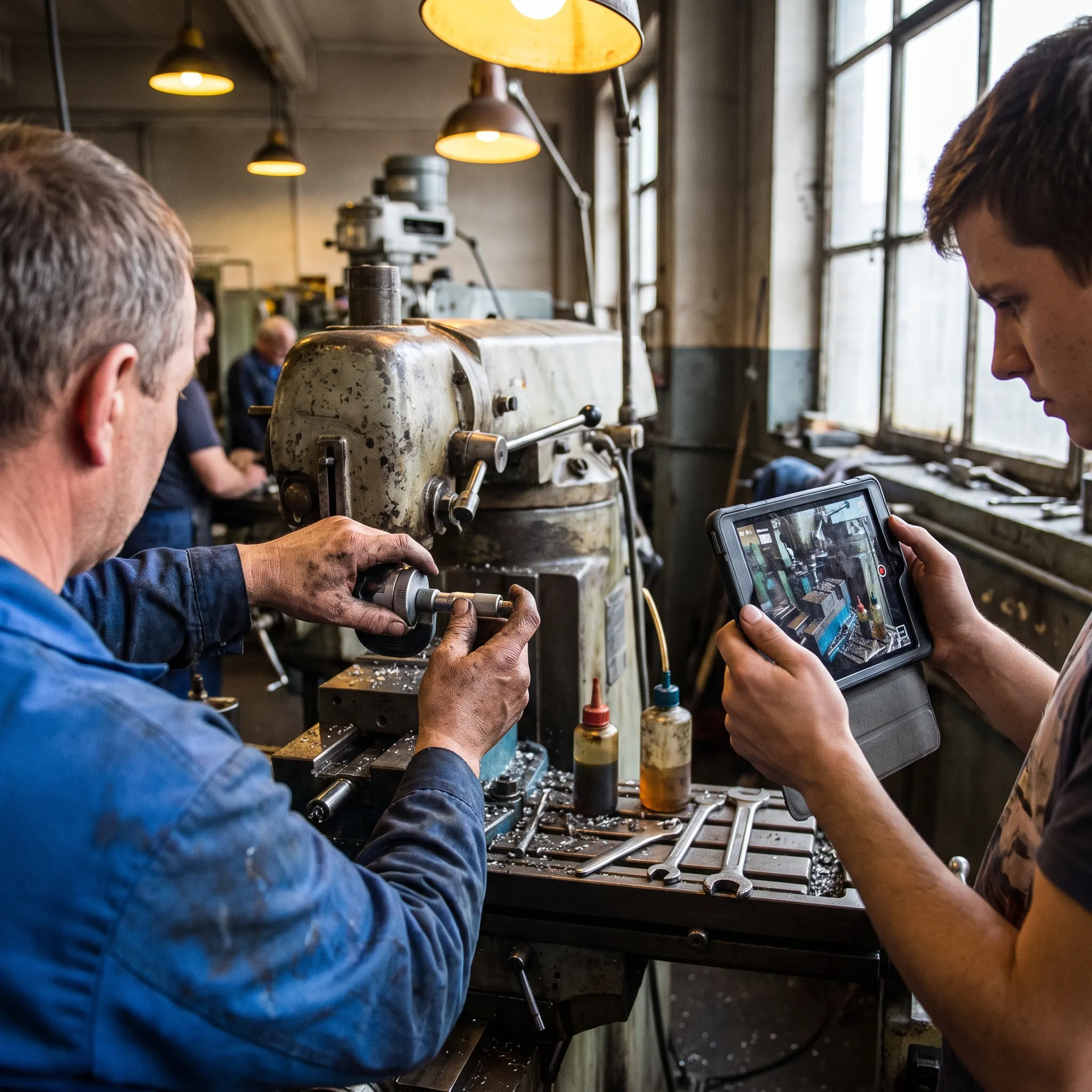
Veteran machinist demonstrating a milling adjustment while a colleague records the procedure on a tablet

Expert Knowledge Capture

Turn experienced-worker procedures into repeatable visual content that can be distributed across teams and locations.

Two engineers, one joining remotely, reviewing a shared full-scale 3D machine model together

Collaborative Design and Engineering Review

Bring distributed stakeholders around the same full-scale model to inspect, annotate, and discuss a proposed product or environment.

From One Procedure to an Enterprise Rollout

The strongest industrial XR programs usually begin with a focused process that can be evaluated by the people who will use and manage it. Frame Sixty scopes the first build so the team can test the interaction, content, hardware, integration, and deployment approach before expanding.

  1. 01

    Discovery

    Select the process, users, environment, target device, required systems, and criteria the pilot must demonstrate.

  2. 02

    Content and asset audit

    Review SOPs, manuals, CAD or 3D assets, process video, subject-matter-expert access, and technical constraints.

  3. 03

    Experience design

    Map the sequence, spatial UI, interactions, feedback, safety boundaries, and assessment or completion logic.

  4. 04

    Prototype

    Build the core interaction and test it on the selected hardware before producing the entire content library.

  5. 05

    Pilot and validation

    Test with representative users, review the procedure with operational stakeholders, and refine the experience.

  6. 06

    Production and scale

    Complete content, integrations, device deployment, documentation, updates, and expansion to additional procedures or sites.

What Industrial VR Development Costs

The cost of industrial VR development depends on scope: a single-procedure training pilot is a different budget from a multi-site rollout with LMS integration. Project work is quoted as a fixed bid after a discovery call, so the full cost is clear before development begins.

Focused Proof of Concept

  • One core procedure or interaction
  • One primary audience
  • One device family
  • Limited 3D content
  • Core workflow validation
  • Minimal integration

Production Pilot

  • Multiple steps or procedures
  • Polished 3D and spatial UX
  • Representative users
  • Assessment or completion records
  • Selected enterprise integration
  • Device deployment and testing

Multi-Site Program

  • Reusable content architecture
  • Multiple roles, procedures, or sites
  • LMS, MES, ERP, or data integrations
  • Managed device deployment
  • Access control and updates
  • Ongoing content expansion
Get a Fixed-Bid Project Scope

The discovery call determines the right first phase. It does not commit your team to a full rollout.

Latest news

VR for Industrial FAQs

How is virtual reality used in manufacturing?

Virtual reality in manufacturing is used for operator and safety training, assembly rehearsal, equipment simulation, and facility planning through digital twins. Workers practice procedures on virtual replicas of real machines, and teams review line changes in a headset before committing to them — without downtime or risk.

What does industrial VR development cost?

The cost of industrial VR depends on scope: a single-procedure training pilot is a different budget from a multi-site deployment with LMS integration. Project work is quoted as a fixed bid after a discovery call, so the full cost is clear before development begins.

Does VR training work for manufacturing skills?

Published research on VR training has repeatedly reported faster skill acquisition and stronger retention compared with classroom and video methods, which is why manufacturers keep expanding headset programs. Results depend on instructional design — we build training with the safety and operations leaders who will run it.

What are AR work instructions?

AR work instructions are step-by-step guidance displayed on a tablet or headset and anchored to the actual equipment — the next step appears where the work happens, instead of on paper or a screen across the room. They update centrally, capture completion records, and keep both hands free.

Which devices work best on a factory floor?

Meta Quest 3 is the default for training fleets — low device cost makes multi-headset programs practical. Tablets and phones carry AR work instructions without new hardware. Apple Vision Pro fits high-fidelity review and planning. Most industrial deployments mix devices by task, and we help you sequence that.

Can XR integrate with our MES, ERP, or LMS?

Yes — integration is usually what turns a pilot into a program. We connect training results to your LMS, pull live equipment data into AR overlays from your existing systems, and work within your IT and security review. Integration scope is defined during discovery.

How do you deploy and manage headsets at scale?

We deploy through enterprise device management — Meta Quest for Business and standard MDM tooling — covering provisioning, app updates, kiosk modes, and access control. Rollouts are staged: one line or site first, then scaled with the processes that worked.

Who owns the application and content?

Your company owns the application, code, and training content — our contracts assign full IP ownership, including source, 3D assets, and integrations. We sign NDAs before discovery when needed; protecting proprietary processes and equipment designs is standard practice in our enterprise work.

Why choose Frame Sixty for industrial XR?

Frame Sixty pairs senior XR talent with enterprise delivery: 100+ shipped apps, more than 10 million downloads, seven published patents, and deployment experience across headset fleets and mobile devices. You work with a team that builds for the floor, not the demo room.

Get in touch

We’re interested to see how we can help. Send us a message and we will get back to you within 24 hours.