
Industrial Augmented Reality: Use Cases, Platforms, and How to Get Started
Jul 28, 2026

12 MIN READ
Industrial augmented reality is the use of AR to overlay digital work instructions, live equipment data, and 3D guidance onto real machines and environments, whether on the factory floor, in the warehouse, or at a remote field site. Delivered through smart glasses, tablets, or phones, it helps frontline workers assemble, repair, inspect, and pick with fewer errors. This guide covers the use cases, the platforms, the devices, the real costs, and how to launch a project that pays back.
One position worth stating up front: most industrial AR pilots fail not because the technology is immature, but because they are scoped as training demos instead of being tied to a single measurable metric like mean time to repair or picking throughput. Pick the number first. Then pick the platform.
Want it built for you? Frame Sixty builds VR for industrial and manufacturing teams — assembly and safety training, AR work instructions, and digital twins for the factory floor.
Key Takeaways
- The industrial AR market is projected to grow from $5.86 billion in 2025 to $7.56 billion in 2026, reaching $21.73 billion by 2030 (The Business Research Company, 2026).
- Remote assistance and maintenance was the largest AR application by revenue in 2025 at 29.09% (Mordor Intelligence, 2026).
- 72% of manufacturers who deployed AR reported positive ROI within the first year (PTC 2025 State of Industrial AR Report, via KGT Solutions).
- A focused AR pilot runs roughly $25,000 to $75,000 for 5 to 10 workers over 8 to 12 weeks (KGT Solutions, 2026).
- RealWear’s Navigator Z1 is intrinsically safe (ATEX Zone 1) and, per RealWear, is deployed across 41 Fortune 100 companies.
What Is Industrial Augmented Reality?
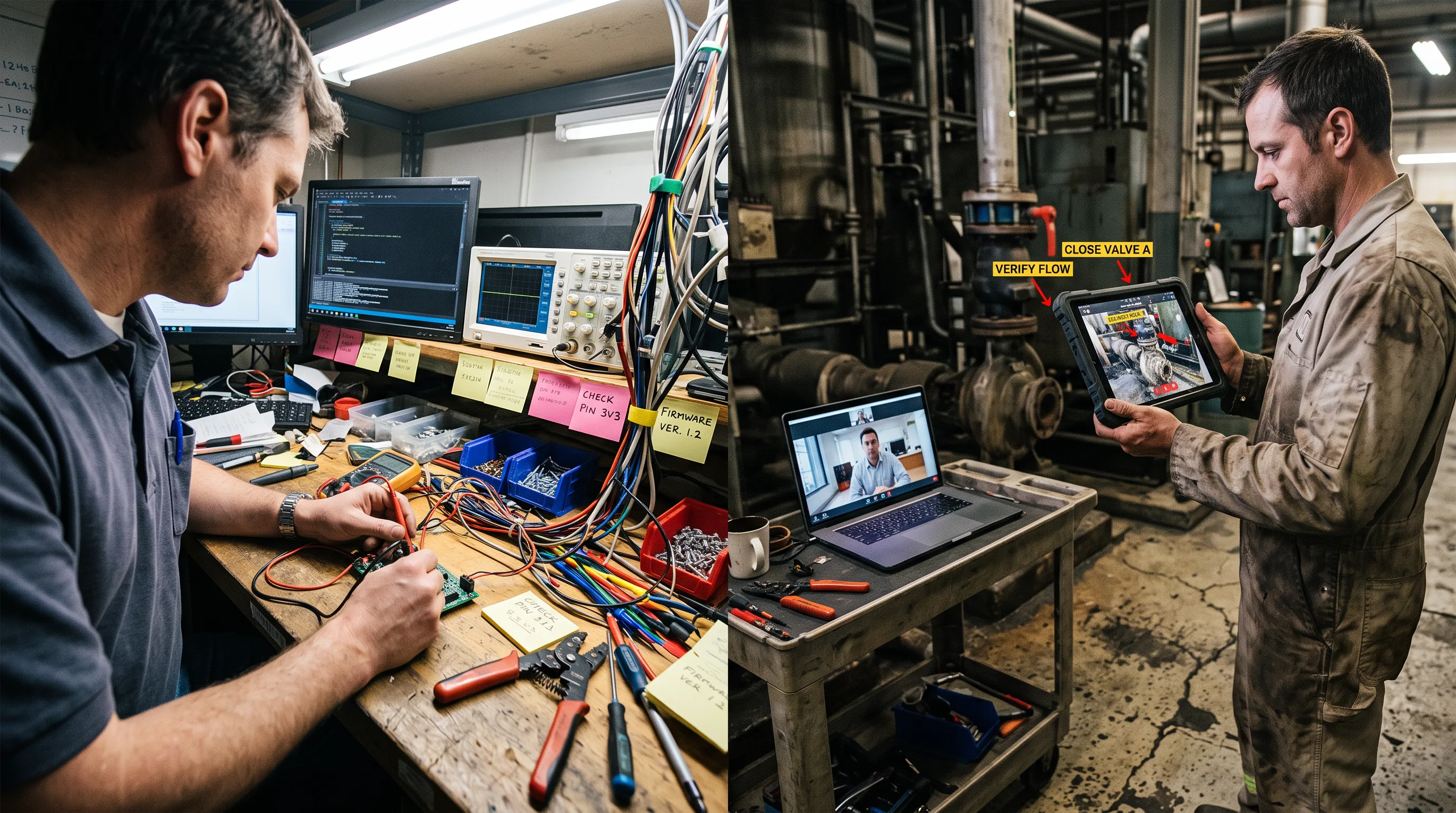
Industrial augmented reality is AR applied to production, maintenance, logistics, and field service, overlaying digital instructions and machine data onto physical equipment so workers act on information without looking away from the task. It is outcome-driven and usually hands-free, and it connects to enterprise systems like PLM and IoT rather than living in a standalone app. That systems tie is what separates it from consumer AR.
The category is growing fast. According to The Business Research Company’s 2026 report, the augmented industrial reality market will expand from $5.86 billion in 2025 to $7.56 billion in 2026, a 28.9% growth rate, and reach $21.73 billion by 2030. Demand concentrates where downtime and error are expensive: aerospace, automotive, energy, and heavy equipment.
What Are the Main Use Cases of Industrial Augmented Reality in Manufacturing?
The main use cases of industrial AR in manufacturing are remote expert assistance, maintenance and repair, quality inspection, worker training, warehouse picking, and assembly guidance. Each targets a specific bottleneck: knowledge transfer, downtime, defect rate, onboarding speed, or throughput. The strongest programs start with one of these, prove a number, then expand. You can see the breadth of AR applications used across industries and the range of enterprise AR solutions that build on the same foundations, plus how businesses use AR outside the plant floor, in retail and customer-facing work.
Remote Expert Assistance
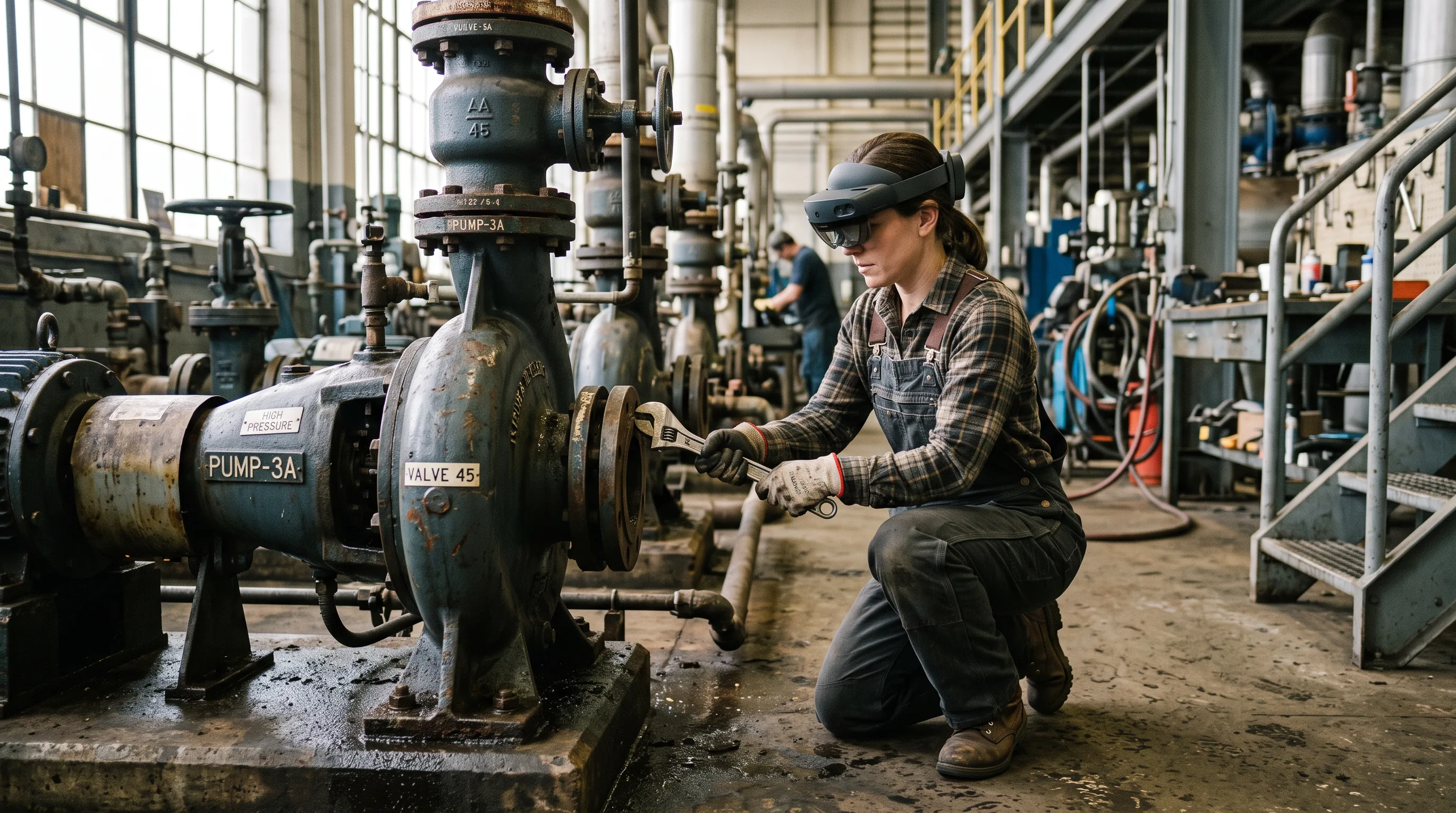
Remote expert assistance lets an off-site specialist see a technician’s live camera feed and annotate it in real time, placing arrows and notes that stick to the equipment. It is the anchor use case of the whole category. Remote assistance and maintenance was the largest AR application by revenue in 2025 at 29.09% of the market, according to Mordor Intelligence’s 2026 analysis. The appeal is simple math: one expert can support many sites without flying anywhere, and a junior technician resolves the fault on the first visit.
Maintenance and Repair
AR maintenance overlays 3D repair steps, torque values, and part callouts directly onto the machine, so the technician follows the procedure in place instead of flipping through a PDF. The payoff shows up in two numbers. AR remote maintenance cuts mean time to repair by 20% to 50% and pushes first-time fix rates above 80%, according to IIoT World, 2025. Oil and gas, power generation, and water utilities see the sharpest gains, because their downtime costs the most per hour.
Quality Inspection
AR quality inspection superimposes the digital specification onto the physical part, letting an inspector see tolerances, weld points, and missing fasteners against the real object. Increasingly the inspection is AI-assisted: the system flags defects the eye might miss and logs the result automatically. This pairing of AR overlays with AI-driven visual inspection is one of the faster-moving fronts in the field. It replaces subjective spot checks with a repeatable, recorded procedure that feeds straight into quality records.
Worker Training and Onboarding
AR training teaches procedures in context, guiding a new hire through a real task with prompts anchored to the actual equipment rather than a classroom slide. Retention improves because the worker does the job while learning it. The same simulation logic underpins immersive programs like this VR training simulation, where practice happens in a safe digital copy of the environment. For plants facing retirement of experienced staff, capturing that expertise as guided AR content is a hedge against knowledge walking out the door.
Warehouse Operations and Vision Picking
Vision picking uses smart glasses to show pickers the optimal route and the exact item and quantity, hands-free, with no paper list or handheld scanner. The results are concrete. DHL’s vision picking program raised warehouse picking productivity by 15% to 25%, according to AIMultiple’s 2026 review. Workers also make fewer mis-picks, because the confirmation happens in their line of sight rather than on a device they have to look down at.
Assembly Guidance
Assembly guidance projects step-by-step build instructions onto the workpiece, so an operator sees which part goes where and in what order. Airbus deploys Microsoft HoloLens 2 for exactly this on complex airframe assemblies, per AIMultiple’s 2026 review. The instructions can be generated from CAD, which links this use case directly to a manufacturer’s existing 3D modeling for manufacturing and industrial design pipeline. Fewer reference lookups means faster cycle times and lower error rates on high-mix lines.
Industrial AR Platforms Compared: Vuforia, Dynamics 365 Guides, Siemens Teamcenter AR, and Zoho Lens
The leading industrial AR platforms are PTC Vuforia, Microsoft Dynamics 365 Guides and Remote Assist, Siemens Teamcenter AR, and Zoho Lens. They differ less in raw capability than in what they connect to and how much they cost to run. The right choice follows from your bottleneck: knowledge transfer points to remote-assist tools, error rate points to work-instruction authoring, and heavy CAD reuse points to a PLM-native option.
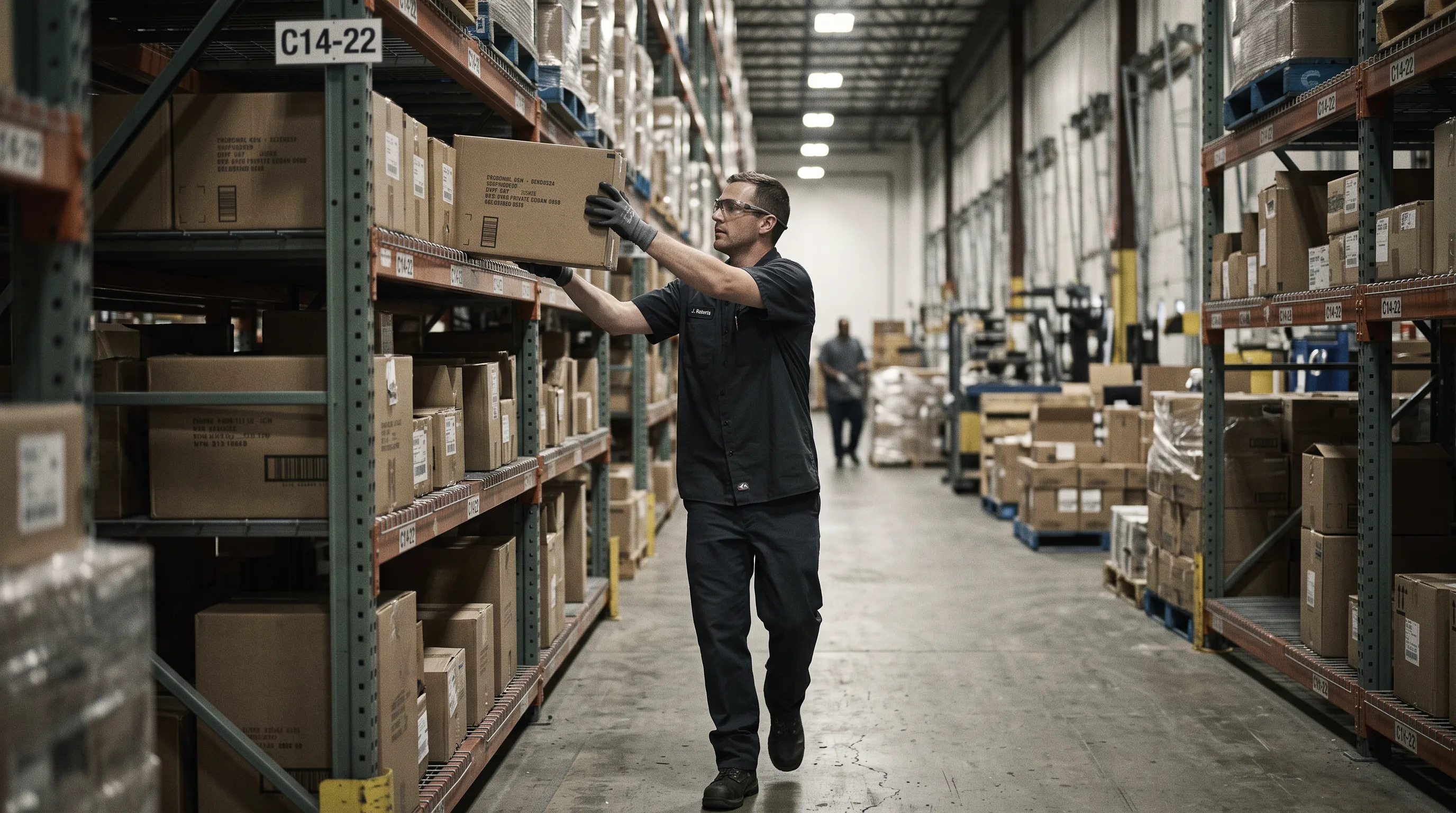
Here is the practitioner shortcut. If your problem is that expertise sits in one person’s head, a remote-assist tool wins. If your problem is inconsistent builds or repairs, a work-instruction authoring tool wins. If you already live in a PLM system and want to reuse digital-twin content, a PLM-native platform wins. Feature lists rarely decide these projects; integration and running cost do.
| Platform | Best for | Strengths | Trade-offs |
|---|---|---|---|
| PTC Vuforia | Work instructions and inspection | Studio, Chalk, and Expert Capture suite; HoloLens and Azure IoT integration | Enterprise pricing; steeper authoring learning curve |
| Microsoft Dynamics 365 Guides / Remote Assist | Guided procedures and live remote help | Tight Azure and Dynamics 365 fit; annotations that stick to objects | Most valuable inside the Microsoft ecosystem |
| Siemens Teamcenter AR | PLM-driven manufacturers | Reuses digital-twin and CAD content via REFLEKT ONE | Assumes a Teamcenter PLM investment |
| Zoho Lens | Fast, low-cost remote assistance | Live streaming, annotations, OCR and barcode scanning | Narrower scope than full authoring suites |
For teams that would rather build a fitted solution on top of these tools than adopt one wholesale, an augmented reality development company can bridge the platform and the shop floor.
PTC Vuforia
PTC Vuforia is an enterprise AR suite built around work instructions, remote assistance (Vuforia Chalk), and expert capture, with native support for Microsoft HoloLens and Azure IoT. It suits manufacturers that want authored, reusable step-by-step guidance and AI-assisted inspection at scale. The trade-off is enterprise pricing and an authoring workflow that takes time to master. Vuforia wins when work instructions and inspection are the core need.
Microsoft Dynamics 365 Guides and Remote Assist
Microsoft Dynamics 365 Guides authors holographic step-by-step procedures, while Dynamics 365 Remote Assist handles live annotated video calls where both sides mark up a shared view. Annotations stay locked to real-world objects. The platform is strongest for organizations already committed to Azure and Dynamics 365, where identity, data, and service management are in place. Dynamics 365 wins inside a Microsoft-centric IT estate.
Siemens Teamcenter AR
Siemens Teamcenter AR connects the Teamcenter PLM system to enterprise AR through the integrated REFLEKT ONE platform, turning existing digital-twin and CAD content into interactive visual guides. It suits manufacturers that have already invested in Teamcenter and want to reuse that content rather than author from scratch. Teamcenter AR wins when PLM-managed CAD data is the source of truth.
Zoho Lens
Zoho Lens is remote-assistance software that streams a technician’s live camera view, adds AR annotations, and includes OCR and barcode scanning plus session recording, per Zoho’s product documentation for industrial augmented reality. It is the lightweight, lower-cost entry point for maintenance, field service, and warehousing. The scope is narrower than a full authoring suite. Zoho Lens wins for teams that need remote help fast without a large platform commitment.
Need help with an industrial AR project?
We are here to help!
What ROI Can Manufacturers Expect from Industrial AR?
Manufacturers can expect strong first-year returns when a deployment is tied to a measurable metric. 72% of manufacturers who deployed AR reported positive ROI within the first year, according to the PTC 2025 State of Industrial AR Report cited by KGT Solutions, 2026. The returns come from specific, trackable numbers rather than vague productivity gains.
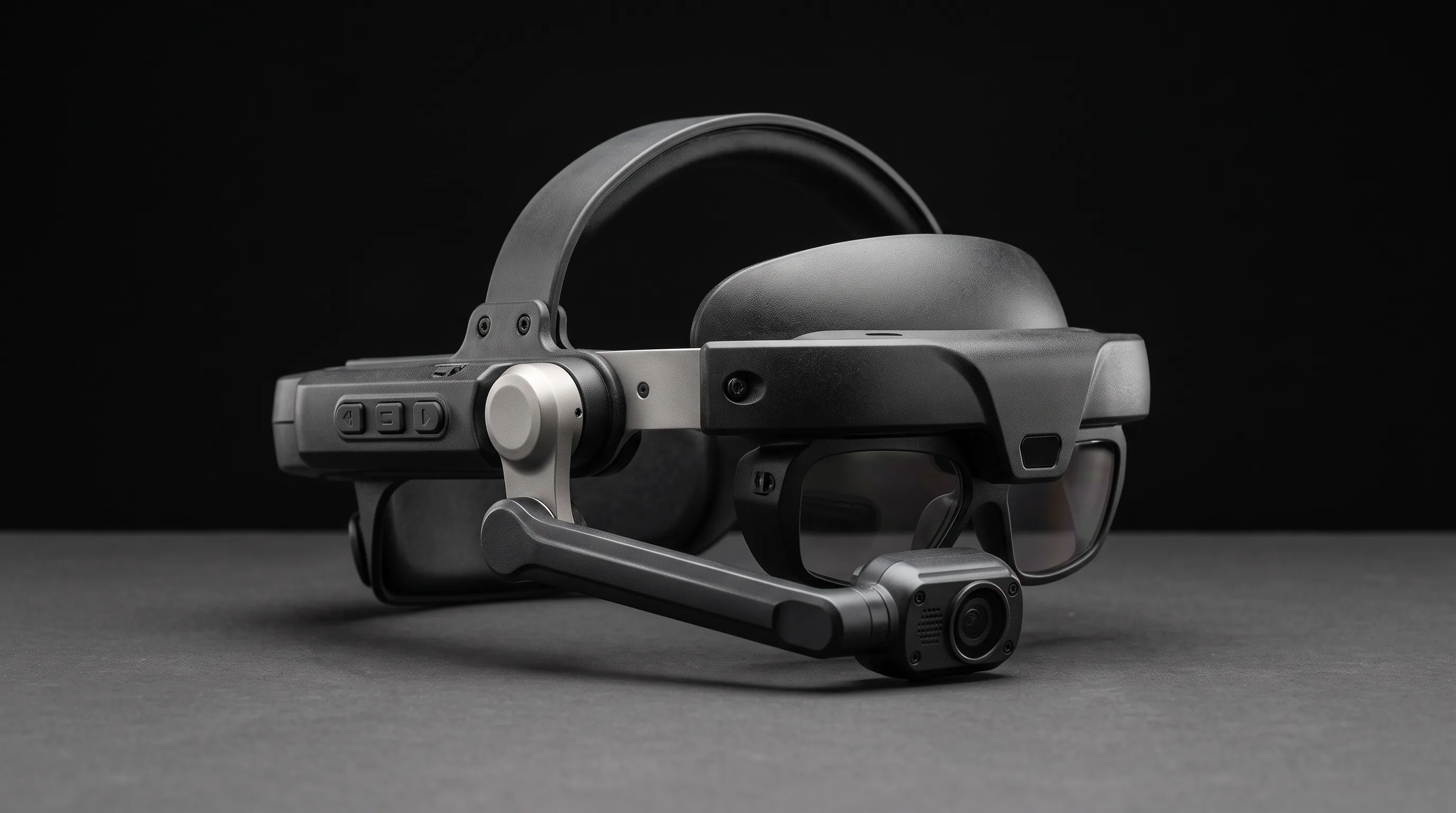
The metrics that move are the ones to instrument from day one: mean time to repair, first-time fix rate, picking productivity, assembly error rate, and onboarding time. Remote assistance cuts travel and downtime per service call; work instructions cut rework; vision picking cuts mis-picks.
There is a second-order return that rarely appears in ROI decks. Industrial digital-twin overlays, which project live IoT and sensor data onto physical assets, are the fastest-growing AR application cluster at 26.12% CAGR, per Mordor Intelligence’s 2026 analysis. The point is not the overlay itself. It is that the CAD and sensor data a manufacturer already paid to create pays a second time, which changes the ROI math for any company sitting on a mature digital-twin program.
How Much Does an Industrial Augmented Reality Implementation Cost?
A focused industrial AR pilot typically costs $25,000 to $75,000 for 5 to 10 workers over 8 to 12 weeks, delivering 100% to 300% ROI over 18 to 24 months, according to KGT Solutions, 2026. That figure covers a single use case on a defined line or crew, which is the right scope for a first project.
The budgeting mistake is assuming the platform licence is the big line item. It is usually the small one. The dominant costs are content authoring (turning procedures and CAD into on-device 3D and step sequences) and integration with PLM, IoT, and service-management systems. Device count matters too, but hardware is increasingly the cheapest variable to change. This is why a custom build on top of an existing platform, delivered through focused AR app development, often beats an all-in off-the-shelf rollout for anything beyond a generic remote-assist call.
In our AR work at Frame Sixty, an AR/VR and spatial computing development studio, the hardest engineering on an industrial build is rarely the tracking. It is turning heavy CAD and PLM assets into lightweight, on-device 3D that holds a steady frame rate on a tethered headset or a mid-range tablet. Meshes get decimated, draw calls get budgeted, and materials get simplified, all without losing the detail a technician needs to identify the right bolt. Teams that skip this step ship a demo that stutters in the field, and stutter is what kills adoption. Our AR development services are built around that asset pipeline.
What Smart Glasses and Devices Power Industrial AR?
Industrial AR runs on three device classes: hands-free smart glasses like the RealWear Navigator Z1 and Vuzix M400 and M4000, mixed-reality headsets like Microsoft HoloLens 2, and the tablets and phones most workforces already carry. Glasses free the hands for the task; headsets add rich 3D overlay; tablets offer the lowest-cost, lowest-friction entry.
Ruggedization and safety certification separate industrial hardware from consumer gear. The RealWear Navigator Z1 is intrinsically safe, certified ATEX Zone 1 and mining-approved for combustible atmospheres, and RealWear reports deployment across 41 Fortune 100 companies, per RealWear, 2026. Independent comparisons of the best smart glasses for industrial workers note that these devices moved from pilot to mainstream deployment in 2026. Momentum is broad: global XR device shipments grew 44.4% year over year in 2025, with a forecast 26.5% CAGR through 2030 led by smart glasses, according to IDC data reported by SQ Magazine, 2026.
Because most platforms now run across glasses, tablets, and cameras, the device decision is reversible in a way it was not a few years ago. The pragmatic move is to launch the pilot on tablets or phones the workforce already owns, prove the metric, and buy glasses only where hands-free operation clearly earns its cost. Hélène Druet, Senior Offer Marketing Manager at DELMIA, framed the interoperability shift plainly in an April 2025 review of AR trends in manufacturing: “This ability to adapt seamlessly will empower manufacturers to maximize the value of their AR investments.”
How Do You Get Started With an Industrial AR Project?
Getting started with industrial AR means matching one high-value use case to one painful metric, running a short pilot, proving the number, then scaling. The deployments that reach ROI fastest start small; the ones that stall try to cover the whole plant on day one. Sequence beats scope.
Choose a High-Value Use Case and Run a Pilot
Choose the use case where the pain is measurable and the fix is fast, usually remote assistance or assembly guidance. Scope an 8-to-12-week pilot for a single crew or line, instrument the baseline first (mean time to repair, first-time fix rate, or picking productivity), then measure against it. Keep the content library small and the success criteria explicit. A pilot that improves one number credibly earns the budget to expand; a pilot that demos well but measures nothing does not.
How Do You Choose an Industrial AR Development Partner?
Choose a partner by three tests: platform experience across Vuforia, Dynamics 365, and Teamcenter; a real 3D and CAD asset pipeline; and the integration skill to connect AR to your PLM and IoT systems. A vendor strong on one and weak on the others will hand you a demo, not a deployment.
Our approach at Frame Sixty is to instrument the metric first and start on the devices the workforce already carries, then build the custom layer that connects the platform to the shop floor. We work across the same manufacturing 3D and enterprise systems that industrial AR depends on, which is why we treat enterprise spatial computing and the asset pipeline as one problem, not two. If you want a partner who has shipped this kind of work, our AR development services are the place to start.
Conclusion
Industrial augmented reality has moved from proof-of-concept to a measurable operations tool, with the market on track to hit $7.56 billion in 2026 per The Business Research Company, and remote assistance already the largest application by revenue. The technology is ready. What still separates a working program from a stalled one is scoping.
Return to the position this guide opened with: the pilots that fail were scoped as training theater instead of being tied to a single number like mean time to repair or picking throughput. Pick the metric, pick the use case that moves it, launch on the devices your people already hold, and only then decide on glasses and platforms. Content authoring and integration, not licences, will be your real budget.
If you’d like to scope an industrial AR project against a metric that matters to your operation, get in touch with Frame Sixty for a scoping call. We will help you choose the use case, the platform, and the device, then build the custom layer that makes it work on your floor.
Industrial Augmented Reality FAQs
Common questions about industrial augmented reality, covering how it differs from VR, the devices and platforms it runs on, pilot costs and timelines, and how to choose an implementation partner.
Industrial AR overlays digital instructions and machine data onto the real equipment a worker is looking at, while VR replaces the environment entirely with a simulated one. AR keeps technicians hands-on with the actual machine for repair, inspection, and picking, whereas VR is used mainly for off-line training in a safe digital copy of the workspace.
Industrial augmented reality is used most in aerospace, automotive, energy, and heavy equipment, where downtime and error carry the highest cost per hour. Airbus deploys Microsoft HoloLens 2 for airframe assembly guidance, and oil, gas, and power generation see the sharpest maintenance gains because a single hour of unplanned downtime is so expensive.
Augmented reality is worth it for small and mid-size manufacturers when one measurable pain point justifies it, because a focused pilot runs roughly $25,000 to $75,000 for 5 to 10 workers over 8 to 12 weeks. Launching on tablets or phones the workforce already owns keeps entry cost low and defers any smart-glasses purchase until the metric is proven.
Industrial AR does not require smart glasses; most platforms run across glasses, tablets, and phones, so many teams launch on devices the workforce already owns. Hands-free glasses like the RealWear Navigator Z1 free the hands for the task, but tablets and phones offer the lowest-cost, lowest-friction entry and keep the device decision reversible.
AR remote assistance reduces equipment downtime by letting an off-site expert see a technician's live camera feed and annotate it in real time, so faults are fixed on the first visit. AR remote maintenance cuts mean time to repair by 20% to 50% and lifts first-time fix rates above 80%, according to IIoT World, 2025.
Look for three things in an industrial AR development partner: platform experience across Vuforia, Dynamics 365, and Siemens Teamcenter; a real 3D and CAD asset pipeline; and the integration skill to connect AR to your PLM and IoT systems. Frame Sixty builds custom layers on these platforms and treats the asset pipeline and enterprise integration as one problem.