01
Mobile AR Apps for iOS & Android
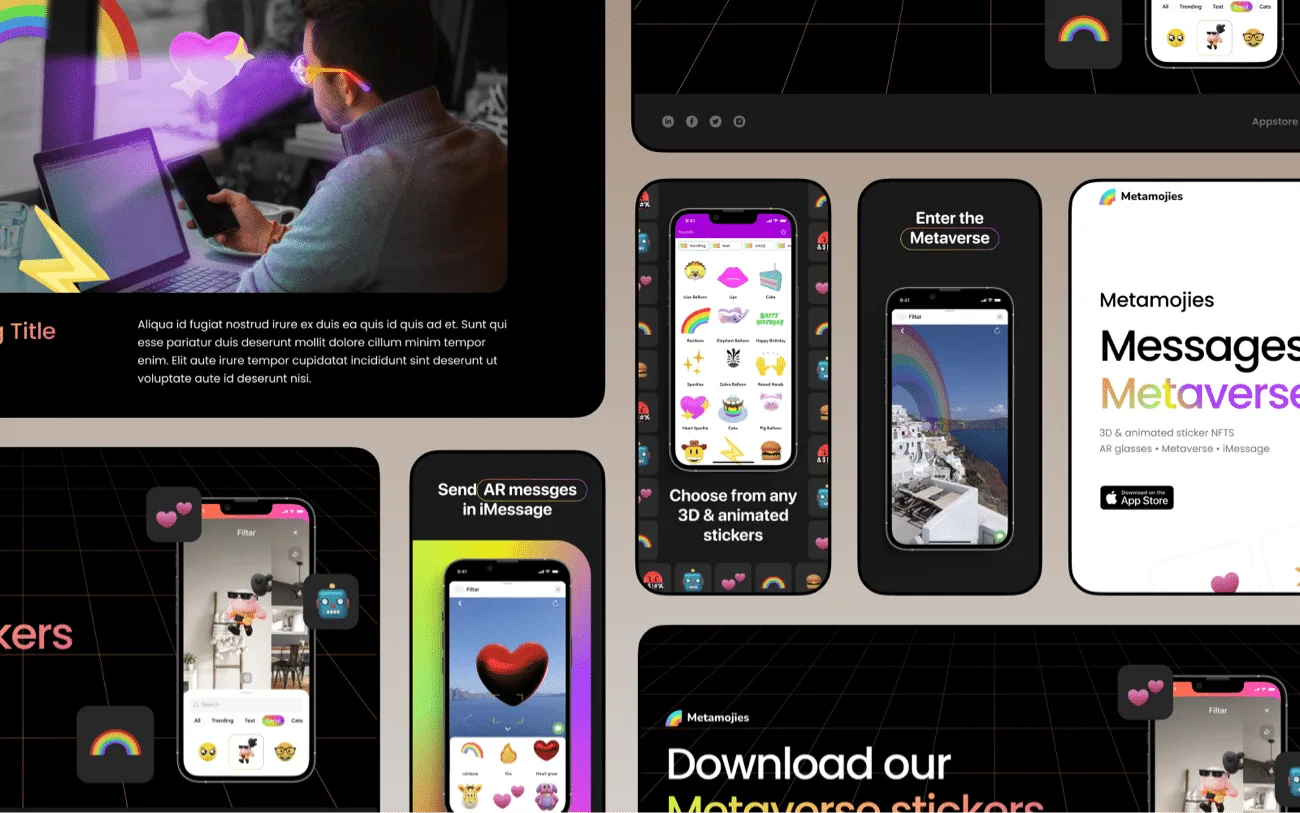
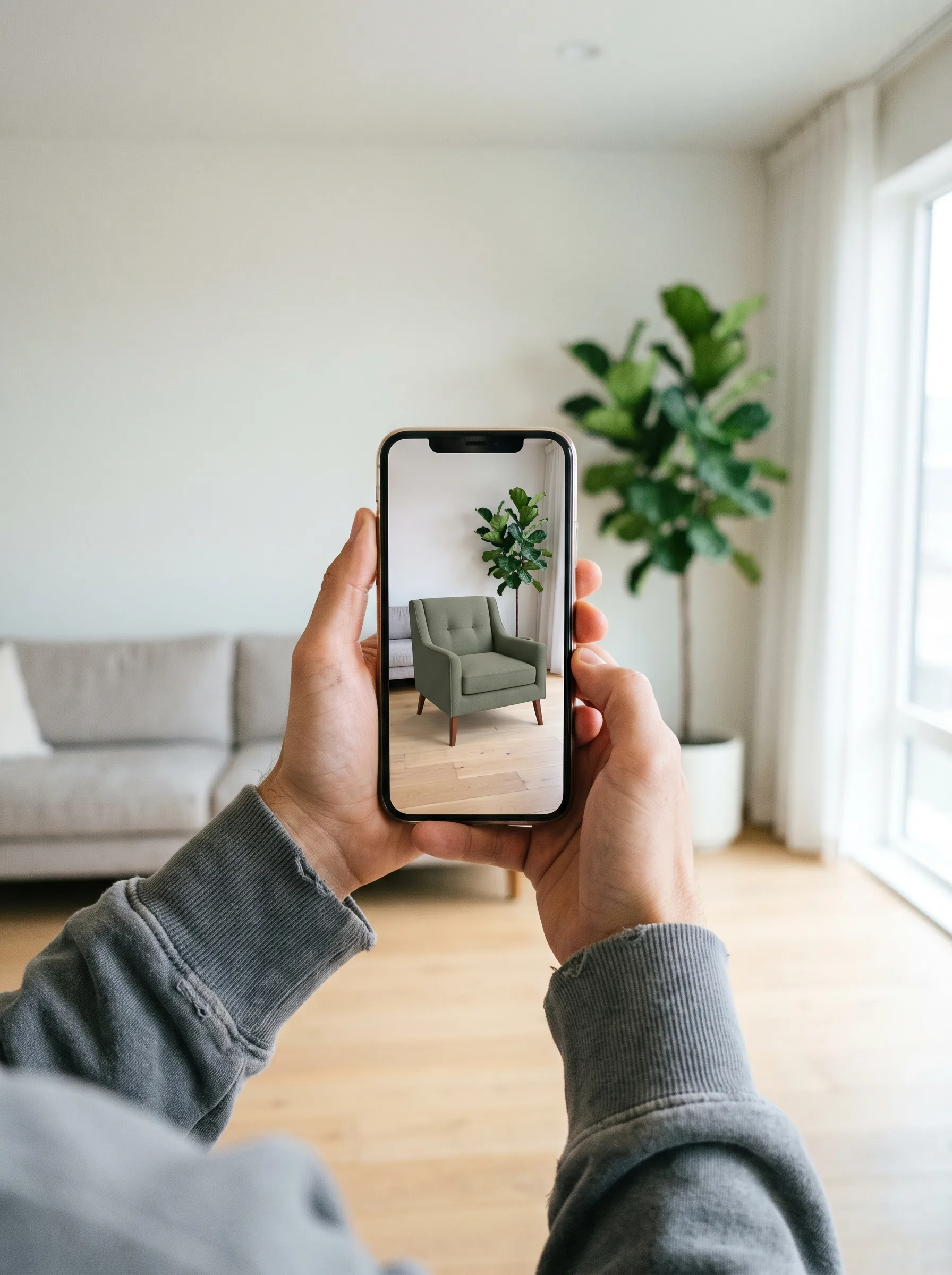
We build mobile AR apps with ARKit, ARCore, and Unity's AR Foundation: plane detection, occlusion, body and face tracking, and USDZ content that ships through the App Store and Google Play with native performance.
iOS · Android · Apple Vision Pro · Meta Quest
Frame Sixty is a US-based AR/VR app development company. We build augmented and virtual reality apps for iOS, Android, and every major headset — from ARKit and ARCore mobile experiences to Apple Vision Pro and Meta Quest. Our team has shipped 100+ apps with more than 10 million downloads.
 Unity
Unity glTF
glTF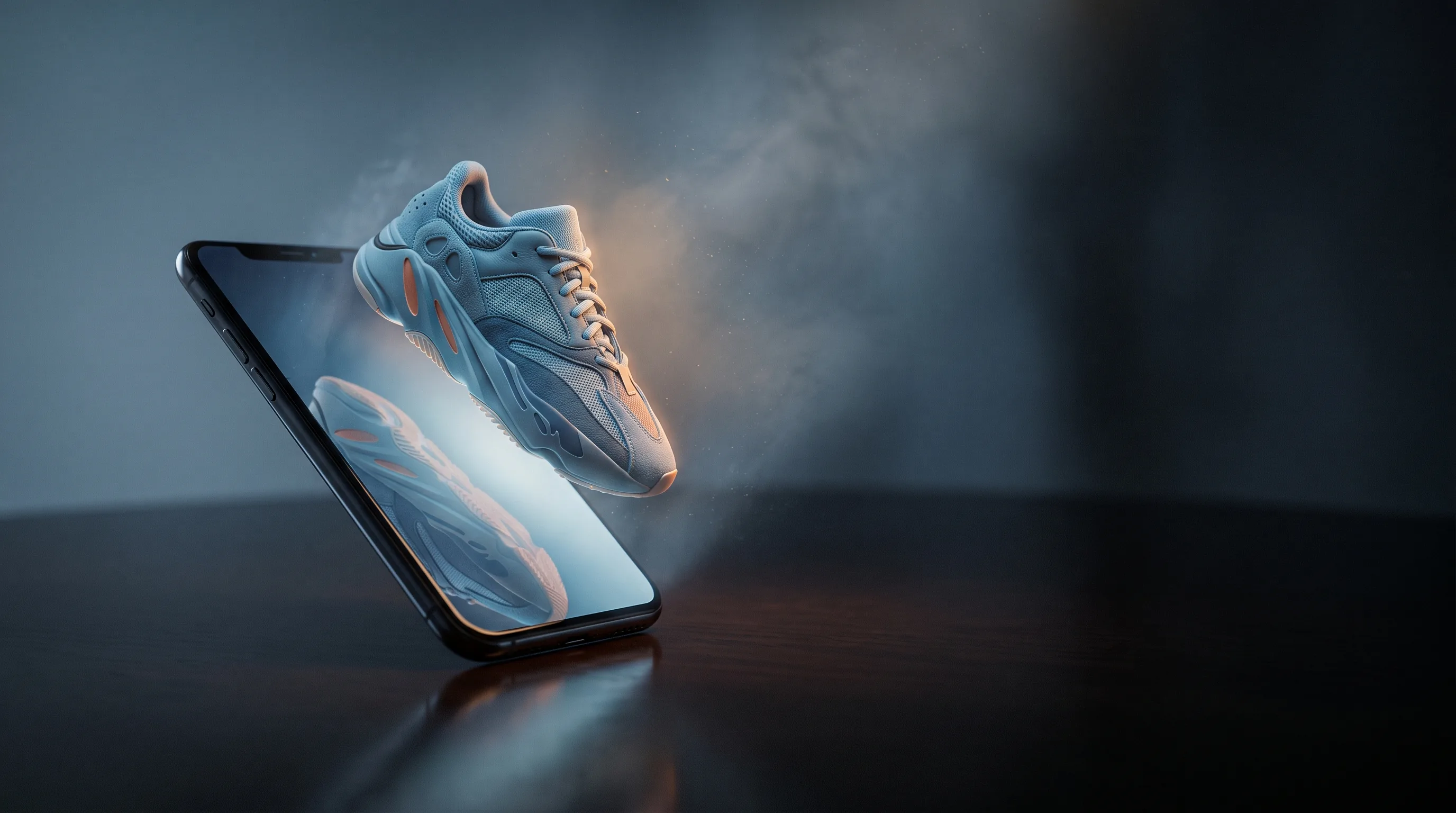
Build for the device your audience already has. Expand into immersion when the experience demands it.
01 / Services
Our AR/VR app development services cover the full path from first concept to store launch — six disciplines, starting on the device your customers already carry. Every engagement is shaped around the audience, the platform, and what the experience actually has to do.
We build mobile AR apps with ARKit, ARCore, and Unity's AR Foundation: plane detection, occlusion, body and face tracking, and USDZ content that ships through the App Store and Google Play with native performance.
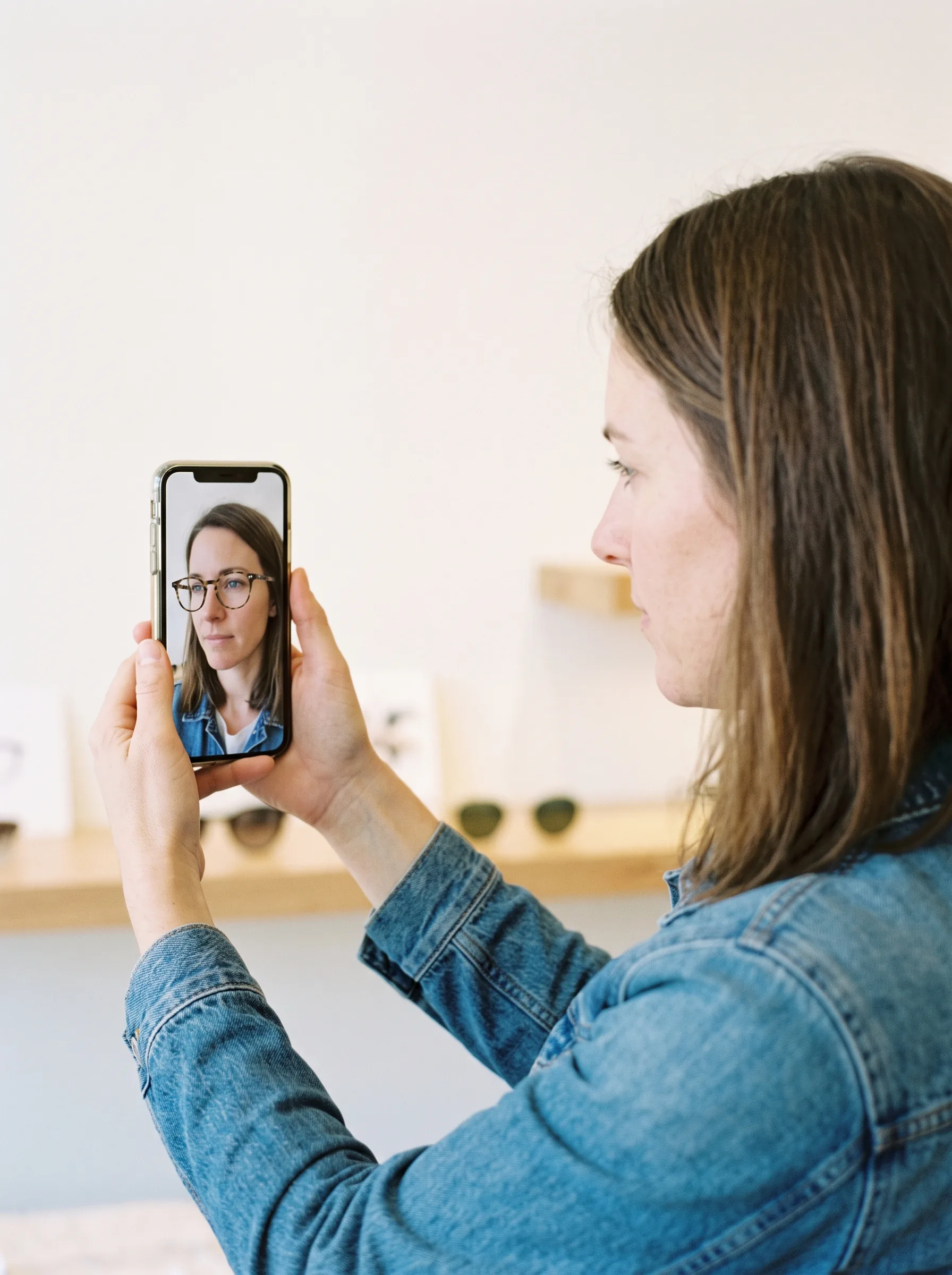
Our team develops AR shopping experiences — virtual try-on, view-in-your-space product visualization, and interactive campaigns — that raise buyer confidence and conversion for retail and e-commerce brands.
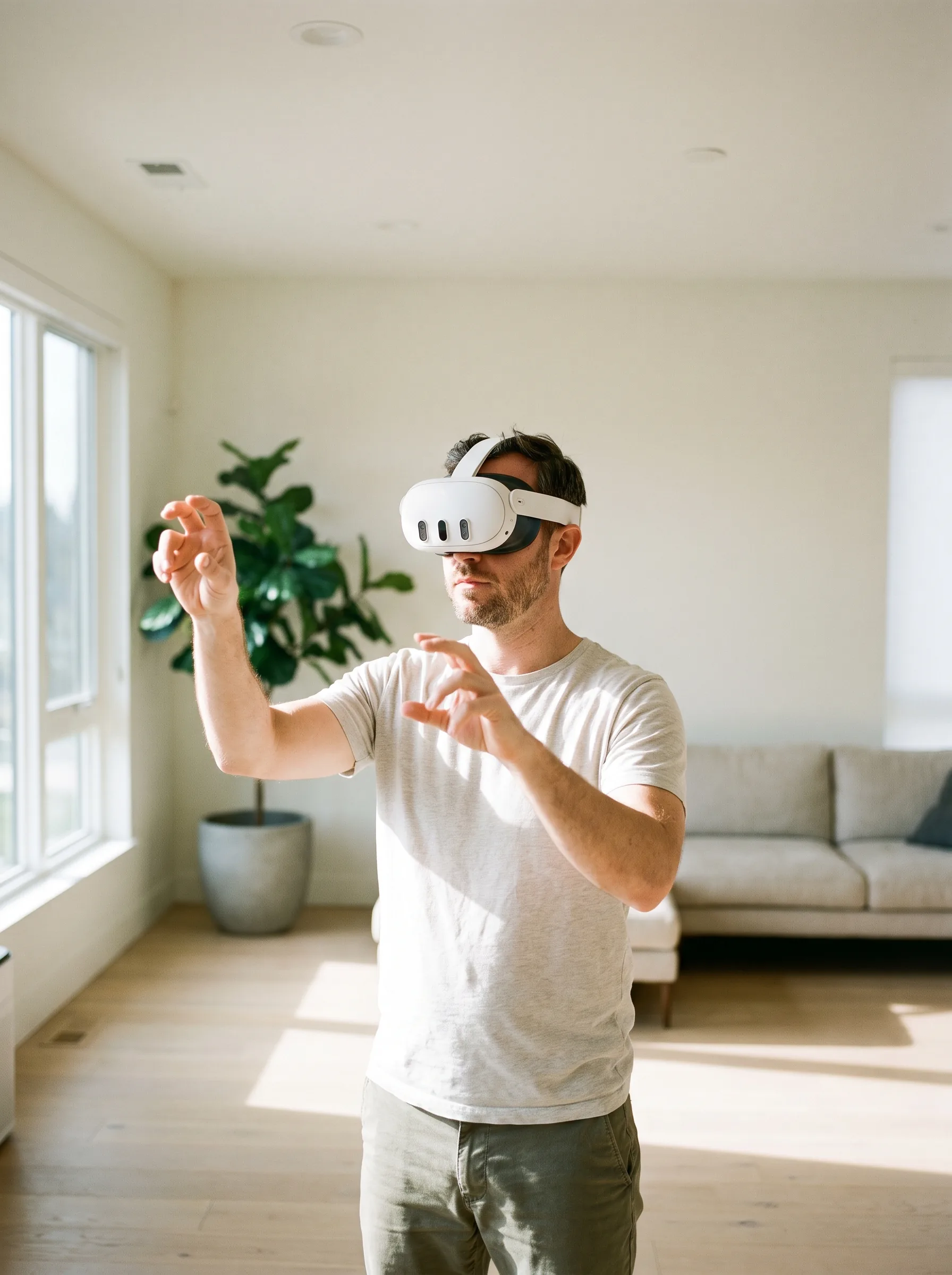
We build virtual reality apps for Meta Quest and Apple Vision Pro, from training tools to consumer experiences, engineered for standalone headset performance and carried through store review.
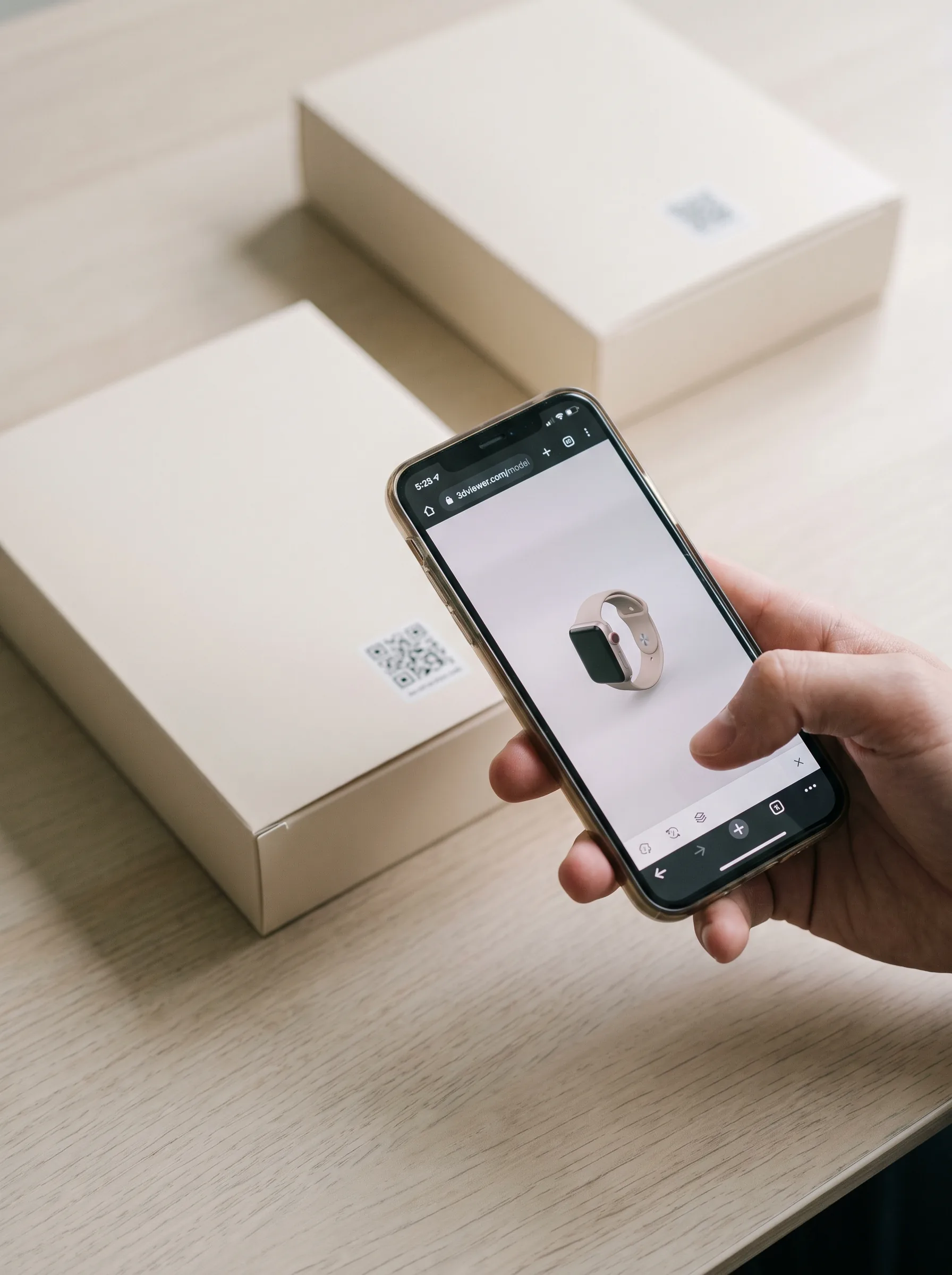
We create browser-based AR that needs no download: campaign activations, product viewers, and interactive manuals that launch from a link or QR code and run on any modern phone.
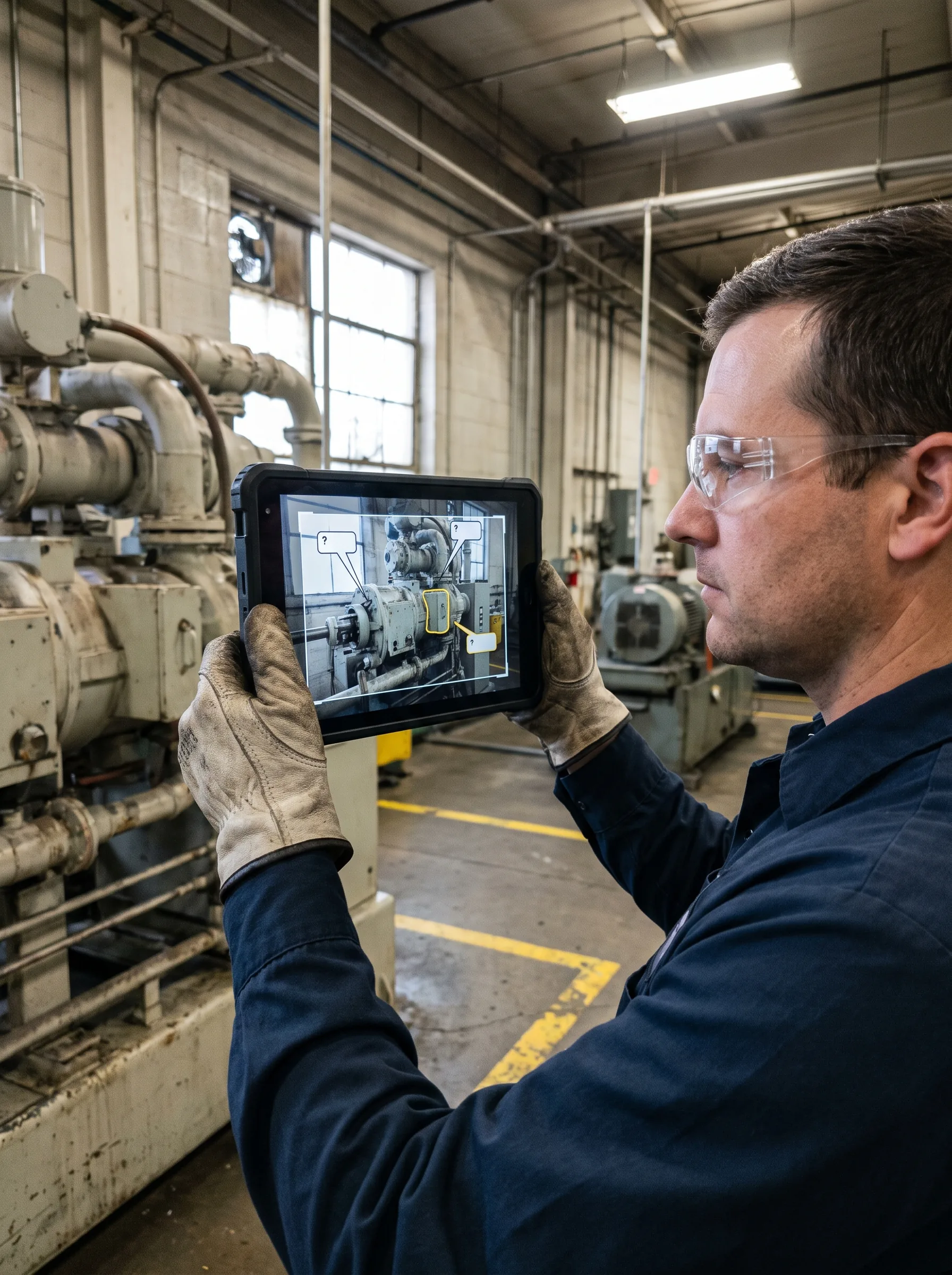
We develop enterprise AR/VR applications that integrate with existing systems: field-service overlays, training simulations, and 3D data visualization, with device management and support built for real deployments.

We carry AR/VR apps through App Store, Google Play, and Meta Horizon Store review — assets, ratings, and reviewer feedback included — then support them after launch. Our team has taken 100+ apps through platform review.
02 / Platform
The right home for your app depends on your audience, budget, and what the experience needs to do. Most AR products start on the phone, where every customer already is; headsets earn their place when immersion is the product. Here's how we help you choose.
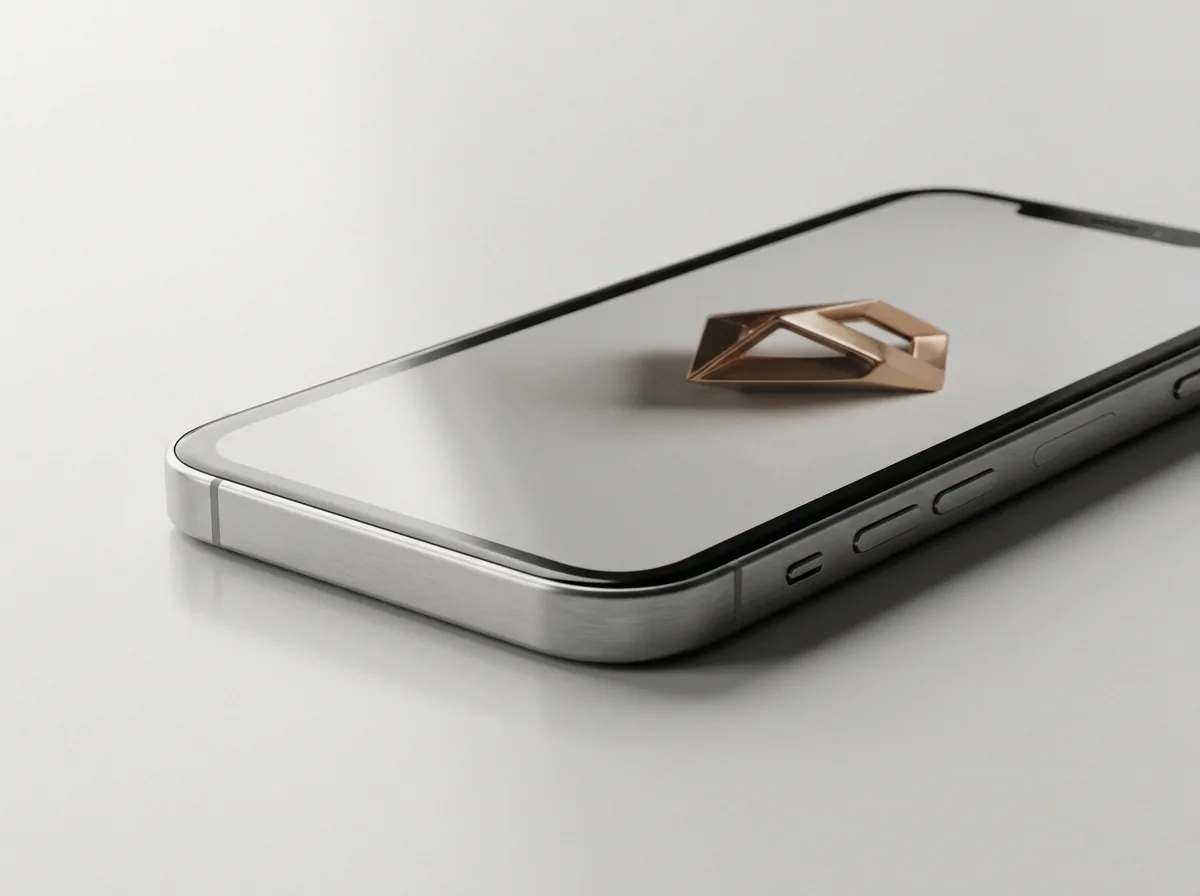
The widest reach; every customer has the device in their pocket.
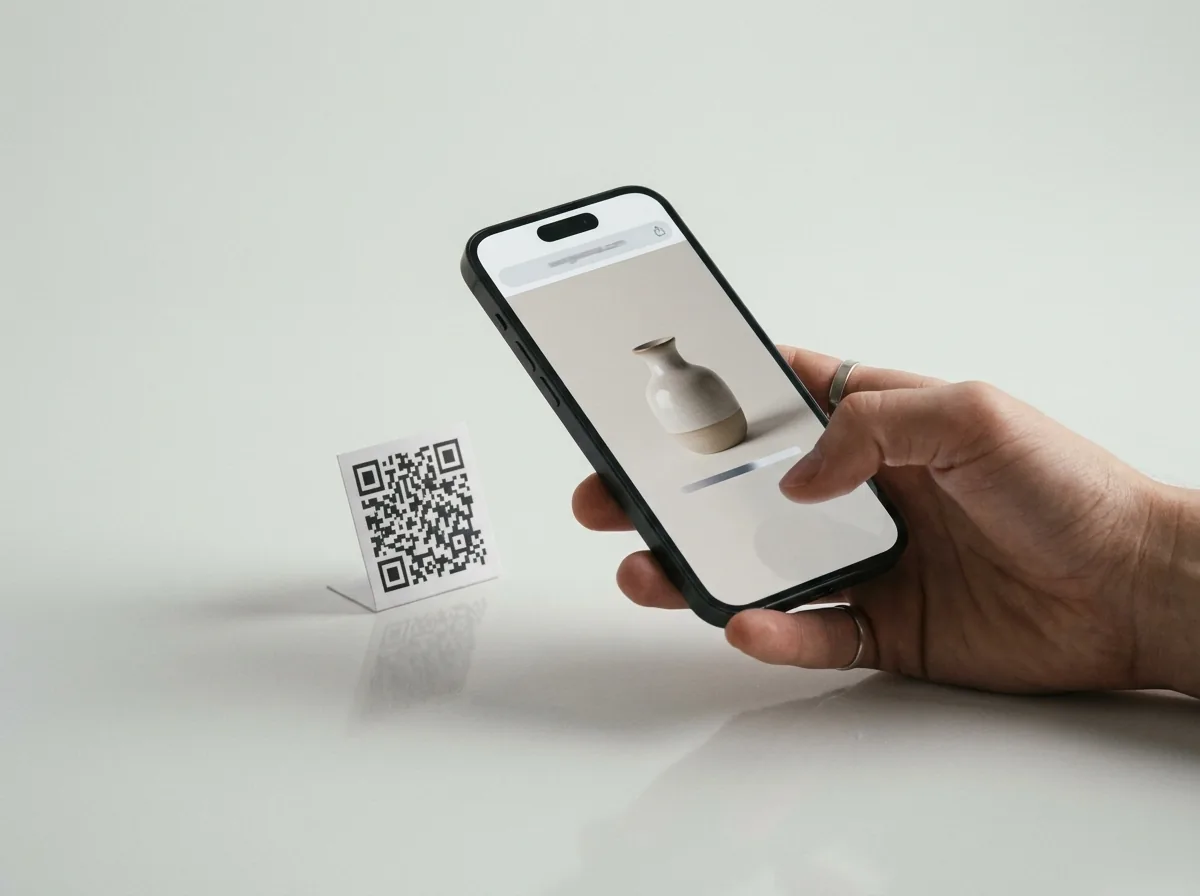
Zero-download AR from a link; built for campaigns and commerce.
Learn more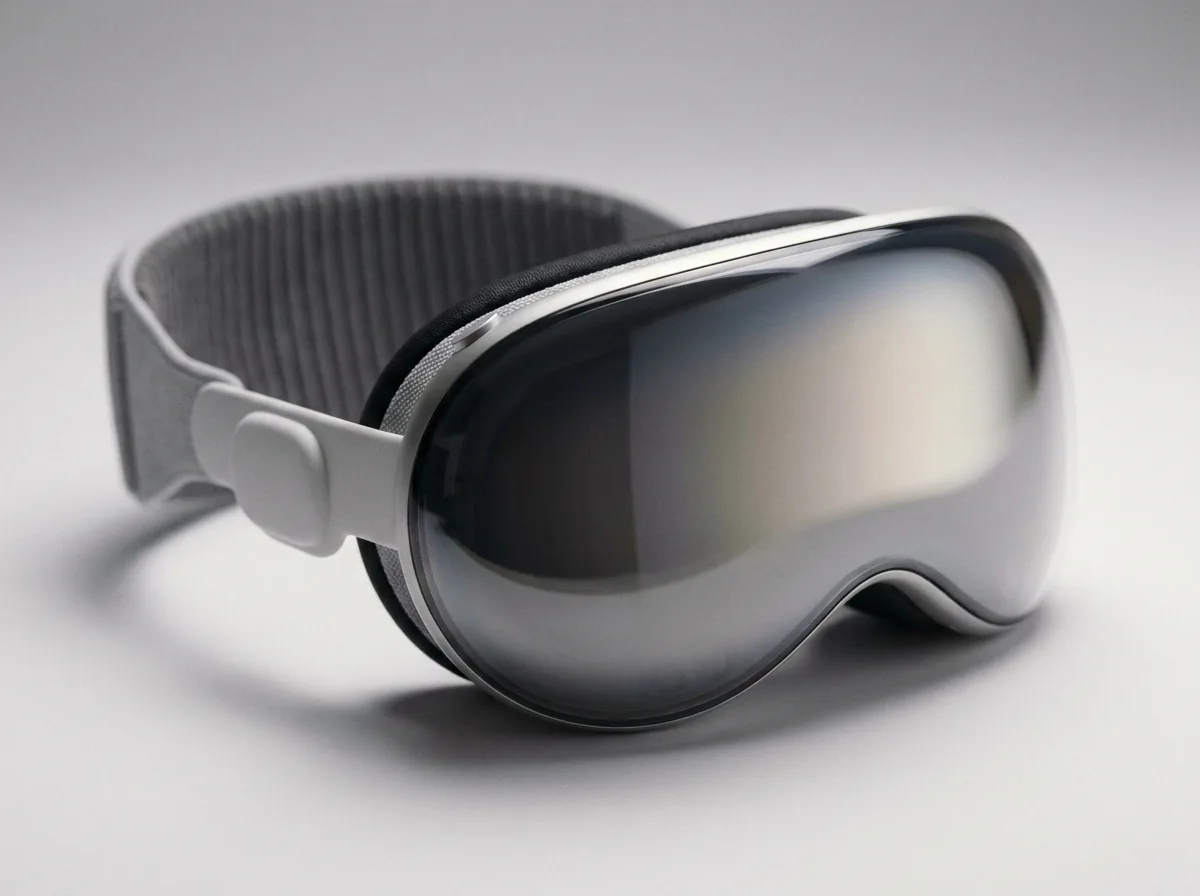
Premium spatial experiences with Apple-ecosystem polish.
Learn more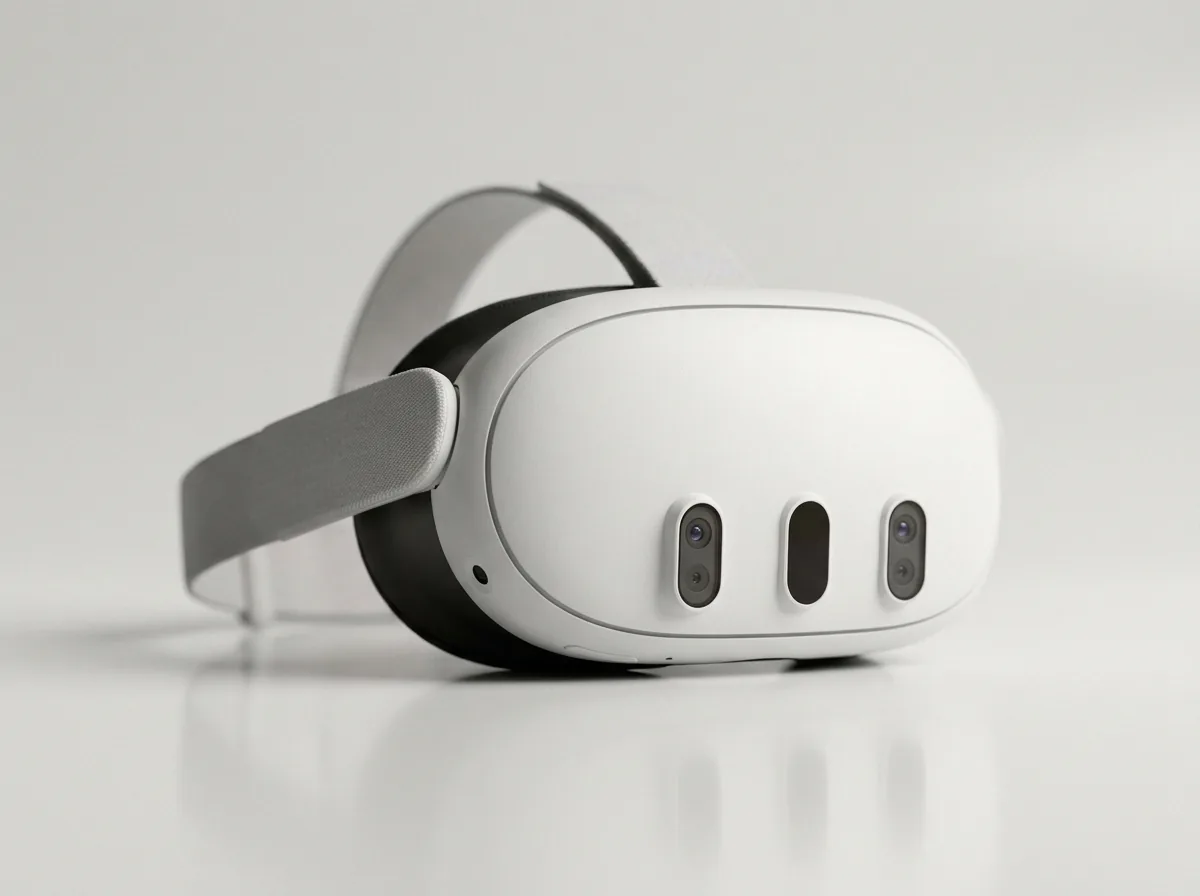
The largest headset audience for VR apps and training.
Learn moreNot sure? That's what the discovery call is for.

03 / Team
Hire AR app developers who can move from platform strategy to a working build. Frame Sixty develops with ARKit, ARCore, AR Foundation, RealityKit, and Unity, and our augmented reality app developers carry products through App Store, Google Play, and headset store review.
Teams come to us for three things: a new product built from scratch, an AR feature added to an app that already ships, or an existing experience expanded onto a second platform. In each case you work directly with the developers doing the work — no account layer between you and the build.
04 / Process
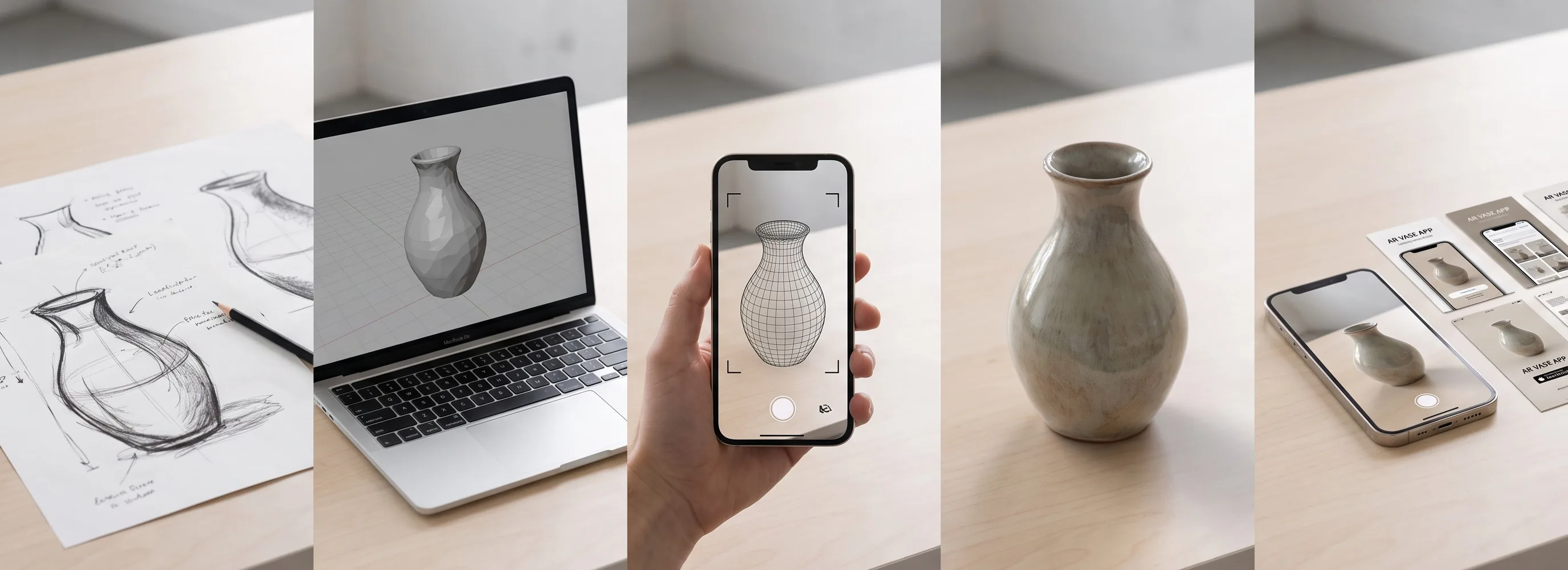
We clarify the audience, business goal, platform, environment, integrations, and success criteria before defining the first working scope.
We test the core interaction early on the phone or headset, where scale, tracking, comfort, and environmental behavior can be judged accurately.
Application engineering and optimized 3D production move together, keeping interaction, visual quality, and device performance aligned.
Weekly builds expose the experience to real spaces, lighting, hardware, users, and integration constraints while changes are still efficient to make.
We prepare store assets, work through review, release the product, and support the app after launch.
A focused AR app typically takes two to three months from concept to store submission; larger products run longer depending on scope.
05 / Cost
The cost of an AR app depends on scope: a WebAR product viewer, a mobile AR app, and a full headset experience are three different budgets. Project work is quoted as a fixed bid after a discovery call, so the full cost is clear before development begins.
Three things move the number more than anything else, and a short call is usually enough to place your project against them.
WebAR, native mobile, cross-platform mobile, and headset products carry different production and testing requirements.
Tracking, occlusion, try-on, multiplayer, spatial mapping, and real-world operating conditions shape the build.
Asset creation, animation, commerce, accounts, data systems, device management, and analytics affect scope.
Get an accurate range in a 30-minute discovery call.
Request a Fixed-Bid Estimate06 / Use Cases
Where AR and VR earn their place in real products, campaigns, and operations. These are the patterns AR/VR app development is asked for most — each one solving a concrete problem rather than demonstrating the technology for its own sake.
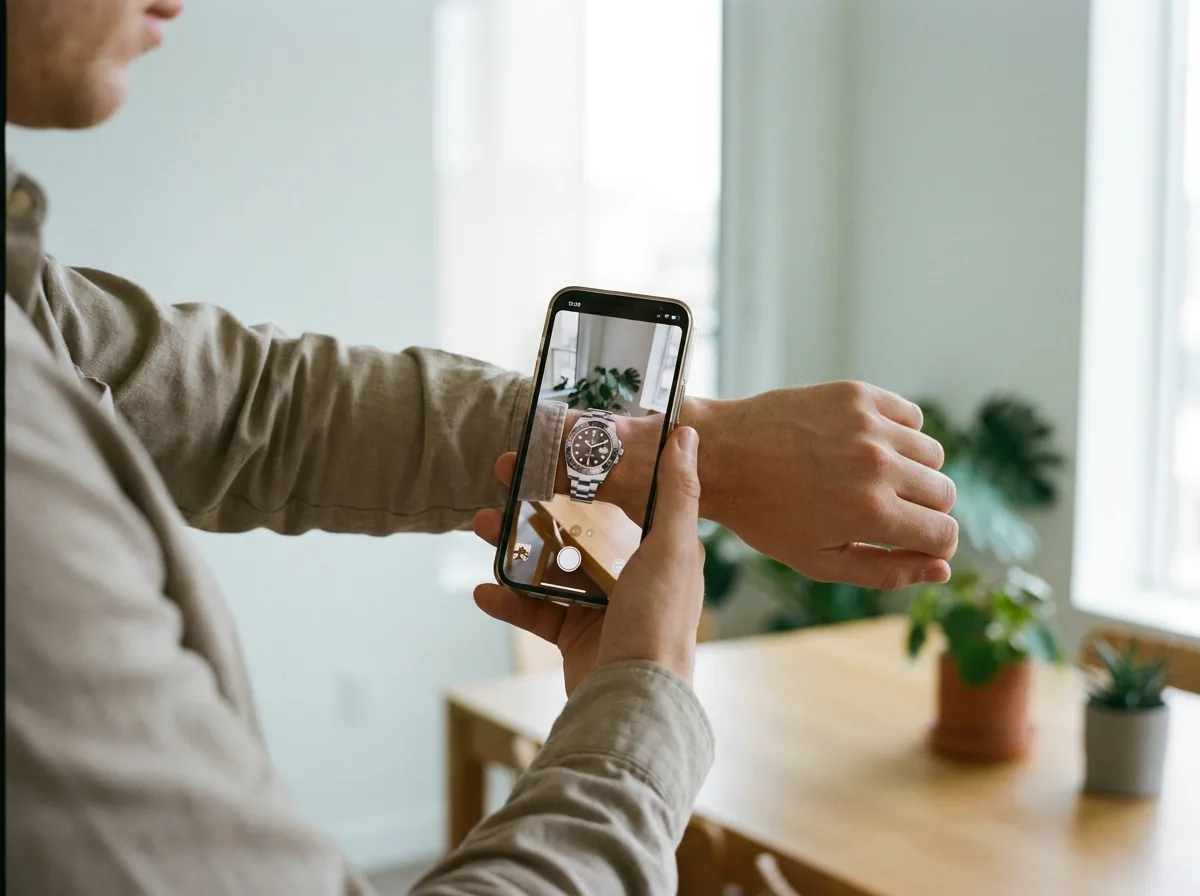
Shoppers try products on their own body or face before buying — eyewear, watches, apparel, and beauty — raising buyer confidence and conversion for retail brands.
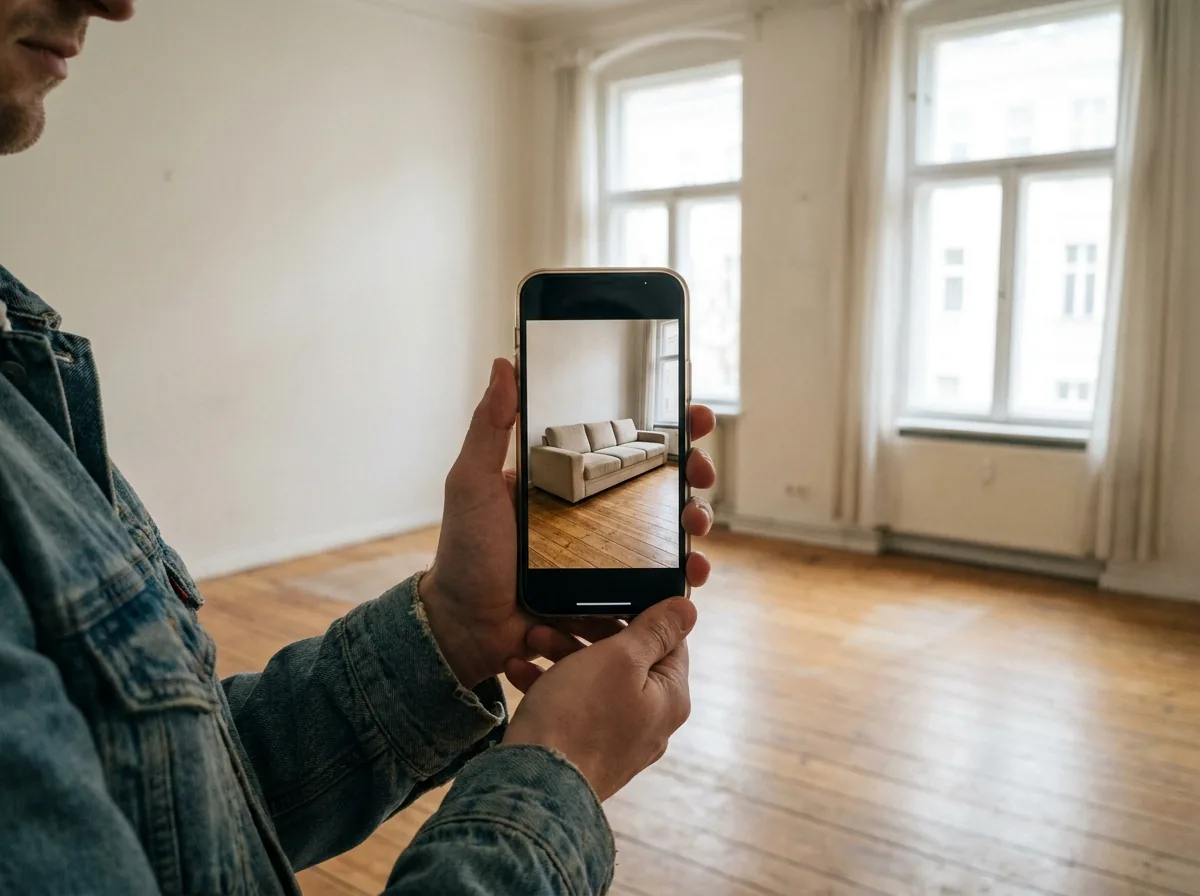
Customers place true-to-scale furniture, appliances, and equipment in their own rooms with USDZ and ARKit/ARCore product visualization — answering “will it fit” before checkout.
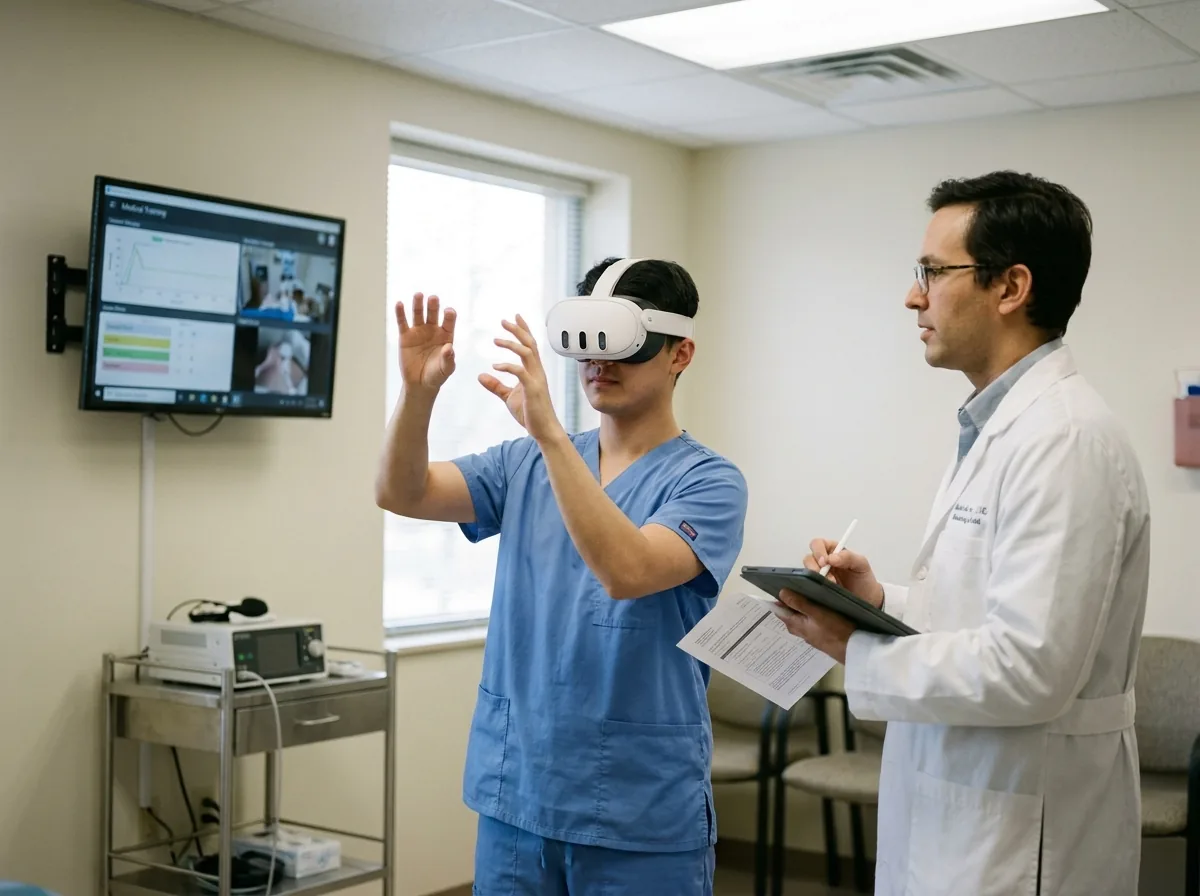
Teams practice high-stakes procedures safely in VR on Meta Quest and Apple Vision Pro — repeatable, measurable training engineered for standalone headset performance.

Brand campaigns and product viewers that launch from a link or QR code with no download — browser-based AR that runs on any modern phone, built for reach.
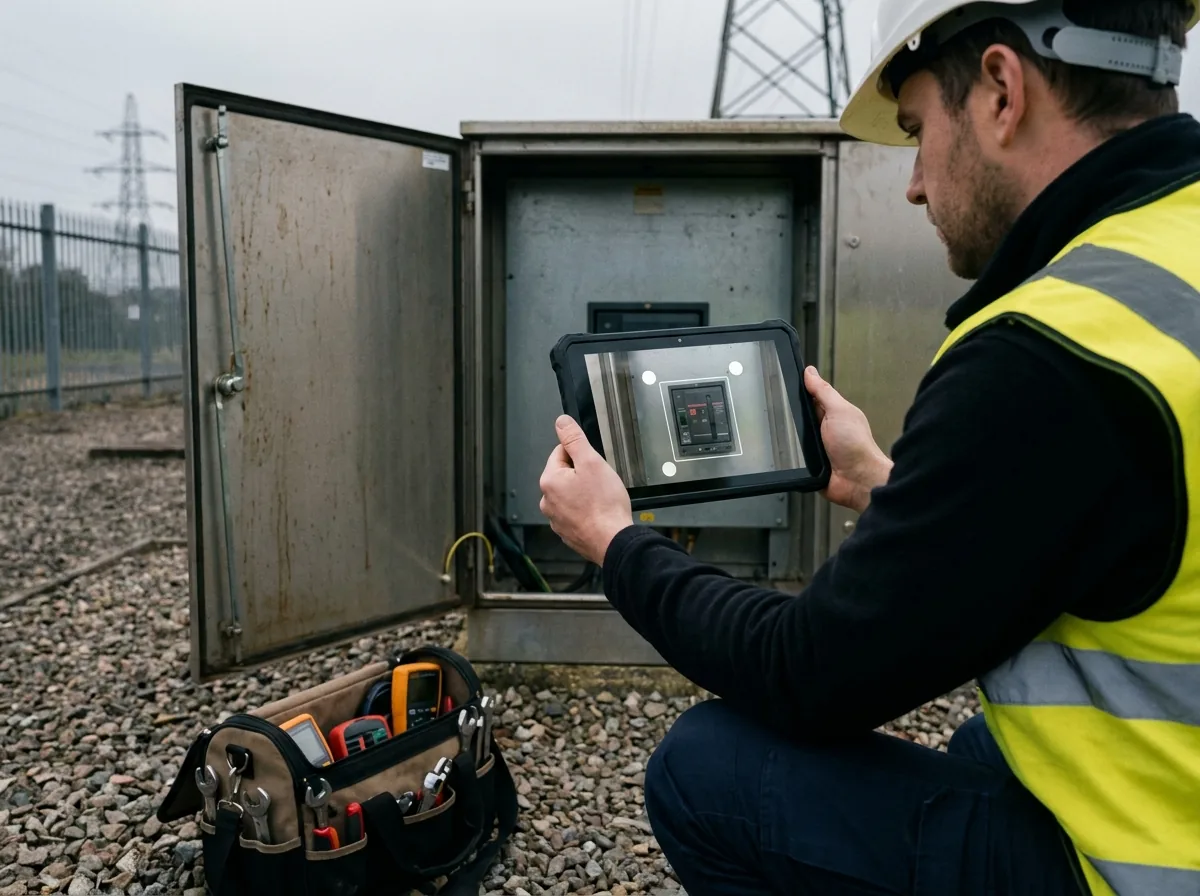
Technicians see spatial repair guidance and live 3D data on the equipment in front of them — enterprise AR that integrates with existing systems, with device management built in.
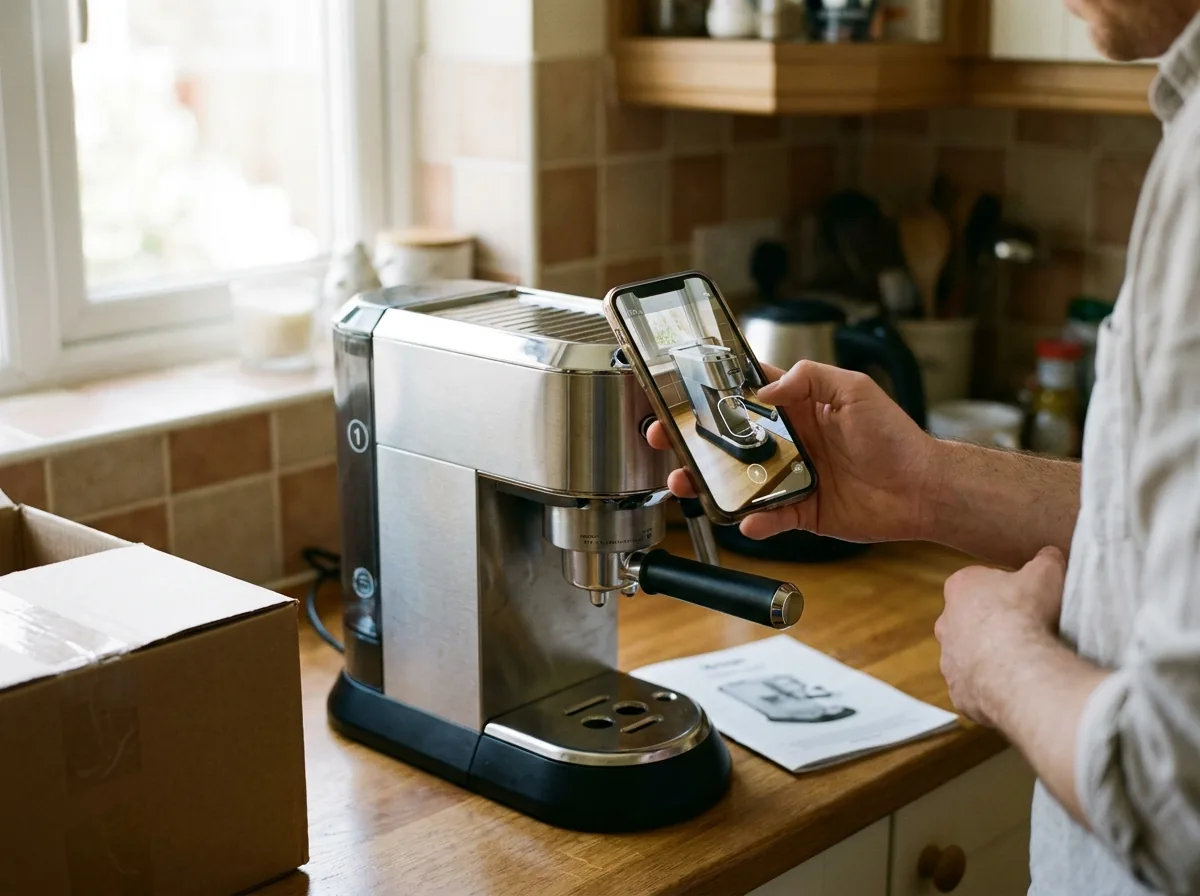
Setup guides and instructions anchored to the physical product itself — customers point their phone and follow steps in place, cutting support calls and returns.
07 / Work
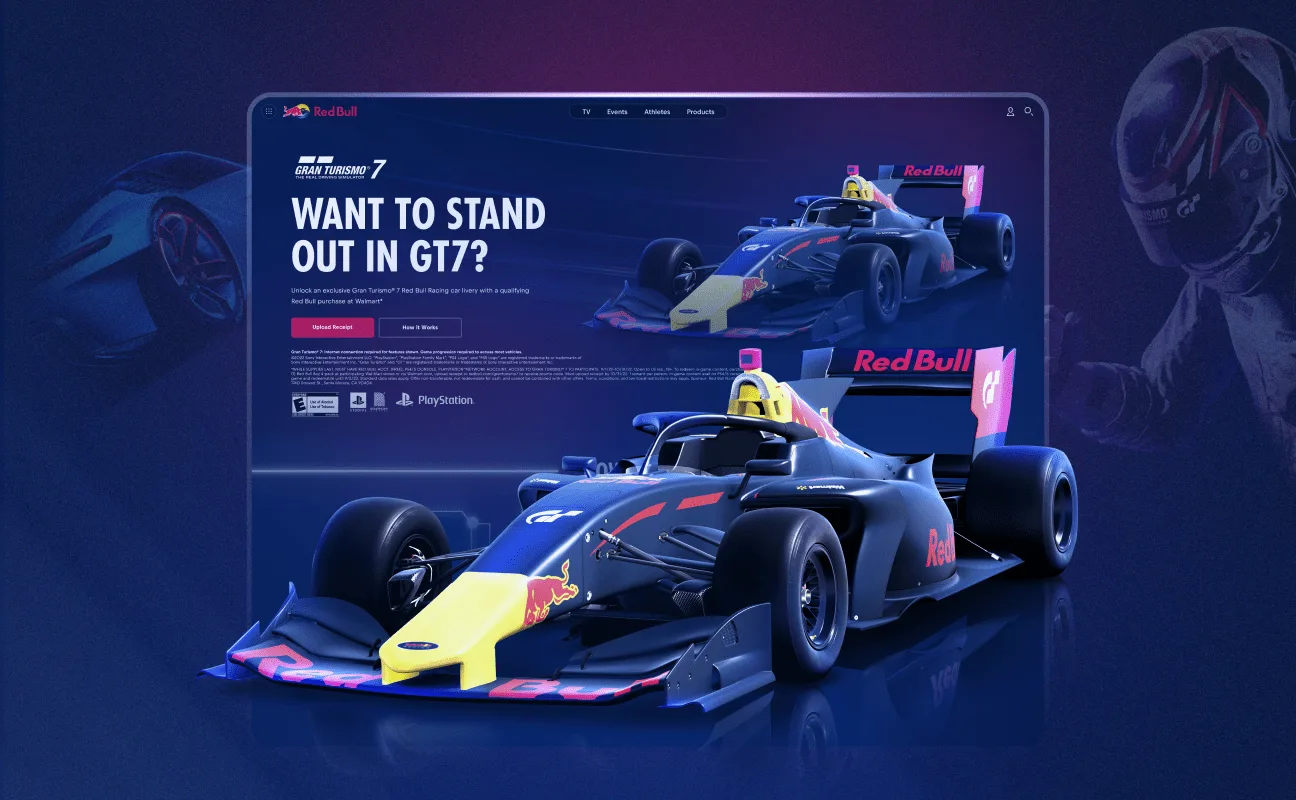
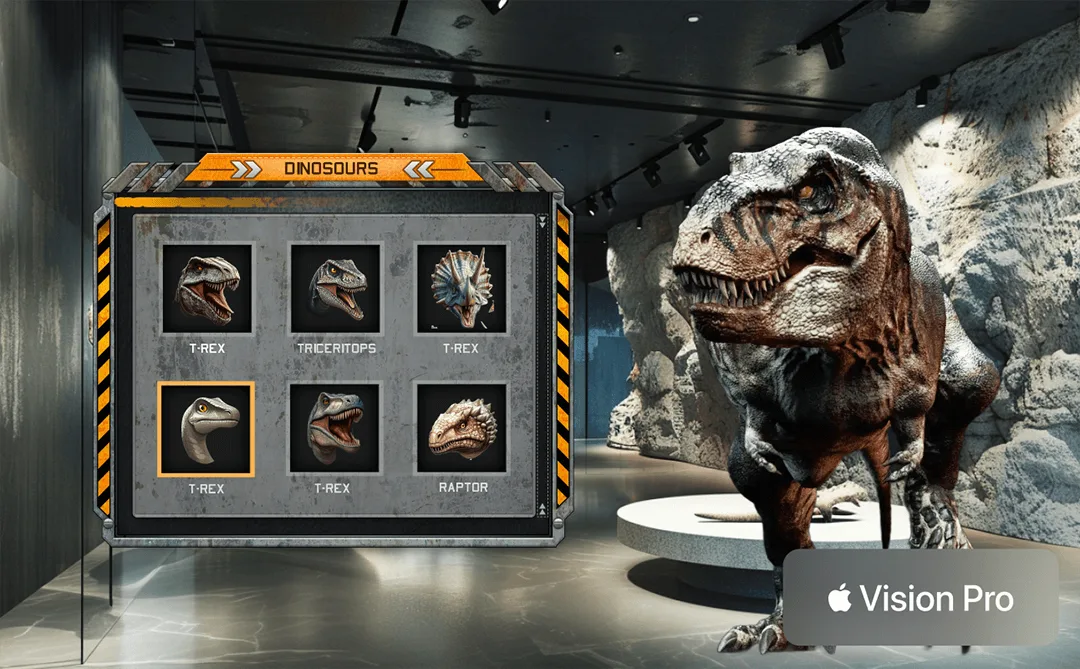
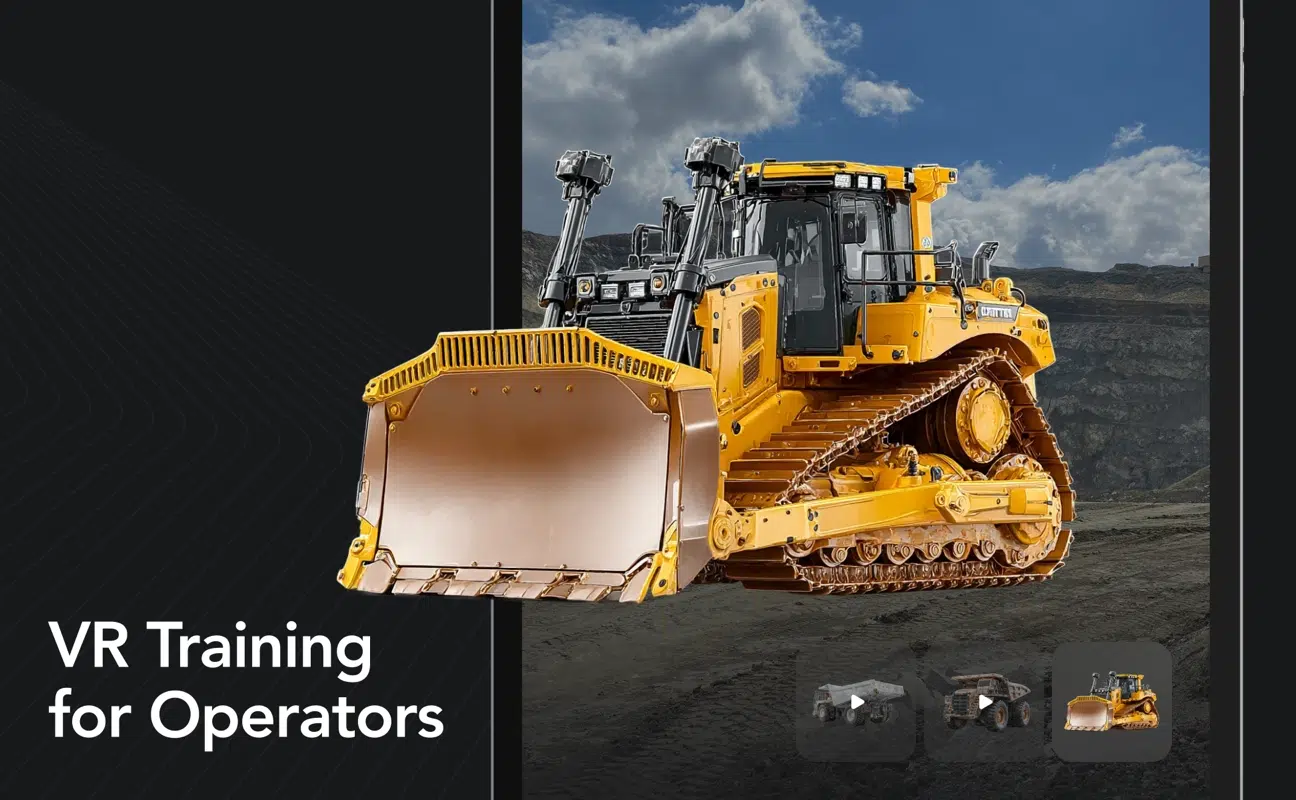
Real products across phone AR, brand campaigns, mixed reality exhibits, and headset training — each one taken through platform review and into users' hands.
Straight answers to the questions we hear most from teams planning an AR or VR app.
The cost of AR app development depends on scope: a WebAR product viewer, a full mobile AR app, and a headset experience are different budgets. Project work is quoted as a fixed bid after a discovery call, so the total is clear before development begins, and a 30-minute call produces an accurate range.
A focused AR app typically takes two to three months from concept to store submission, and larger AR/VR products run longer depending on scope. We stage work in weekly deliveries, so you see working builds early and the timeline stays visible throughout the project.
Choose mobile AR when reach matters most — every customer already has the device. Choose WebAR for zero-download campaign and commerce experiences that launch from a link. Choose Apple Vision Pro or Meta Quest when immersion is the product. We help you sequence platforms during discovery, and many products ship to more than one.
ARKit is Apple's augmented reality framework for iOS, and ARCore is Google's equivalent for Android. Both provide motion tracking, plane detection, and light estimation. We build with Unity's AR Foundation when an app targets both platforms from one codebase, and natively when deep single-platform integration wins.
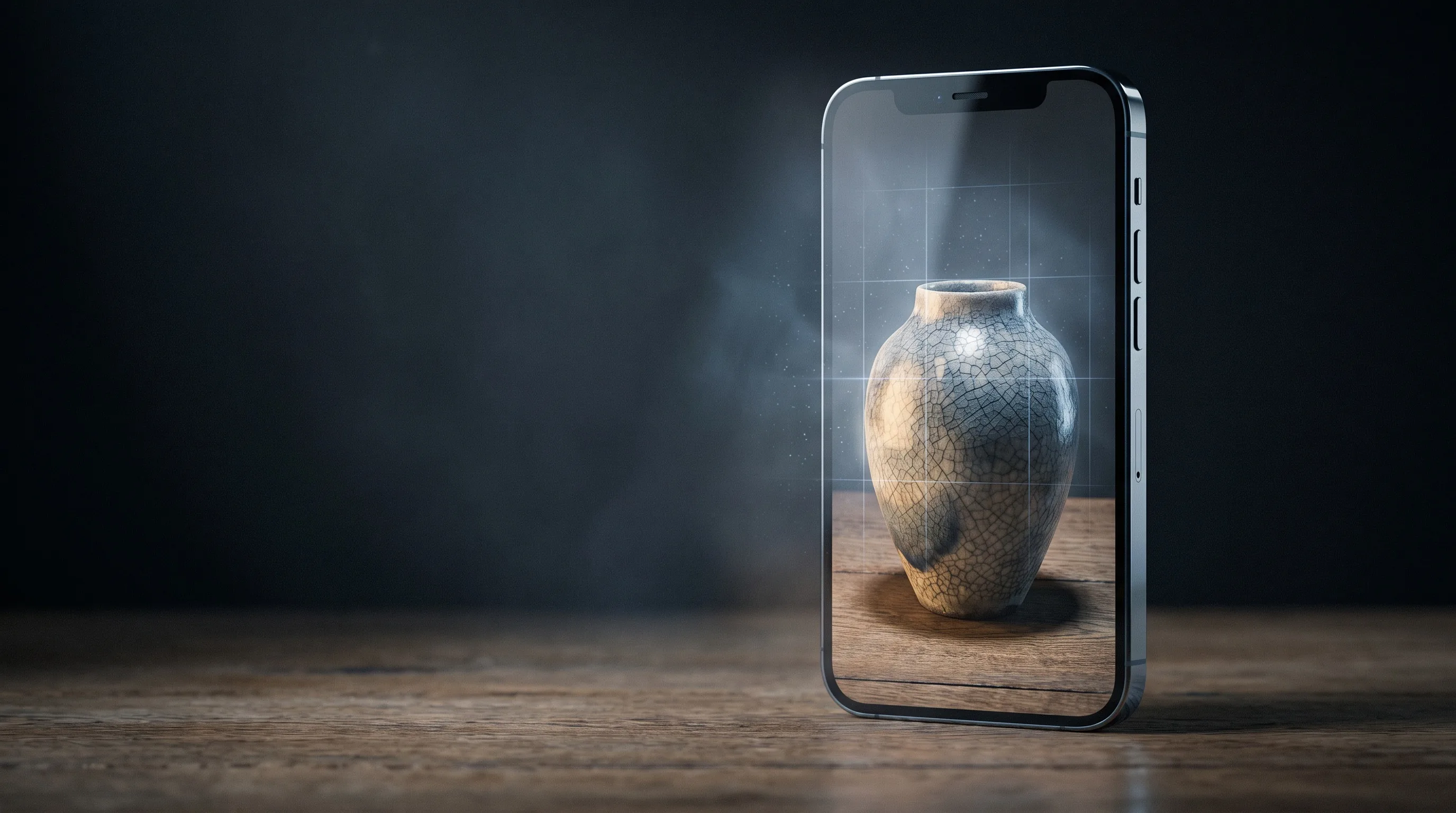
Yes — our in-house 3D team produces the models, textures, and animations your AR/VR app needs, optimized as game-ready assets in formats like USDZ and glTF. One team handling both the app and its content keeps quality consistent and timelines shorter.
Yes. We integrate AR features — product viewers, try-on, measurement, tracking — into existing iOS and Android apps without rebuilding them. Integration starts with a technical review of your codebase, then ships as a staged feature release through your normal app-update process.
Yes — we build both, and most of our shipped work runs on headsets. VR projects target Meta Quest and Apple Vision Pro, from enterprise training to consumer experiences. When a product should span phone AR and headset VR, we architect it once and deploy it across both.
You own the app, the code, and the project — our contracts assign full IP ownership to you, including source, 3D assets, and store listings. We sign NDAs before discovery when needed; protecting unreleased products is routine practice across our enterprise work.
Frame Sixty pairs senior AR/VR talent with a shipping record: 100+ apps across iOS, Android, Apple Vision Pro, and Meta Quest, with more than 10 million downloads and top ratings on Clutch. You work with developers who have taken AR products through store review, brand campaigns, and enterprise deployment.
We’re interested to see how we can help. Send us a message and we will get back to you within 24 hours.
Get the latest tech news and updates for mobile, web and Apple Vision Pro delivered to your Inbox.