Custom Enterprise VR Training

VR Training Simulations

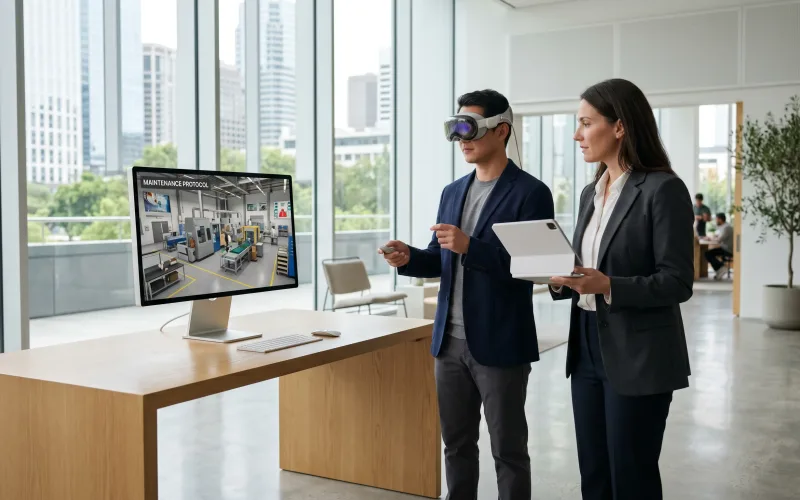
Frame Sixty is a US-based studio building VR training simulations for enterprise. We design and develop immersive training — safety scenarios, equipment simulations, onboarding, and soft-skills practice — deployed on Meta Quest headset fleets with results that flow into your LMS. Our team has shipped 100+ apps with more than 10 million downloads.

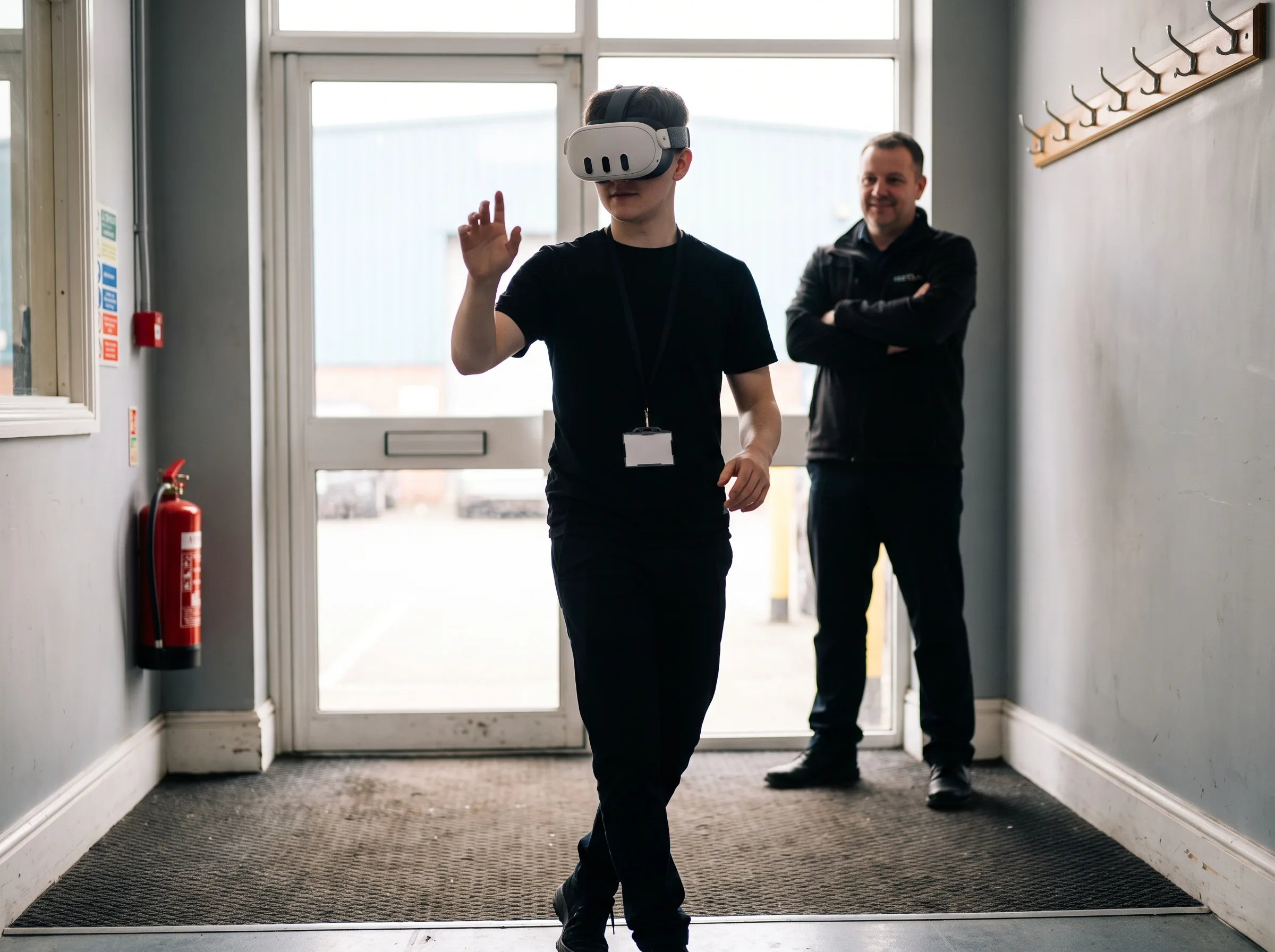
Maintenance trainee practicing a lockout/tagout procedure in a VR training simulation while a supervisor observes

Why Immersive Learning Works

Immersive learning works because people remember what they do far better than what they watch. Published research on VR training has repeatedly reported faster skill acquisition, stronger retention, and higher trainee confidence than classroom and video methods — with the biggest gains on procedural and safety-critical skills, exactly where training failures cost the most. Outcomes depend on instructional design, which is why we build every simulation with the people who will run it.

Immersive learning is not automatically effective because it is immersive. It works when the experience is built around a clear behavior, realistic choices, useful consequences, and feedback that helps the trainee improve.

Talk through a training objective
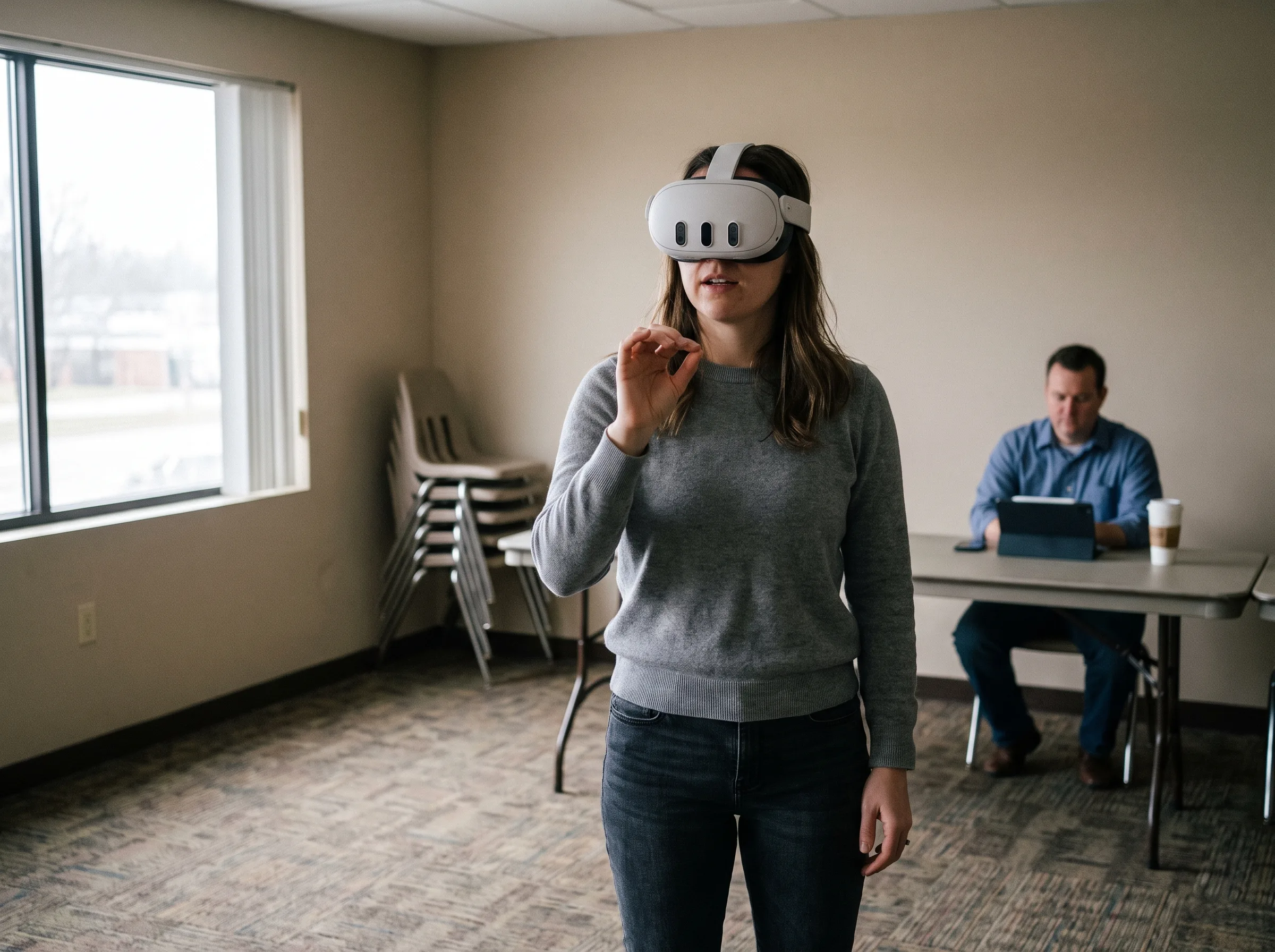
Employee mid-scenario in a Meta Quest 3 headset during an immersive learning session while a trainer observes

Practice, not presentation

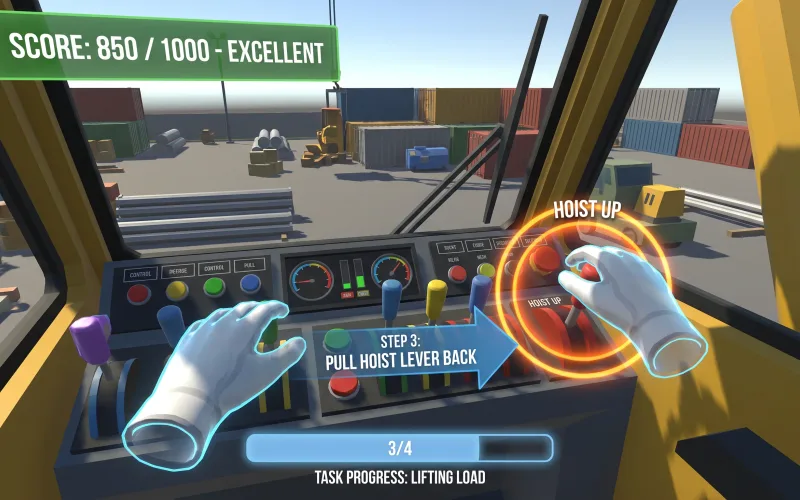
The trainee performs the task instead of only watching someone explain it.

Repetition without a physical reset

The scenario can restart in seconds, letting the learner correct the same decision while it is still fresh.

Feedback at the decision point

Guidance, consequences, and scoring can appear when the action occurs — not days later in a review.

One standard across teams

The same procedure and assessment logic can be delivered across sites, shifts, instructors, and languages.

VR Training Solutions We Build

From one high-value procedure to a multi-module curriculum, we design immersive training around the decisions, movements, standards, and consequences that define success inside your organization.

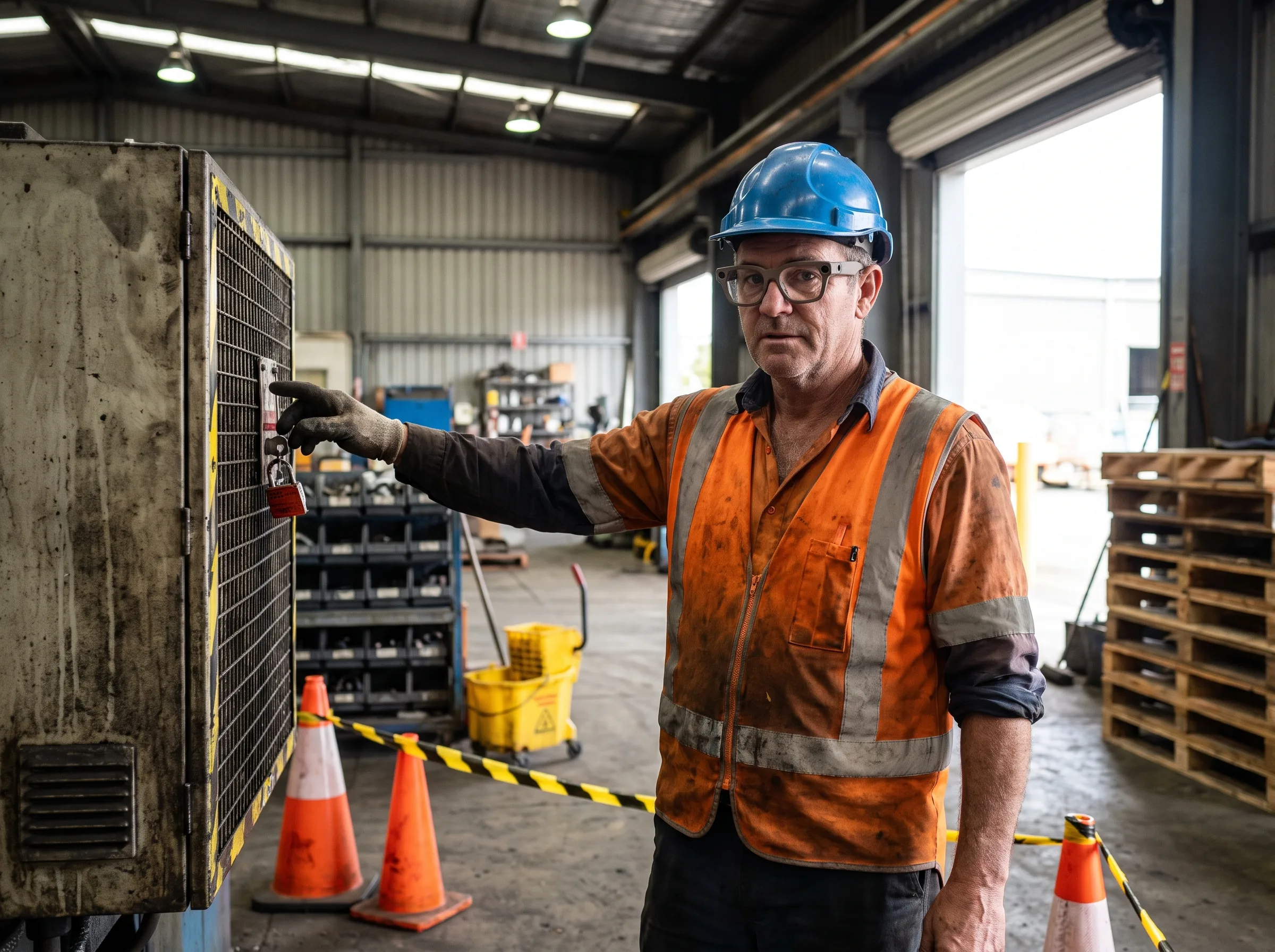
Worker in a hard hat and hi-vis vest wearing Meta Ray-Ban display glasses, practicing a lockout procedure in a VR safety training simulation on the plant floor

EHS · Hazard recognition · Compliance

VR Safety Training

We build VR safety training for the scenarios you can't safely rehearse: lockout/tagout, confined spaces, working at height, hazard recognition. Workers experience the consequence of a mistake in the headset instead of on the job.

Discuss this use case
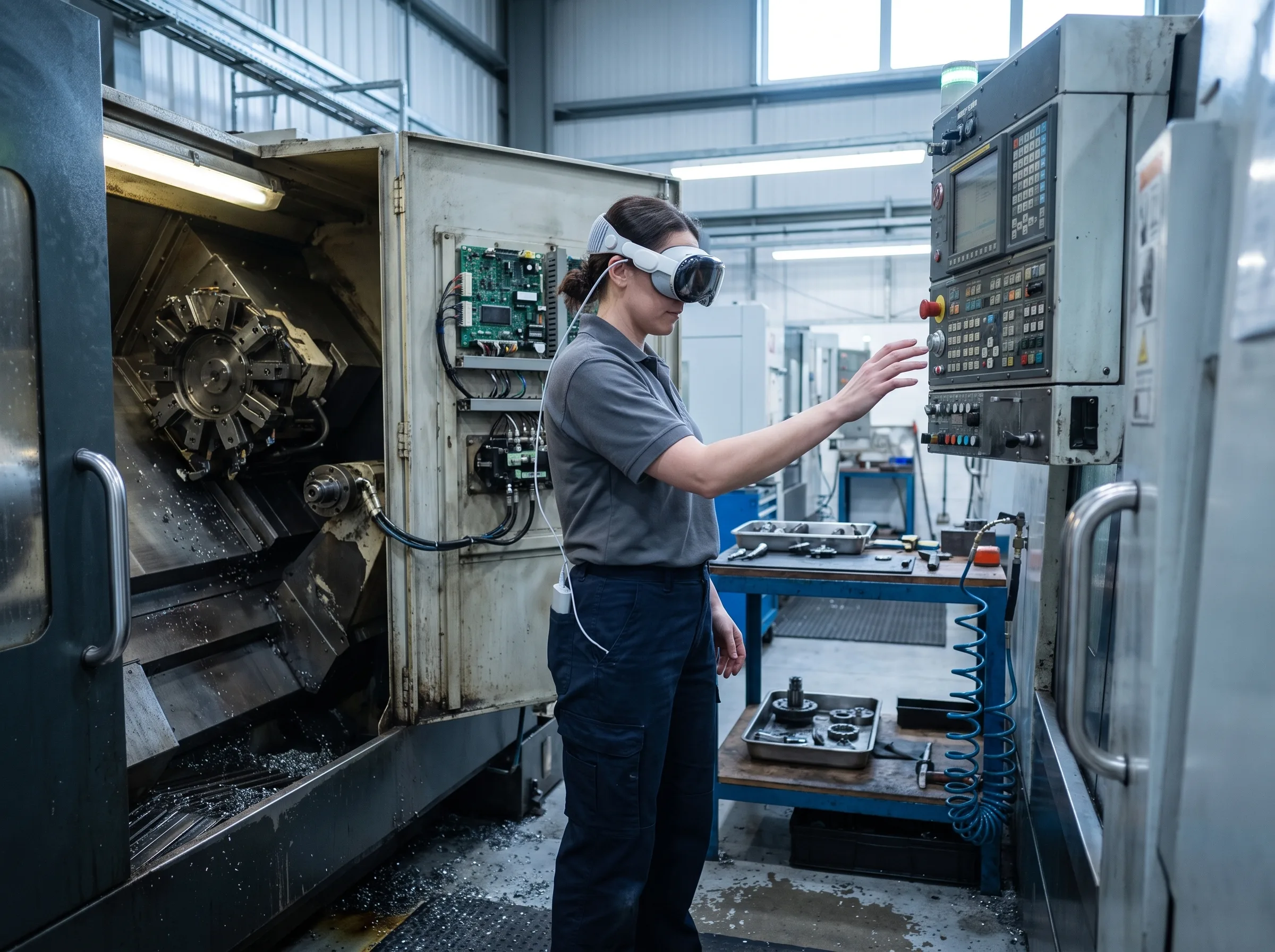
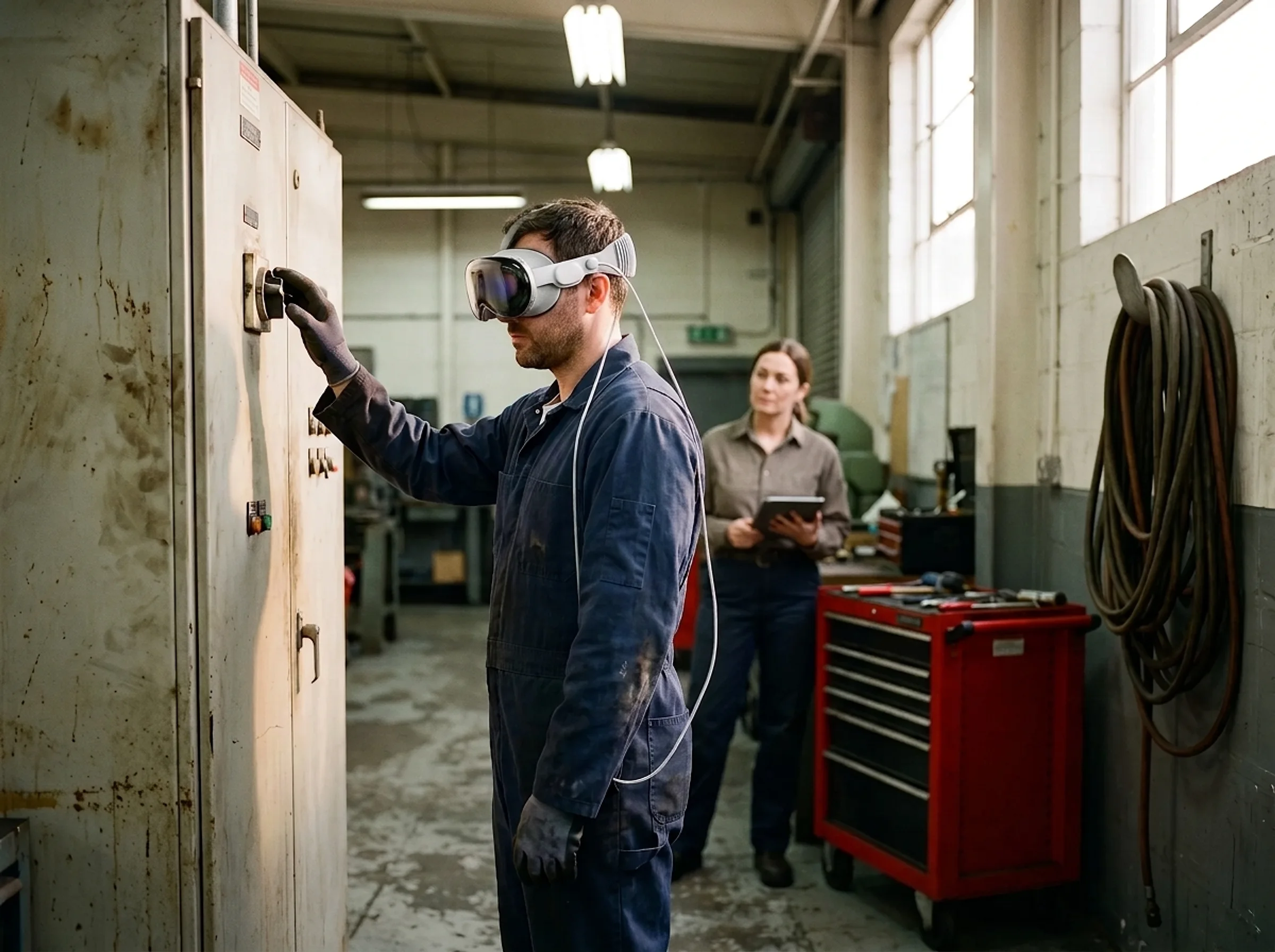
Maintenance technician in an Apple Vision Pro headset rehearsing a control panel procedure in an equipment training simulation

Operations · Maintenance · Digital replicas

Equipment & Procedure Simulations

We develop training simulations of your actual equipment and procedures — virtual replicas operators can run, break, and reset without downtime or scrap. Trainees repeat the sequence until it's fluent, on machines that are never offline.

Discuss this use case
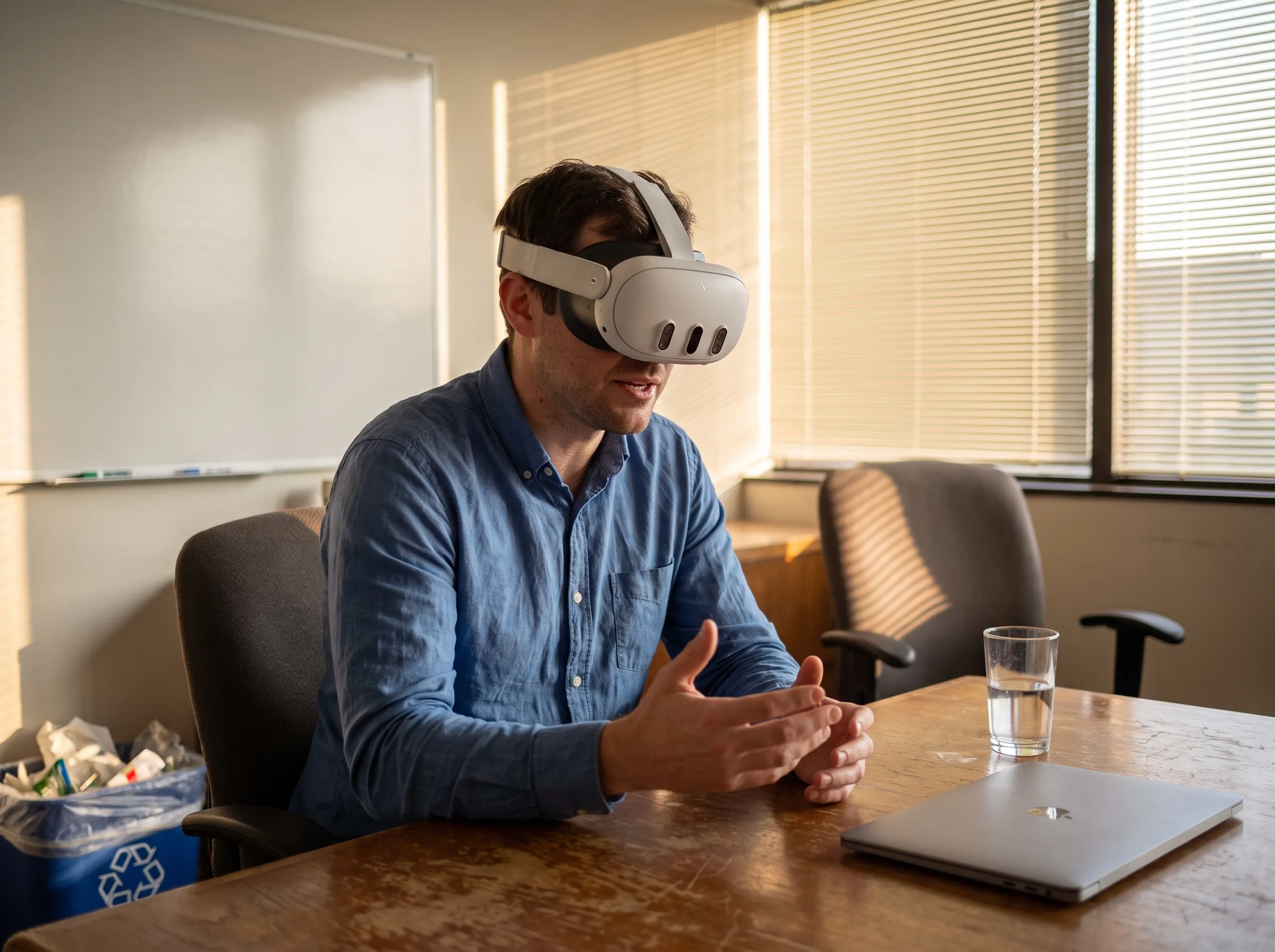
Employee in a Meta Quest 3 headset practicing a difficult conversation in VR soft skills training

Leadership · Customer experience · De-escalation

Soft Skills & Communication

We create VR practice for conversations that matter: difficult customer interactions, de-escalation, coaching, and interviews. Trainees rehearse with responsive virtual characters and get repetitions no role-play schedule can match.

Discuss this use case
New hire wearing a Meta Quest 3 headset on a VR onboarding facility walkthrough while a supervisor observes

Orientation · Facilities · Consistency

Onboarding in VR

We build VR onboarding that puts new hires inside the job before day one on the floor — facility walkthroughs, core procedures, and culture — consistent across every site and shift, without pulling supervisors to repeat it.

Discuss this use case
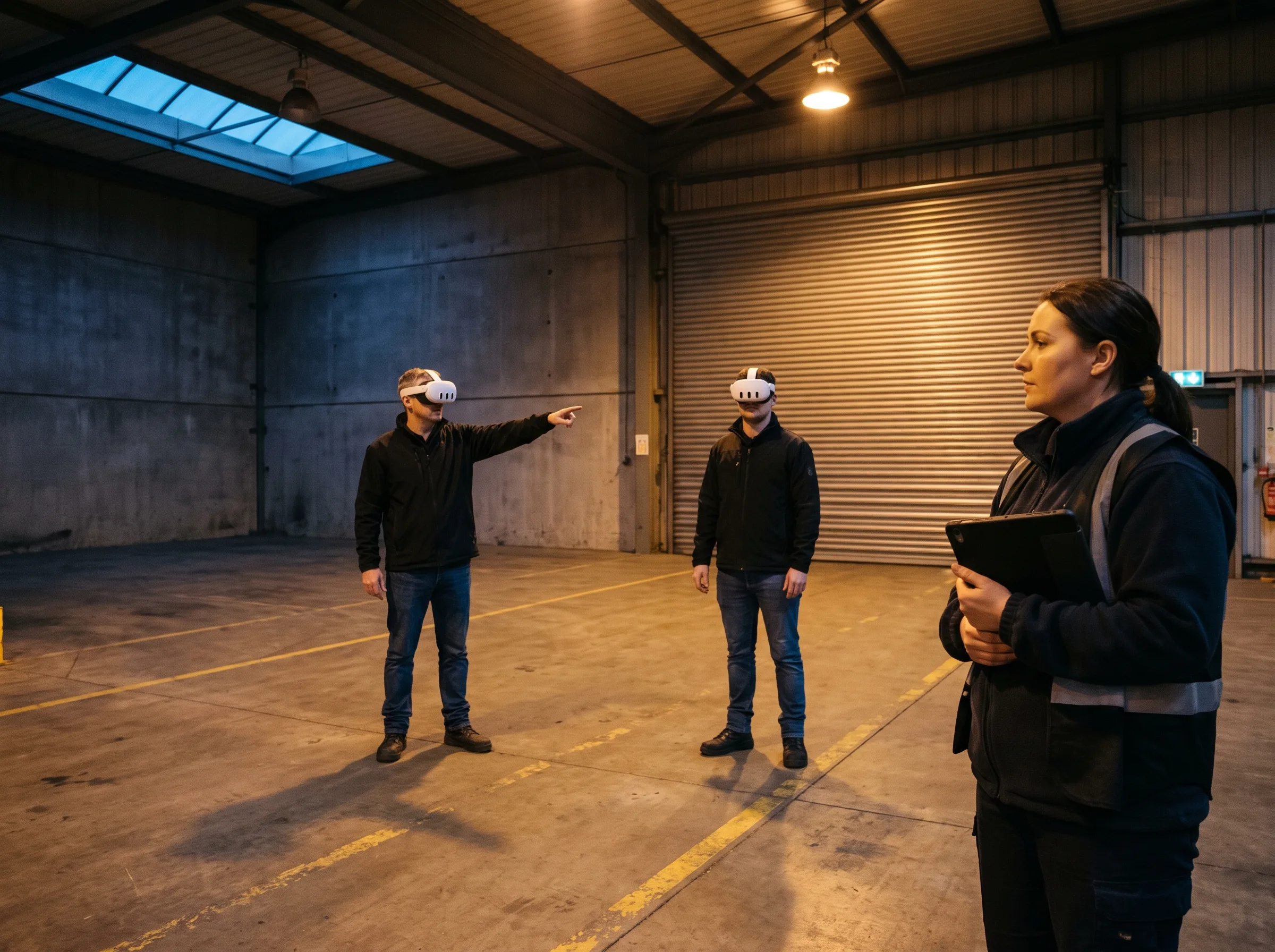
Two trainees in Meta Quest 3 headsets coordinating during a VR emergency response drill while a coordinator observes

Preparedness · Decisions under pressure · Scenario reset

Emergency Response & High-Risk Scenarios

We simulate the events you drill for and hope never happen: evacuations, medical emergencies, equipment failures, severe weather. Teams practice decisions under pressure in scenarios that reset in seconds.

Discuss this use case
Training manager reviewing VR training simulation results on a laptop beside a Meta Quest 3 headset

xAPI · SCORM · LMS reporting

Assessment & Training Analytics

We instrument every simulation: completion, decision points, timing, and errors captured per trainee and delivered to your LMS. Training you can measure is training you can defend in an audit.

Discuss this use case
Bring us the task your team cannot safely, consistently, or affordably rehearse.

Discuss a training simulation

What Goes Into a Custom Training Simulation

A custom VR training simulation combines instructional design, 3D production, interaction engineering, scenario logic, assessment, and deployment. The finished experience should teach your standard — not merely place a learner inside a good-looking scene.

Many virtual reality training companies can build a 3D environment. The meaningful difference is whether the simulation reflects your real procedure, captures the decisions that matter, and produces information your training team can use.

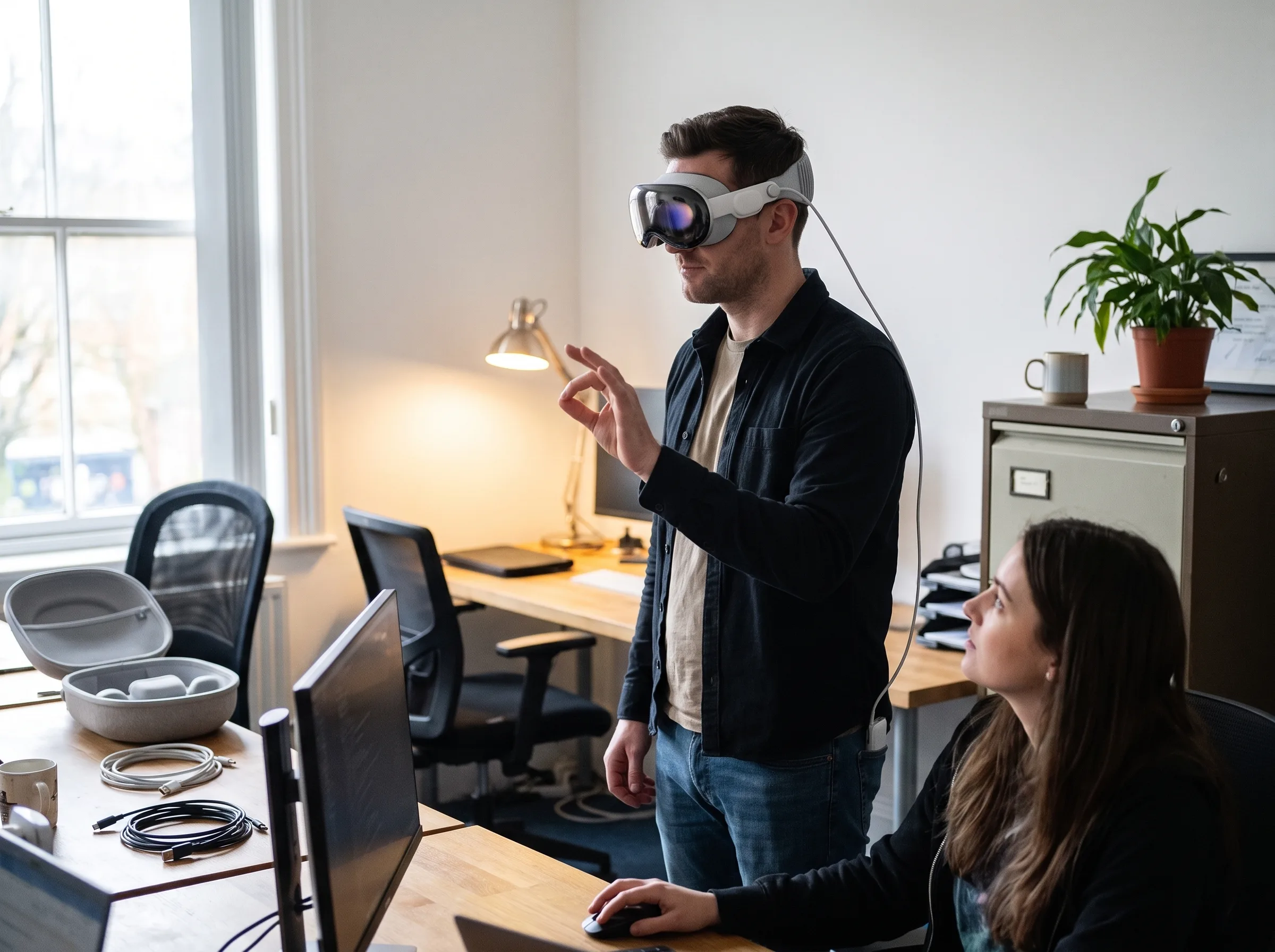
Frame Sixty developer testing a custom VR training simulation on an Apple Vision Pro while a colleague reviews the build

Define the performance problem, learner, context, existing training method, success criteria, and the exact behavior the simulation must change.

When VR Is the Right Training Tool

Not every course belongs in a headset. VR is strongest when real-world rehearsal is dangerous, difficult to schedule, expensive to repeat, or rare enough that a team may face the event without enough practice.

A good simulation training candidate asks the learner to notice, decide, move, communicate, or perform — not simply consume information that could be delivered more efficiently on a screen.

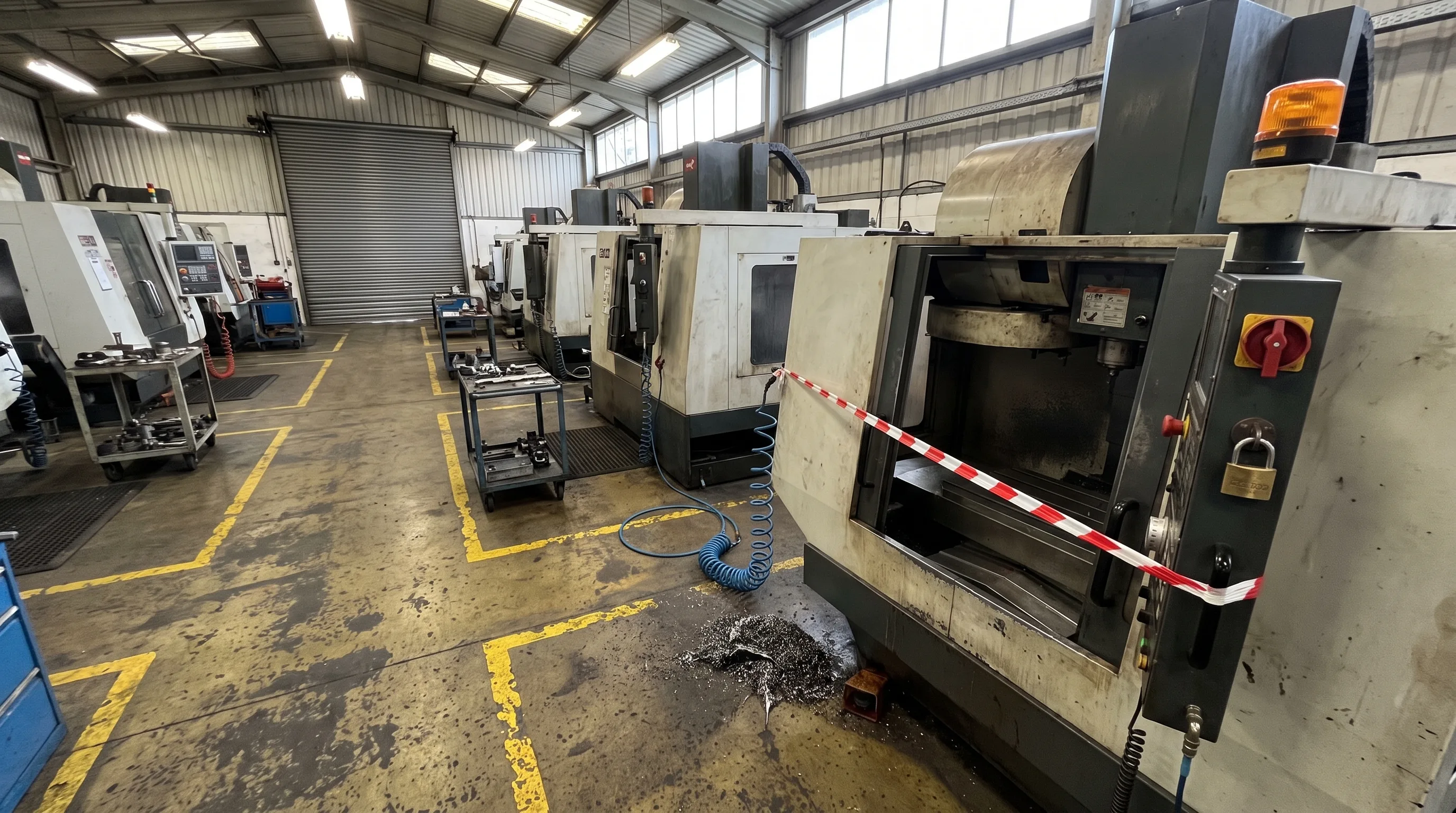
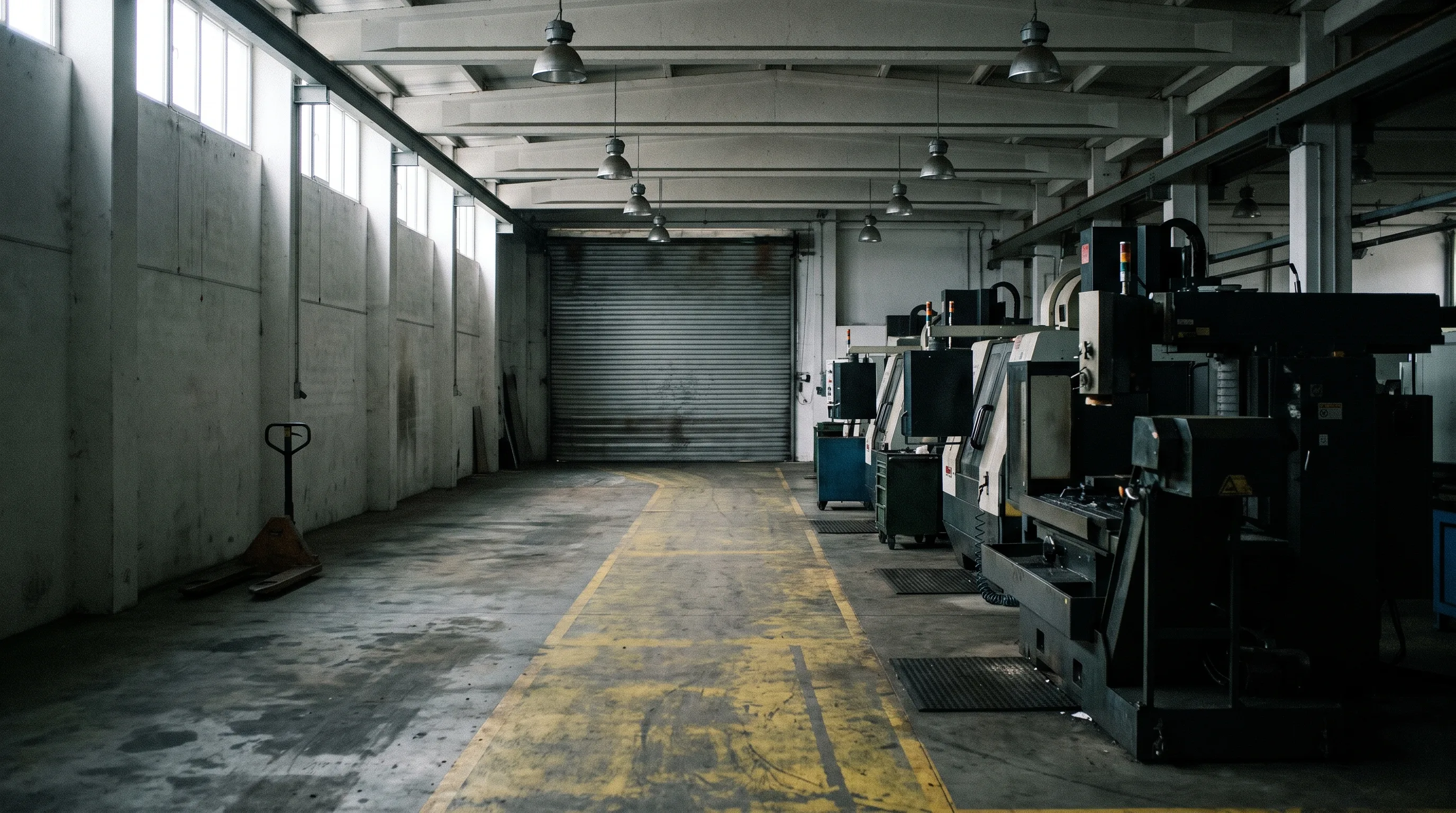
Machine shop aisle with work stopped at a machine — hazard tape, a padlock and an amber beacon marking an unsafe conditionState 1 · Unsafe live condition

When another format may be better

If the learning goal is simple information recall, a short video, job aid, instructor-led session, or standard e-learning module may be faster and less expensive. Discovery should determine whether immersion adds real value before a production plan is proposed.

How We Build a Training Simulation

A strong training simulation is built from the behavior backward. We define what the learner must do, capture the real standard with your trainers and subject-matter experts, prove the interaction in a headset, and only then expand the visual fidelity, scenarios, analytics, and deployment plan.

  1. 1. Needs Analysis & Success Definition

    We identify the audience, performance gap, existing training, operating context, risks, and measurable behavior the module must improve.

    Typical outputs: learning objective, target users, success criteria, platform assumptions, pilot scope.

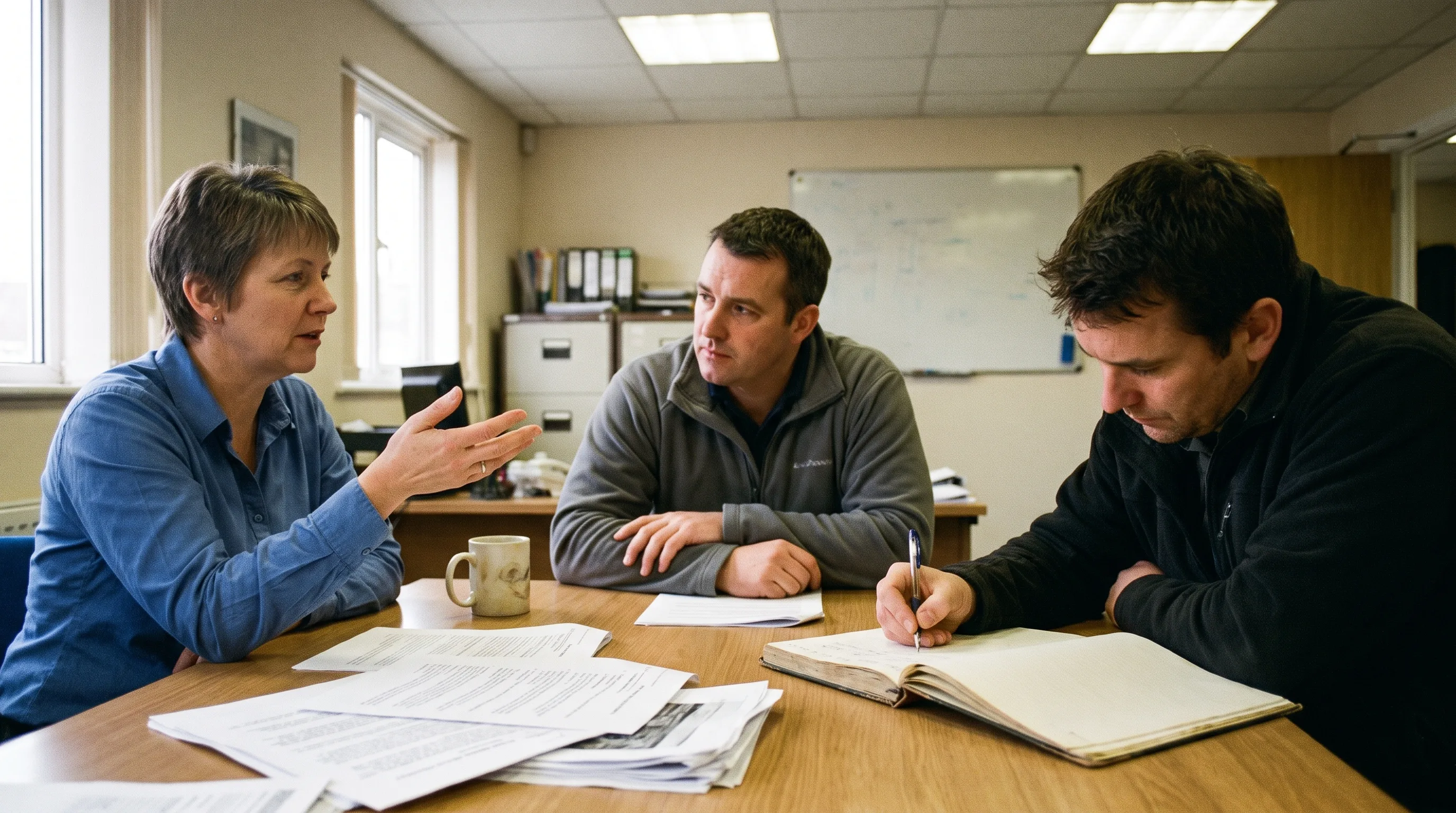
    Training manager and safety lead in a needs-analysis session with the Frame Sixty team
  2. 2. SME Capture & Procedure Mapping

    Your trainers and subject-matter experts walk us through the correct procedure, common errors, edge cases, terminology, and assessment rules.

    Typical outputs: procedure map, scenario branches, reference assets, accuracy checklist.

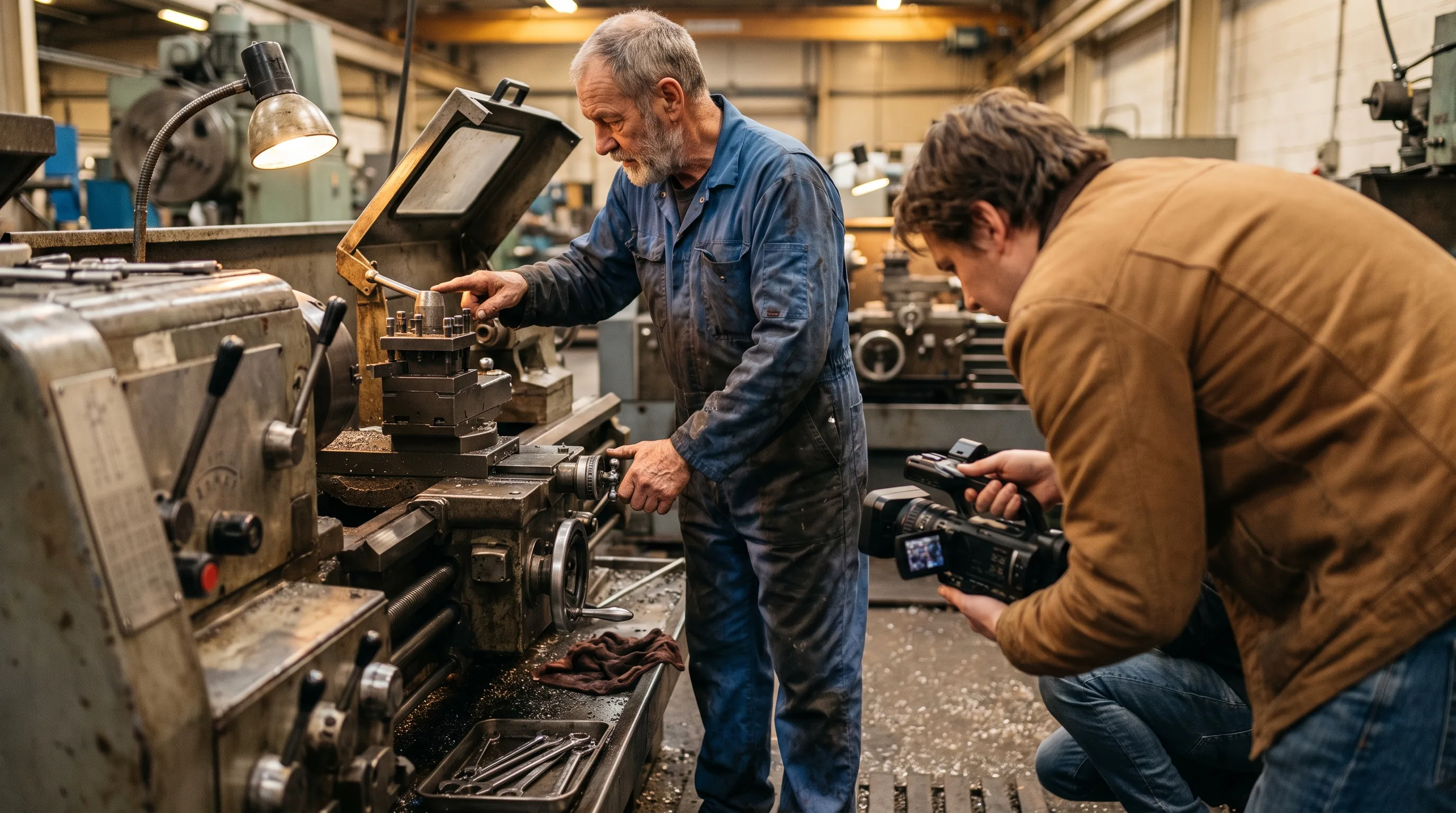
    Veteran machine operator demonstrating a procedure while a Frame Sixty researcher records each step
  3. 3. Experience Design & Storyboarding

    We turn the procedure into an interaction flow: what the learner sees, touches, hears, decides, and receives as feedback.

    Typical outputs: storyboard, interaction map, UI approach, assessment model, 3D asset plan.

    Experience designer sketching the VR training interaction flow as a storyboard
  4. 4. In-Headset Prototype

    A playable grey-box build proves locomotion, reach, interaction, task order, comfort, and the core learning loop before the project is visually polished.

    Typical outputs: headset prototype, test session, revised interaction plan, confirmed production scope.

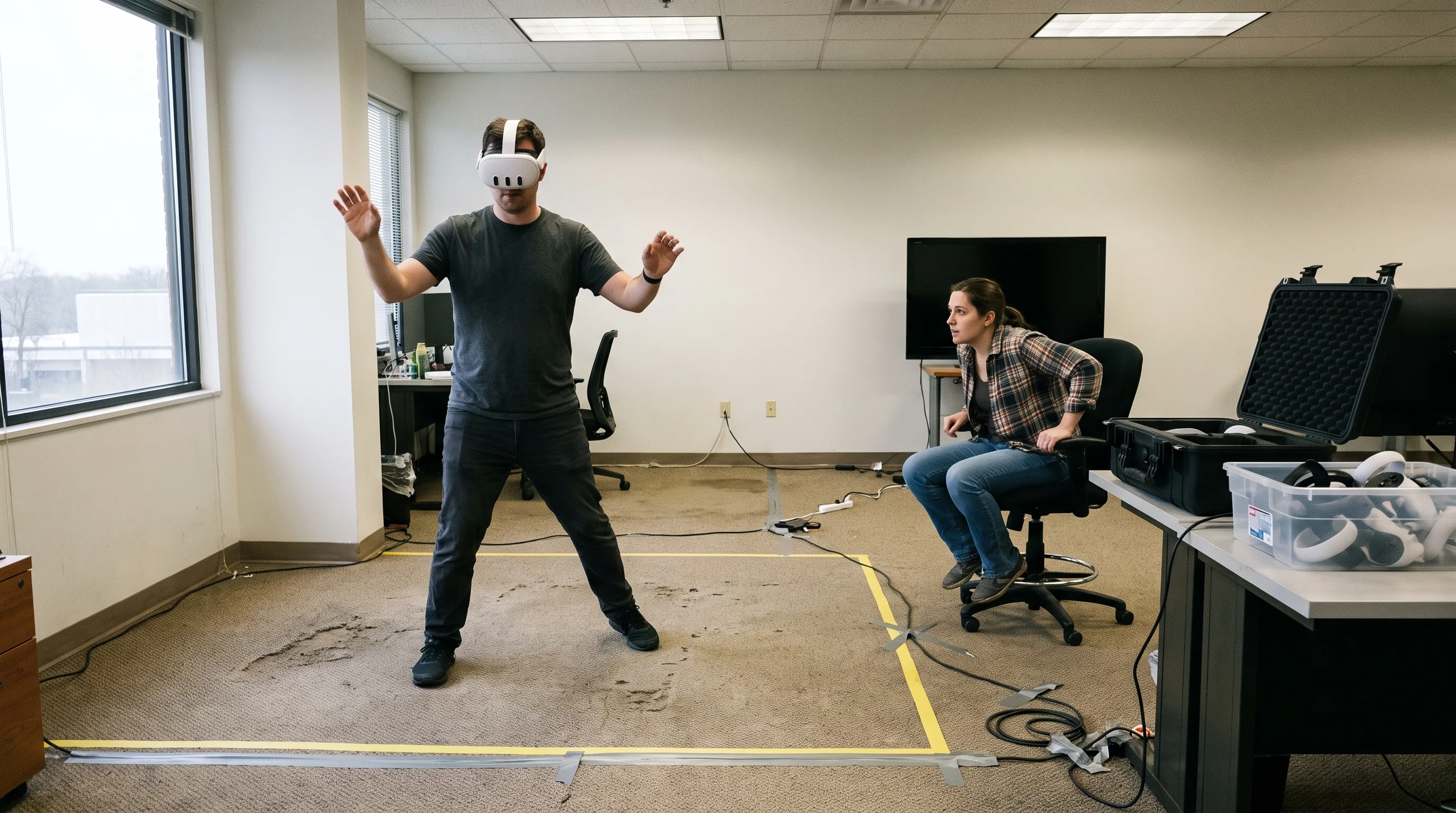
    Developer testing an early in-headset VR training prototype on a Meta Quest 3 while a colleague observes
  5. 5. Production, QA & Validation

    We build the environments, equipment, characters, audio, scenario variants, feedback, analytics, and integrations, then validate the module with the same experts who defined the standard.

    Typical outputs: production build, device QA, SME review, accessibility and comfort checks, release candidate.

    3D artist building the training environment on a pen display at a studio workstation
  6. 6. Deployment, Analytics & Expansion

    We package the application, stage the rollout, connect reporting, support device operations, and use pilot feedback to plan additional scenarios or sites.

    Typical outputs: deployment package, administration guide, reporting flow, support plan, expansion roadmap.

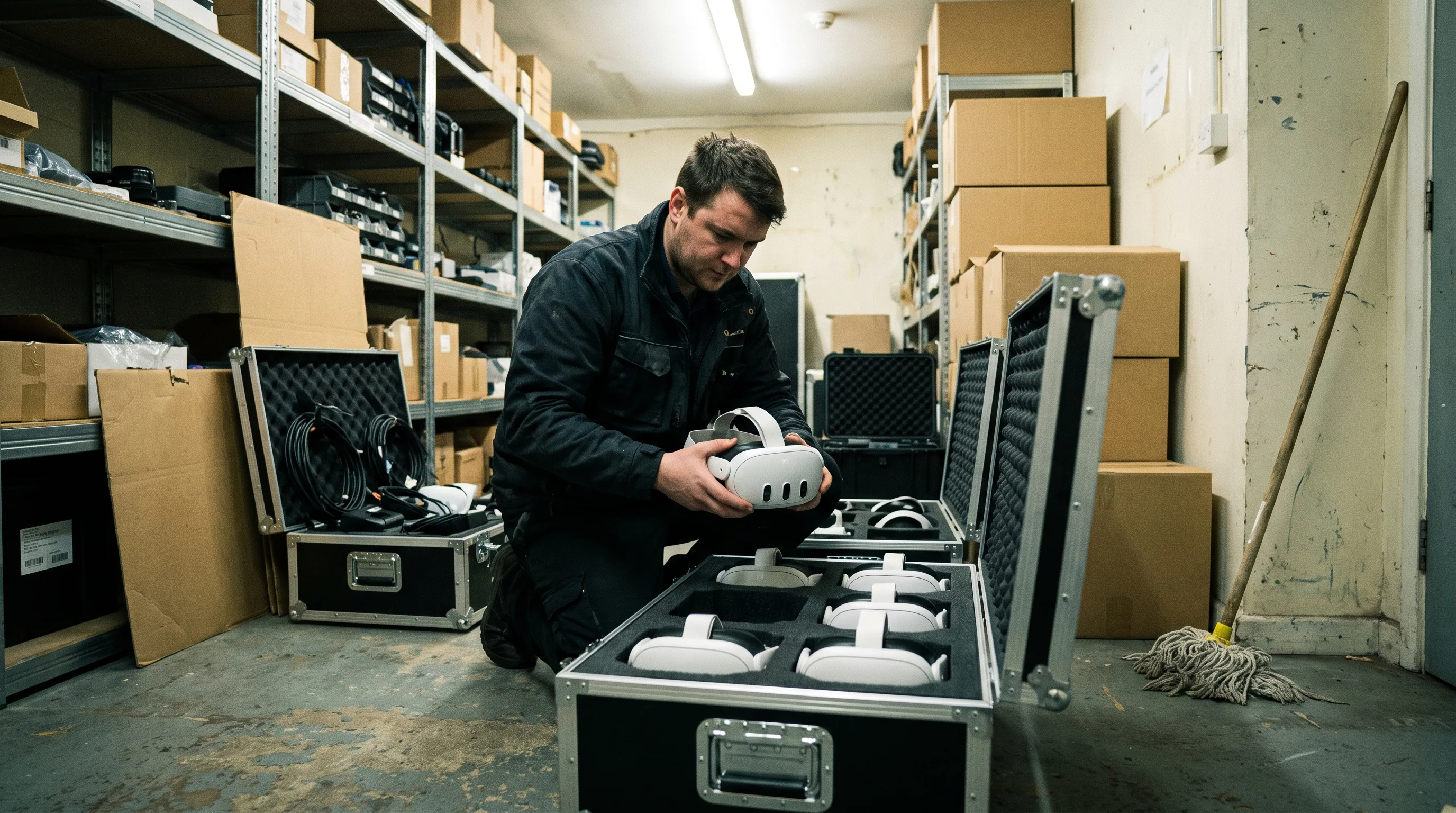
    Operations technician preparing a case of Meta Quest 3 headsets for a multi-site training rollout

A focused single-procedure module typically takes eight to twelve weeks from kickoff to deployment, with a playable prototype in the headset well before the midpoint. Multi-scenario programs are planned and shipped in stages.

Start with one high-value procedure

Train for the moment that matters.

Book a Meeting

Confidential projects welcome. Frame Sixty can sign an NDA before sensitive details are shared.

Platforms & Distribution

Headset selection follows the training environment, interaction model, visual-fidelity needs, fleet size, security requirements, and support plan. Frame Sixty builds standalone training around Meta Quest 3, supports fleet operations through Quest for Business and standard MDM tooling, and develops for Apple Vision Pro when the experience calls for a spatial-computing approach.

Engine and architecture follow the interaction model, target hardware, visual requirements, existing assets, and long-term portability goals — the sameUnity andUnreal Engine craft behind ourVR game development carries directly into training interaction.

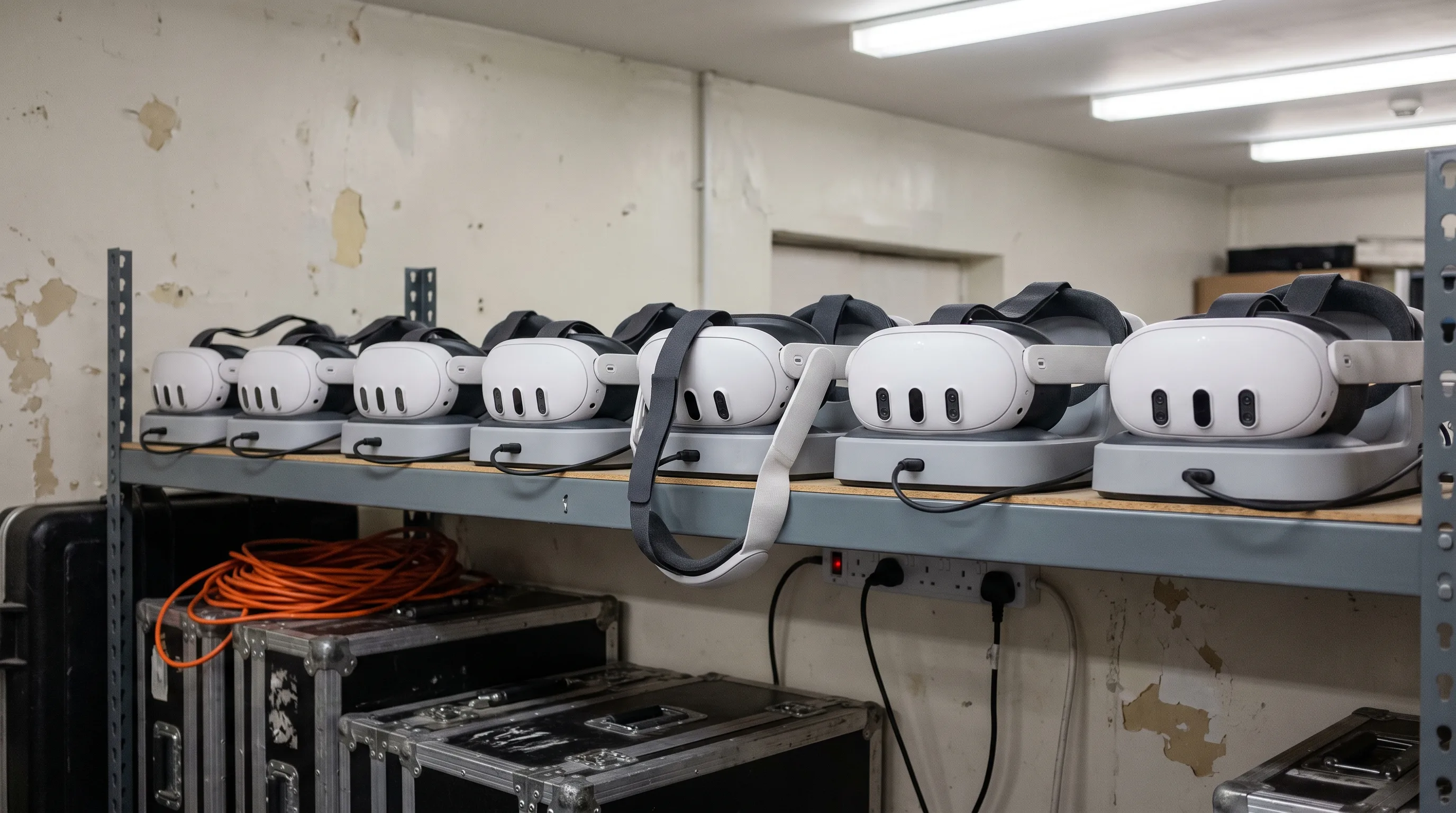
Fleet of Meta Quest 3 headsets charging on a storeroom shelf between VR training sessions

Meta Quest 3 & Quest for Business

We utilize Meta Quest for Business as a primary enterprise deployment channel. This subscription-based ecosystem provides an integrated Mobile Device Management (MDM) solution, allowing centralized control over provisioning, device configuration, and app updates. Administrators can restrict access, deploy kiosk mode, and manage user authentication via identity providers like Azure Active Directory to ensure maximum enterprise security. The platform also features a Shared Mode protected by a secure PIN, allowing multiple shift workers to access assigned applications on the same headset without linking personal accounts.

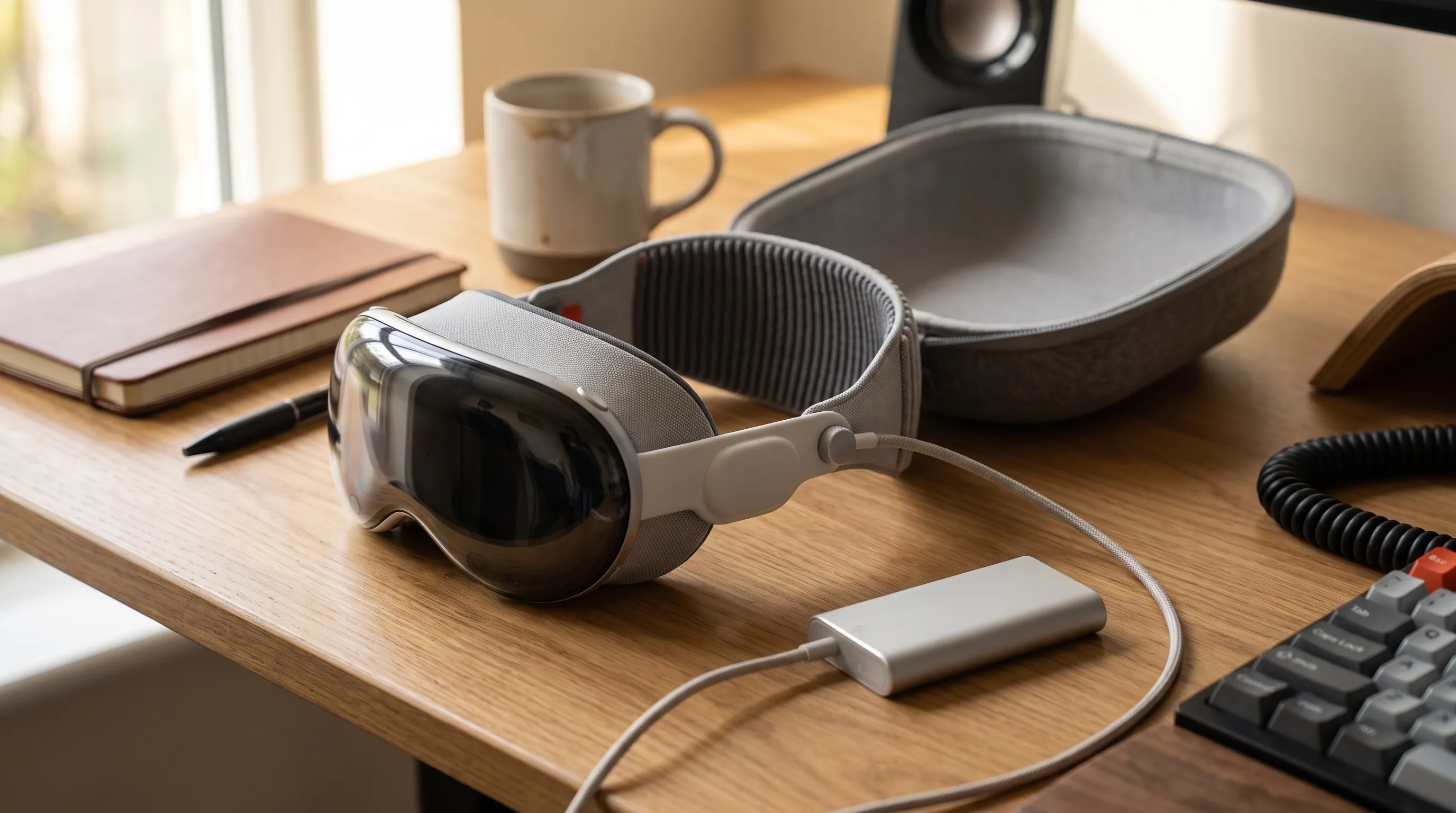
Apple Vision Pro headset and its carry case on a studio desk between VR training sessions

Apple Vision Pro

For spatial computing projects requiring absolute maximum visual fidelity, including fully immersive video commercial integrations, we develop high-end workflows tailored directly to the Vision Pro architecture.

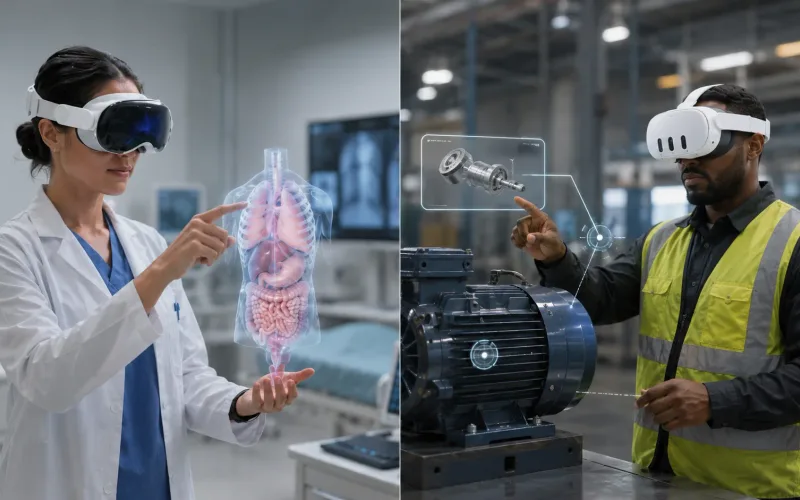
In a training programme Vision Pro usually sits alongside a Quest fleet rather than replacing it. Its resolution, eye tracking, and hand tracking suit detailed procedure review, digital twin inspection, and the sessions where a small group needs to see fine detail clearly — while the headcount that trains every shift stays on Quest.

We scope that split during discovery, so the hardware budget follows the training need instead of the other way round.

Industries That Train in VR

The same simulation building blocks apply wherever training is expensive, dangerous, or hard to schedule. We build VR training across the industries we serve — and each one has its own page covering the full picture.

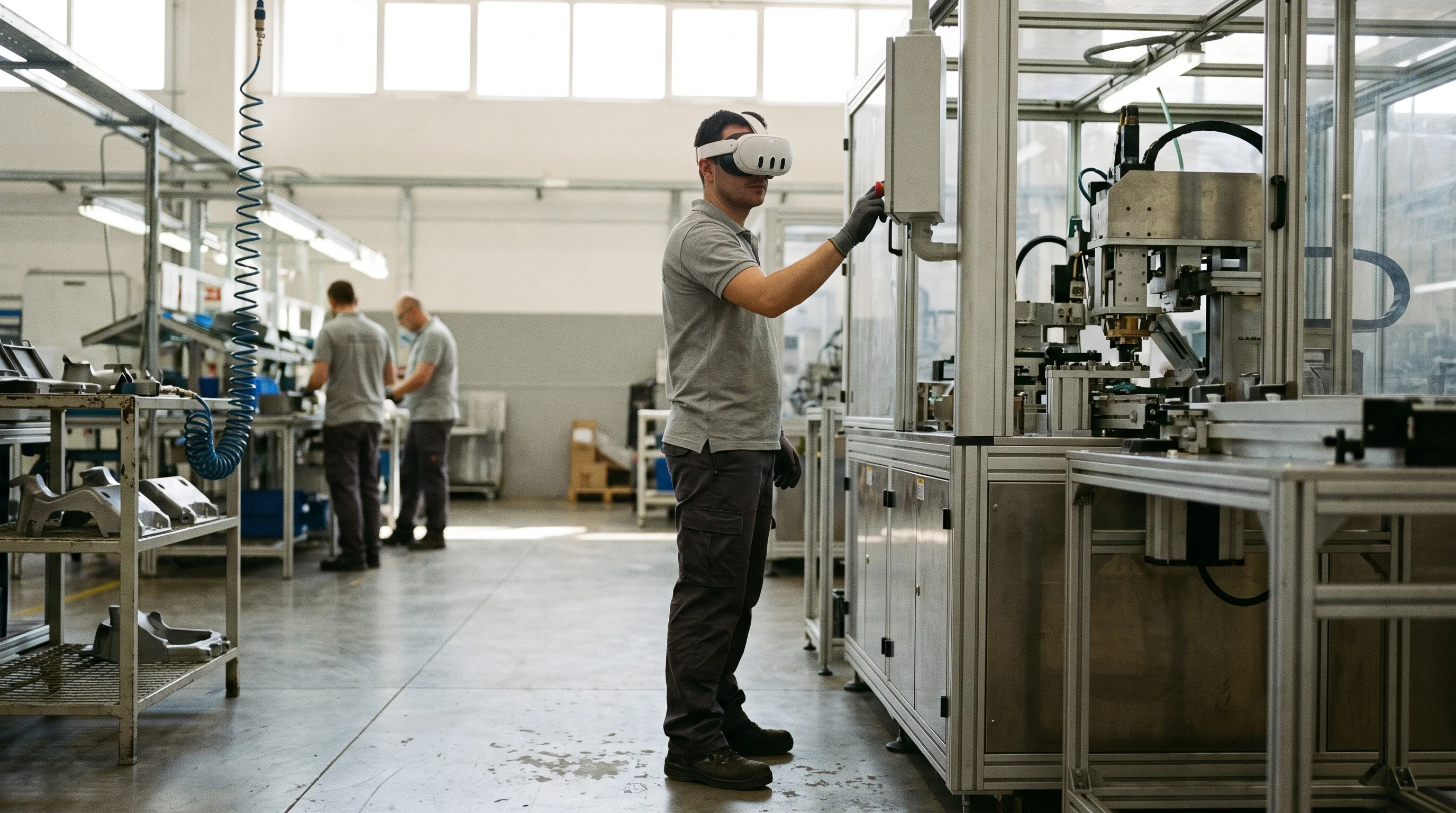
Technician in a VR headset practicing a maintenance sequence beside real equipment on a plant floor

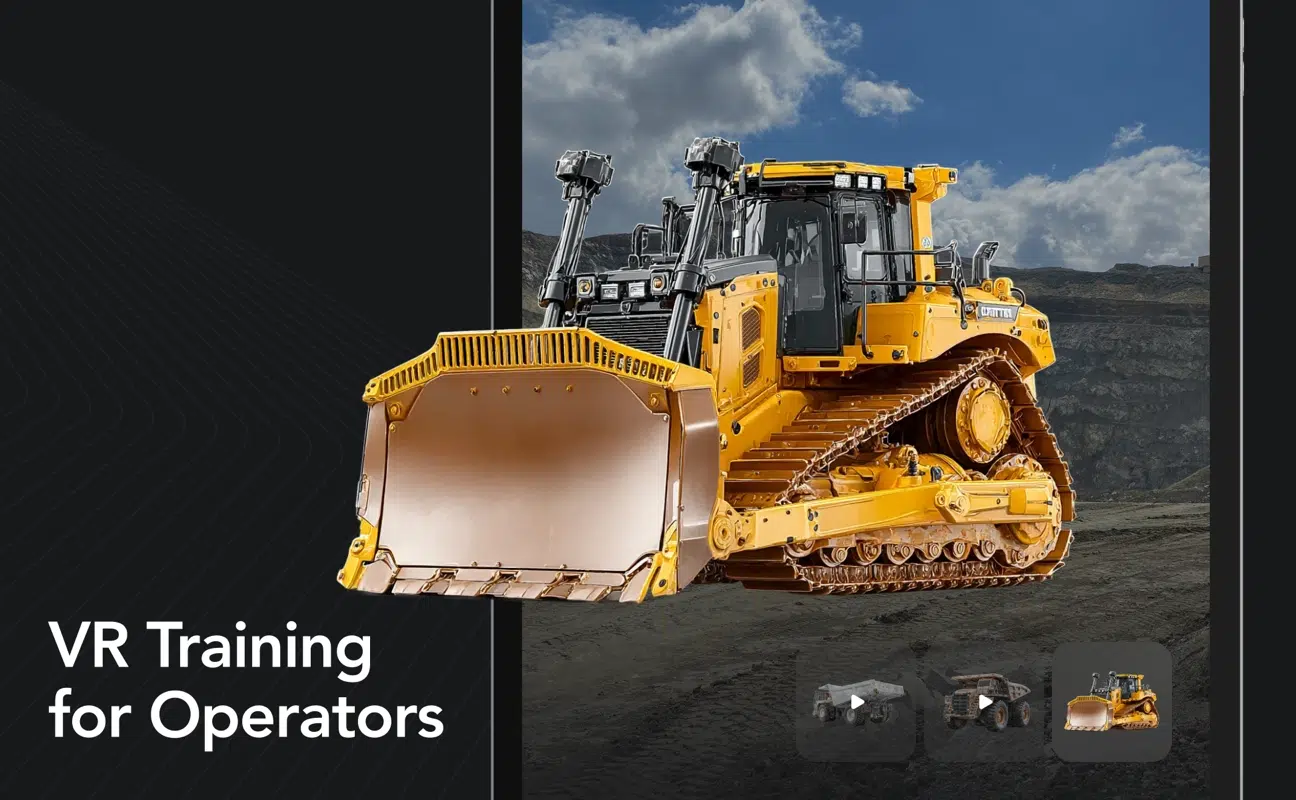
Manufacturing & Industrial

Machine operation, maintenance procedures, lockout/tagout, hazard recognition, assembly, quality checks, and facility onboarding.

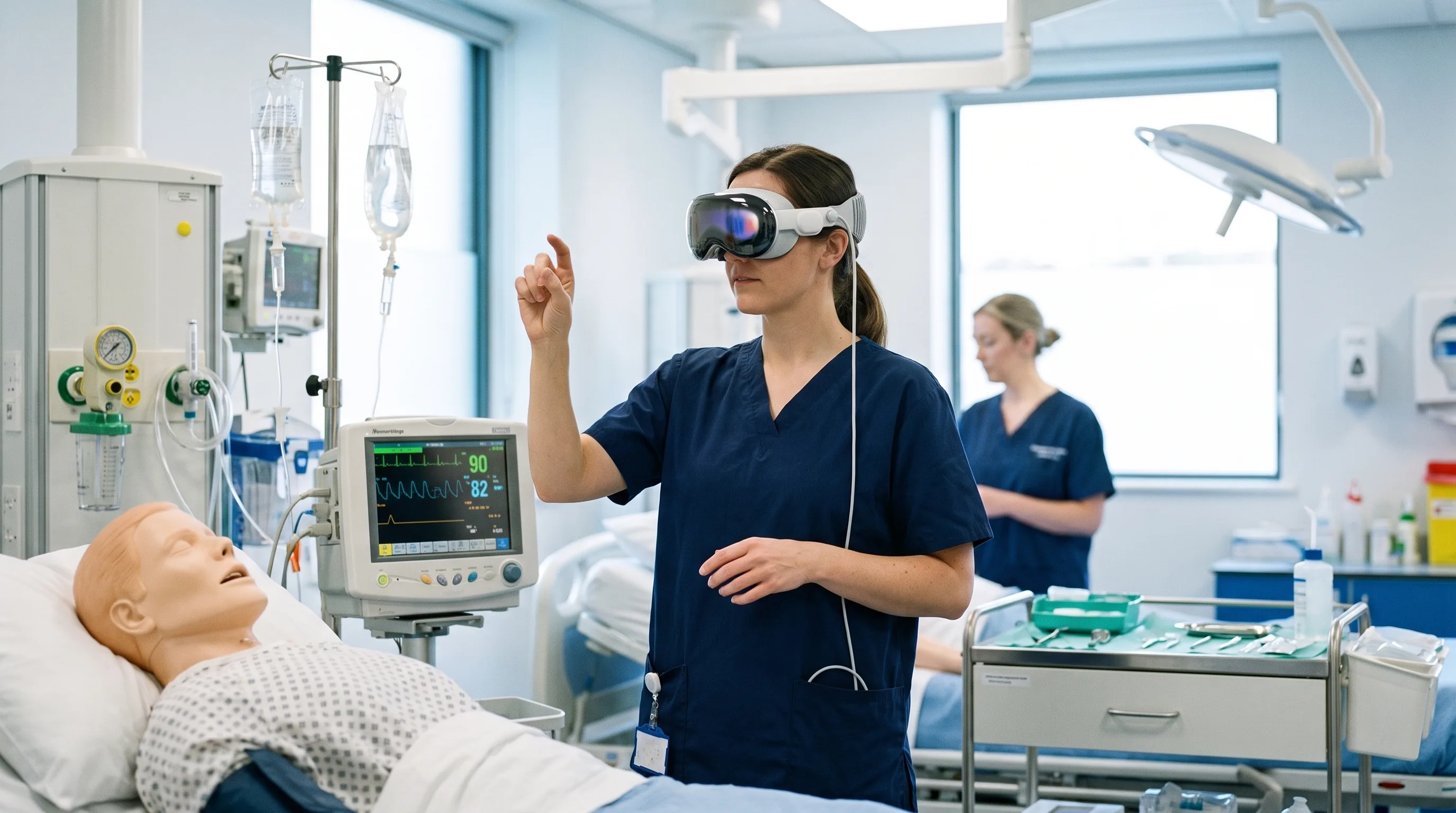
Clinician in scrubs wearing an Apple Vision Pro headset, practicing a procedure in a VR training simulation in a hospital sim lab

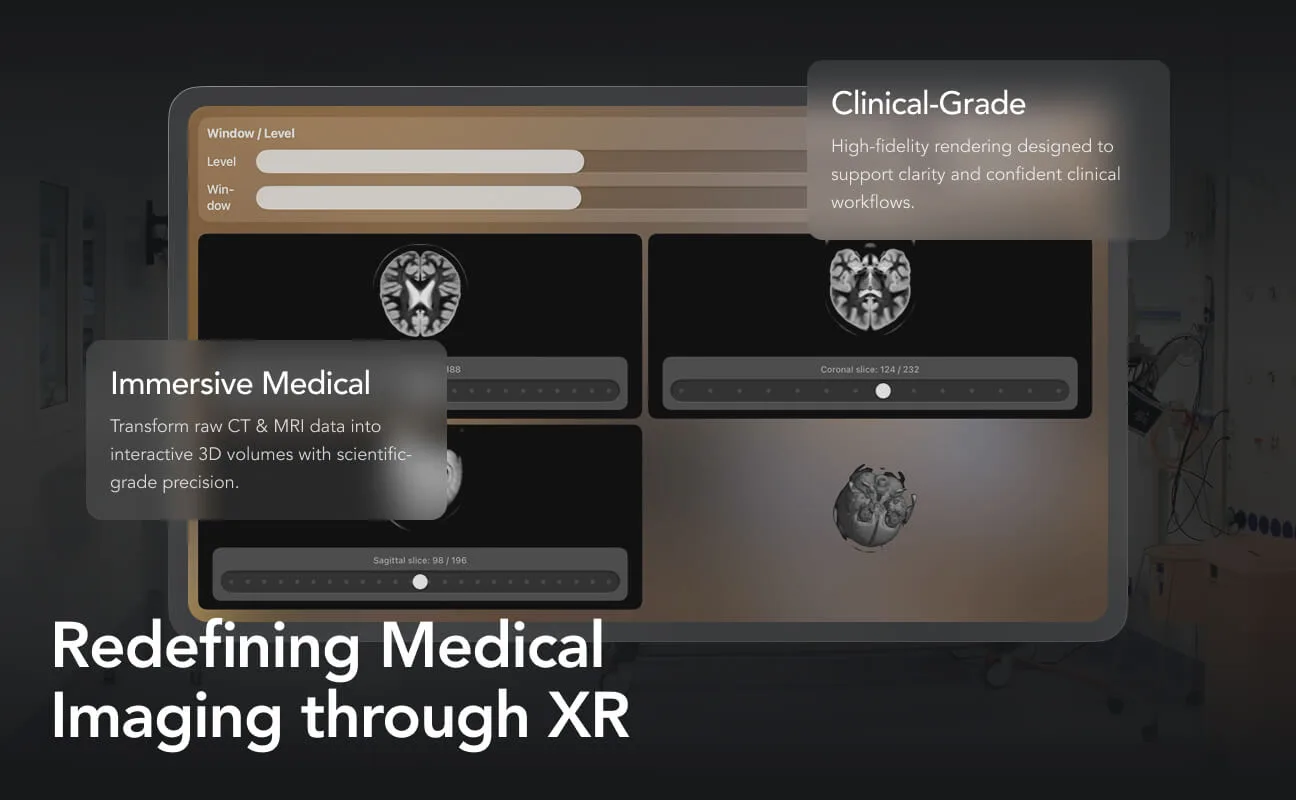
Healthcare & Medical

Clinical procedure rehearsal, device training, patient interaction, emergency response, anatomy visualization, and staff onboarding.

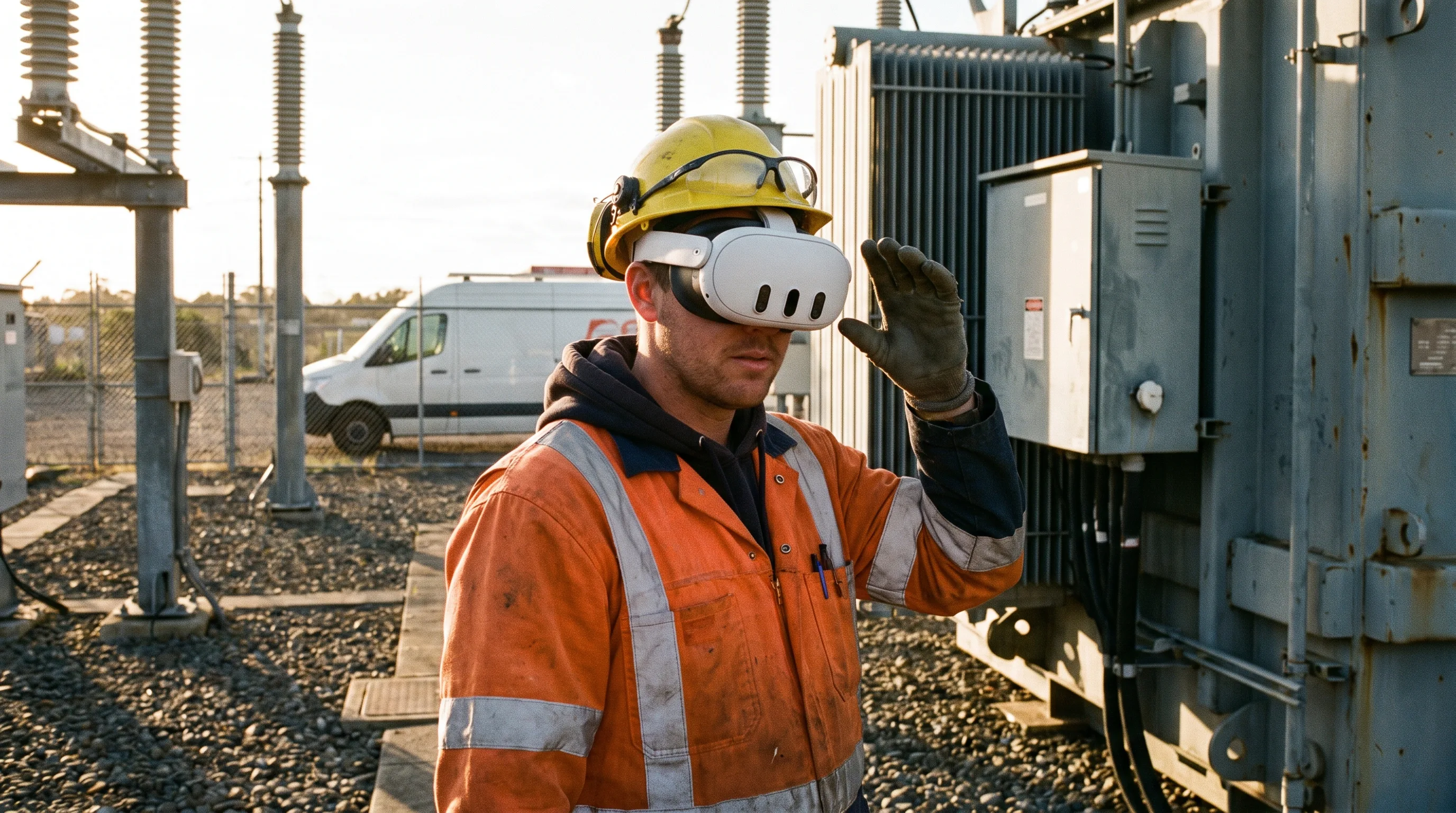
Utility worker in full PPE wearing a VR headset in an electrical substation training environment

Energy & Utilities

Field safety, inspections, control-room decisions, permit-to-work procedures, equipment faults, and incident response.

Warehouse worker in a hi-vis vest wearing Meta Ray-Ban display glasses, working through a picking procedure in a racking aisle

Logistics & Warehousing

Equipment operation, loading procedures, picking workflows, facility orientation, pedestrian safety, and emergency readiness.

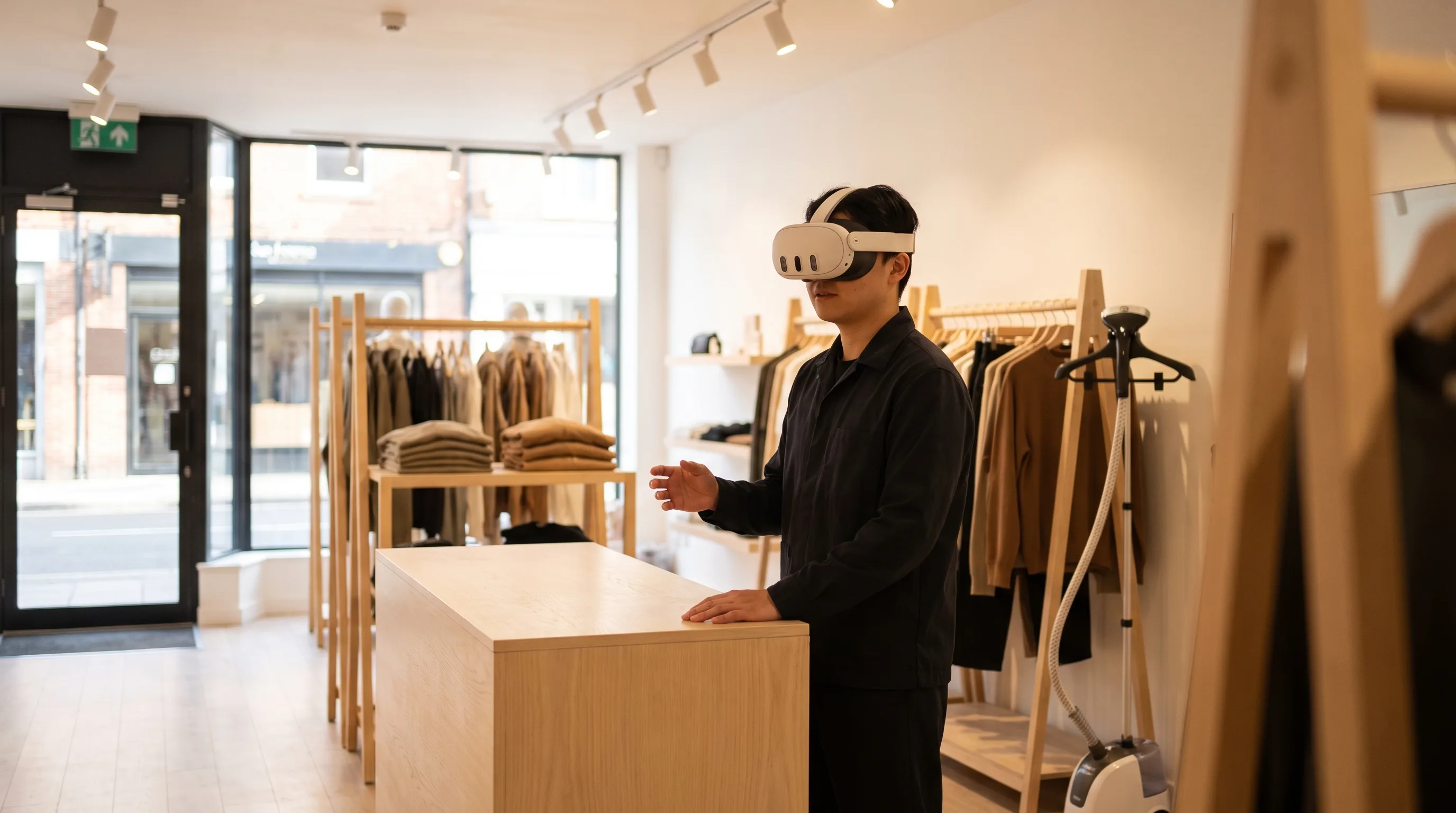
Retail employee practicing a customer conversation in VR behind a service counter

Retail, Hospitality & CX

Customer conversations, de-escalation, leadership practice, loss-prevention scenarios, service standards, and onboarding.

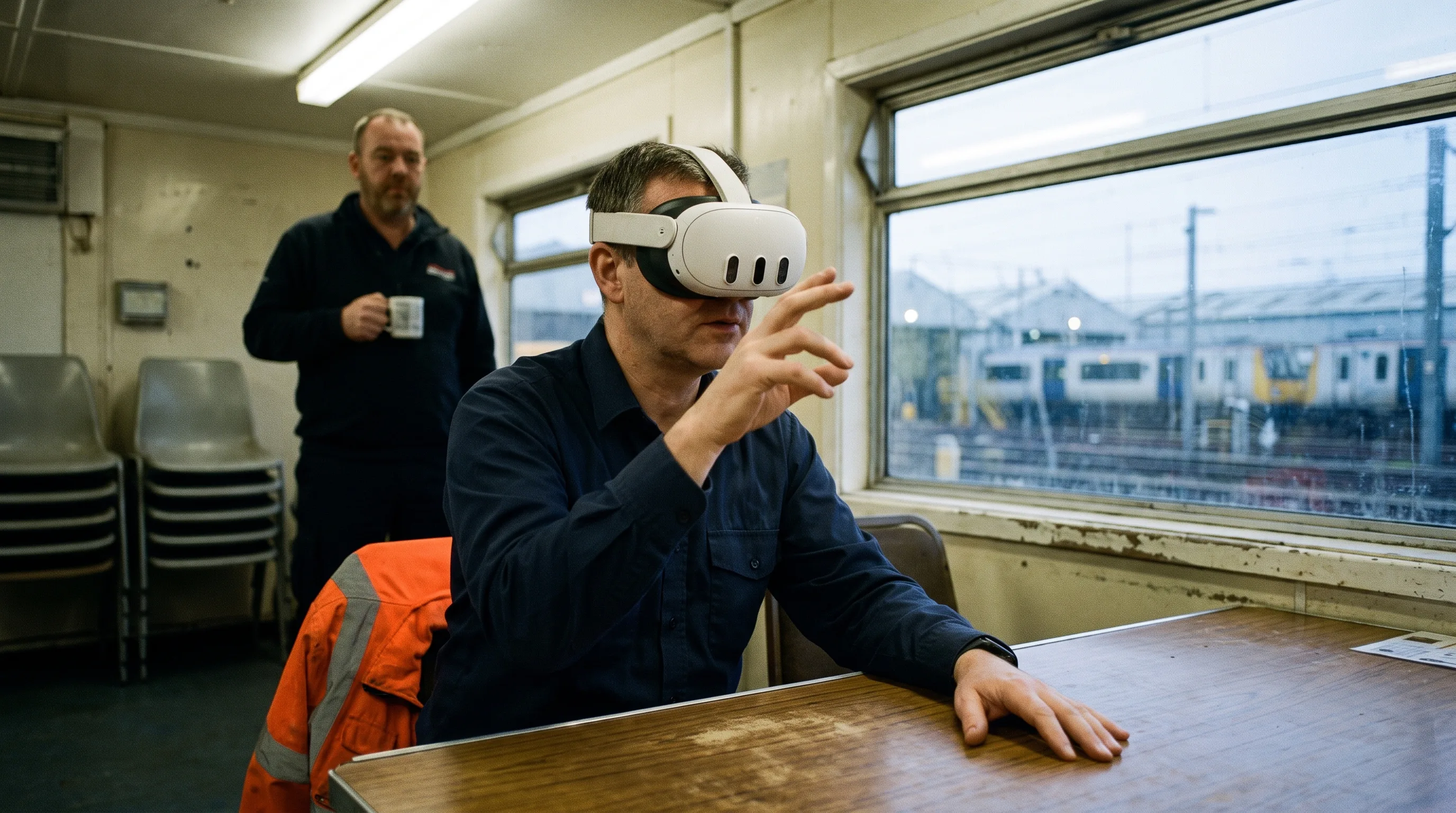
Transit driver in a Meta Quest 3 headset working through a route procedure in a depot briefing room

Transportation & Public Safety

Vehicle and equipment procedures, inspections, communication, evacuation, incident command, and multi-role response.

Cost

What VR Training Costs

The cost of a VR training simulation depends on scope: a single-procedure module is a different budget from a multi-scenario curriculum with LMS integration and analytics. Project work is quoted as a fixed bid after a discovery call, so the full cost is clear before development begins.

What moves the number

Training scope

One task, several related procedures, or a full role-based curriculum.

3D asset complexity

Existing CAD and models, optimized client assets, or net-new environments, machinery, tools, and characters.

Interaction fidelity

Simple selection and sequencing, natural hand interactions, equipment controls, physics, voice, multiplayer, or haptics.

Scenario depth

Linear procedure, branching scenarios, fault variants, difficulty tiers, or multiple roles.

Assessment & integration

Local results, supervisor reporting, SCORM, xAPI, LMS integration, identity, or custom dashboards.

Platform & deployment

One headset model, multiple platforms, pilot rollout, multi-site fleet, kiosk mode, MDM, and ongoing support.

Content expansion

Additional languages, accessibility, new modules, new equipment, and post-launch scenario updates.

The most useful first step is usually a focused pilot: one meaningful procedure, the smallest credible environment, the interactions required to prove the learning loop, and a clear definition of what the pilot must demonstrate. After discovery, Frame Sixty provides a fixed-bid proposal covering scope, deliverables, schedule, assumptions, and cost.

Latest news

VR Training Simulations FAQs

What is a VR training simulation?

A VR training simulation is an interactive virtual environment where employees practice real job tasks — operating equipment, following safety procedures, handling difficult conversations — in a headset. Trainees repeat scenarios until they're fluent, mistakes cost nothing, and every attempt is measured and recorded.

What does VR training cost?

The cost of VR training depends on scope: a single-procedure module is a different budget from a multi-scenario curriculum with LMS integration. Project work is quoted as a fixed bid after a discovery call, so the full cost is clear before development begins.

Is VR training more effective than traditional training?

Published research has repeatedly reported that VR trainees learn faster, retain more, and report higher confidence than classroom or video learners, with the strongest results on procedural and safety-critical skills. Effectiveness depends on instructional design — we build every simulation with the trainers and subject-matter experts who will run it.

How long does it take to build a VR training module?

A focused single-procedure module typically takes eight to twelve weeks from kickoff to deployment, with a playable prototype in the headset well before the midpoint. Multi-scenario curricula run longer and ship in stages, so training starts before the full program is complete.

Can VR training connect to our LMS?

Yes — we integrate simulations with your LMS using standards like SCORM and xAPI, so completions, scores, and decision data land in the system your compliance reporting already uses. Integration scope is defined during discovery.

How do we manage headsets across multiple sites?

We deploy through Meta Quest for Business and standard MDM tooling: provisioning, app updates, kiosk mode, and access control handled centrally. Rollouts are staged — one site or department first, then scaled with the processes that worked.

How do you work with our subject-matter experts?

Your SMEs define what correct looks like; we turn it into a simulation. The process starts with a needs analysis alongside your trainers, captures procedures step by step, and reviews prototype builds with the same experts — so the simulation teaches your standard, not a generic one.

Can one simulation cover multiple scenarios?

Yes — simulations are built with branching and variants: the same environment can run different fault conditions, weather, staffing levels, or difficulty tiers. That's usually the most cost-efficient way to grow a program, because new scenarios reuse the environment and equipment already built.

Why choose Frame Sixty for VR training simulations?

Frame Sixty pairs senior XR talent with enterprise delivery: 100+ shipped apps, more than 10 million downloads, seven published patents, and headset-fleet deployment experience. Most of our work runs on Meta Quest — your training is built by developers who live on the platform it deploys to.

Get in touch

We’re interested to see how we can help. Send us a message and we will get back to you within 24 hours.