
Digital Twins in Manufacturing: What They Cost, What They Return, and How to Build One
Jul 25, 2026

13 MIN READ
A digital twin in manufacturing is a live, sensor-fed virtual replica of a physical asset, production line, or plant, kept in sync with the real thing through a continuous data feed. It is not a 3D model, and it is not a one-off simulation. The real question for anyone approving the spend is simple: does the return justify the budget? This guide gives you cost ranges, sourced ROI figures, the role of the XR layer, and a way to scope a first project.
The category is growing fast. According to Fortune Business Insights (2026), the global digital twin market reaches USD 33.97 billion in 2026 on the way to USD 384.79 billion by 2034, and manufacturing is its fastest-growing segment.
Here is the position this guide will defend: most first digital-twin projects disappoint on ROI because buyers scope to Level 4 prediction when the money actually sits in Level 2 and Level 3 work, commissioning lines before you buy equipment and catching maintenance failures before they stop production.
Key Takeaways
- The global digital twin market reaches USD 33.97 billion in 2026, with manufacturing the fastest-growing segment (Fortune Business Insights, 2026).
- Most manufacturers need a Level 2 or Level 3 twin. A vendor pushing Level 4 prediction on a first project is overselling.
- Predictive maintenance cuts downtime 35 to 45 percent (U.S. DOE FEMP, 2026); PepsiCo raised throughput 20 percent with a Siemens and NVIDIA Omniverse twin (Interesting Engineering, 2026).
- Published twin builds run roughly $35,000 to $90,000 plus $1,500 to $4,000 a month (RisingMax, 2025), before sensor and line-scale integration push a real connected twin higher.
- A headset earns its place only for spatial tasks. For at-desk monitoring, a browser dashboard is the better answer.
What Is a Digital Twin in Manufacturing?
A digital twin in manufacturing is a virtual representation of a product, process, or facility that stays continuously synchronized with its physical counterpart through IoT sensor data. That live connection is the defining trait. Which of the three you twin changes the build entirely; for the product case specifically, see digital twin product development. Per NVIDIA’s glossary (2024), a digital twin pulls in both tabular data from IT and OT systems and 2D or 3D geometry from CAD and reality-capture scans, then keeps updating as sensors report from the floor.
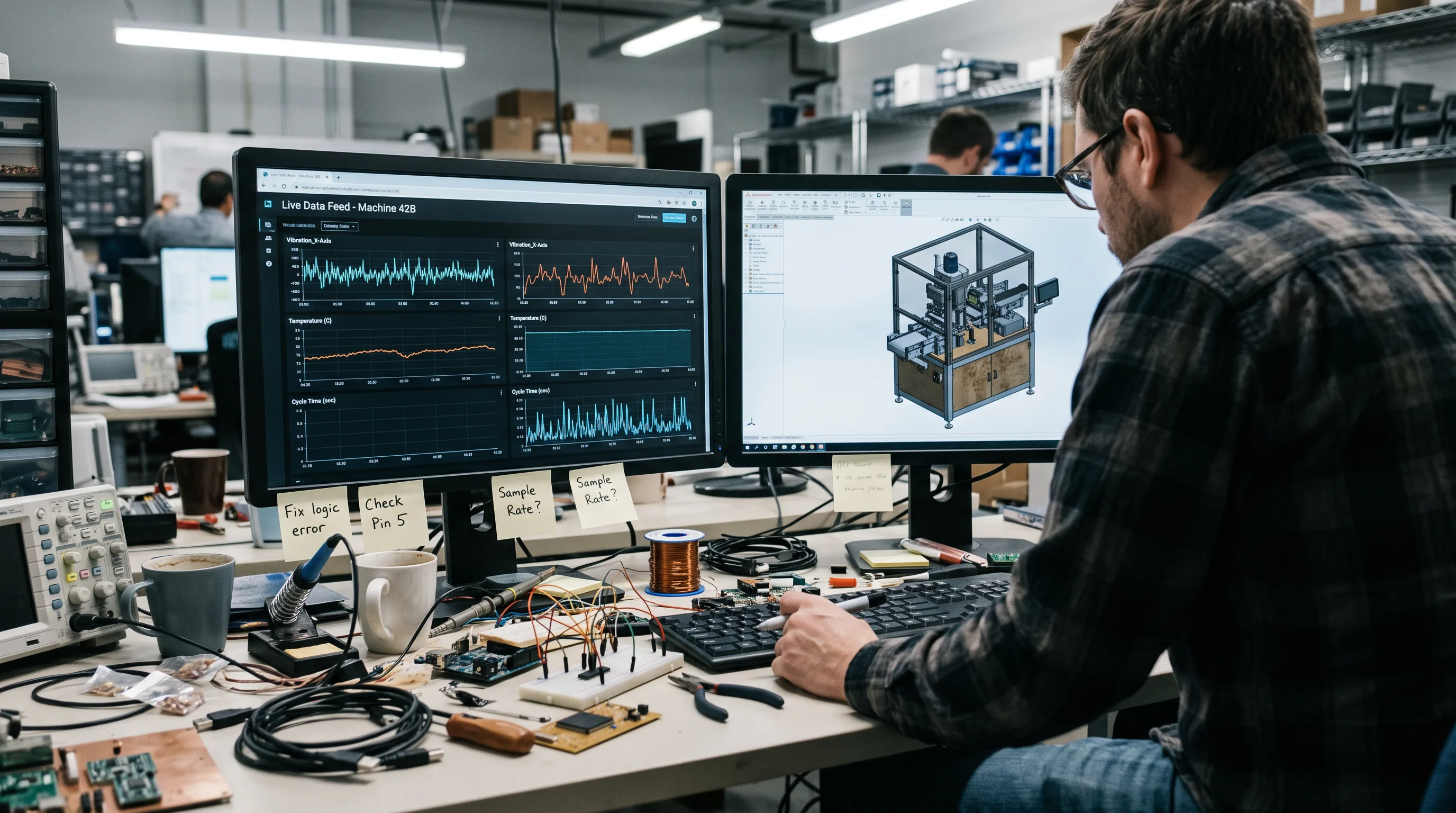
The live-data property is the whole point. A detailed 3D scene that never receives telemetry is a visualization, not a twin. A twin reflects what the physical asset is doing right now: cycle times, temperatures, vibration, throughput.
That distinction matters because it drives cost. A twin needs a data pipeline, sensor integration, and hosting that a static model never requires. If you want a sense of how these replicas are built and navigated in an immersive setting, our walkthrough on creating a digital twin in VR covers the mechanics.
Digital Twin vs. 3D CAD Model vs. Simulation
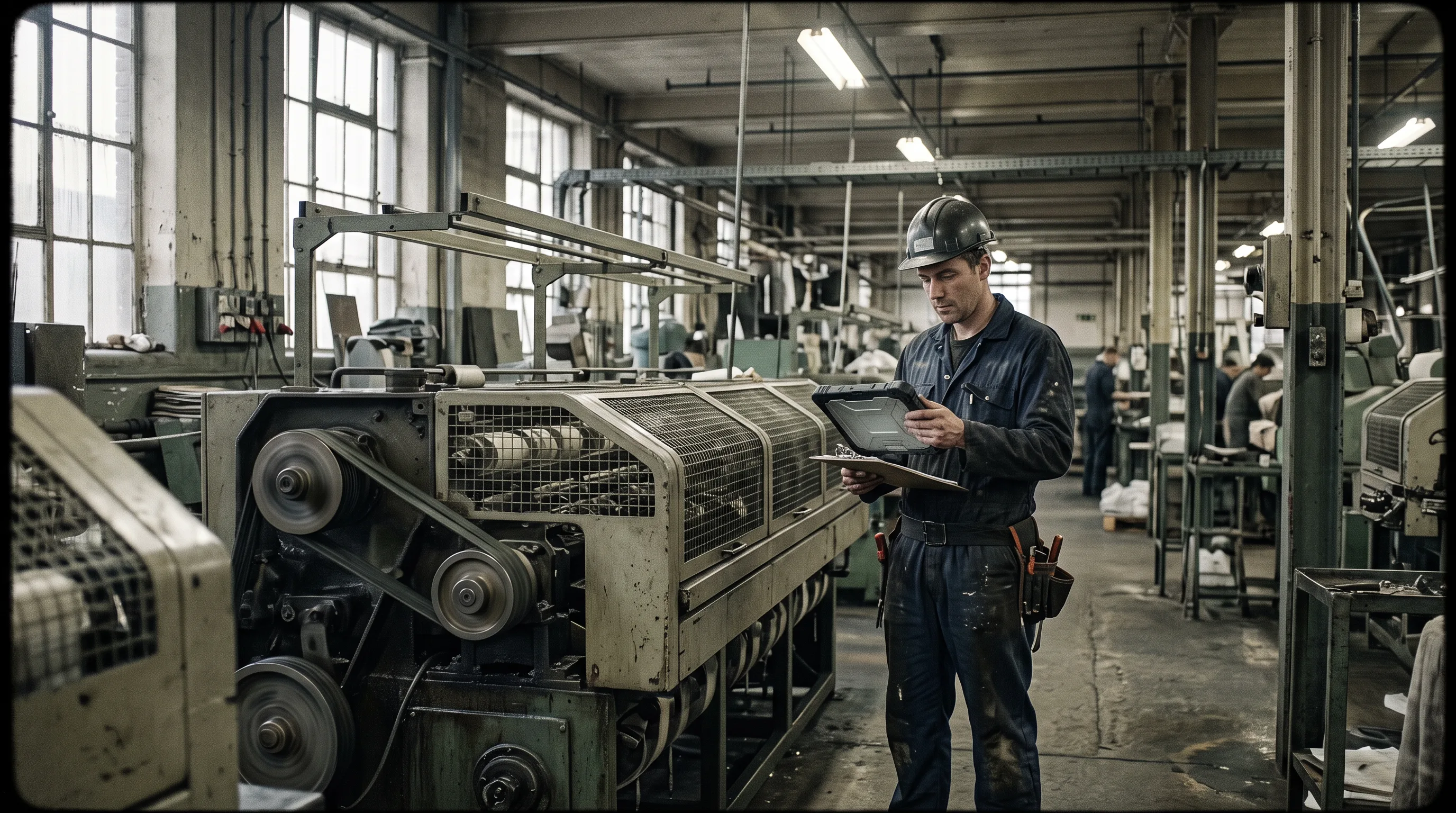
The clearest way to scope a twin correctly is to separate three things buyers routinely conflate: a 3D CAD model, a simulation, and a digital twin. This confusion is the single most common reason projects get scoped wrong. A CAD model is fixed geometry. A simulation runs a scenario once and stops. A digital twin runs continuously against live data.
| Artifact | Live data feed? | Updates over time? | Typical use |
|---|---|---|---|
| 3D / CAD model | No | No | Design geometry, visualization |
| Simulation | No | One-off run | Test a scenario, what-if analysis |
| Digital twin | Yes | Continuous | Operate, monitor, predict |
Get this wrong in either direction and you pay for it. Scope too high and you buy a live twin, sensors and pipeline and all, then use it like a CAD file. Scope too low and you commission a “simulation” that cannot do the live monitoring your maintenance team actually needed. Clean CAD geometry is still the starting asset for any of the three, which is why 3D model design services tend to be the first line item in a build.
The Four Maturity Levels of a Manufacturing Digital Twin
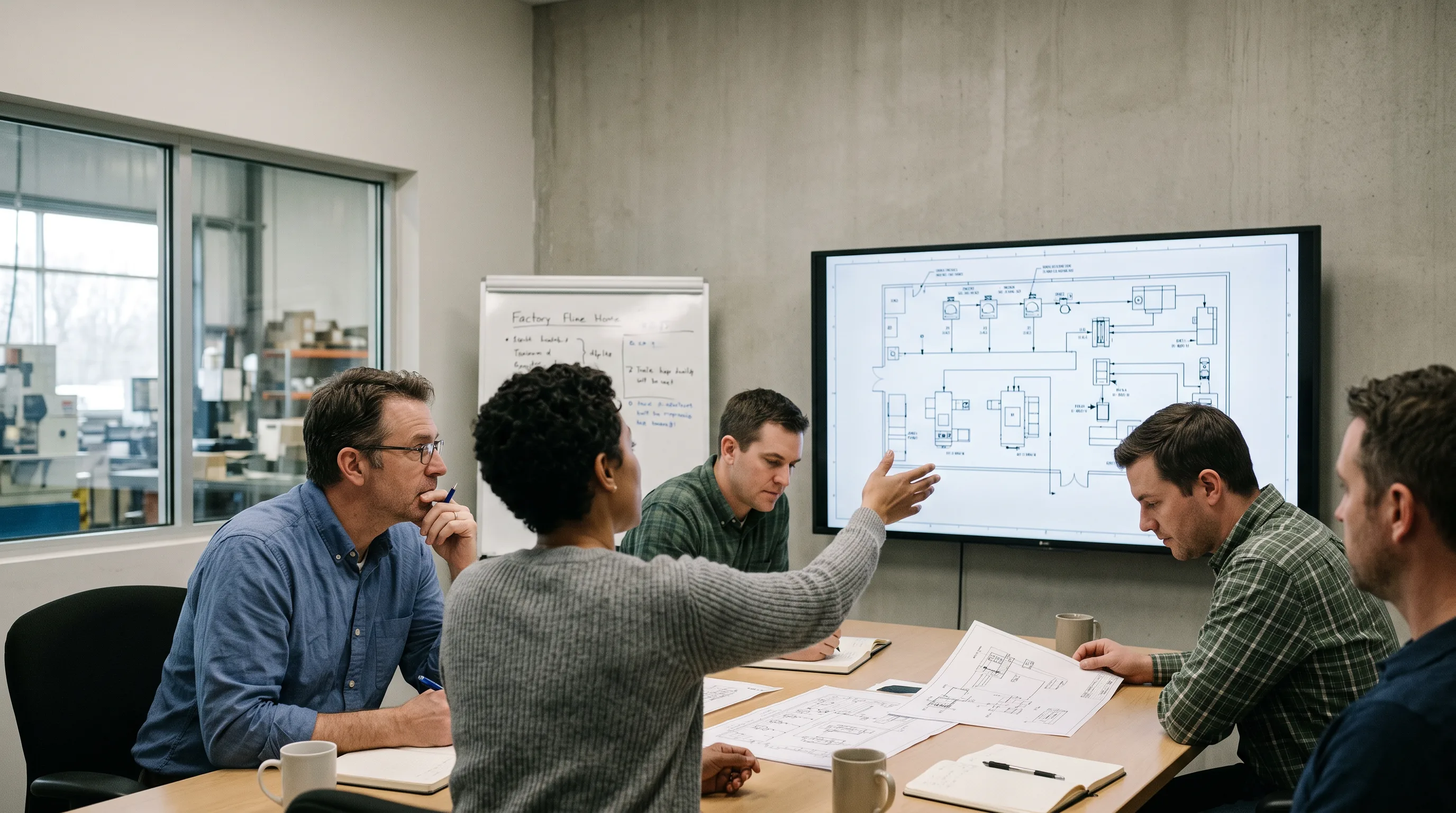
Manufacturing digital twins progress through four maturity levels, and both cost and timeline climb sharply at each step. Knowing which level you are buying is the difference between a funded pilot and a stalled one. The levels move from a static picture to a live, forecasting system.
| Level | What it is | What it does |
|---|---|---|
| 1. Static 3D model | Geometry only | Visualize the asset or layout |
| 2. Simulation | Model plus physics/logic | Test scenarios and what-ifs |
| 3. Connected twin | Live IoT data feed | Monitor real-time state |
| 4. Predictive twin | Machine-learning forecasting | Predict failures and outcomes |
Levels 3 and 4 are where NVIDIA’s connected and physically based, AI-enabled twins sit, feeding live IoT streams into a model that mirrors the physical world (NVIDIA glossary, 2024).
Which Maturity Level You Actually Need
Most manufacturers need a Level 2 or Level 3 twin, not a Level 4 predictive system, for a first project. A simulation that validates a line change, or a connected twin that shows real-time state, delivers measurable value quickly and builds the data history a predictive model later depends on.
A vendor who pushes Level 4 machine-learning prediction on your first project is usually overselling. Predictive models need clean, labeled failure data over time, and you rarely have that on day one. Start where the return is provable, then earn your way up. That sequencing is what keeps a project fundable.
What Is the ROI of a Digital Twin in Manufacturing?
The ROI of a digital twin in manufacturing comes from four repeatable places: predictive maintenance, commissioning lines before you order equipment, throughput and layout gains, and operator training run against the twin instead of live machines. Each has published figures behind it. The strongest returns, notably, cluster in the first two, which is exactly where a Level 2 or Level 3 twin already operates.
Predictive Maintenance and Downtime Reduction
Predictive maintenance is the most direct payback path for a manufacturing digital twin. According to figures from the U.S. Department of Energy’s Federal Energy Management Program, cited by MindInventory (2026), predictive maintenance reduces equipment breakdowns by 70 to 75 percent and cuts downtime by 35 to 45 percent.
Named deployments back this up. A digital-twin predictive-maintenance program at Saudi Aramco’s Khurais field cut maintenance costs 30 percent and inspection times 40 percent, with a 20 percent reduction in unplanned maintenance at the Abqaiq facility (MindInventory, 2026). For a plant leader, avoided downtime is the number a CFO understands first.
Virtual Commissioning Before You Buy Equipment
Virtual commissioning lets you validate a line inside the twin before any capital equipment is ordered, which is where a twin quietly pays for itself. A peer-reviewed automotive production line case study achieved a 6.01 percent efficiency gain and an 87.56 percent reduction in downtime, validated in simulation against a six-month baseline before physical changes were made. That study dates to 2022, so treat the exact figures as directional rather than current.
More recent numbers point the same way. Using Siemens Digital Twin Composer with NVIDIA Omniverse, PepsiCo caught up to 90 percent of potential issues before physical implementation and cut capital expenditure 10 to 15 percent (Interesting Engineering, 2026). Finding a problem in software is cheap. Finding it after the equipment arrives is not.
Throughput, Layout, and Operator Training
Throughput and layout optimization is the third return, and it shows up in named factories. That same PepsiCo program reported a 20 percent throughput increase at initial sites (Interesting Engineering, 2026). Siemens, in its own Electronics Factory Erlangen, reported a 70 percent reduction in energy usage and a 40 percent cut in material circulation using its production digital twin (Siemens, 2024).
The fourth return is training. Operators can learn a new line or procedure against the twin instead of tying up live equipment or risking a mistake on the floor. This is where a virtual replica and immersive training overlap directly, as our work on VR training and a virtual reality training simulation shows. Training against the twin turns idle simulation hours into workforce readiness.
Need help scoping a manufacturing digital twin?
We are here to help!
How Much Does a Digital Twin Cost to Build?
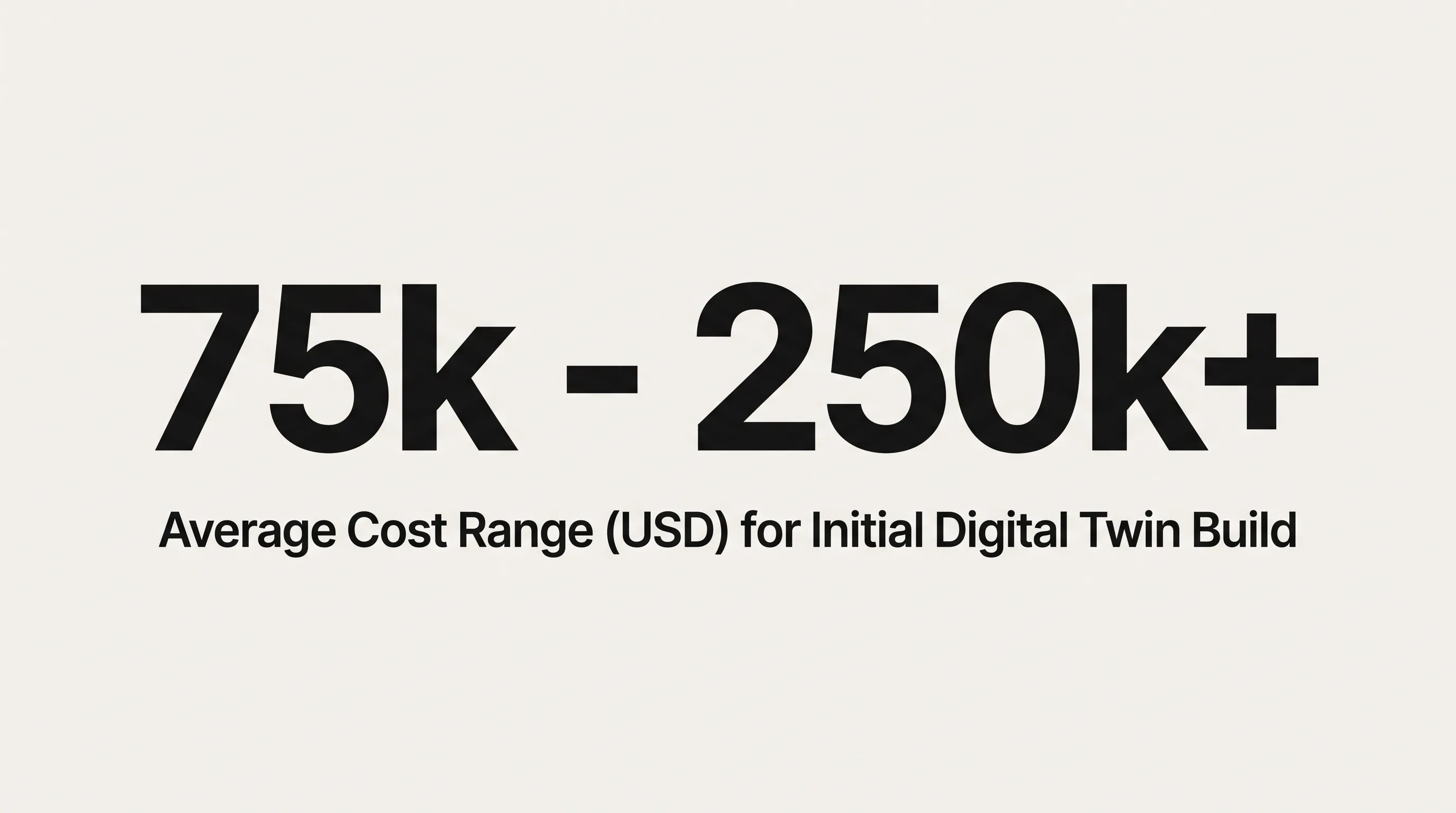
A manufacturing digital twin does not have a single price. Published software builds commonly land between $35,000 and $90,000, but a connected line twin with real sensor integration usually costs more, and the honest answer depends on the variables below. Anyone quoting one number without asking what you are twinning is guessing.
Cost and Timeline Tiers
Published cost tiers give a useful floor. RisingMax (2025) puts digital twin development at $35,000 to $50,000 for a basic build, $50,000 to $65,000 for an average one, and $65,000 to $90,000 at the high end, plus $1,500 to $4,000 a month for ongoing hosting and maintenance.
| Tier | Build cost | Roughly maps to |
|---|---|---|
| Basic | $35,000–$50,000 | Level 1–2 (model, simulation) |
| Average | $50,000–$65,000 | Level 2–3 |
| High-end | $65,000–$90,000 | Level 3 (connected) |
| Ongoing | $1,500–$4,000 / month | Hosting, data, upkeep |
Read those tiers with a caveat. The published ranges describe software development. They do not include the sensor hardware, OT integration, and line-scale data plumbing a real connected twin needs, so a genuine Level 3 factory twin frequently runs past the top of the table once the physical side is counted.
The Variables That Move the Price
Six variables decide where a manufacturing digital twin lands in its range. Naming them upfront is how you keep a quote honest and a budget defensible.
- CAD asset prep and mesh optimization. Raw engineering CAD is too heavy for real-time use and has to be cleaned and decimated. Manufacturing-specific 3D modeling for industrial design is often the first cost.
- Sensor and IoT integration. More monitored points and more protocols mean more integration work.
- Real-time data pipeline architecture. Moving floor data to the twin reliably and at low latency is its own engineering effort.
- Simulation fidelity. Physics-accurate behavior costs more than approximate motion.
- Whether an XR client is in scope. A headset front end adds a build on top of the twin itself.
- Ongoing data hosting. A live twin runs, and pays, every month.
The lesson for budgeting: price the variables, not a headline figure.
The XR Layer: Walking a Digital Twin on Vision Pro and Quest
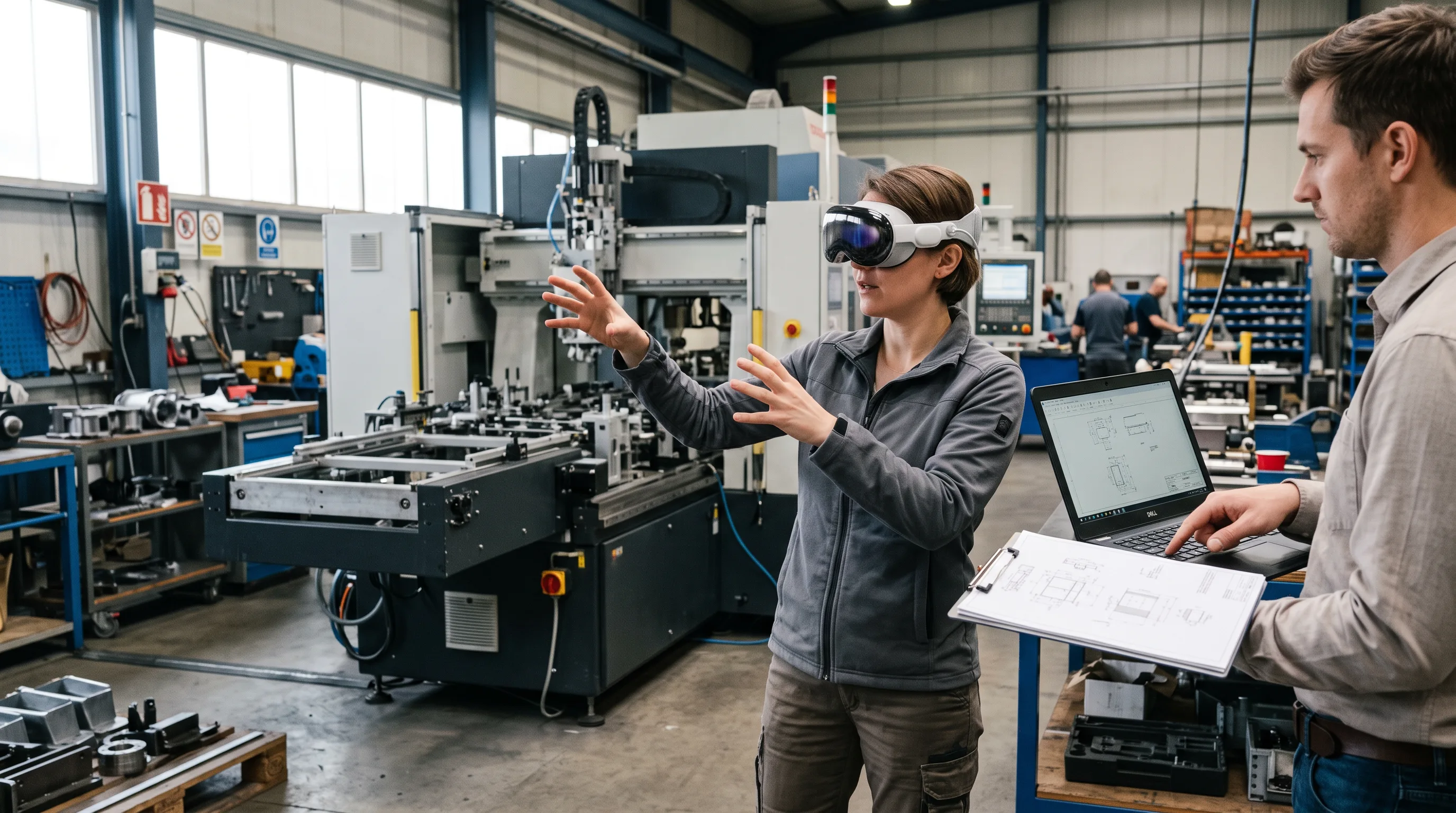
Yes, you can walk a digital twin at full scale on a headset, and you can overlay its live data onto the real machine. A connected twin can be streamed into Apple Vision Pro or Meta Quest for immersive review, and the same data can drive an augmented-reality overlay for technicians standing at the equipment. This is the layer where an XR studio adds the most, and it is the differentiator Frame Sixty, an AR/VR and spatial computing development studio, builds around.
The platform side is maturing quickly. NVIDIA’s Omniverse Blueprint lets engineering teams design, simulate, and optimize entire factories in physically accurate virtual environments and detect issues before construction, with partners including Siemens, Jacobs, and Schneider Electric building on it. “Using the Omniverse Blueprint and SimReady assets, customers can test and optimize energy efficiency for the complexity and intensity of their AI workloads before even breaking ground,” said Tanuj Khandelwal, CEO of ETAP (NVIDIA, 2025). NVIDIA’s Mega Omniverse Blueprint extends the same idea to simulating multi-robot fleets inside a facility twin, with adopters including Foxconn and Accenture (NVIDIA, 2025).
In our own work at Frame Sixty, the hard part of putting a twin on a headset is rarely the twin. It is the asset pipeline. Engineering CAD arrives with millions of polygons and full assembly trees, and a Quest or Vision Pro session has to hold a steady frame rate, so we decimate geometry, build levels of detail, and bake materials before anything ships to the device. That mesh-optimization step is the same discipline behind our 3D modeling work, and skipping it is why unprepared twins stutter in a headset.
Design Review and Stakeholder Sign-Off
Design review is the clearest headset win. Walking a proposed line at true scale before steel is cut surfaces clearance, reach, and flow problems that a monitor flattens away. Apple Vision Pro’s fidelity suits executive and stakeholder sign-off, where the goal is a confident yes from people who do not read CAD.
This is a common entry point for Apple Vision Pro development for enterprise, and it fits the broader shift toward spatial computing in enterprise. A full-scale review before commitment is cheaper than a change order after installation.
AR Overlay for Maintenance Technicians
AR overlay is the twin’s second headset use, aimed at technicians rather than executives. A maintenance worker can see live twin data, temperatures, wear, next steps, registered onto the physical machine in front of them, without looking down at a tablet. Quest-class hardware scales to frontline teams because the per-unit cost is low.
When we scope an XR client at Frame Sixty, the device choice follows the task, not the other way around. For a maintenance overlay meant to reach dozens of technicians, we lean toward lower-cost Quest hardware and a tightly limited data set on the screen. For a boardroom design review, we lean toward Vision Pro fidelity. The enterprise XR build for hardware like the Samsung Galaxy XR follows the same rule: match the headset to the job.
When a Headset Earns Its Place vs. a Browser Dashboard
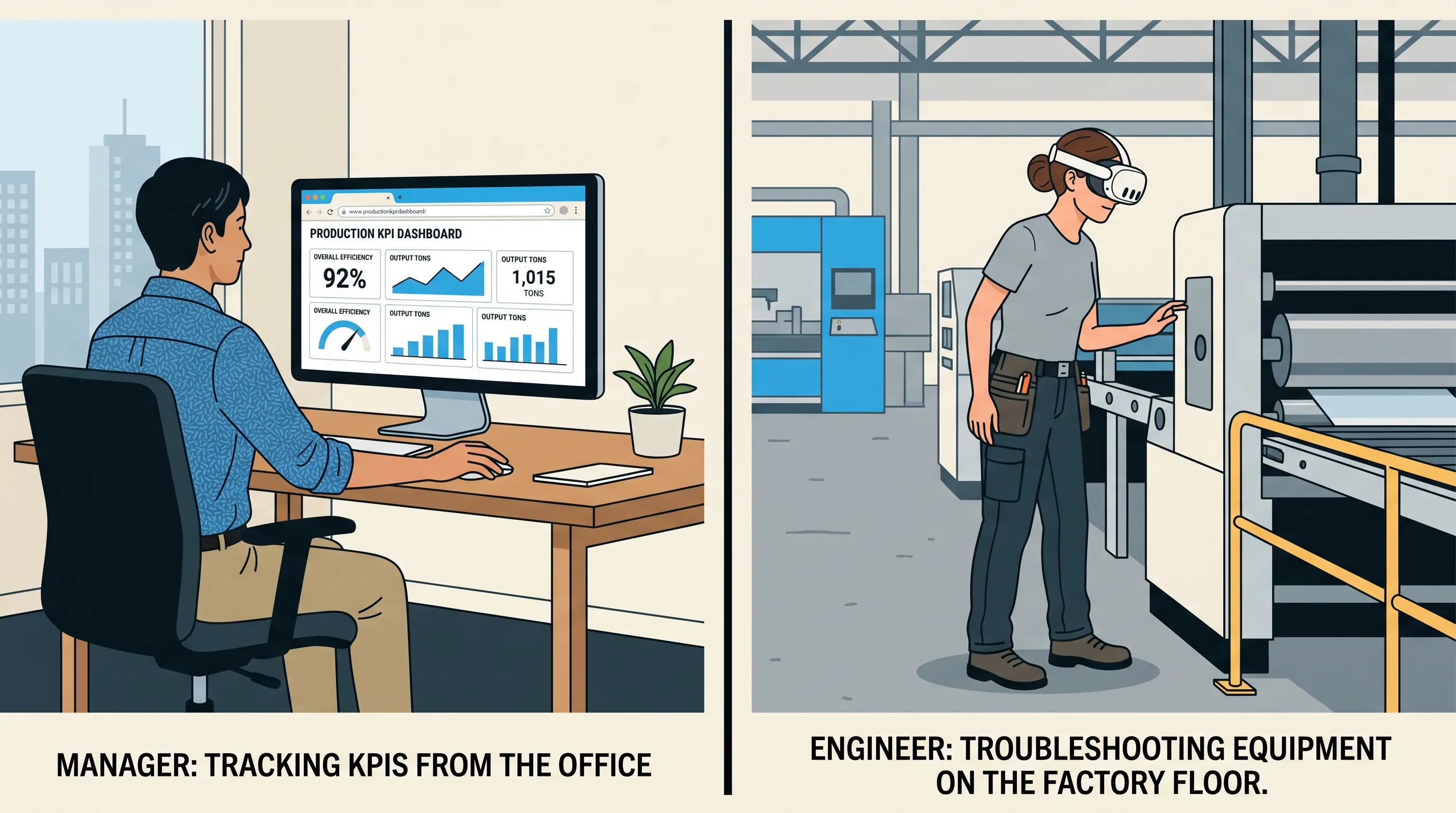
A headset earns its place only for spatial tasks. For at-desk monitoring, KPI tracking, and remote status checks, a browser dashboard is the better answer, and it is cheaper to build and deploy. The test is whether the user needs to be inside the space or on the machine. If they just need the numbers, give them a screen.
Buying headsets so managers can read dashboards is wasted budget. The spatial tasks that justify hardware are narrow and real: full-scale layout review, hands-on training, and on-machine AR overlay. Everything else belongs in a browser.
Device economics reinforce the split. Per jacar.es (2026), the Meta Quest 3S at $299 fits cost-conscious training at scale, while the Apple Vision Pro 2 at $3,499 suits premium design review where budget is not the constraint.
| Need | Best tool | Why |
|---|---|---|
| At-desk monitoring, KPIs | Browser dashboard | Cheapest, no hardware to manage |
| Training at scale | Meta Quest 3S ($299) | Low per-unit cost, hands-on |
| Design review, sign-off | Apple Vision Pro 2 ($3,499) | Highest fidelity for stakeholders |
| On-machine maintenance | AR headset | Data registered to the real asset |
If you are weighing devices, our guide to the best mixed reality headsets breaks the options down by use case.
How to Scope Your First Digital Twin Project
Scope your first digital twin the narrow way: start with one asset or one line, define the single metric you are trying to move, build a prototype, then expand once that metric moves. A tightly scoped pilot produces a provable number, and a provable number is what funds the next phase. Trying to twin the whole plant at once is how budgets die.
The sequence is short:
- Pick one asset or one line. The bottleneck or the biggest downtime offender is a good candidate.
- Name one metric. Unplanned downtime hours, OEE, or throughput on that line. One number.
- Target Level 2 or 3. Simulation or a connected twin, not day-one prediction.
- Build a prototype. Prove the metric moves against a real baseline.
- Expand. Add assets, add data history, and only then consider Level 4 forecasting.
This is the same discipline behind every point in this guide: the returns are provable at Levels 2 and 3, the flashy prediction can wait, and the metric you chose is what keeps the project funded.
Conclusion
A digital twin in manufacturing pays back when you scope it to a real problem and a real number. The published evidence is consistent: predictive maintenance cuts downtime 35 to 45 percent (U.S. DOE FEMP, 2026), commissioning in software caught up to 90 percent of issues before build at PepsiCo (Interesting Engineering, 2026), and Siemens’ own factory cut energy use 70 percent (Siemens, 2024). None of those wins required a Level 4 predictive system on day one.
So hold the line on scope. Most first projects disappoint because they chase prediction instead of the commissioning and maintenance returns sitting right in front of them. Pick one line, name one metric, build at Level 2 or 3, and add the XR layer only where a spatial task justifies the hardware. That path is defensible on a client call and in front of a CFO.
If you are weighing a digital twin for your plant and want help scoping the first one, see our digital twin services or get in touch with our team at Frame Sixty. We can help you prepare the CAD assets, stand up the twin, and decide whether a headset or a dashboard is the right front end for the job.
Digital Twins in Manufacturing: Cost, Software, and Scoping FAQs
Common questions about building a manufacturing digital twin, including the software and sensors it needs, how to choose a vendor, and when an XR headset earns its place.
A digital twin is not the same as the industrial metaverse. A digital twin is a live, sensor-fed virtual replica of one asset, line, or plant kept in sync through IoT data. The industrial metaverse is the broader shared virtual environment where multiple twins, tools, and users interact, often on platforms like NVIDIA Omniverse. A twin can exist without it.
Manufacturing gets the most value from digital twins and is the fastest-growing segment of a market Fortune Business Insights (2026) values at USD 33.97 billion for 2026. Automotive, oil and gas, and consumer goods lead adoption, with named deployments including PepsiCo, Siemens' Erlangen factory, and Saudi Aramco's Khurais oil field. The common thread is expensive equipment and costly unplanned downtime.
A connected twin streams live IoT data to monitor an asset's real-time state, while a predictive twin adds machine-learning forecasting to anticipate failures and outcomes. Connected twins sit at Level 3 maturity and predictive twins at Level 4. Most manufacturers need Level 2 or Level 3 for a first project, because predictive models require clean, labeled failure data collected over time.
Digital twins are built on platforms such as NVIDIA Omniverse, Siemens Digital Twin Composer, Azure Digital Twins, and AWS IoT TwinMaker, often paired with real-time engines like Unity or Unreal for visualization. PepsiCo used Siemens Digital Twin Composer with NVIDIA Omniverse libraries. The right choice depends on your data sources, simulation fidelity, and whether an XR headset client is in scope.
A digital twin needs live telemetry from the physical asset: cycle times, temperatures, vibration, and throughput, delivered over industrial protocols like MQTT or OPC UA. That continuous data feed is the defining trait separating a twin from a static 3D model. More monitored points and more protocols raise integration cost, one of the six variables that move a project's price.
No, you do not need NVIDIA Omniverse to build a digital twin. Omniverse is one capable platform, used by Siemens, Foxconn, and Schneider Electric for physically accurate factory twins, but connected twins can also be built on Azure Digital Twins, AWS IoT TwinMaker, or custom pipelines with Unity or Unreal. The right choice follows your data, budget, and fidelity needs.
A digital twin's build timeline scales with maturity level. A Level 1 static model or Level 2 simulation moves fastest, while a Level 3 connected twin takes longer because it adds sensor integration and a real-time data pipeline. Published software builds run $35,000 to $90,000 (RisingMax, 2025); scoping one asset or one line first keeps the first project short and fundable.
Choosing a digital twin vendor starts with one test: do they scope to the return, or oversell Level 4 prediction? A sound partner prices the six cost variables openly, starts with one asset and one metric, and matches any XR headset to the task. Frame Sixty prepares CAD assets, builds the twin, and advises whether a headset or browser dashboard fits the job.
Yes, you can add an XR headset layer to a digital twin after the base twin is running. A connected twin can be streamed into Apple Vision Pro or Meta Quest for full-scale design review, and its live data can drive an AR overlay for maintenance technicians. The main added work is optimizing engineering CAD, decimating meshes and baking materials to hold a steady frame rate.
Get in touch
We’re interested to see how we can help. Send us a message and we will get back to you within 24 hours.