
Digital Twin Product Development: How It Works, What It Costs, and How to Build One
Aug 15, 2026

14 MIN READ
Digital twin product development is the practice of building a persistent, sensor-fed virtual model of a physical product and using it across concept, prototyping, manufacturing, and field service to test and improve the product before and after it ships. A digital twin is a live virtual replica, not a one-off CAD file or a single simulation run. A tightly scoped pilot starts near $10,000; a production-grade, multi-site deployment runs $500,000 or more.
Here is the position this guide defends: most product digital twins under-deliver because teams buy an IoT monitoring dashboard and skip the geometry-and-physics layer that makes a twin predictive. A dashboard tells you what already happened. A calibrated twin tells you what will happen next. That difference is where the return on investment lives, and it is the difference this article is built around.
Key Takeaways
- Manufacturing product digital twins cost $10K–$45K for a proof of concept and $250K–$500K+ for enterprise multi-site deployments, per Azilen’s 2026 cost guide.
- McKinsey research finds digital twins cut product development times by 20–50%.
- 92% of companies that implement digital twins report ROI above 10%, and 50% clear 20%, according to Azilen’s 2026 analysis.
- A single-asset product twin takes about 20–24 weeks to build; complex production-line twins run 12–18 months.
- AI-coupled digital twins hit 91% prediction accuracy versus 80% for real-time twins without AI, per Mindinventory’s 2026 statistics.
What Is a Digital Twin in Product Development?
Digital twin product development uses a live virtual model of a specific product, continuously updated by simulation output and real sensor data, to validate design and performance decisions across the product’s life. It differs from a traditional simulation, which runs on demand to answer one question and then goes idle. A digital twin persists, absorbs operational data, and can be queried at any point from concept to field service.
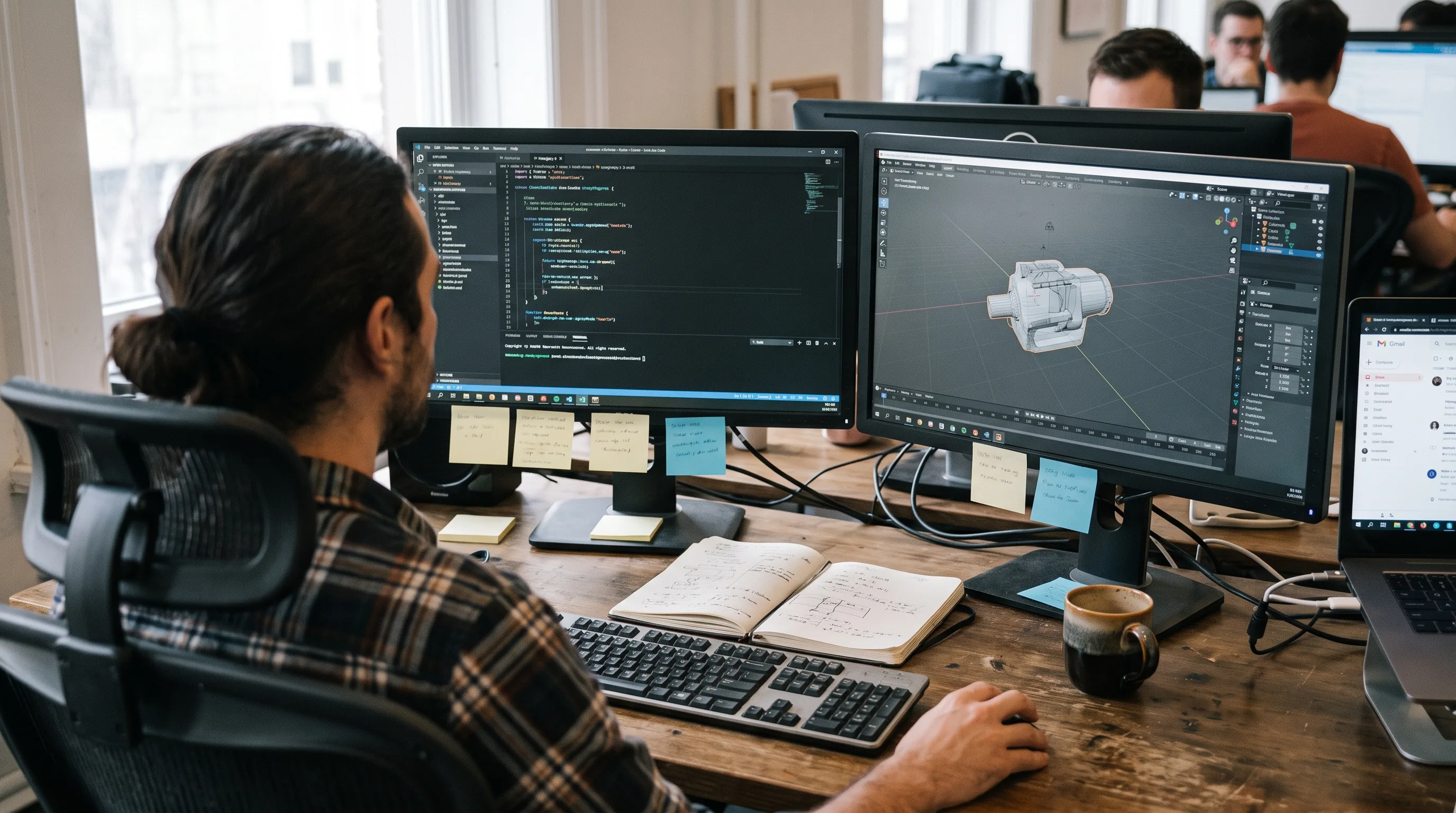
The model earns its keep across four lifecycle stages: concept validation, virtual prototyping in R&D, manufacturing commissioning, and field service. Each stage reuses the same core twin rather than rebuilding it.
The reuse point is the one most teams miss. A twin built to validate a concept does not get thrown away when R&D starts; it gets enriched. The same model, fed production data, later drives manufacturing commissioning and then field maintenance. Treating each stage as a fresh modeling project is how budgets triple and timelines slip.
Petri Mähönen, Head of Business for Machines and Devices at Gofore, framed the concept-stage shift in a May 2026 analysis of lifecycle digital twins: “When digital twins are utilised during the concept phase, product development no longer starts with an idea, but with a data-driven and simulated model.” Gartner reinforces the trajectory, forecasting that more than 40% of large companies will deploy digital twin solutions by 2027 to improve product performance and reduce time to market, as reported by Toobler. For a fuller primer on the technology in a plant setting, see our explainer on what a digital twin is in manufacturing.
How Does a Product Twin Differ from a Manufacturing Plant Twin?
A product twin models one product’s geometry, physics, and performance through its design and service life; a manufacturing plant twin models facility layout, production flow, and asset uptime across a whole line or site. The two answer different questions. A product twin answers “how will this product behave?” A plant twin answers “how efficiently is this facility running?”
The distinction matters at scoping time. If your goal is a better product, you need geometry and physics fidelity. If your goal is throughput, you need process and equipment data. Full Industry 4.0 deployments run both: the product twin shapes the design, the plant twin shapes the line that builds it.
What Does It Cost to Build a Digital Twin for Your Product?
A manufacturing product digital twin costs roughly $10,000 for a tightly scoped proof of concept and $500,000 or more for a full enterprise-grade deployment. Cost tracks the depth of operational intelligence you want, not the price of hardware. Each maturity level, from a single-asset pilot to a multi-site network, adds data integration, model fidelity, and validation work that moves the number.
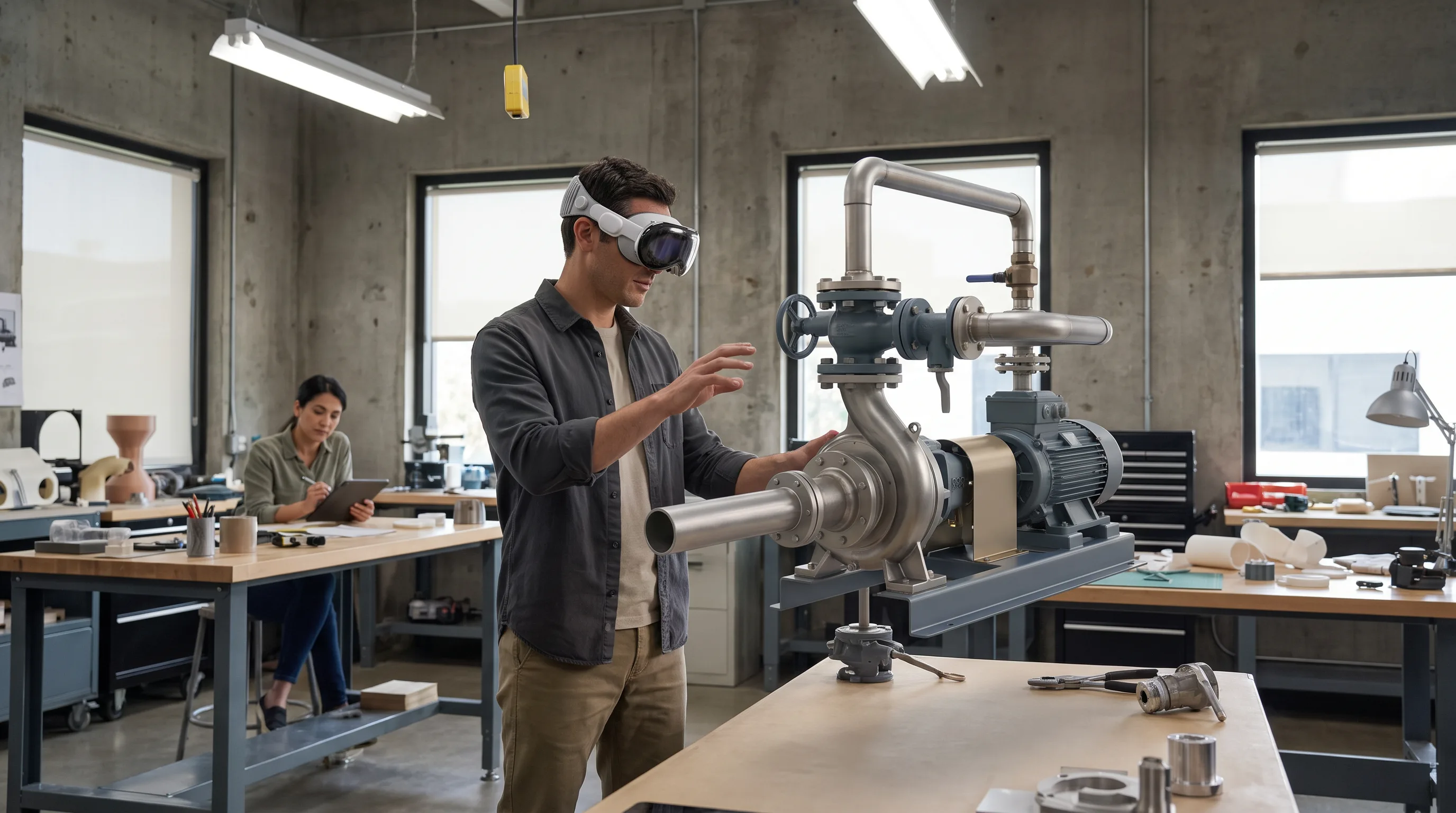
According to Azilen’s 2026 digital twin cost guide, the spend breaks into four tiers by deployment scope:
| Deployment Scope | Cost Range | Primary Cost Driver |
|---|---|---|
| Proof of concept (single component or process) | $10K–$45K | Scope definition, basic sensor hookup |
| Single-asset twin (one machine or product line) | $45K–$100K | Data integration, physics model build |
| Mid-scale industrial (multiple assets or plants) | $100K–$250K | Platform licensing, multi-source data pipelines |
| Enterprise / multi-site | $250K–$500K+ | Enterprise integration, compliance, ongoing AI tuning |
Budget for operating cost on top of the build: hosting and maintenance run $1,500–$4,000 per month. The heaviest build-cost drivers are data pipeline complexity, the fidelity of the 3D and physics models, platform licensing, and the engineering hours needed to validate that the twin matches reality. Our digital twin services page breaks down cost, scoping, and delivery in more depth for teams pricing a first project.
Can a Small or Mid-Size Manufacturer Afford a Digital Twin?
Yes. A small or mid-size manufacturer can afford a digital twin by scoping the first build to a single high-value asset or the longest-cycle prototype in the pipeline, which keeps the entry cost in the $10K–$45K proof-of-concept band. The trick is to pick one problem that is measurable, recurring, and confined to a system with decent sensor coverage.
Aim the pilot at the component with the highest defect rate or the longest physical test cycle, because that is where a twin pays back fastest. Azilen’s 2026 data puts focused single-use-case payback at 6–12 months. After the pilot proves out, you scale the same model rather than starting over.
In our digital twin work at Frame Sixty, the first technical bottleneck is almost never the sensors; it is the CAD. Engineering CAD files arrive at millions of polygons, built for manufacturing tolerance rather than real-time interaction. Before any physics runs, we simplify that geometry for real-time rendering while preserving dimensional accuracy, a step that governs how responsive the finished twin feels on a headset or a browser dashboard. Teams that budget for sensors but not for 3D modeling for manufacturing and industrial design tend to discover this cost late.
What Are the Four Phases of Digital Twin Product Development?
Digital twin product development runs through four phases: data model and asset preparation, 3D geometry and physics simulation, live sensor integration, and validation with go-live. A single-asset product twin takes about 20–24 weeks; complex production-line twins run 12–18 months, per Hopara’s build guide. Phasing the work protects the budget, because each phase ships a usable artifact before the next spend.
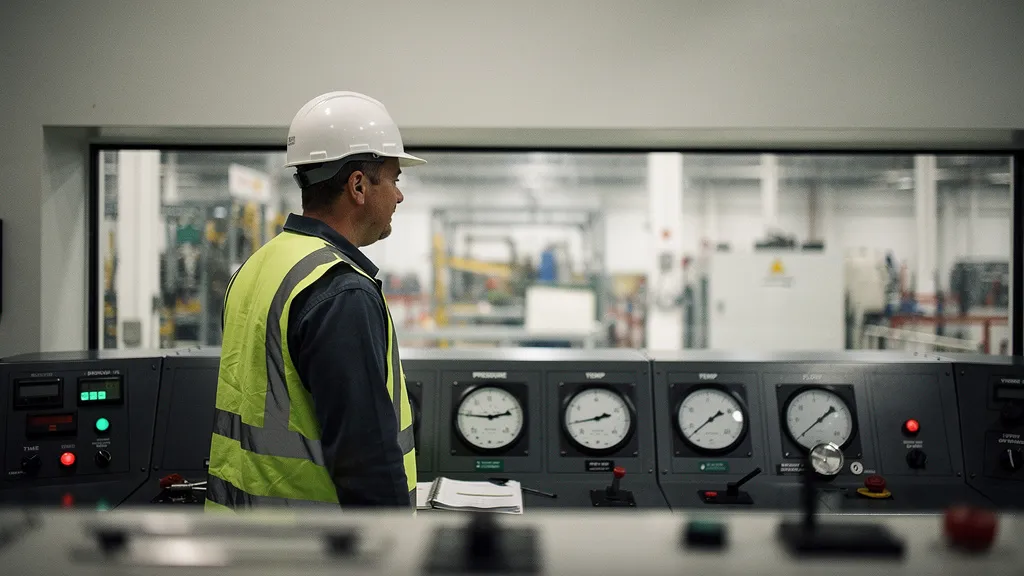
The 24-week milestone structure below follows the phased implementation framework APPIT Software published in October 2025, adapted for product rather than plant twins.
Phase 1 — Data Model and Asset Preparation (Weeks 1–8)
Phase one defines scope, success metrics, and the data backbone of the product twin. Set a measurable target up front, such as “cut unplanned maintenance events by 25% within 90 days of go-live,” so the build has a pass/fail bar. Then convert the product’s CAD into twin-ready geometry and inventory every data source that will feed it.
The work in this phase falls into four tasks:
- Simplify CAD geometry for real-time use while keeping material properties and thermal and mechanical boundary conditions intact.
- Inventory data sources: IoT devices, SCADA systems, ERP records, and manufacturing execution system feeds.
- Design the layered data architecture across an edge layer, a platform layer, and an analytics layer.
- Lock a validated data schema before physics work begins.
The deliverable is a clean data schema plus a lightweight geometry model ready for the physics layer. Our 3D modeling services handle the CAD-to-twin conversion that anchors this phase.
Phase 2 — 3D Geometry and Physics Simulation (Weeks 9–16)
Phase two builds the simulation core that separates a predictive twin from a monitoring dashboard. Choose a modeling approach: physics-based (finite element analysis and computational fluid dynamics, highest fidelity and most compute-heavy), data-driven (machine learning on historical sensor data, faster but training-data-hungry), or hybrid (a physics model constrained by real data). Hybrid usually wins on accuracy per dollar.
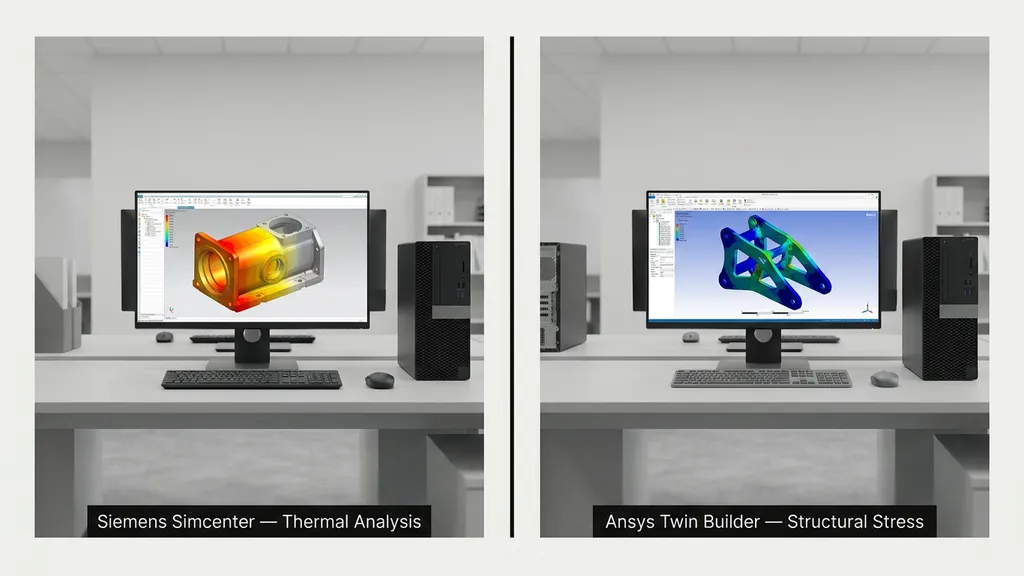
Enterprise physics engines fit different CAD ecosystems. Ansys Twin Builder handles multi-domain physics across structural, thermal, and fluid behavior. Siemens Simcenter is the natural pick when the product CAD already lives in Siemens NX or Teamcenter. Teams with simulation engineers on staff can use open-source tools such as OpenFOAM for fluid dynamics and FEniCS for structural analysis.
Calibrate the model against historical performance data before you connect a single live sensor. A model that is wrong offline will only be wrong faster once real data pours in. The deliverable for this phase is a physics model that reproduces known past failure modes within an agreed tolerance.
Phase 3 — Live Sensor Integration (Weeks 17–20)
Phase three connects the calibrated model to real-time data. The protocol stack usually pairs MQTT for lightweight, low-latency telemetry from IoT devices with OPC UA for standards-based interoperability with existing PLC and SCADA equipment. Streaming platforms move the data: Apache Kafka for on-premises or hybrid setups, and cloud services such as AWS Kinesis or Azure Stream Analytics for cloud-native architectures.
Plan for data cleaning to eat the phase. Budget 40–60% of the time on filtering noise, filling missing values, and reconciling timing mismatches between sources that sample at different rates. Facilities already running industrial automation can often pipe historian data straight from SCADA into the twin, so the first deployment needs no new sensor hardware. The deliverable is a live pipeline feeding clean, validated telemetry into the physics model in near real time.
Phase 4 — Validation, Visualization, and Go-Live (Weeks 21–24)
Phase four validates accuracy, stands up the dashboards, and puts the twin into production. Benchmark prediction accuracy first. According to Mindinventory’s 2026 statistics, AI-coupled digital twins reach 91% accuracy against 80% for real-time twins without AI, so layering machine-learning anomaly detection on the sensor feed closes most of that gap. Set KPI dashboards and alert thresholds, and decide who gets which alert at what confidence level.
Visualization is where a spatial layer changes the workflow. Streaming the twin through NVIDIA Omniverse lets engineers inspect the product in spatial context on Apple Vision Pro or Meta Quest 3, which turns a slide-deck design review into a walkthrough of the actual model. We cover the pipeline in depth in our guide to NVIDIA Omniverse for XR digital twins, and the same spatial review approach underpins our virtual reality product demos. Schedule monthly recalibration through the first year; accuracy climbs as operational data accumulates. The deliverable is a production twin with validated accuracy, live dashboards, and a documented recalibration schedule.
Need help scoping a product digital twin?
We are here to help!
What ROI Can Manufacturers Expect from a Digital Twin?
Manufacturers can expect strong and well-documented returns. According to Azilen’s 2026 cost guide, 92% of companies that implement digital twins report ROI above 10%, 50% clear 20%, and average operational cost drops 30% across manufacturing, energy, and process industries. Payback runs 12–36 months for broad multi-asset rollouts and 6–12 months for focused single-asset use cases.
The maintenance numbers are sharper still. Mindinventory’s 2026 statistics report 65% reductions in unplanned downtime and 79% cost savings through predictive maintenance. On the supply-chain side, IndustrialSage’s 2025 roundup of McKinsey data credits digital twins with cutting labor costs 10% and lifting consumer-promise fulfillment 20%.
Those averages hide a spread. A twin that stops at IoT monitoring captures the downtime savings but little of the design-cycle upside. A twin with a real physics layer captures both. That is the practical case for spending on geometry and simulation rather than dashboards alone.
In our experience at Frame Sixty, the AI accuracy gap is not an abstract statistic; it shows up as false alarms. A monitoring-only twin flags anomalies it cannot explain, and engineers start ignoring the alerts within weeks. Coupling a machine-learning layer to a calibrated physics model cuts the false-positive rate enough that the dashboard keeps its credibility, which is the real precondition for the 65% downtime figure to materialize on a shop floor. We build that closed-loop behavior with the techniques in our work on agentic spatial computing.
How Do Digital Twins Improve Time to Market?
Digital twins improve time to market by replacing slow physical build-and-test cycles with fast virtual iteration. McKinsey research, summarized by Plain Concepts, finds digital twins cut overall product development times by 20–50%. Aerodynamics, thermal behavior, and structural integrity get evaluated in simulation within days instead of the weeks a physical prototype needs.
The bigger lever is when problems surface. Design reviews run against the twin catch flaws at the concept stage, when a change costs a fraction of what it costs after tooling. Add the lifecycle-reuse effect, where one model serves R&D, commissioning, and field service, and the compounding gain is why Gartner expects more than 40% of large companies on digital twins by 2027.
How Do You Choose a Digital Twin Platform for Product Development?
Choosing a digital twin platform means matching three tool layers to your existing engineering stack rather than buying one product. Most production deployments combine a physics-simulation core, an IoT and cloud data layer, and a visualization layer. Pick the physics engine that fits your CAD, add the data layer once the model is validated, and add the spatial layer when review workflows justify it.

The layers and their leading tools break down like this:
| Layer | Leading Platforms | Best For |
|---|---|---|
| PLM and physics simulation | Siemens Xcelerator / Simcenter, Ansys Twin Builder | High-fidelity engineering models; automotive, aerospace, industrial machinery |
| IoT and cloud data | PTC ThingWorx, Microsoft Azure Digital Twins | Fast device-to-dashboard deployment; enterprise-scale data |
| Visualization and XR | NVIDIA Omniverse | Spatial design reviews and remote inspection on Apple Vision Pro and Meta Quest 3 |
Siemens fits teams whose CAD already lives in Siemens NX. Ansys suits multi-physics work in safety-critical industries. PTC ThingWorx gets you from IoT device to operational dashboard fastest. NVIDIA Omniverse is the standard for high-fidelity spatial visualization. Verdict: choose Siemens or Ansys when engineering fidelity leads, PTC or Azure when speed of IoT deployment leads, and add Omniverse whenever stakeholders need to review the twin in 3D. Our roundup of the best digital twin technology companies compares vendors by use case.
Why Does a Spatial 3D Studio Outperform a Generic Dev Shop for Product Twins?
A spatial 3D studio outperforms a generic development shop for product twins because the hardest parts of a predictive twin are 3D geometry preparation, physics model calibration, and XR visualization, which generic shops do not staff. A generic firm can build competent data pipelines and cloud infrastructure. What it typically cannot do is turn engineering CAD into a physics-ready, real-time model and validate that model against test data.
That gap decides what you end up with. A weak geometry-and-physics layer produces a sensor dashboard, useful but not predictive. The stronger layer produces a model that catches design flaws before tooling and failure modes before the field.
The spatial layer is also becoming standard, not optional. Deloitte’s June 2025 digital twin research found that 26% of organizations already deploy extended reality alongside digital twins, with another 26% planning to within three years. A studio that already builds the XR layer meets that shift instead of retrofitting it later.
A spatial studio contributes four things a generic shop generally cannot:
- CAD optimization that converts million-polygon engineering files into interactive, physics-ready geometry without losing dimensional accuracy.
- Physics simulation setup and calibration, including modeling-approach selection and validation against historical test data.
- NVIDIA Omniverse-based XR visualization so engineers can review a twin on Apple Vision Pro or Meta Quest 3.
- A production 3D pipeline that moves from CAD to live twin in weeks rather than months of one-off conversion.
When you evaluate partners, weigh physics-modeling capability, spatial computing expertise, XR visualization, and a real manufacturing portfolio. Verdict: a generic dev shop wins when you only need IoT monitoring, but a spatial 3D studio wins whenever the twin must be predictive and visually inspectable. Frame Sixty, an AR/VR and spatial computing development studio, builds product digital twins on NVIDIA Omniverse with XR streaming to Apple Vision Pro and Meta Quest 3, covering CAD preparation through live sensor integration and spatial visualization. For a practical look at the immersive layer, see how we approach creating a digital twin in VR.
For readers weighing when a twin is even the right tool, TXI’s implementation guide makes the useful case that twins earn their cost on high-stakes, complex, measurable, recurring problems inside self-contained systems, and that “quick and dirty” versions rarely deliver. That screening test pairs well with the phased build above: prove the problem is worth solving, then build in stages.
Conclusion
Digital twin product development pays off when the twin is predictive, and it disappoints when it is only a dashboard. The cost bands are clear: $10K–$45K to pilot, up to $500K+ for enterprise scale, with 6–12 month payback on focused use cases and documented ROI above 10% for 92% of adopters, per Azilen’s 2026 data. The build runs four phases over roughly 20–24 weeks for a single asset, and the returns, from a 20–50% cut in development time to 65% less unplanned downtime, come from the geometry and physics layer as much as the sensors.
The decision that shapes the outcome is not which IoT platform to buy. It is whether you invest in the 3D and physics fidelity that makes a twin worth querying. Scope the first build tightly, calibrate before you connect live data, and add the spatial review layer when your team needs to see the model rather than read about it.
If you are scoping a product digital twin and want a partner who handles the CAD, physics, and XR visualization rather than just the data plumbing, get in touch with Frame Sixty. We will help you size the pilot, pick the phase-one asset, and build a twin that predicts rather than reports.
FAQs
Common questions about digital twin product development — how it differs from simulation, what it costs to build, which tools to use, and how to validate one.
A traditional simulation runs on demand to answer one question and then goes idle, while a digital twin persists as a live virtual model continuously updated by sensor data and simulation output. The twin can be queried at any point from concept to field service, absorbing operational data over the product's life rather than producing a single snapshot.
Use a digital twin when you need fast, repeatable iteration and a physical prototype when you need final material or safety confirmation. Twins evaluate aerodynamics, thermal behavior, and structural integrity in simulation within days instead of the weeks a physical build needs, and they catch design flaws at the concept stage when changes cost a fraction of post-tooling fixes.
A product digital twin models one product's geometry, physics, and performance across its design and service life, while a manufacturing plant twin models facility layout, production flow, and asset uptime across a line or site. A product twin answers how a product will behave; a plant twin answers how efficiently a facility runs. Full Industry 4.0 deployments run both.
Digital twin product development typically combines three tool layers: a physics-simulation core such as Ansys Twin Builder or Siemens Simcenter, an IoT and cloud data layer like PTC ThingWorx or Microsoft Azure Digital Twins, and a visualization layer such as NVIDIA Omniverse. Teams match each layer to their existing CAD and engineering stack rather than buying a single product.
A product digital twin draws on IoT device telemetry, SCADA systems, ERP records, and manufacturing execution system feeds, connected through protocols like MQTT and OPC UA. Facilities already running industrial automation can often pipe historian data straight from SCADA, so a first deployment may need no new sensor hardware. Expect 40–60% of integration time to go to data cleaning.
NVIDIA Omniverse serves as the visualization and XR layer, streaming a digital twin so engineers can inspect the product in spatial context on Apple Vision Pro or Meta Quest 3. This turns a slide-deck design review into a walkthrough of the actual model. Deloitte's June 2025 research found 26% of organizations already deploy extended reality alongside digital twins.
You validate a digital twin by calibrating it against historical performance data before connecting any live sensor, then benchmarking its predictions against known past failure modes within an agreed tolerance. Layering machine-learning anomaly detection raises accuracy to 91% versus 80% for real-time twins without AI, per Mindinventory's 2026 statistics. Schedule monthly recalibration through the first year.
Digital twin product development delivers the strongest returns in automotive, aerospace, industrial machinery, medical devices, and consumer electronics, where products are complex, high-stakes, and expensive to physically prototype. Azilen's 2026 data reports average operational cost drops of 30% across manufacturing, energy, and process industries, with 92% of adopters seeing ROI above 10%.
Look for a partner with physics-modeling capability, CAD optimization skill, spatial computing and XR visualization expertise, and a real manufacturing portfolio, because the hardest parts of a predictive twin are geometry preparation, physics calibration, and 3D review. Frame Sixty builds product digital twins on NVIDIA Omniverse with XR streaming to Apple Vision Pro and Meta Quest 3, covering CAD preparation through live sensor integration.