
NVIDIA Omniverse for XR Digital Twins: Spatial Streaming to Vision Pro, Quest, and Beyond
Dec 15, 2025
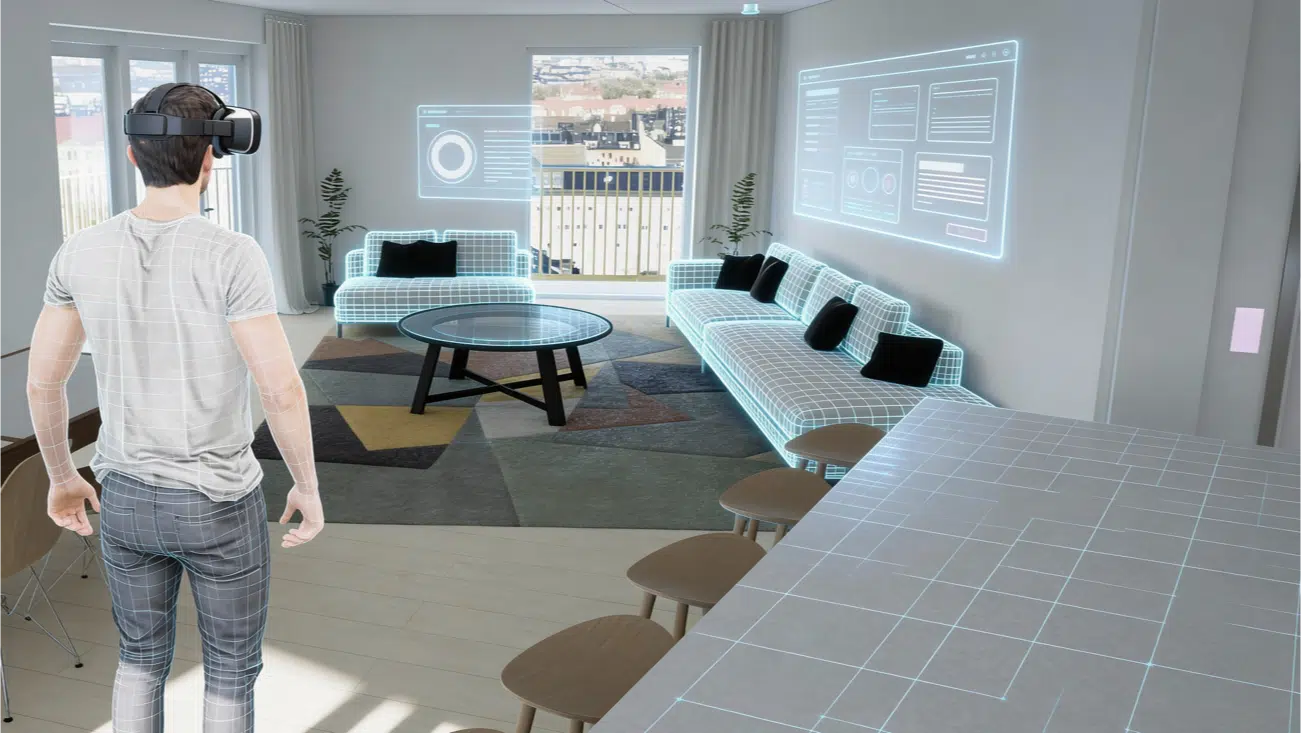

15 MIN READ
NVIDIA Omniverse for XR Digital Twins: Spatial Streaming to Vision Pro, Quest, and Beyond
NVIDIA Omniverse digital twins for XR are quickly becoming the most practical way for enterprises to bring large, complex 3D environments into headsets without sacrificing fidelity. The reason is straightforward: most headset GPUs are built for mobility and battery life, not for rendering massive CAD-derived scenes, running physics, or keeping a digital twin “live” with constant updates.
NVIDIA Omniverse changes the equation by standardizing around OpenUSD and enabling cloud / on‑prem RTX rendering that can be streamed to XR devices. For product owners, this means you can ship a premium XR digital twin experience to Apple Vision Pro, Meta Quest, or PC VR without forcing your team into a months-long “optimize everything for mobile” exercise.
At Frame Sixty, we help enterprise teams evaluate Omniverse for XR in a practical, production-minded way. This guide is written for decision makers and product owners who want to understand what Omniverse enables, what it costs you (in bandwidth and infrastructure), and how to move from pilot to production.
What you’ll get:
- How Omniverse + OpenUSD supports XR digital twins
- What “spatial streaming” means in real projects
- A reference architecture you can map to your org
- Production considerations (integration, simulator iteration, bandwidth)
- A roadmap: prototype → pilot → production
Bottom line: if you’re trying to deliver high-fidelity twins in headsets, NVIDIA Omniverse digital twins for XR are one of the strongest options available today.
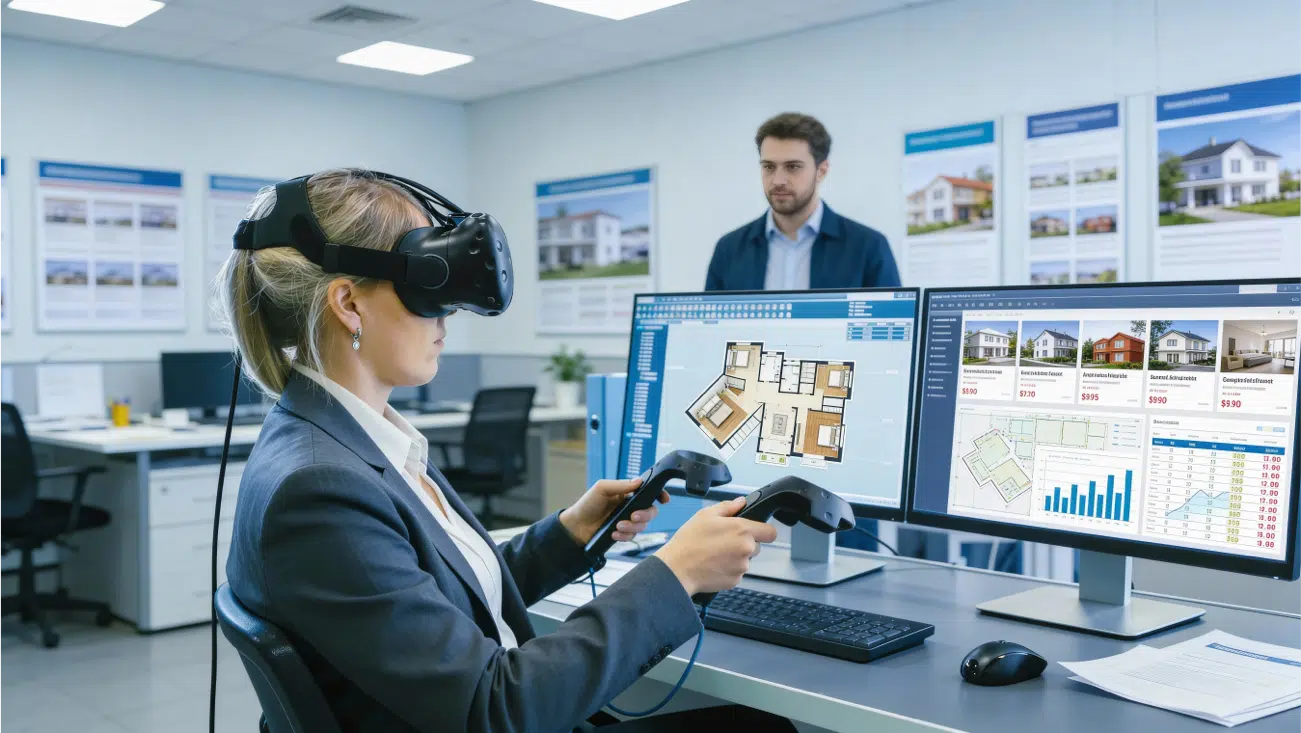
Spatial Streaming: How It Works
Spatial streaming is the approach of rendering the experience on powerful RTX GPUs (cloud or on‑prem) and streaming the result into a headset in real time. The headset behaves as a spatial client: it receives the streamed frames, presents them in a comfortable XR view, and sends back pose + interaction input (head movement, hands/controllers, gaze, etc.).
This matters because high-end digital twins often contain:
- Very large scenes (factories, campuses, infrastructure)
- High polygon counts from CAD/BIM sources
- Physically based materials and lighting requirements
- Simulation logic (physics, robotics, behaviors)
- Frequent data updates (IoT or operational dashboards)
Attempting to run all of that natively on-headset typically forces heavy compromises: aggressive mesh decimation, texture reductions, simplified lighting, and sometimes removing critical components. With spatial streaming, you keep the twin visually rich and interactive while the heavy lifting happens on RTX infrastructure.
NVIDIA publishes a dedicated workflow for spatial streaming to Apple Vision Pro. If Vision Pro is on your roadmap, it’s worth reviewing the official docs: Omniverse spatial streaming for Apple Vision Pro. If you’re evaluating other devices, the same conceptual model applies.
At a practical level, most teams evaluating Omniverse-based XR digital twins are really asking one core question: can we reliably stream a photoreal, interactive digital twin into a headset?
Need help to get your Omniverse XR project started?
We are here to help!
A Practical Omniverse XR Architecture
Every organization will implement this differently, but successful deployments of NVIDIA Omniverse digital twins for XR share a consistent architecture. Here’s a practical reference model you can use to plan scope and stakeholder responsibilities.
1) Asset and scene authoring in OpenUSD
OpenUSD provides composition and layering so you can assemble a digital twin from multiple sources without collapsing everything into a single brittle file. This is critical for enterprises because real twins evolve: designs change, parts get updated, and teams work in parallel.
2) Omniverse Nucleus as the collaboration hub
Nucleus typically becomes the “source of truth” for scene data, versions, and shared assets. It’s where teams synchronize updates and where downstream applications pull the current state of the world.
3) A Kit-based Omniverse application layer
Most production setups use a Kit application to define the experience: navigation rules, simulation hooks, lighting/material presets, data bindings, and any custom UX needed for your twin. For developer context, NVIDIA’s Omniverse developer resources live here: developer.nvidia.com/omniverse.
4) Streaming / delivery layer for XR clients
On the delivery side, you stream to a headset client. Depending on your target devices and network topology, you may evaluate NVIDIA CloudXR as part of your approach. (CloudXR is often discussed in XR streaming contexts, but your exact implementation will depend on your product requirements.)
5) Enterprise considerations: identity, security, and observability
For enterprise teams, the architecture must also include access control, environment segmentation (dev/stage/prod), and monitoring. Streaming experiences are only “production ready” when you can observe and manage them like any other system.
If you want a sanity check on your architecture or a fast pilot design, this is exactly where Frame Sixty helps: we map your goals to a concrete delivery plan and de-risk the unknowns early.
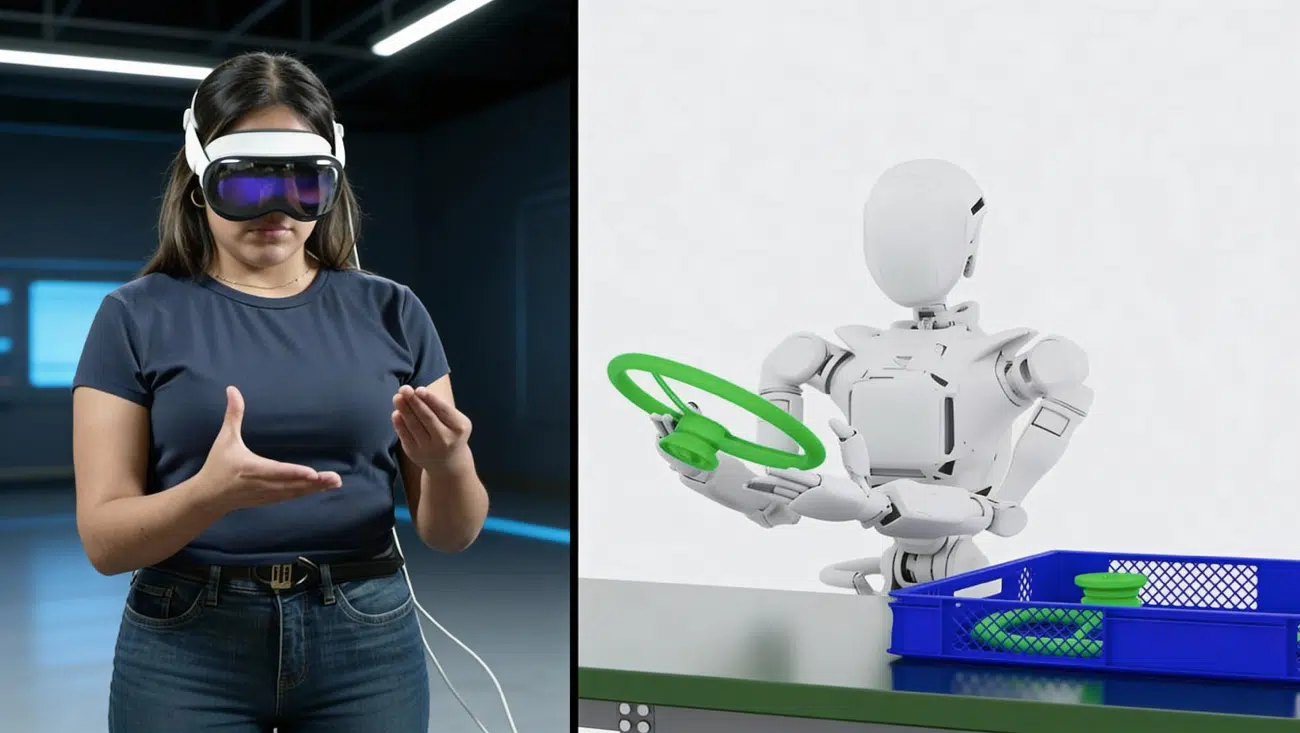
Production Lessons: Integration, Simulator, Bandwidth
These are the production lessons that repeatedly matter when building NVIDIA Omniverse digital twins for XR—especially if the end users are executives, operators, or customers with high expectations.
1) Integration can be easier than expected (with the right pipeline)
Omniverse works best when you treat OpenUSD as the foundation, not as an export format you touch once at the end. If your pipeline is structured (clear ownership of CAD/BIM → USD conversion, naming conventions, unit scale, materials), Omniverse integration becomes straightforward and iteration becomes less painful.
2) Faster iteration is a competitive advantage
XR product timelines live or die on iteration speed. When your team can validate interaction loops, UX, and content updates quickly (including simulator workflows where relevant), you ship faster and with fewer expensive surprises late in the schedule.
3) Bandwidth is a first-class requirement
Streaming premium visuals requires stable bandwidth and low jitter. This isn’t a “nice to have”—it should be part of your definition of done. In planning, you want to answer:
- Where will your users be (HQ, sites, remote)?
- Do you need global access or site-local deployments?
- What’s your acceptable latency for comfort?
- How will you monitor stream quality and failures?
4) Production readiness includes operations
Enterprises often underestimate ops work: logging, session management, user provisioning, support playbooks, and change control for twin updates. If the twin will be used weekly (or daily), operations becomes part of the product.
In practice, the organizations that succeed with NVIDIA Omniverse digital twins for XR treat it like a platform capability, not a one-off demo.
5) Content governance and “twin freshness”
Enterprise digital twins aren’t static. The most successful programs define who owns updates, how often the twin is refreshed, and how changes are validated. For example, if the twin is used for training, you may need a monthly content review cycle; if it mirrors a facility, you may need automated data feeds plus a quarterly geometry refresh.
6) Align stakeholders early
Omniverse touches multiple teams: engineering, IT/security, operations, and sometimes marketing or customer experience. Alignment up front prevents the common failure mode where the prototype is great but production stalls due to security review, network constraints, or unclear ownership.
Platforms & Use Cases: Vision Pro, Quest, and Beyond
One of the best reasons to invest in NVIDIA Omniverse digital twins for XR is that the same high-fidelity digital twin can be delivered across multiple headset ecosystems.
Platforms
- Apple Vision Pro — premium mixed reality, high-fidelity expectations, strong for executive walkthroughs and spatial data experiences.
- Meta Quest — scalable standalone VR/MR deployments, often ideal for training, multi-site rollouts, and broader user reach.
- PC VR — maximum fidelity in controlled environments, useful for labs, visualization rooms, and high-end review setups.
If you’re planning device support, we typically recommend choosing the “anchor” headset based on the highest-risk user experience requirement (fidelity vs reach vs mobility), then expanding. Frame Sixty supports both: Vision Pro development and Meta Quest development.
Enterprise use cases
- Training & simulation — safe, repeatable scenarios using realistic environments.
- Product visualization — photoreal reviews of products or prototypes at 1:1 scale.
- Remote collaboration — distributed stakeholders meeting inside the same twin.
- Facility walkthroughs — understand layout, systems, and changes spatially.
- Media-grade immersive experiences — premium storytelling and visualization where quality matters.
When done well, these use cases create measurable ROI: faster training, fewer physical prototypes, reduced travel, and better alignment across teams.
How to pick the right headset strategy
If your primary users are executives or design leaders, start with Vision Pro because it sets the quality bar. If your primary users are frontline teams (training, safety, maintenance), Quest is often the fastest path to scale. If you need maximum fidelity in a controlled room, PC VR can be the best first milestone. In many enterprise rollouts, the winning strategy is: prove value on one device, then expand to the others once the backend is solid.
Measuring ROI
Digital twin XR projects win budget when they tie directly to measurable outcomes. Common metrics include time-to-competency for training, reduction in travel for reviews, fewer physical prototypes, fewer rework cycles, and faster stakeholder approvals. We recommend defining your measurement approach during the pilot, not after launch.

How Frame Sixty Helps You Ship
If you’re evaluating NVIDIA Omniverse digital twins for XR as an enterprise product owner, the best approach is a phased roadmap that proves the hardest constraints early.
Phase 1: Prototype (2–6 weeks)
- Stream a representative scene to your target headset
- Validate interaction basics (navigation, selection, UI)
- Measure comfort and responsiveness on your real network
Phase 2: Pilot (6–12 weeks)
- Add real data hooks (if applicable)
- Test multi-user or multi-site requirements
- Define content update workflows and access control
Phase 3: Production (ongoing)
- Harden infrastructure, monitoring, and support playbooks
- Improve performance budgets and quality settings
- Scale device support (Vision Pro + Quest + others)
Frame Sixty helps teams de-risk and ship: architecture workshops, prototypes, production builds, and long-term support. See our work and reach out here: Get in Touch.
Bottom line: if your success criteria include photoreal fidelity, real-time updates, and cross-device delivery, NVIDIA Omniverse digital twins for XR are a strong path—and we can help you implement them responsibly.
What to scope in a first pilot
- One “hero” workflow (walkthrough, inspection, training scenario)
- One high-value dataset (a representative facility area, a single product line)
- One target persona (operator, supervisor, executive)
- Clear success metrics (comfort, fidelity, interaction completion rate)
How Frame Sixty typically engages
Most enterprise clients start with a short discovery + technical spike to validate feasibility, then move into a fixed-scope pilot. From there, we transition into production delivery and support. That structure keeps risk low while still moving fast.
NVIDIA Omniverse for XR: FAQs
Below are common questions we hear from teams evaluating Omniverse for XR digital twins and spatial streaming to headsets.
NVIDIA Omniverse digital twins for XR are high-fidelity, OpenUSD-based virtual replicas of real environments, products, or systems streamed into headsets such as Apple Vision Pro and Meta Quest. Because rendering runs on RTX infrastructure rather than on the headset, teams keep photoreal visuals, physics, and live data without a months-long mobile optimization exercise.
NVIDIA Omniverse suits enterprise-scale 3D work because it keeps large CAD- and BIM-derived scenes intact instead of forcing aggressive mesh decimation and texture cuts for headset GPUs. OpenUSD composition, Nucleus collaboration, and physically accurate simulation let one pipeline serve Apple Vision Pro, Meta Quest, and PC VR from a single digital twin.
Spatial streaming renders an Omniverse scene on RTX GPUs in the cloud or on-prem and streams the result to an XR headset in real time. The headset acts as a spatial client, sending back head, hand, and gaze input while receiving high-quality frames, often delivered through NVIDIA CloudXR depending on the target devices and network topology.
Omniverse XR digital twins can be delivered to Apple Vision Pro, Meta Quest, and PC-tethered VR headsets from the same OpenUSD scene. NVIDIA publishes a dedicated spatial streaming workflow for Vision Pro, and a streaming-based architecture lets one digital twin support multiple platforms with minimal changes.
Production Omniverse spatial streaming needs stable, low-latency bandwidth plus the operations layer enterprises often underestimate: access control, monitoring, session management, and content-update governance. Deployments can run in the cloud, on-prem, or hybrid, chosen on security, latency, and IT requirements, with regionally deployed infrastructure keeping stream quality consistent.
Most teams start an Omniverse XR project with a two-to-six-week prototype that streams a representative scene to the target headset, then a six-to-twelve-week pilot that adds real data, users, and access control before production. Frame Sixty runs this phased roadmap for enterprise clients, from architecture workshops to production XR builds and long-term support.
Get in touch
We’re interested to see how we can help. Send us a message and we will get back to you within 24 hours.