
Creating a Digital Twin in VR
May 13, 2025

12 MIN READ
Introduction to Digital Twin VR Apps
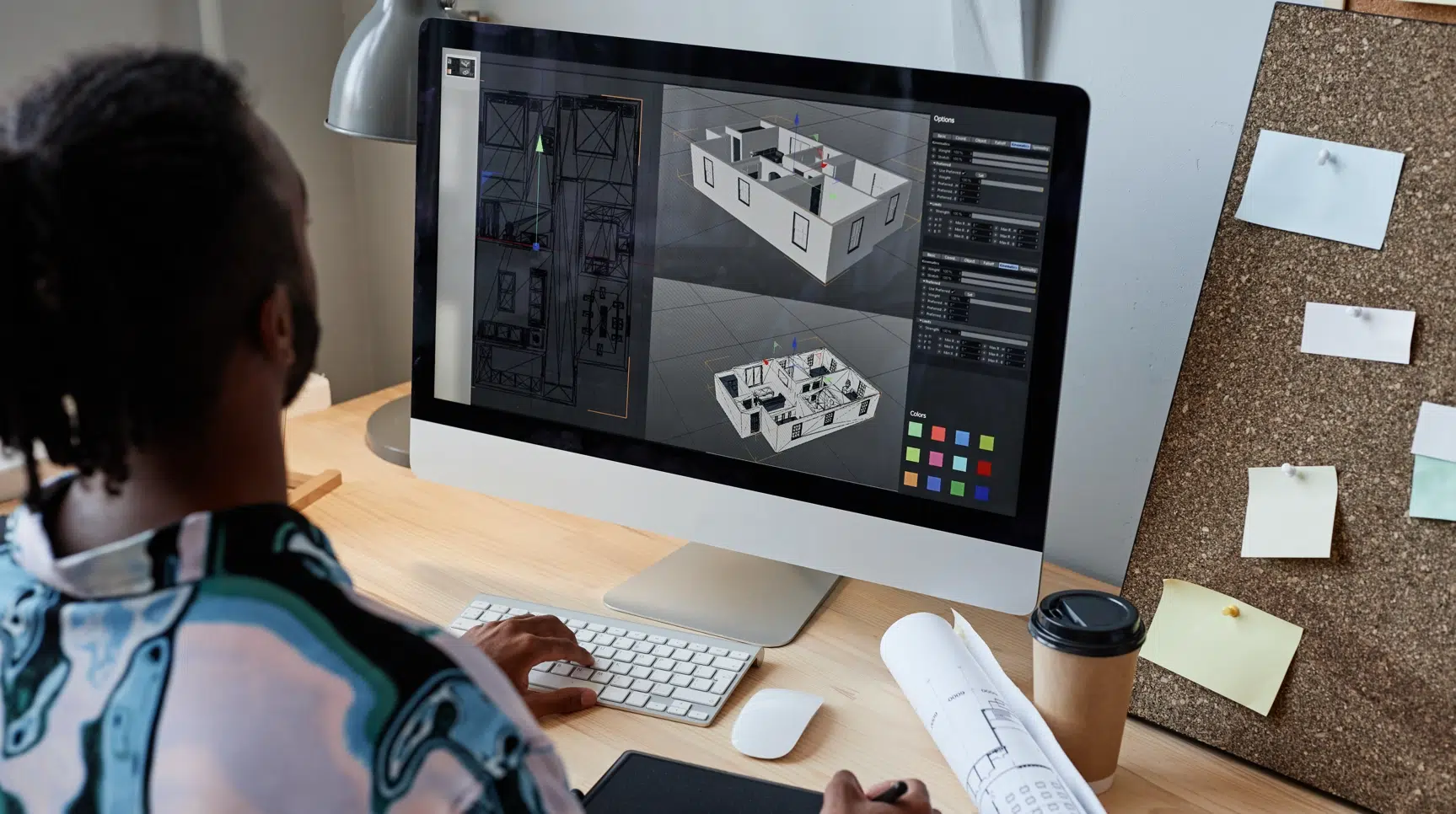
Ever thought about exploring a building or a factory before it’s even built? That’s the power of combining digital twins with virtual reality. But what exactly is a digital twin, and what makes a digital twin VR app so cutting-edge? Simply put, a digital twin is a digital replica of a physical object, system, or environment—think of it as a high-fidelity virtual mirror. When you bring these twins into VR, you create immersive experiences that enable users to interact with models of real-world assets—be it buildings, machinery, or entire environments.
This merger isn’t just a tech trend; it’s transforming industries. From real estate virtual tours to complex manufacturing simulations, digital twin VR apps allow users to explore, analyze, and make decisions faster and more accurately—all from a comfortable headset.
Understanding the Fundamentals
What is Virtual Reality Development?
Virtual reality development involves creating immersive environments that users can interact with naturally and intuitively. When you add digital twins to this mix, you’re essentially transporting users into a realistic replica of real-world assets—offering an experience that’s not only visual but also interactive and informative.
The Role of Digital Twins in Modern Tech
As the backbone of smart cities, industries, and healthcare, digital twins serve to simulate, monitor, and optimize real-world operations. This digital-to-physical synergy is revolutionizing everything from predictive maintenance to user engagement and education.
Why Use Digital Twin VR Apps?
Revolutionizing Industries
Digital twin VR apps make complex, costly, or risky scenarios manageable. For example, architects and developers can showcase virtual walkthroughs of buildings long before construction begins, saving time and money while impressing clients.
Boosting Real Estate Sales
Real estate companies leverage VR to offer virtual tours. Potential buyers can walk through a property or a development site from anywhere worldwide, experiencing the space as if they’re physically there. It’s a game-changer, especially when real visits aren’t feasible or convenient.
Core Components of a Digital Twin VR App
3D Modeling and Its Importance
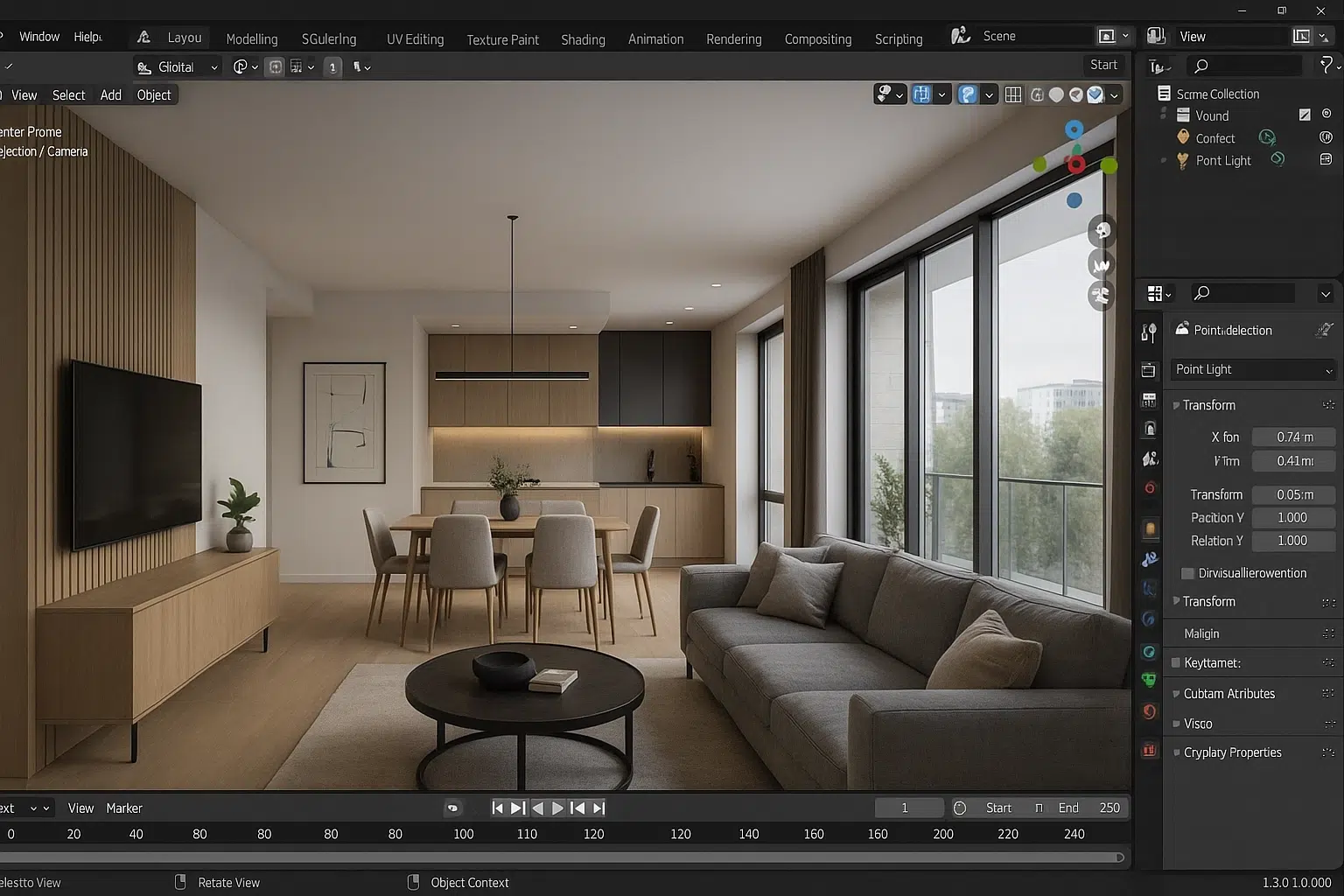
The backbone of any digital twin is the 3D model. Whether you have an existing digital twin model or need to create one from scratch, accuracy and detail are paramount. Keep in mind, models designed for high-end screen displays often have millions of polygons, which can be too heavy for VR headsets. Optimizing these models is essential for smooth performance across devices.
Optimization for VR Devices
Once the model is ready, it must be optimized for specific headsets. Devices like Meta Quest and Apple Vision Pro have different hardware capabilities—processing power, display quality, tracking systems—and will require tailored adjustments to ensure a seamless, realistic experience.
Which VR Device Should You Choose?
Meta Quest: The Cost-Effective and User-Friendly Option
Priced at around $500, Meta Quest is accessible, wireless, and quick to set up. It’s perfect if you want broad reach, whether for client demos, training, or virtual tours. Its controllers ease navigation, making it easy for users unfamiliar with VR.
When to choose Meta Quest:
- You need to deploy multiple devices rapidly.
- Cost is a priority.
- You want simple, guided, or automatic tours.
- Your users won’t require ultra-high-end visuals.
Apple Vision Pro: The Premium, High-Fidelity Choice
At nearly $3,500, the Vision Pro is a high-end device designed for stunning visuals and advanced AR capabilities. It excels in applications where quality, realism, and AR integration are paramount. Its mixed-reality features make it suitable for immersive presentations, exterior visualization, and highly detailed designs.
When to choose Vision Pro:
- You’re targeting premium clients—luxury real estate, design, or marketing.
- You want high-fidelity visuals and XR (Extended Reality) capabilities.
- Your project involves AR overlays or exterior visualizations.
- You have the budget and resources to handle more complex onboarding.
The Bottom Line: Which One Is Right for You?
- If you seek affordability, ease of use, and quick deployment, Meta Quest is our go-to.
- If your goal is the highest quality visuals and AR integrations tailored for premium experiences, Apple Vision Pro is the better choice.
In short: Choose Meta Quest for broad, accessible applications and rapid rollout. Opt for Vision Pro when productivity, visuals, and AR features are your priorities.
Experience Types in Digital Twin VR Apps
Automatic Tours and Guided Experiences
Autonomous tours are a great way to showcase a space without requiring user interaction. The app guides users along predefined paths, often combining videos, 3D environments, and narration to craft a seamless storytelling experience. Gucci’s virtual showroom, for instance, expertly uses this approach to immerse viewers in a luxury environment without needing user input.
Interactive Walkthroughs and Exploration
If you want users to have control over their experience, interactive walkthroughs are ideal. These allow users to move freely within the environment, select objects, or explore specific areas at their own pace. However, interaction complexity varies depending on the device. For instance, Meta Quest’s controllers are more intuitive for such exploration, while Apple Vision Pro relies heavily on precise finger gestures, which might have a learning curve.
Blending Media for a Richer Experience
Combining static images, videos, and interactive 3D models adds depth and engagement. For example, overlaying a video of a manufacturing process with animated 3D models of machinery can illustrate complex concepts better than static visuals alone.
Need help to get your app project started?
We are here to help!
Enhancing Reality with Video, Sound, and AR
Video Integration and 3D Videos
Embedding videos within virtual environments enhances context and storytelling. Use 2D videos for quick, cost-effective content; but for truly immersive realism, 3D videos—captured with specialized cameras—create an impressive depth effect. While producing 3D videos is more involved, recent AI tools are making it easier to generate them from existing footage.
Sound Design for Realism
Sound is often overlooked but is essential in creating immersive experiences. The ambient sounds—like water splashing in a pool or machinery humming—help set the mood and deepen user engagement. Narrations can guide users or provide detailed explanations, making the experience more informative.
Augmented Reality as a Supplement
Augmented Reality is especially potent when visualizing external environments or building exteriors. Overlaying models onto real-world settings helps clients and stakeholders understand how projects will fit into their landscape, bridging the gap between digital and physical perspectives.
Final Thoughts: Making the Right Choice for Your Digital Twin VR App
Developing a digital twin VR app hinges on several factors: the quality of your 3D models, device choice, interaction style, and media integration. The hardware decision—Meta Quest versus Apple Vision Pro—should align with your target audience, budget, and project goals.
- Want an accessible, scalable solution? Meta Quest offers ease of use, affordability, and a broad audience reach.
- Looking to impress high-end clients with detailed visuals and AR? Apple Vision Pro provides premium quality, advanced features, and a compelling mixed-reality experience.
Remember, combining videos, images, sounds, and AR not only enriches your digital twin but elevates your entire project’s impact. Whether offering automatic tours or interactive explorations, your digital twin VR application can truly revolutionize how users experience your spaces.
Our digital twin services cover the full path from scan to headset. Frame Sixty is equipped to partner with industry leaders and innovators seeking to leverage Vision Pro camera access for groundbreaking applications. Contact us today to discover how Vision Pro can revolutionize your business operations and enhance user experiences.
FAQs: Digital Twin VR
Got questions about digital twin VR apps? Here are some quick answers to help you understand the basics, development timelines, device choices, and publishing support.
Yes - an existing digital twin, such as a detailed 3D model of your building or product, can be used as the base asset for a VR app, which saves time and cost. Models built for high-end screen displays often carry millions of polygons, so some optimization is usually needed before they run smoothly on VR headsets.
Yes, a digital twin can be created from scratch or from your existing data, whether the subject is a building, machinery, or a full environment. Accuracy and detail are the priorities, because the 3D model is the backbone of the whole digital twin VR experience and everything else builds on it.
A digital twin VR experience typically takes around one to two months to develop when the digital twin model is already in hand. Creating or heavily modifying the twin from scratch adds roughly another month. The exact timeline depends on the complexity, features, and level of detail the project requires.
Meta Quest, at around $500, is the cost-effective choice for a digital twin VR app that needs broad deployment, guided or automatic tours, and easy onboarding. Apple Vision Pro, at nearly $3,500, suits premium projects that demand high-fidelity visuals, AR overlays, or exterior visualization for upscale clients such as luxury real estate.
Frame Sixty handles the full publishing process for digital twin VR apps, from preparing the build for the Meta Store or Apple App Store to meeting each platform's guidelines and managing submission. The same team covers the earlier stages too, including virtual reality development and model optimization.
Get in touch
We’re interested to see how we can help. Send us a message and we will get back to you within 24 hours.