
What Is an AR Business Card? Cost, How It Works, and When to Hire a Studio
Sep 30, 2026

12 MIN READ
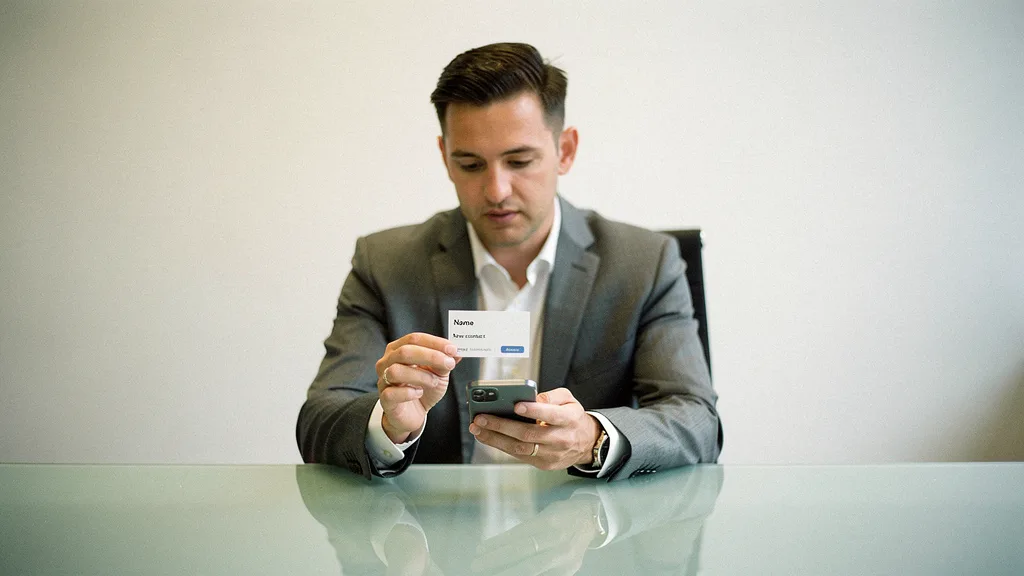
An AR business card is a physical business card that launches an augmented reality experience — a video, a 3D model, or an interactive portfolio — when someone scans it with a phone camera. Most cards today use WebAR, so the recipient needs no app and no download. Pricing runs from free on DIY platforms to roughly $8,000 or more for a fully custom studio build.
Here is the position most buyer’s guides skip: for anyone whose first impression carries real revenue, a DIY template is a false economy. The handful of dollars you save on a self-serve tool gets spent back the instant a prospect scans a card that looks identical to every other card built on that tool. The rest of this guide breaks down what the technology does, what each tier costs, and where the line between “make it yourself” and “hire it out” actually falls.
Key Takeaways
- An AR business card costs $0–$100 per year on DIY platforms like MyWebAR and Onirix, or $1,500–$8,000+ from a studio.
- WebAR runs in the phone browser with no download; 92% of Android phones supported it as of 2026, per Program Ace.
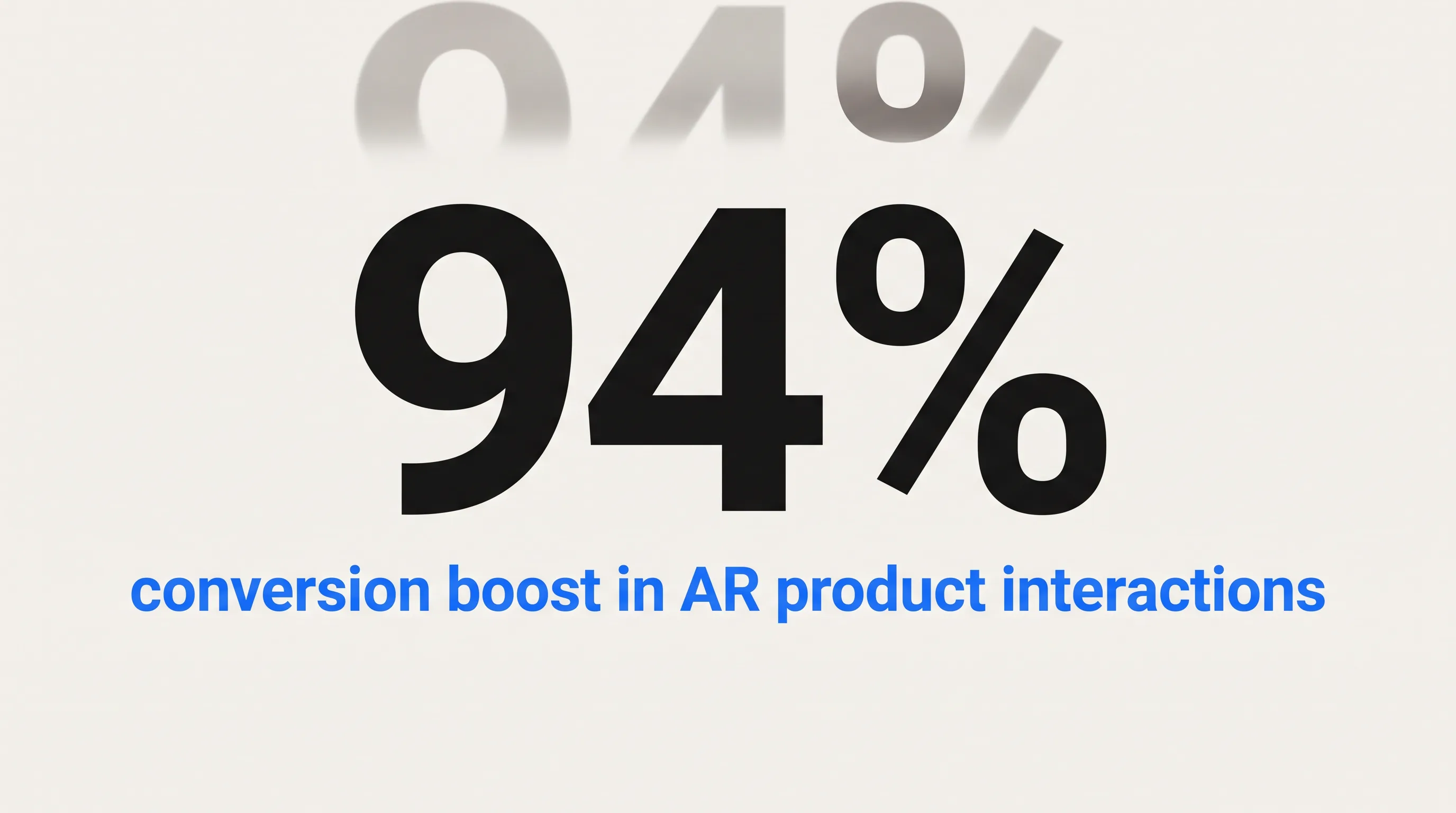
- AR in retail product interactions drove a 94% conversion boost, according to Deloitte Digital and Snap Inc. (2024).
- Marker-based AR development starts near $3,000 for about 100 hours of work, per HQSoftwareLab’s January 2026 figures.
- A studio-built card typically ships in 2–4 weeks and includes custom 3D or video assets, hosting, and scan analytics.
How Much Does an AR Business Card Cost?
An AR business card costs from nothing to a few hundred dollars a year on DIY no-code platforms, or roughly $1,500 to $8,000 and up for a studio build with custom assets and hosting. Fully bespoke native AR costs more again. The price gap tracks one variable: how much of the design, 3D work, and delivery you hand to a professional versus doing it yourself.

DIY Platform Pricing: Free to ~$100 per Year
DIY no-code platforms are the cheapest route, running from free to about $100 a year. Tools like MyWebAR and Onirix let you upload a card image, attach a video or 3D model, and generate a QR code without writing code. Free tiers exist: Kivicube offers up to 2 AR scenes and 5,000 views a month at no cost. Paid plans start around £7.99 a month, according to Blippar’s September 2026 pricing breakdown.
The tradeoff is polish. You launch in an afternoon, but you build inside the platform’s templates, and the output carries the platform’s constraints. For a solo freelancer testing the idea, that is fine. For a brand handing the card to a decision-maker, the seams show.
Studio-Built AR Business Cards: $1,500–$8,000+
A studio-built AR business card runs $1,500 to $8,000 or more, and the fee buys custom work rather than a template. A typical engagement covers card design review, production of a bespoke 3D model or video asset, AR trigger setup, hosting, and an analytics dashboard. Marker-based AR development starts near $3,000 for about 100 hours, per HQSoftwareLab’s January 2026 cost guide, and Blippar puts a simple agency WebAR campaign around $5,000.
| Approach | Typical cost | What’s included |
|---|---|---|
| DIY no-code platform | Free – ~$100/yr | Templates, platform QR code, limited monthly views |
| Studio-built (WebAR) | $1,500 – $8,000 | Custom design, 3D/video asset, hosting, analytics |
| Full custom native AR | $8,000 – $50,000+ | Bespoke app, deep brand control, enterprise features |
The studio tier is where the card stops looking like a novelty and starts looking like your brand.
Full-Custom and Enterprise Builds
Full-custom and enterprise AR business cards run from $8,000 into the tens of thousands, and occasionally far past that. Bespoke native iOS and Android AR, intricate 3D animation, and multi-card systems for an entire sales team push into $8,000–$50,000+ territory. Enterprise deployments with real-time data integration and multi-market rollout can reach $50,000–$300,000+, per Blippar’s 2026 figures. Native AR app development alone starts around $30,000, which is why WebAR, at a fraction of that, has become the default for card-scale projects. Before choosing a tier, it helps to know exactly what the card can do.
What Can You Show on an AR Business Card?
An AR business card can display a short video, a rotating 3D model, a swipeable portfolio, tap-to-act contact buttons, social links, and a downloadable contact file — all layered over or beside the printed card. The card becomes a launcher for whatever proves your value fastest. It also captures data a paper card never could.
The practical menu looks like this:
- A 30-to-90-second video introduction or product reel
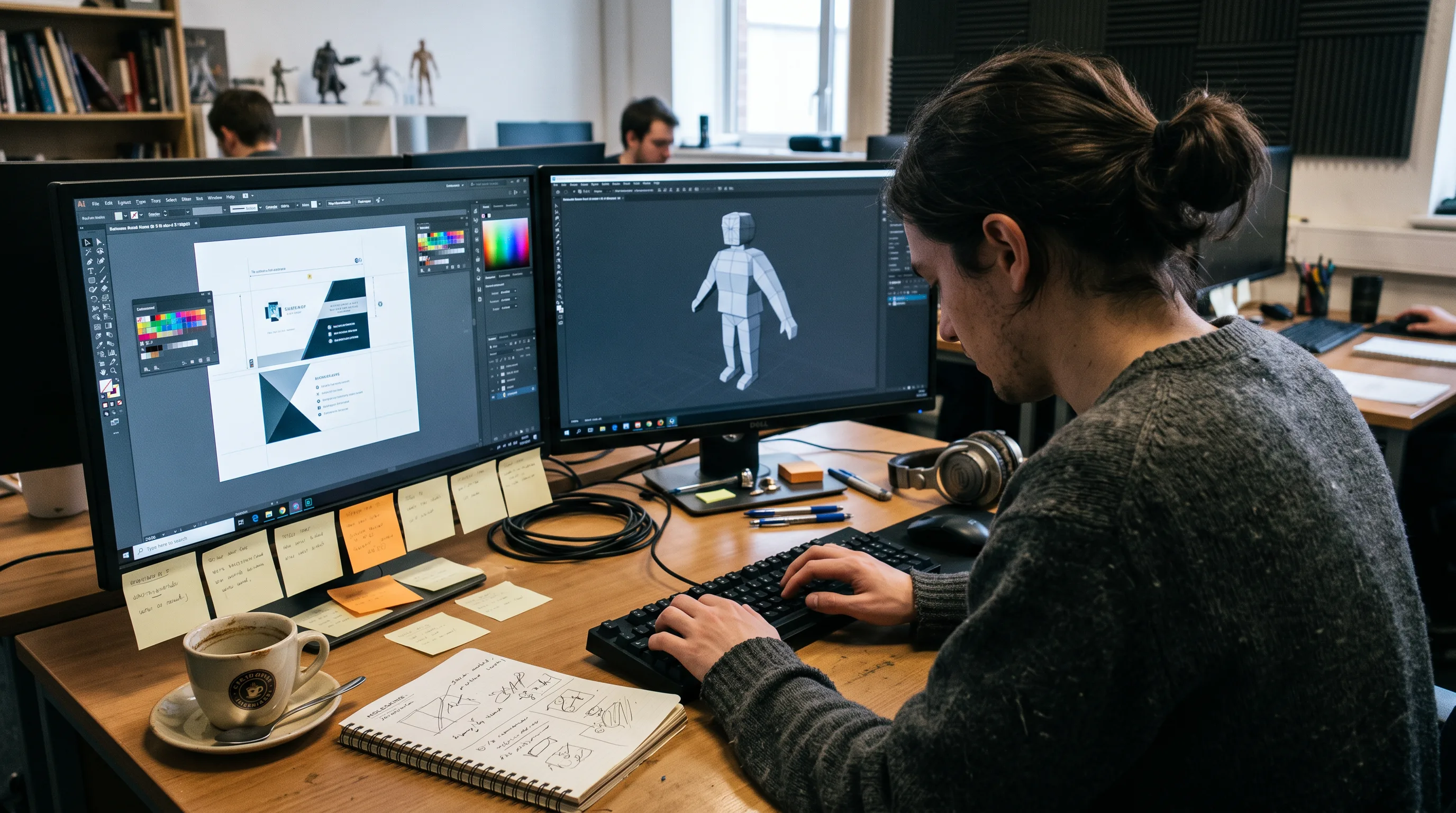
- A 3D model or animation of a product, logo, or property, built with dedicated 3D modeling work
- A portfolio or case-study gallery the recipient can swipe through
- Interactive buttons for call, email, LinkedIn, website, or calendar booking
- Social profiles and a one-tap contact download
- Scan analytics: how many people scanned, how long they stayed, which buttons they tapped
These choices are not cosmetic. AR in product interactions drove a 94% conversion boost in retail, according to Deloitte Digital and Snap Inc. (2024), and 61% of buyers said they would purchase more if brands offered AR experiences, per ThreeKit’s 2024 data cited in Banuba’s augmented reality statistics roundup. The content you pick is the difference between a gimmick and a working AR marketing asset.
How Does an AR Business Card Work?
An AR business card works by using the card as a trigger that a phone recognizes, then rendering digital content on the screen over the live camera view. The trigger is either the printed artwork itself, read as an image marker, or a QR code that opens a web link. The content lives online, so it can change without reprinting a single card.

Trigger Types: Image Marker vs. QR Code
AR business cards use one of two triggers: image-marker tracking or a QR code. With image-marker tracking, the phone recognizes the card’s printed artwork as a unique marker and overlays content directly on the card, as MobiDev’s development breakdown describes, where the card acts as the marker and a backend panel manages the experience. With a QR code, a printed code opens a web URL that loads the experience in the browser.
Image-marker tracking looks more impressive in a demo. In the real world it tends to fail, because recipients pocket the card the moment they take it, and marker tracking needs the artwork held steady in frame. QR-triggered WebAR sidesteps the problem entirely, which is why most studio-built cards, including the Stanley Black & Decker card built on 8th Wall, use it. Verdict: choose image-marker AR for a controlled booth or stage demo, and QR-triggered WebAR for any card that leaves your hand.
WebAR Delivery: No App Download Required
WebAR delivery means the AR experience runs inside the phone’s normal browser, using the camera and WebGL, with no app to install. The recipient scans, grants camera access, and the content loads. That removes the single biggest point of failure in older AR cards: the demand that a stranger download a branded app before seeing anything. No app. No install. No lost prospect.
The reach is now effectively universal. An estimated 92% of Android phones, about 3.6 billion units, supported WebAR as of 2026, and retailers using WebAR reported conversion lifts around 40% with return rates cut by roughly a third, per Program Ace’s July 2026 analysis. Some tools still gate this: Artivive, for instance, requires its own app on the free tier unless WebAR is enabled. A no-app WebAR delivery approach avoids that friction from the start.
Need help with an AR business card?
We are here to help!
Who Uses AR Business Cards — and Why?
AR business cards show up wherever a first impression kicks off a long, high-value sales cycle: real estate, sales, consulting, events, and professional services. The common thread is a recipient worth impressing and a story too rich for a paper rectangle. For a wider view of the format, these AR examples across industries show the same trigger-and-render pattern applied well beyond cards.
Real Estate Agents
Real estate agents use AR business cards to turn a handshake into a showing. Scan the card and a 3D property walkthrough, a drone highlight reel, or a live feed of active listings appears, so the moment the card changes hands it starts selling inventory. That connects naturally to full AR and VR property walkthroughs for buyers who want to tour before they visit.
Listing agents put their current portfolio one tap away. Buyer’s agents load a neighborhood guide. Mortgage brokers hand a homeowner a card that opens a refinance calculator. Each version replaces a follow-up the recipient might never open with something they engage with on the spot.
Sales Reps, Consultants, Event Vendors, and Law Firms
Sales reps, consultants, event vendors, and law firms use AR business cards to carry proof, not just contact details. A sales rep loads a 60-second product demo. A consultant shows a credentials reel and case-study thumbnails. A wedding or event vendor plays a highlight video. A law firm surfaces practice areas and attorney bios. The AR layer stands in for the email that gets buried, which ties directly to how AR works in commerce and sales.
The timing favors early movers. Nine in ten medium-sized brands already use AR in some form, according to Deloitte Digital and Snap Inc. (2024). In a stack of paper cards, the one that comes alive is the one that gets kept.
DIY AR Card App vs. Hiring a Studio
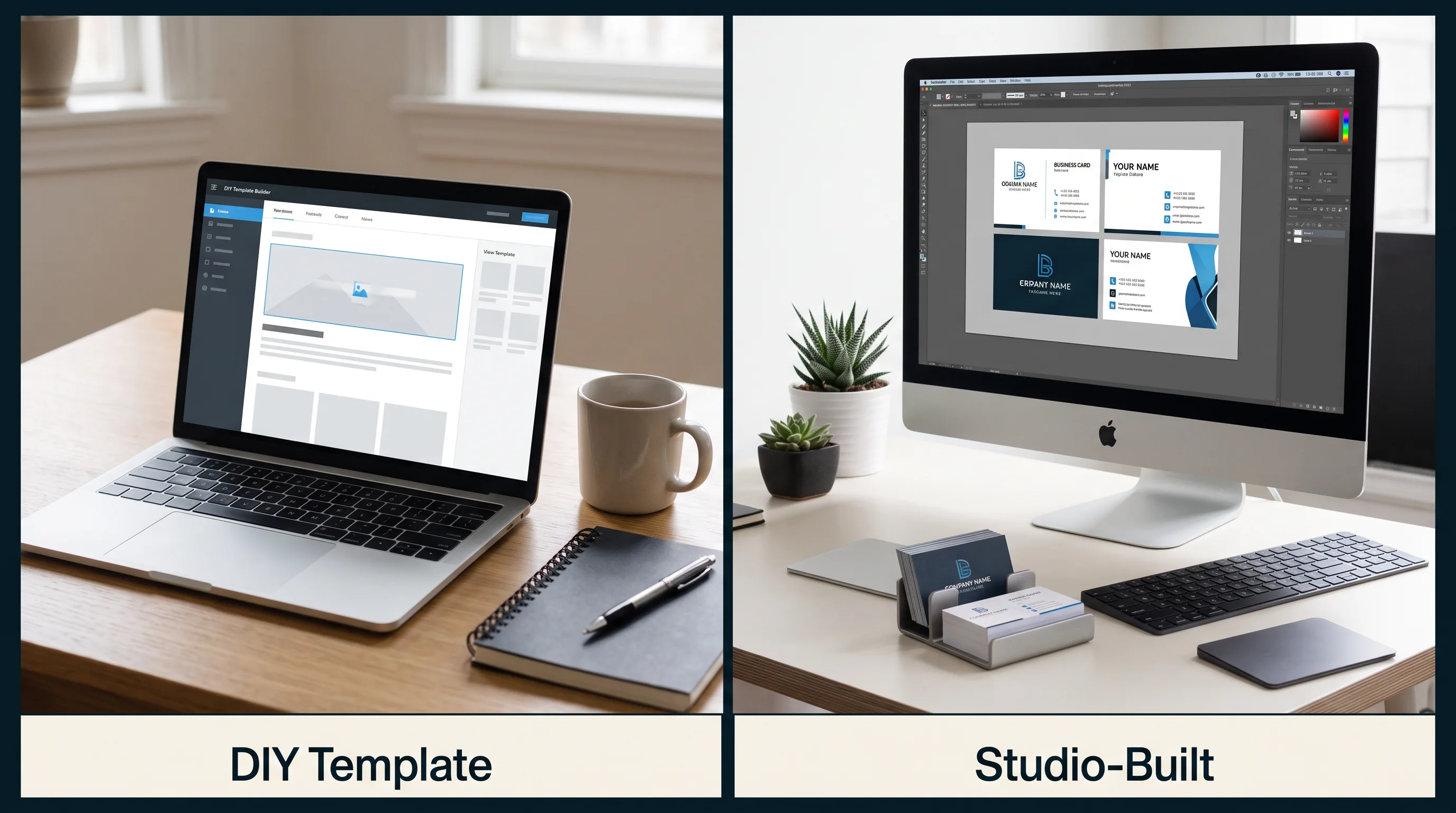
Choose a DIY app when you need something functional today and have no brand constraints; hire a studio when the card represents a brand and the recipient matters. DIY platforms win on speed and price. Studios win on asset quality, brand control, and data ownership. The right answer depends entirely on the stakes of the handoff.
| Factor | DIY no-code app | Studio-built |
|---|---|---|
| Setup time | Hours | 2–4 weeks |
| Cost | Free – ~$100/yr | $1,500 – $8,000+ |
| Asset quality | Stock templates | Custom 3D / branded video |
| Brand control | Limited by platform | Full |
| Hosting & analytics | Platform-controlled | Configurable, owned data |
Platforms like MyWebAR, Onirix, and Kivicube are genuinely good at what they do, and BrandXR’s guide is right that professional help earns its keep once design skills run out or brand quality has to clear a bar. Stock templates read as stock. In a high-stakes pitch, that costs you the introduction the card was meant to win.
The benchmark for the studio tier is public. Stanley Black & Decker commissioned an app-less WebAR business card built on 8th Wall and hosted on AWS, featuring a photorealistic 3D animated wooden ruler with tap-through contact buttons, viewable on any iOS or Android camera. As Michael Watson, Head of Digital Advertising at Stanley Black & Decker, put it in the Aircards case study: “The feedback on the overall experience has been excellent.” That is the difference custom work buys.
This is the kind of build Frame Sixty, an AR/VR and spatial computing development studio, delivers when a card has to carry a brand. If you want the work done for you rather than assembled from a template, you can hire augmented reality developers to own the design, the 3D asset, and the delivery end to end.
There is a cleaner way to judge the spend than the sticker price. A $3,000 studio card handed to 300 qualified prospects over a year costs $10 per tracked, interactive impression, and unlike a trade-show badge scan, the recipient keeps it in a wallet for months. Measured that way, the “expensive” option is often the cheaper lead source. Verdict: pick DIY for personal experiments and low-stakes volume, and a studio for any card whose recipient can move real revenue.
What to Expect When You Hire a Studio to Build an AR Business Card
Hiring a studio to build an AR business card is a short, predictable engagement, usually 2–4 weeks from brief to delivered files. You supply brand assets and a goal; the studio handles design, 3D or video production, the AR trigger, hosting, and testing. You end up owning the card artwork, the live experience, and the analytics behind it.
The Production Process: Design Through Analytics
The production process moves through five stages: design review, asset production, AR trigger build, testing, and delivery. The studio reviews or redesigns the card artwork with trigger placement in mind, produces the 3D model, animation, or video to brand spec, wires the WebAR experience to the QR code or image marker on a content-delivery network, tests scans across iOS and Android, and hands over print-ready files plus an analytics login. For teams whose needs run past a single card, that same pipeline extends into full AR app development.
In our WebAR work at Frame Sixty, the decision that most affects a card’s scan rate is not the 3D model at all. It is trigger placement and print contrast: a QR code printed too small, too glossy, or too close to a busy graphic fails under bad lighting, so we size and position the trigger against the actual print stock before a single asset is animated. Getting that unglamorous step right does more for real-world scans than any amount of visual polish layered on afterward.
Timeline and What You Receive
A studio AR business card typically takes 2–4 weeks, and you receive the card artwork files, a hosted WebAR URL or printable QR code, and a scan-analytics dashboard. New 3D asset creation from scratch can add a week or two, and revision rounds or print-vendor coordination extend it further. Marker-based builds start near $3,000 for around 100 hours, per HQSoftwareLab’s January 2026 figures.
One constraint shapes every 3D asset we build for a card at Frame Sixty: it has to load in a mobile browser over a cellular connection in a couple of seconds. That forces a tight polygon and texture budget and aggressive compression, because a beautiful model that takes fifteen seconds to appear has already lost the person holding the card. We optimize the asset for that first-load moment rather than for a desktop render that no card recipient will ever see.
The advantage that outlasts the build is updateability. Because the experience lives online, you can swap the video, replace the 3D model, or change the linked offer without reprinting a single card, so a card printed in January can show a completely different reel in June. Static print cannot do that, and most DIY exports lock you to the tool. Teams that expect their pitch to evolve can also extend the same hosted experience into augmented reality mobile app development when the scope grows beyond a card.
Conclusion
An AR business card converts a paper handoff into a scannable, trackable experience, and the cost spans a wide, honest range: free to about $100 a year for DIY tools, and $1,500 to $8,000 or more for a studio build that carries a brand. WebAR removed the old app-download barrier, real-estate agents and sales teams are already using the format to replace the follow-up nobody reads, and the market behind it is large, with the global AR sector projected to reach $115.82 billion in 2026, per Global Growth Insights data cited in Kivicube’s 2026 AR cards guide.
The through-line of this guide is a claim we will defend on any client call: for a card whose recipient can move real revenue, a DIY template is a false economy, because the money it saves is lost at the exact moment the card is supposed to earn its keep. Match the spend to the stakes of the introduction, not to the lowest sticker price.
If you want an AR business card designed, built, and hosted for you rather than assembled from a template, get in touch with our team at Frame Sixty. We will help you decide whether a DIY tool is enough or a custom build pays for itself, and we will build it if it does.
FAQs
Common questions about AR business cards — what they cost, how they work, and how to have one built for your business.
Real estate, sales, consulting, events, and professional services use AR business cards the most, because each pairs a high-value recipient with a story too rich for a paper card. Real estate agents load 3D property walkthroughs, sales reps attach product demos, and event vendors play highlight reels. Nine in ten medium-sized brands already use AR in some form (Deloitte Digital and Snap Inc., 2024).
The main no-code AR business card platforms are MyWebAR, Onirix, and Kivicube, which let you upload a card image, attach a video or 3D model, and generate a QR code without writing code. Kivicube offers a free tier with up to 2 AR scenes and 5,000 monthly views, and paid plans start around £7.99 per month (Blippar, 2026).
To get an AR business card for a real estate business, choose between a DIY no-code platform for a quick self-built card or a studio that builds it for you in 2–4 weeks. A real estate card typically opens a 3D property walkthrough, a drone reel, or a live listings feed when scanned, turning a handshake into a showing.
A QR code trigger opens a web URL that loads the AR experience in the browser, while image-marker tracking recognizes the card's printed artwork and overlays content directly on it. Image-marker tracking demos better but fails once recipients pocket the card, so most studio-built cards, including the Stanley Black & Decker card on 8th Wall, use QR-triggered WebAR.
An AR business card built with WebAR works on nearly all modern smartphones, because it runs in the phone's browser using the camera and WebGL with no app to install. An estimated 92% of Android phones, about 3.6 billion units, supported WebAR as of 2026 (Program Ace, July 2026). Some app-based tools such as Artivive are more limited.
An AR business card scan can capture how many people scanned the card, how long they stayed, and which buttons they tapped — call, email, LinkedIn, or website. Studio-built cards include an analytics dashboard whose data you own, unlike a paper card that captures nothing. This lets you measure engagement and dwell time on a per-card basis.
AR business card content stays hosted online for as long as you maintain the plan or hosting arrangement, with ongoing costs ranging from free to about $100 a year on DIY platforms. Studio-built cards include configurable hosting you own, and because the experience lives online you can swap the video or 3D model without reprinting a single card.
Look for an AR business card studio that delivers custom 3D or video assets, brand-controlled design, hosting you own, and a scan-analytics dashboard rather than stock templates. Frame Sixty, an AR/VR and spatial computing development studio, builds QR-triggered WebAR cards end to end and optimizes each 3D asset to load in a mobile browser in a couple of seconds. Ask for a public benchmark, such as an 8th Wall build.
A studio-built AR business card typically takes 2–4 weeks from brief to delivered files, covering design review, asset production, AR trigger build, testing, and delivery. Creating a new 3D asset from scratch can add a week or two, and revision rounds extend it further. DIY no-code platforms, by contrast, let you launch a basic card in hours.