
3D Product Rendering Services: Costs, Timelines, and How to Choose a Studio
Aug 20, 2026

14 MIN READ
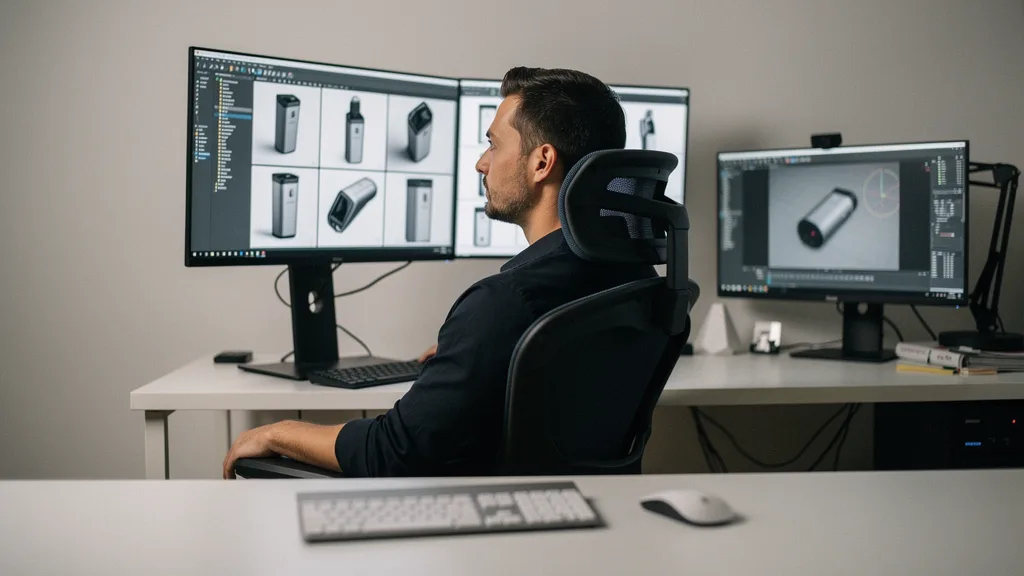
3D product rendering services are studios that build a digital model of your product and generate photoreal images from it, replacing or supplementing a camera shoot. A single product render usually costs between $100 and $3,500 depending on complexity, and delivery runs from a few days to several weeks. Most buyers weigh three options: a photo shoot, a freelancer, or a studio.
Here is the position this guide argues, and the one most rendering vendors will not tell you: a render bought as a standalone JPEG is the expensive way to buy one. The image is the cheap byproduct of an accurate 3D model. Buy the model badly and you pay again for every future angle, variant, and channel. Buy it well and the same asset feeds your web store, an AR viewer, and a trade-show demo without a restart.
Key Takeaways
- 3D product renders cost $100–$300 for a basic white-background image and $800–$3,500+ for a full e-commerce package, per Transparent House’s 2026 pricing data.
- Revisions, not material complexity, are the single largest cost driver; each extra round beyond the standard two or three adds $100–$400.
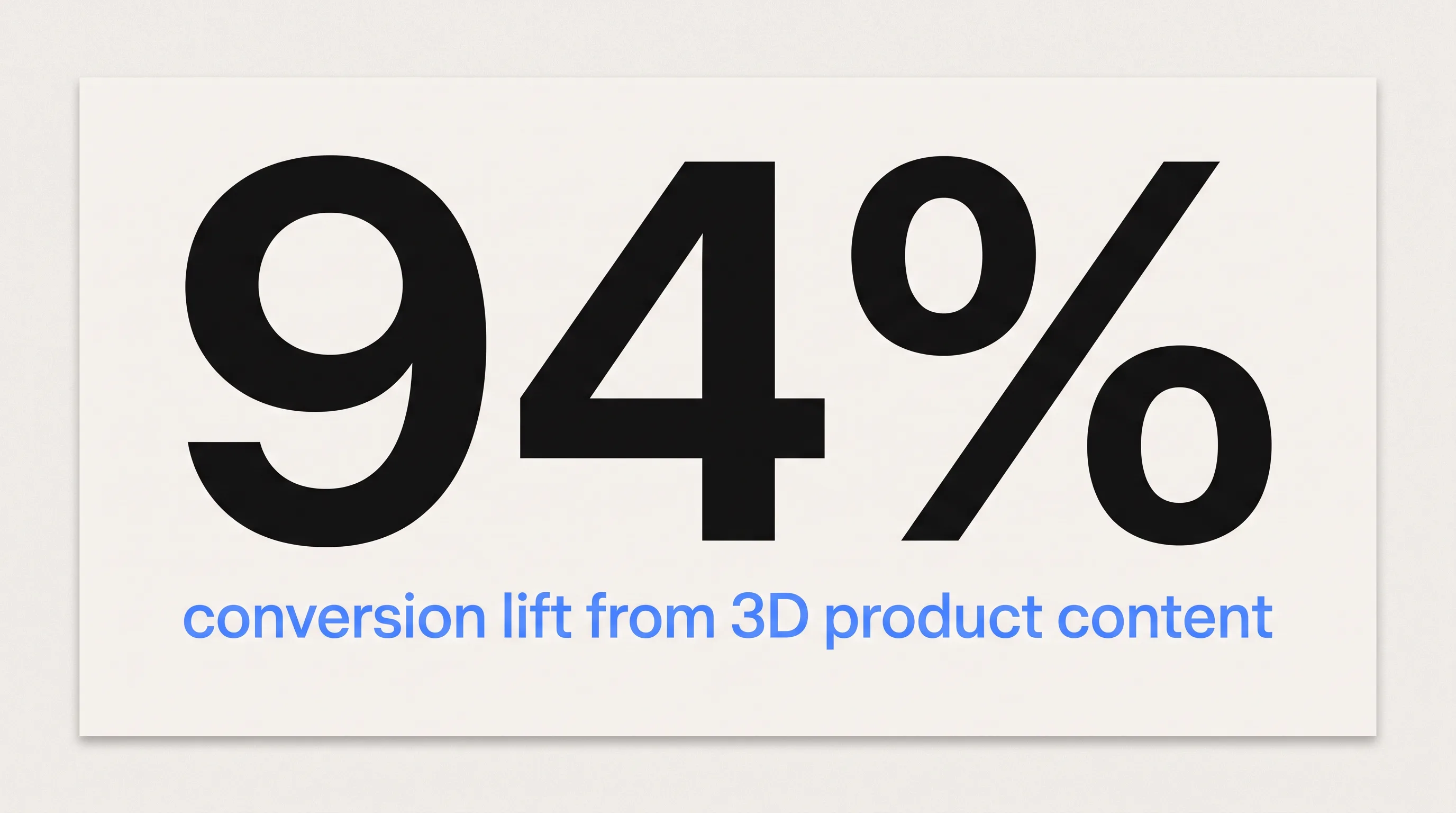
- Adding 3D content to product pages raises conversion rates by up to 94%, according to Charged Retail Research cited by Zolak Tech in 2026.
- Turnaround ranges from 2–4 business days for a simple single-product render to 3–6 weeks for a full catalog with lifestyle scenes.
- Rendering beats photography for catalogs with 3+ variants or 10+ SKUs; one study found rendering 30 images cost roughly 6x less than a comparable photo shoot.
What Are 3D Product Rendering Services?
3D product rendering services turn a product into a digital 3D model and then compute photoreal images, animations, or interactive files from that model. The work moves through six stages: brief and asset collection, 3D modeling, shading and texturing, lighting setup, rendering, and post-production. 360Render’s 2026 breakdown describes the output as anything from a still image or turntable animation to an interactive 3D file or lifestyle scene.
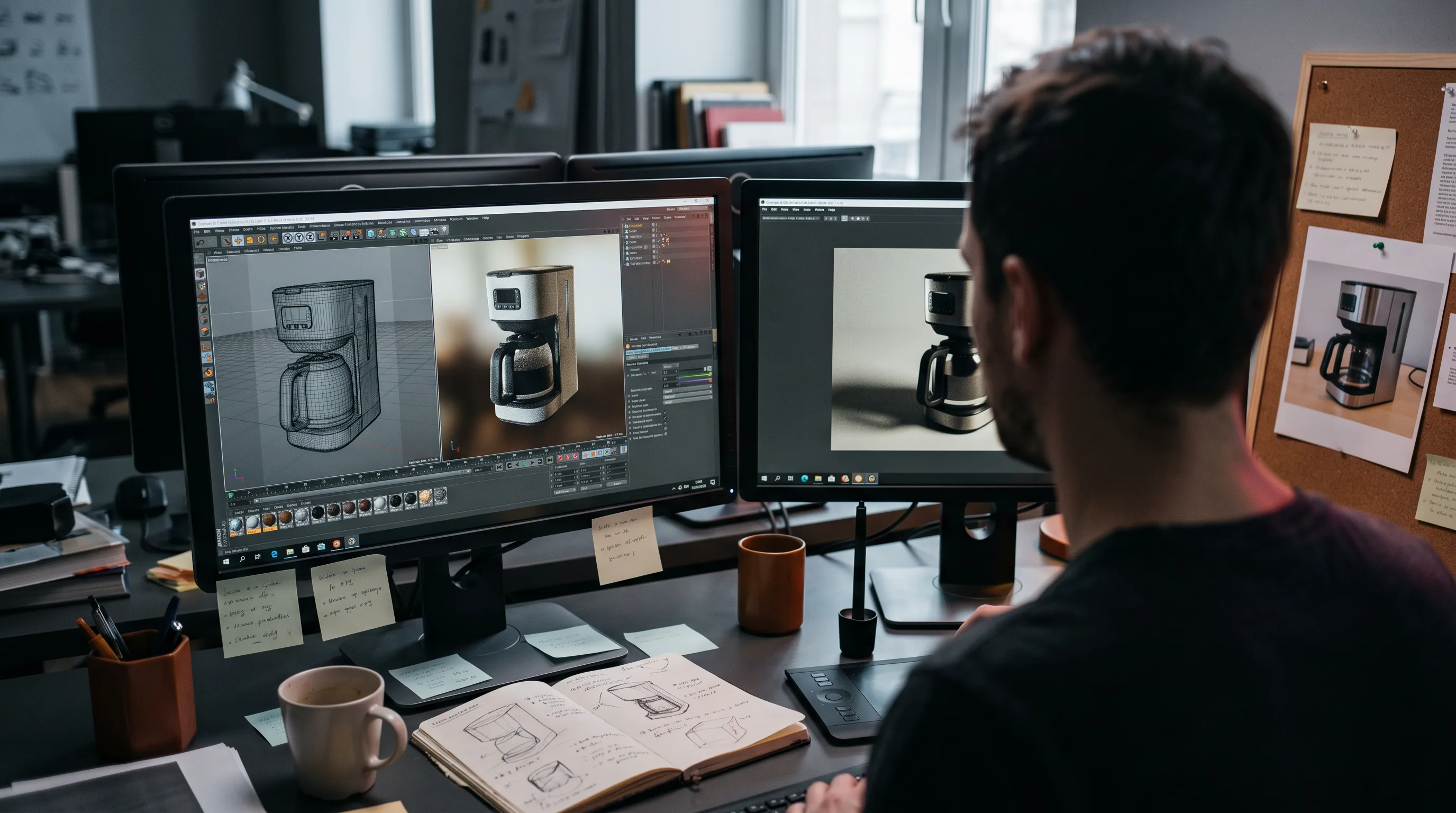
The distinction that matters for budgeting is where the cost lives. Render time is cheap. The modeling, shading, and lighting labor that produces an accurate asset is where your money goes, which is why the same model can generate a hundred images for little more than the cost of the first.
That reframing changes how you should shop. A camera produces one photograph and nothing else. A rendering studio produces a model that can output a hero shot today and a configurator asset next quarter. The image is the first deliverable, not the only one, and vendors who treat it as a dead-end JPEG are leaving most of the value on the table.
How Much Do 3D Product Rendering Services Cost?
3D product rendering costs $100 to $300 for a simple white-background image, $300 to $900 for a mid-tier configured product, and $800 to $3,500 or more for a full e-commerce package with multiple angles and lifestyle scenes. Freelancers sit lower, from $75 per image; premium studios run into the thousands. The price you pay tracks product complexity, view count, and the provider tier you choose.
Per-Image Pricing by Product Complexity
Per-image pricing scales with how hard the product is to model and light. Transparent House’s 2026 cost guide puts basic product shots at $100–$300 and luxury or high-complexity items at $400–$1,500 or more. The table below combines its figures with MaverickFrame’s 2026 pricing guide.
| Product type | Typical per image |
|---|---|
| Basic (white background, simple geometry) | $100–$300 |
| Configured / mid-tier | $300–$900 |
| Luxury / high-complexity materials | $400–$1,500+ |
| Full e-commerce package (multiple angles + lifestyle) | $800–$3,500+ |
| Short animation (30–60 seconds) | $2,000–$5,000+ |
Volume changes the math. Bulk catalog orders of 50 or more SKUs typically earn 20–40% off per-image pricing, because the studio amortizes lighting rigs and material libraries across many products. If you have a large catalog, quote it as a batch, not as separate jobs.
Freelancer, Mid-Range Studio, or Premium Firm?
The provider tier you pick sets both your rate and your risk. Freelancers charge $75 to $250 per image and suit a single hero shot, though revision discipline and batch capacity vary. Mid-range studios run $400 to $2,000 per image and are the best value for commercial product work, with defined workflows and scalable output. Premium firms charge $2,000 to $5,000 or more per image and bring enterprise reliability, difficult materials, and managed multi-SKU delivery.
MaverickFrame notes that agency rates run 40–100% higher than freelancers, but that premium buys written revision policies and dedicated project management. For a deeper cost breakdown across stills, configurators, and interactive viewers, see our own guide to how much 3D rendering costs. The takeaway: match the tier to your catalog size and material difficulty, not to the lowest headline rate.
What Drives 3D Rendering Prices Up or Down?
The biggest price lever is not the product; it is the brief. Revisions are the single largest cost driver in a rendering project, and ambiguous instructions are what generate them. MaverickFrame’s 2026 analysis found that each extra revision round beyond the standard two or three adds $100 to $400, and that a vague brief triggers exactly those rounds.
Five variables move a quote. Material complexity comes first: glass, brushed metal, fabric, and refractive surfaces need extra setup versus matte plastics. Revision rounds come next, with the standard two or three included and each additional round adding $100 to $400. Animation is priced per frame and climbs quickly against a still. Rush delivery on a compressed timeline adds a 30–50% premium. Brief and file quality works the other way: complete CAD files and clear specs cut costs by 35–50%.
The counterintuitive part is that you, the buyer, control the largest cost. As Frame Sixty, an AR/VR and spatial computing development studio, puts it in its pricing guide, “The number one thing that inflates rendering costs isn’t complexity, it’s an ambiguous project brief.” Tighten the brief and you move your own quote down before the studio touches a mouse.
How Long Does 3D Product Rendering Take?
3D product rendering takes 2 to 4 business days for a simple single-product image and 3 to 6 weeks for a full catalog with lifestyle scenes and variants. The timeline depends on product complexity, view count, and how fast you approve camera angles. Missing files and scattered feedback are the usual causes of delay, not rendering itself.
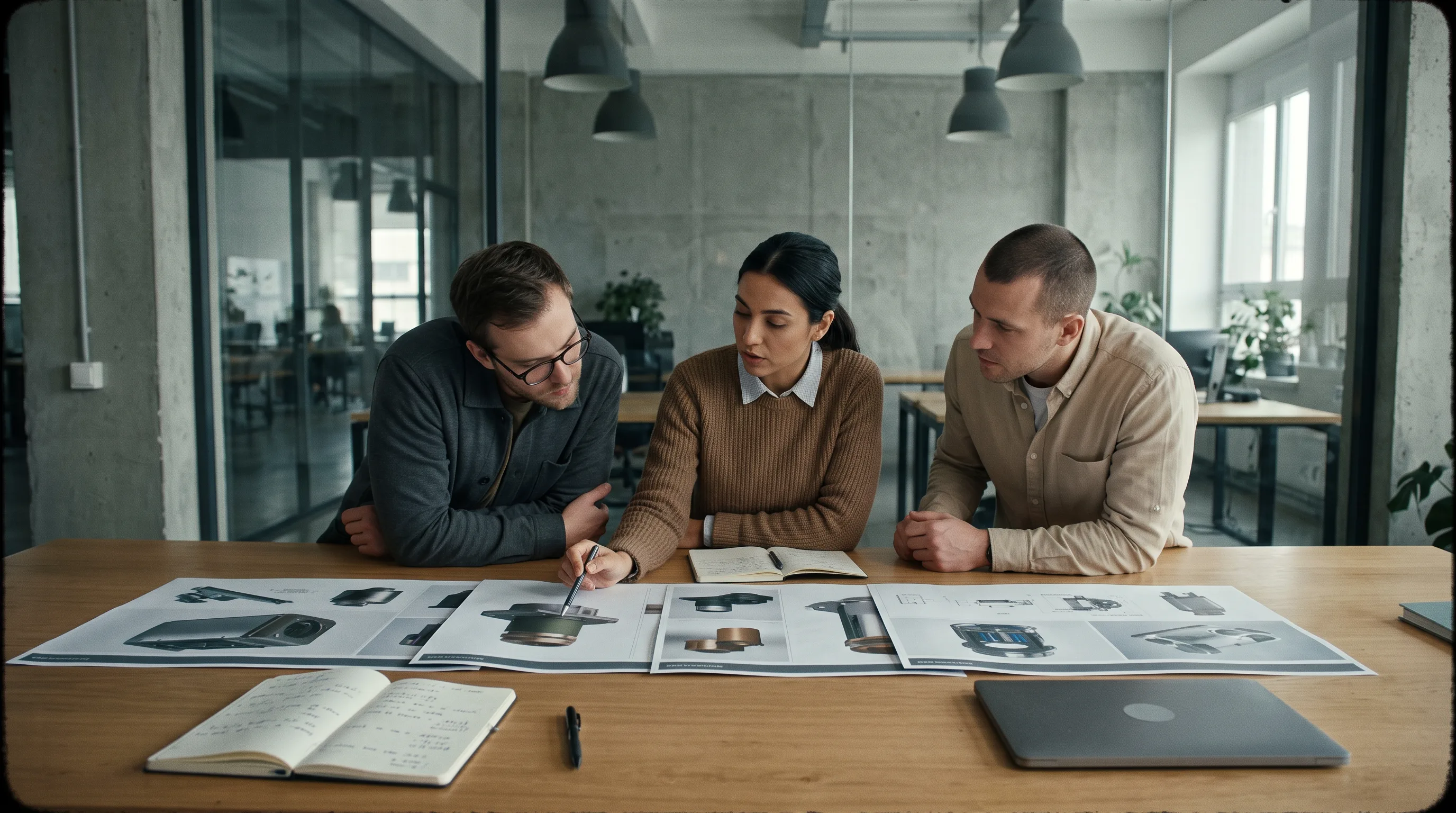
360Render’s turnaround guide breaks delivery down by scope:
| Project scope | Timeline |
|---|---|
| Single product, 1–2 views, simple geometry | 2–4 business days |
| Single product, 3–5 views, moderate detail | 4–7 business days |
| High-complexity materials (glass, fabric, refractive) | 7–12 business days |
| 5–10 SKU lineup, standard views | 10–18 business days |
| Full catalog with lifestyle scenes and variants | 3–6 weeks |
Delays come from unclear briefs, missing material references, and late camera-angle sign-off. The same guide states that “providing complete, well-organized asset briefs upfront can cut average delivery times by 30–50%.” Plan a two-week buffer for standard projects and four to six weeks for multi-SKU campaigns. Book the studio before your launch date is fixed, not after.
Need help with 3D product rendering?
We are here to help!
What Files and Information Do You Need to Provide?
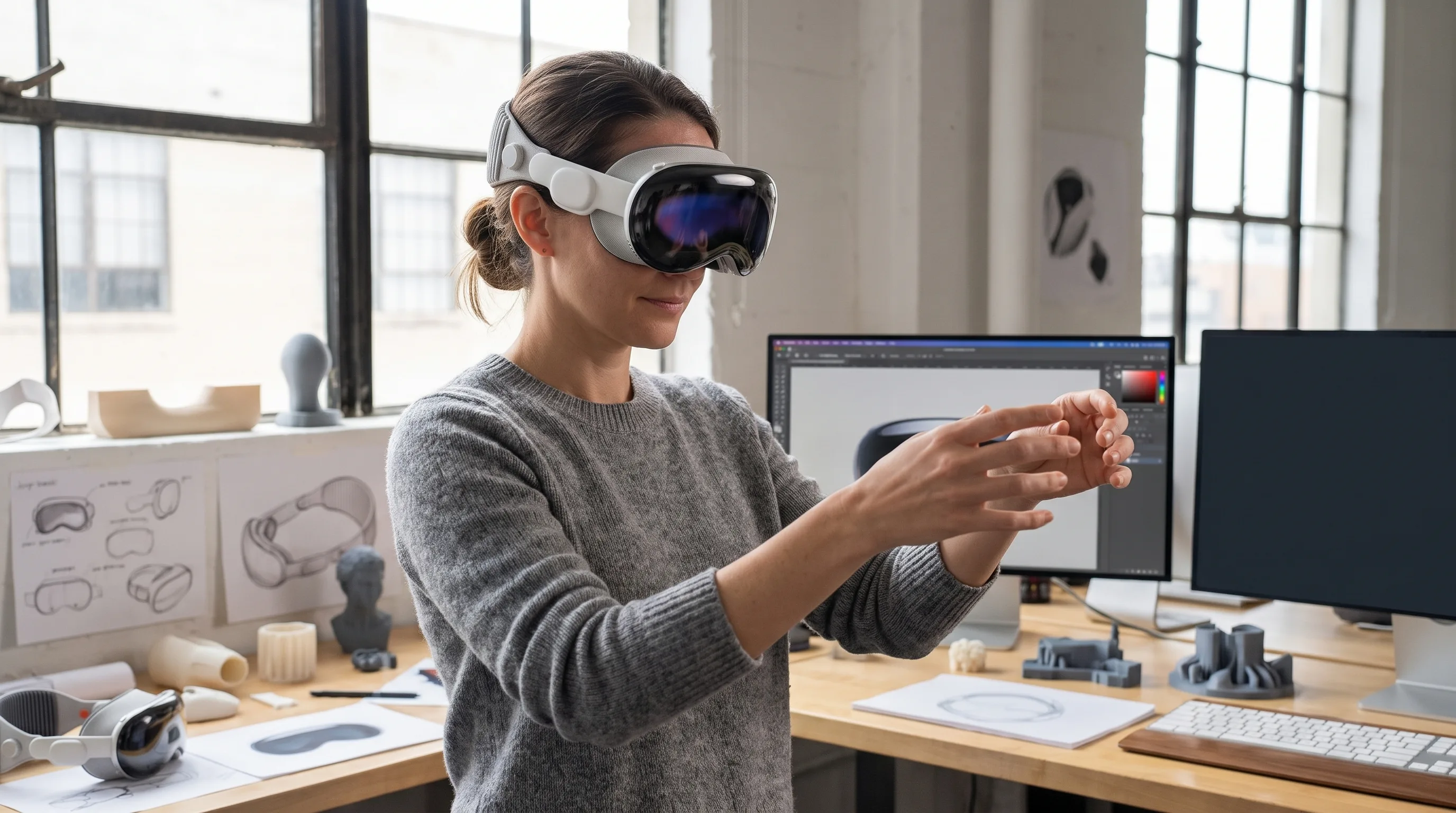
To start a 3D rendering project you need a 3D or CAD file of the product, reference imagery, material and color specs, and a list of the views you want. The better your source files, the lower your cost and the faster your turnaround. If you have no CAD data at all, a physical sample can be scanned to create the base geometry.
File Formats: What to Send and Why It Matters
The format you send determines how much prep work the studio does before it can render. CGIFurniture’s 2026 format guide ranks OBJ and FBX as the optimal choices for product rendering. OBJ is lightweight and widely compatible, while FBX carries hierarchy, cameras, and animation for configurator work. STEP and IGES files hold the highest engineering precision from CAD, but they need conversion and optimization before rendering, so expect a small setup cost. STL is the weakest input: geometry only, no materials, and heavy cleanup, so treat it as a last resort. If you have no CAD file at all, a physical product can be captured with 3D scanning services to produce the mesh a render starts from.
Send the most accurate source you have. A clean STEP file from engineering beats a scanned mesh, and both beat asking an artist to model from photos.
How to Write a Brief That Cuts Costs and Delays
A complete brief is the cheapest cost control you have. It removes the guesswork that produces extra revision rounds, and it lets a studio quote accurately in one exchange instead of three. Send these six items up front and you shorten both the timeline and the invoice.
- Reference imagery showing the visual direction you want.
- All available CAD or 3D files, in the most precise format you have.
- Color and material specifications, including finishes and brand standards.
- The full list of views, angles, and scene types you need.
- Dimensional or scale context so proportions render true.
- A hard deadline tied to your launch, catalog, or event.
When a product brief reaches us at Frame Sixty with a STEP file, a material spec sheet, and three reference images, we can scope views and return a quote without a back-and-forth. When it arrives as a single phone photo and “make it look premium,” the first days go to questions, not modeling. The six-item checklist above is the difference we see between a two-week delivery and a five-week one, and it costs the client nothing but ten minutes of assembly.
3D Rendering vs. Product Photography: Which Should You Choose?
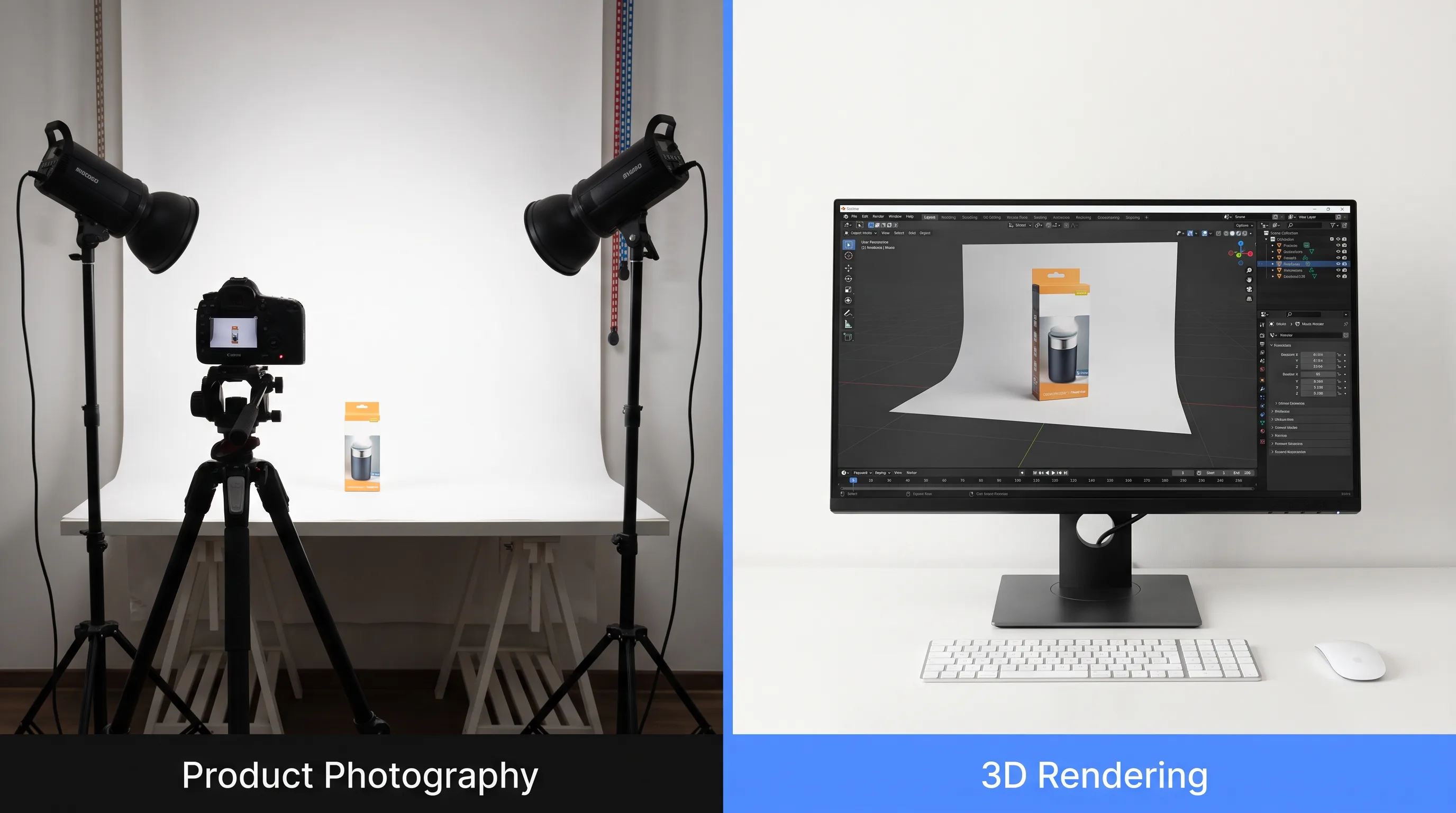
Choose 3D rendering when you have multiple variants, a large catalog, or no physical sample yet; choose photography for one-off shoots of food, handmade goods, and luxury textiles where organic imperfection sells. On cost, rendering pulls ahead as volume grows. One study of more than 100 photo studios across 17 cities, cited by 7CGI in 2026, found that shooting 5 products across 30 images averaged $11,076 globally, while the equivalent 3D rendering ran about $2,000 — roughly a 6x advantage, with the model reusable afterward.
CGIFurniture’s 2026 comparison frames the choice as operational rather than aesthetic. Modern renders are hard to tell from photographs; what differs is how fast you can produce assets, what it costs to update them, and whether a physical sample even exists.
| Factor | Rendering wins | Photography wins |
|---|---|---|
| Variants / colorways | 3+ options | 1–2 options |
| Launch timeline | Pre-production, no sample yet | Sample in hand |
| Catalog size | 10+ SKUs | 1–5 SKUs |
| Material type | Plastics, metals, glass, synthetics | Food, handmade, luxury textiles |
| Downstream reuse (AR, VR, configurator) | Yes | No |
Verdict: render when you have variants, volume, or a launch that precedes your first physical unit; shoot a camera when authenticity and tactile texture are the product, as with food, crafts, and high-touch apparel.
How Does 3D Rendering Help E-Commerce and Amazon Listings?
3D rendering lifts e-commerce performance because interactive and photoreal product content raises buyer confidence, which increases conversions and lowers returns. The numbers are consistent across sources. Charged Retail Research, cited by Zolak Tech in 2026, reports conversion increases of up to 94% when brands add 3D visualization to product pages, and Shopify platform data shows a 40% average reduction in returns.
Engagement data explains why. Sayduck’s platform figures, cited by 7CGI, show 82% of page visitors interacting with a 3D viewer when one is present, and 34% staying with it for more than 30 seconds. Brand case studies push further: DFS UK recorded a 112% conversion lift on 3D-enabled products, and fashion label STAUD saw a 66% drop in returns versus 2D images.
The market is scaling into this. CGIBackgrounds’ 2025 statistics roundup values the 3D rendering industry at $4.4 billion in 2023 and projects $32.6 billion by 2032. The practical read for a brand is timing: 3D product content still differentiates a listing today, but as adoption climbs it shifts from advantage to baseline. Earlier movers capture the conversion gap while it is still open.
How Do You Choose and Vet a 3D Product Rendering Studio?
Vet a rendering studio on portfolio consistency, written process, and format compatibility, not on the flashiest single image. A studio that shows 50 uniformly strong renders is a safer bet than one with five standouts and forty mediocre frames. Ask for work in your product category, confirm the software, and get the revision policy in writing before production starts.
What to Look for in the Portfolio
Portfolio consistency is the signal that predicts your result. 360Render’s 2026 selection guide advises checking for realistic shadows, accurate materials, and variety across render types rather than judging one hero image.
Look specifically for a range of material types, with reflective, matte, and translucent surfaces all handled well, and for lighting and shadows that stay consistent from one scene to the next. If your catalog needs both packshots and lifestyle scenes, confirm the studio shows both. Most important, ask for case studies in your own category, whether that is furniture, electronics, cosmetics, or industrial goods, since a studio that has solved your material problem before is a safer bet than one guessing at it.
You can review the kind of spatial and 3D work a studio has shipped on its portfolio; ours is on the Frame Sixty work page. Request examples that match your product, not the studio’s greatest hits.
Process, Revision Policy, and Red Flags
A professional studio defines scope, revision rules, pricing assumptions, and licensing in writing before it starts. If a vendor avoids structured answers on those points, treat it as a warning. Confirm the studio works in industry-standard software such as Blender, Cinema 4D, 3ds Max, or KeyShot, and that it accepts your file formats.
Watch for these red flags:
- No written revision policy, or vague answers about how feedback moves to production.
- A portfolio locked to a single style, suggesting limited range.
- Pricing far below market with no explanation of what is excluded.
- Slow or evasive communication during the sales stage.
- Stock scenes or licensed models presented as original client work.
Credentials help you weight the shortlist. A studio’s track record — patents, shipped projects, named clients — signals whether it can carry a complex job; ours is summarized on the Frame Sixty about page. The vetting rule is simple: reward studios that put process in writing and walk from those that will not.
Can One 3D Asset Power AR, a Configurator, and a VR Demo?
Yes. The digital model that generates a hero render is the same asset — optimized and re-exported — that drives an AR product viewer, a web-based 360 spin, an interactive configurator, and a VR product demo. A rendering farm hands you a flat image. A spatial studio hands you a reusable asset, which is the difference that decides your total cost across a product’s marketing life.
In our 3D and spatial work at Frame Sixty, we build product models to a reuse standard from the first brief: manufacturing-accurate geometry, physically based materials, and clean topology with level-of-detail variants. That upfront discipline is why the same 3D modeling asset that produces a catalog render can be re-exported to USDZ and glTF for an AR product viewer or loaded into a headset for a VR product demo on Apple Vision Pro or Meta Quest 3. The render is stage one of a pipeline, not a terminal file.
The cost case follows from the reuse. Standing up an interactive product configurator runs $10,000 to $30,000 for a multi-option system, and delivery channels branch out from there: a browser-based experience through WebAR development reaches shoppers with no app download, while enterprise buyers can fold product visualization into a broader spatial computing deployment. When the base model is built for reuse, each new channel is an incremental export rather than a fresh modeling bill.
This is the argument the whole guide has built toward. If you buy a render as an isolated JPEG, you pay full modeling cost again the first time marketing wants an AR try-on or the sales team wants a headset demo. If you buy the model once and render from it, the render, the configurator, and the immersive demo all draw on one asset. For teams weighing where product visualization fits within wider augmented reality solutions, that single-asset economics is the reason to start with a spatial studio rather than a rendering shop.
Conclusion
3D product rendering services price out from about $100 for a basic image to $3,500 or more for a full e-commerce package, deliver in anywhere from a few days to six weeks, and reward buyers who send clean CAD files and a tight brief. The specifics decide the outcome: complexity tier, revision count, file format, and whether rendering or a camera fits the job. On the evidence — up to 94% higher conversion and 40% fewer returns from 3D content — the category earns its place in a product launch budget.
Return to the position this guide opened with. A render bought as a one-off JPEG is the costly way to buy one, because it throws away the model underneath. Buy the 3D asset well and the same file that produces your hero shot also powers your AR viewer, your configurator, and your VR demo, each at incremental cost. That is why the studio you choose matters more than the price of the first image.
If you have a CAD file or a physical product and want photoreal images that double as the foundation for AR and immersive experiences, get in touch with our team at Frame Sixty. Send us the six brief items above and we will scope the render and the pipeline it can grow into.
FAQs
Common questions about 3D product rendering services, covering what they cost, which files to send, how renders compare to photography, and how to choose a studio.
3D product rendering is used most in e-commerce, furniture, consumer electronics, cosmetics, and industrial goods, where catalogs carry many variants or SKUs. It also fits brands needing photoreal images before manufacturing finishes, for crowdfunding, pre-order listings, or trade-show marketing. Categories with 10 or more SKUs or 3-plus colorways gain the most, since one model outputs every variant.
Modern 3D product renders are difficult to distinguish from photographs; the real difference is operational, not visual. A render can show materials, colorways, and angles a camera cannot stage before a physical sample exists, and updates cost far less than reshooting. For food, handmade goods, and luxury textiles, photography still wins on organic, tactile authenticity.
3D product rendering improves e-commerce listings by adding interactive, photoreal content that raises buyer confidence. Charged Retail Research, cited by Zolak Tech in 2026, reports conversion increases up to 94% when brands add 3D visualization to product pages, and Shopify data shows a 40% average drop in returns. DFS UK recorded a 112% conversion lift on 3D-enabled products.
The best formats to send a rendering studio are OBJ and FBX, which CGIFurniture's 2026 format guide ranks as optimal for product rendering. OBJ is lightweight and widely compatible, while FBX carries hierarchy, cameras, and animation for configurators. STEP and IGES hold the highest CAD precision but need conversion, and STL carries no material data, so treat it as a last resort.
Yes, you can get a 3D render without a CAD file. If no CAD data exists, a physical product can be captured with 3D scanning to produce the base mesh a render starts from, or an artist can model from reference photos and dimensions. A clean CAD or STEP file still lowers cost and speeds turnaround versus modeling from scratch.
Yes. The same 3D model that generates a hero render can be optimized and re-exported to USDZ and glTF to drive an AR product viewer, a web configurator, and a VR demo on Apple Vision Pro or Meta Quest 3. A multi-option configurator runs $10,000 to $30,000, but each new channel becomes an incremental export rather than a fresh modeling bill.
The difference between a freelancer and a rendering studio is rate, reliability, and scale. Freelancers charge $75 to $250 per image and suit a single hero shot, while mid-range studios run $400 to $2,000 per image with defined workflows, written revision policies, and multi-SKU capacity. MaverickFrame notes agency rates run 40 to 100% higher, buying project management and batch consistency.
Look for portfolio consistency, a written process, and file-format compatibility rather than one flashy image. A studio showing 50 uniformly strong renders across reflective, matte, and translucent materials is safer than one with five standouts. Confirm industry-standard software like Blender or KeyShot, get the revision policy in writing, and ask for case studies in your category. Frame Sixty builds each model to a reuse standard.
You lower the cost of a 3D rendering project mostly by tightening the brief, not by simplifying the product. MaverickFrame's 2026 analysis found each extra revision round beyond the standard two or three adds $100 to $400, while complete CAD files with clear specs cut costs 35 to 50%. Sending reference images, material specs, and a view list upfront prevents the rounds that inflate quotes.