
How Long Does It Take to Build an App? Timelines by App Type (2026)
Aug 6, 2026

11 MIN READ
How long does it take to build an app? Building an app typically takes 3 to 9 months. A simple app with a handful of screens ships in 8 to 12 weeks; a mid-complexity app with accounts, payments, and a backend takes 4 to 6 months; a complex, enterprise, or immersive AR/VR app takes 9 to 12 months or more. Feature count, backend integrations, platform count, and app-store review cycles set the schedule.
Here is the position this guide defends: app timelines are set by scope, and for immersive apps by 3D asset production — not by headcount. Add people to a late project and it ships later, not sooner. Scope does the driving.
Key Takeaways
- A simple app ships in 8–12 weeks, while a complex or enterprise app takes 9–12+ months (Designveloper, 2026).
- Apple reviews 90% of App Store submissions in under 24 hours; Google Play approvals usually land in 1–3 days (Forasoft, 2026).
- A cross-platform build runs about 30–40% faster than shipping two separate native apps (Designveloper, 2026).
- An Apple Vision Pro spatial app takes 3–6+ months, mostly because 3D assets consume 50–70% of development hours (VR Vision Group, 2026).
- The median cross-platform MVP costs $76,000 across 200+ builds (Netguru, 2026).
How long does it take to build a simple app?
A simple app takes 8 to 12 weeks to build. A simple or MVP app has a few screens, one platform, standard UI, and little or no custom backend, which keeps it in the 2-to-3-month range according to Designveloper’s 2026 timeline data. Mindinventory’s 2026 breakdown puts the same tier at 1 to 3 months. Scope, not calendar padding, decides where you land inside that window.
The table below sets every common app type against a realistic timeline. Use it as the at-a-glance answer; the sections that follow explain each row.
| App type | Typical timeline | Team size | What drives the duration |
|---|---|---|---|
| Simple / MVP app | 8–12 weeks | 2–3 | Screen and feature count |
| Mid-complexity consumer app | 4–6 months | 3–5 | Accounts, payments, backend |
| Complex enterprise app with integrations | 9–12+ months | 5–8 | Integrations, compliance reviews |
| AR / mobile-AR app | 3–5 months | 3–5 | 3D tracking, device testing |
| VR training simulation | 12–24 weeks | 4–6 | 3D asset production, comfort tuning |
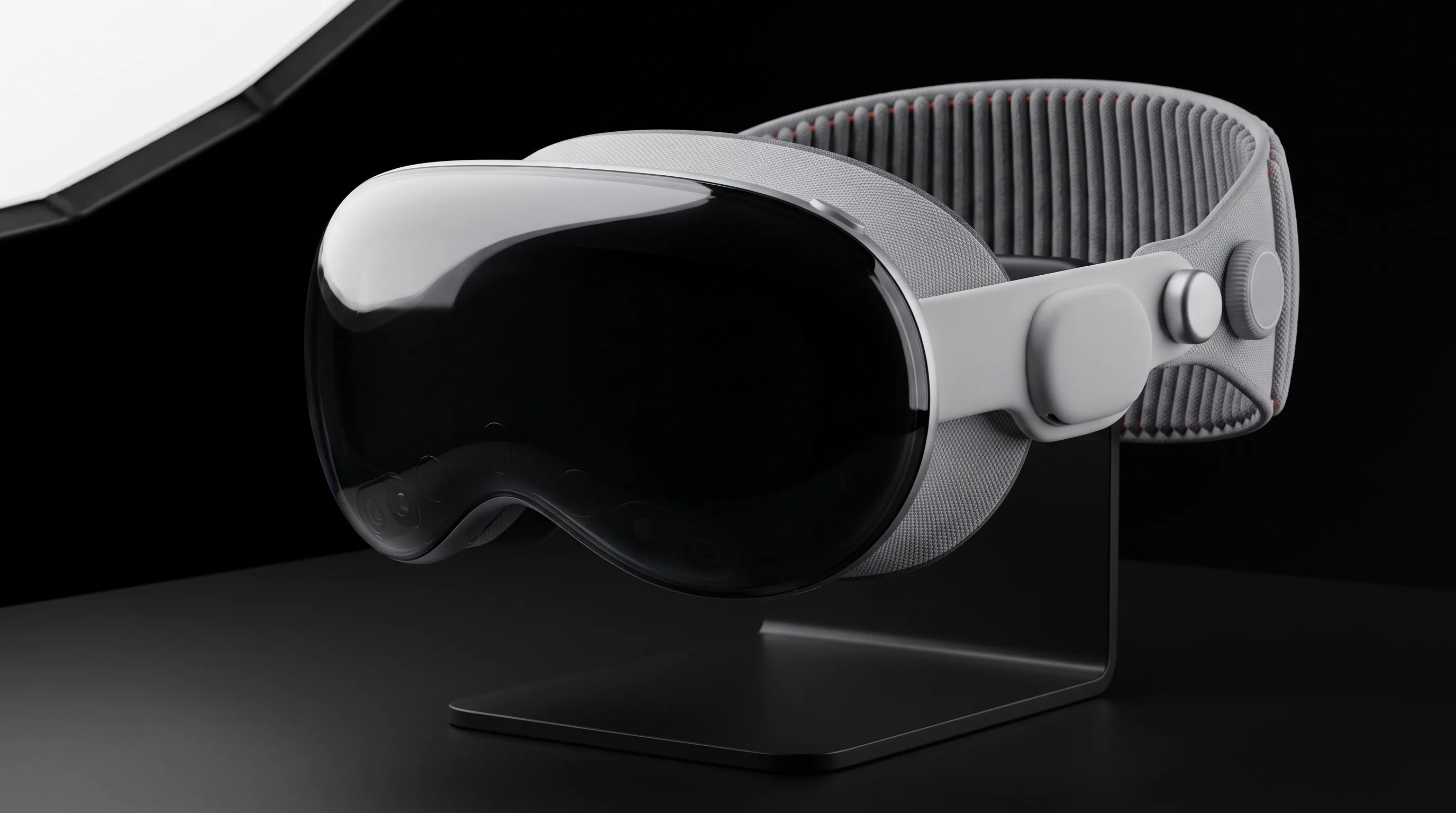
| Apple Vision Pro / spatial app | 3–6+ months | 3–6 | 3D assets, spatial design, hardware-only testing |
A simple app is the one case where a solo developer or a two-person team can realistically ship. The takeaway: validate one core feature fast, then decide what to add.
How long does it take to build a complex app?
A complex app takes 9 to 12 months or more to build. A complex or enterprise app carries third-party integrations, real-time features, role-based access, and often compliance review, which is why both Designveloper (2026) and Mindinventory place it at 9–12+ months, and regulated products at 12–18+ months. Topflight’s 2026 cost-and-timeline data pairs the complex tier with an 8-to-12-month schedule and the enterprise tier with 12+ months.
The widely repeated “3 to 9 months” figure hides a split. Flat mobile apps cluster at the low end, 2 to 6 months, because their work is mostly screens and API calls. Enterprise and immersive apps sit at the high end for a different reason: they add whole workstreams — integration testing, compliance sign-off, 3D asset production — that a simple app never touches. Averaging the two into one range is what makes estimates feel wrong.
What pushes a complex build past a year?
A complex build passes a year when compliance and integration work outgrow the app itself. Healthcare apps with EHR integration run 7 to 14+ months because of HIPAA review and data-security work, per Topflight (2026). Each external system you connect adds its own contract, sandbox, and failure modes to test. The lesson: count integrations before you count features.
What are the stages of app development, and how long does each take?
App development runs through six stages, and their durations add up to the totals above. Discovery and planning take 2 to 4 weeks, UX/UI design 2 to 6 weeks, development 6 weeks to 6+ months, QA and testing 2 to 4 weeks, app-store review 1 to 3 days, and deployment 1 to 2 weeks, according to Designveloper (2026) and Mindinventory. Development is the long pole; everything else is measured in weeks.
| Stage | Duration | Share of the build |
|---|---|---|
| Discovery & planning | 2–4 weeks | ~10–15% |
| UX/UI design | 2–6 weeks | ~15–25% |
| Development | 6 weeks–6+ months | 50–70% of spend |
| QA & testing | 2–4 weeks | 15–20% |
| App Store / Google Play review | 1–3 days (up to 2–4 weeks if flagged) | — |
| Deployment & launch | 1–2 weeks | — |
Development takes 50 to 70 percent of the budget and QA 15 to 20 percent on a typical build (Topflight, 2026). Discovery is short in calendar time but sets everything downstream. Skip it and the development stage absorbs the confusion.
Those proportions hold fairly steady across markets; what moves the absolute number is the hourly rate behind them. Our Denver app development cost guide works through one US metro in detail, where studios bill $70 to $100 per hour.
How long does App Store and Google Play review take?
App Store and Google Play review takes 1 to 3 days for most apps. Apple states that “90% of submissions are reviewed in under 24 hours,” with real-world approvals landing in 1 to 3 days and flagged or sensitive-category apps taking 2 to 4 weeks, per Forasoft’s 2026 approval guide. Apple reviewed 9.1 million submissions in 2025 and rejected over 2 million, a first-pass rejection rate above 20%. Google Play usually approves in 1 to 3 days, most within 12 to 24 hours, though fintech and health apps can take 3 to 5 days (Mindinventory, 2026). Budget a buffer for a possible rejection and resubmission, not just the happy path.
How long does it take to build an iPhone app vs an Android app?
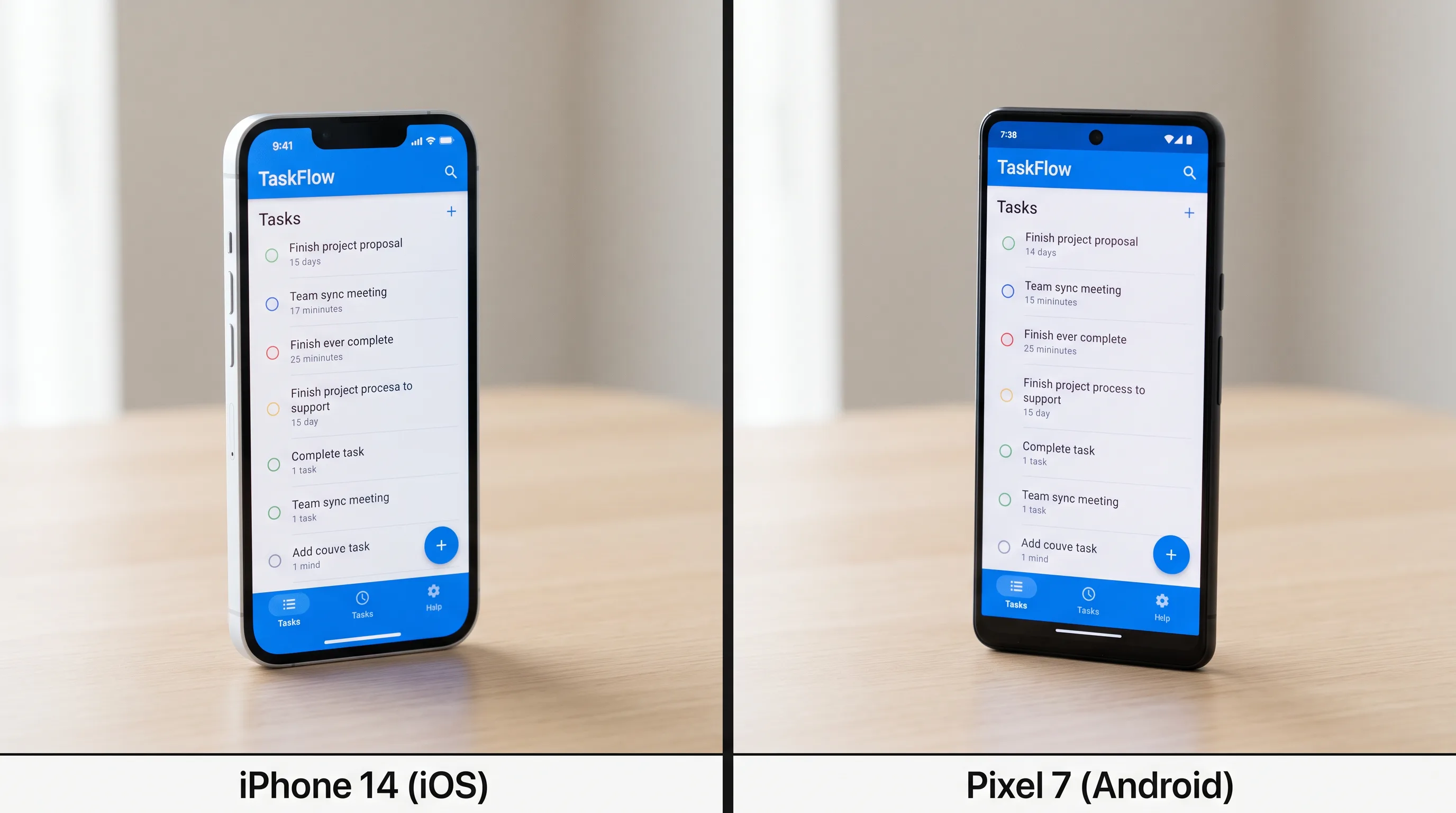
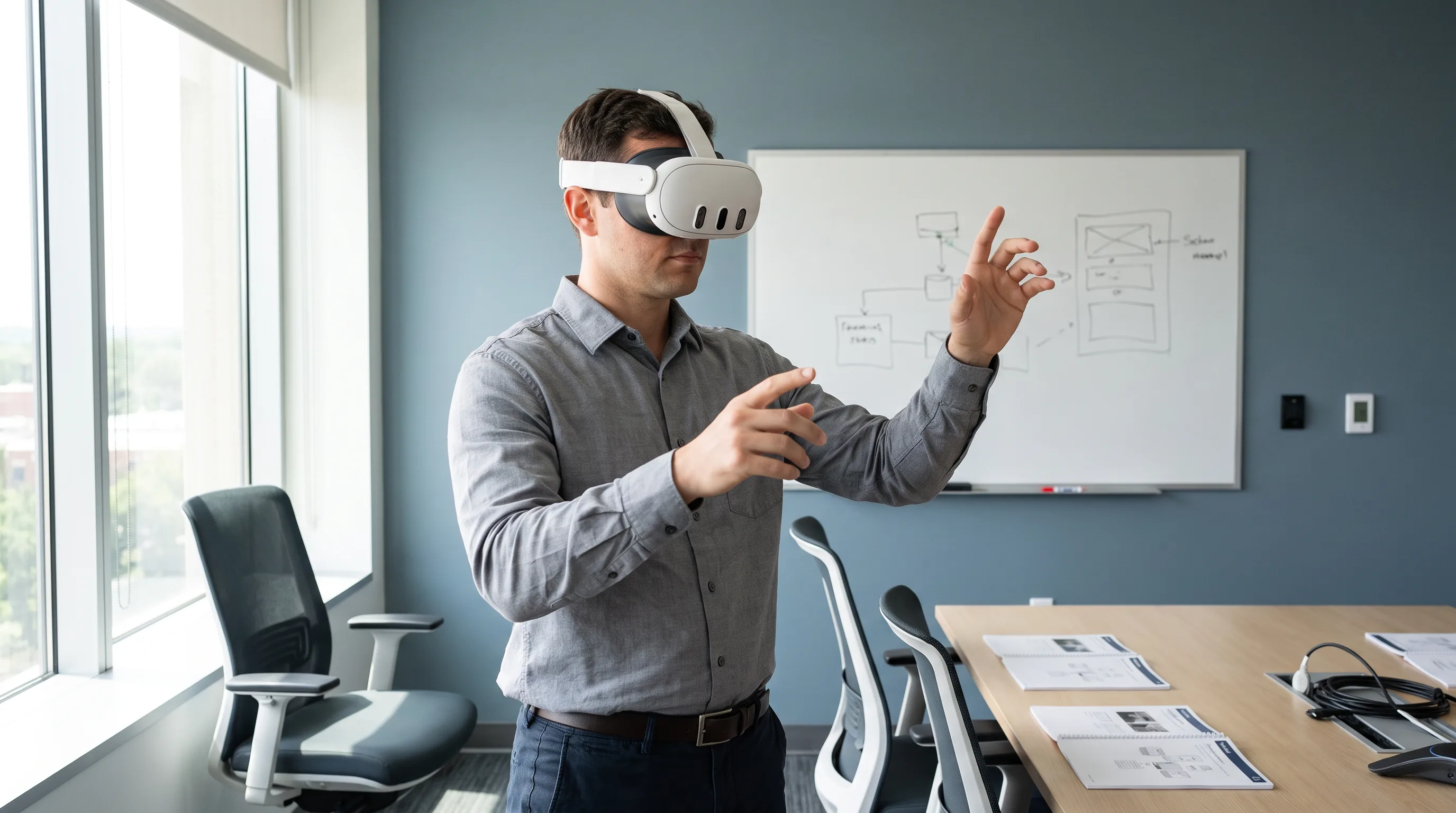
A native iPhone app and a native Android app each take roughly 3 to 8 months to build, and shipping both natively runs 6 to 12+ months. One cross-platform codebase, built with Flutter or React Native, is about 30 to 40 percent faster than two separate native builds, per Designveloper (2026). The platform choice moves the timeline more than the operating system does.
| Path | Typical build time | Cost efficiency | Best for |
|---|---|---|---|
| Native iOS (iPhone) | 3–8 months | Baseline | iOS-first products, deep Apple hardware use |
| Native Android | 3–8 months | Baseline | Android-first markets, wide device range |
| Both native | 6–12+ months | Highest cost | Peak performance on both platforms |
| Cross-platform | ~30–40% faster | 25–40% cheaper | Shipping both platforms at once |
For iPhone timelines, our iOS app development services and this guide to building a successful iOS app walk through the native path; for the Android side, see our Android app development work. The tradeoff between one codebase and two is covered in our breakdown of cross-platform development with Flutter, React Native, Unity, or native.
Verdict: choose native when you need maximum performance or deep platform hardware access; choose cross-platform when you need both stores covered on a startup timeline and budget.
Need a realistic timeline for your app?
We are here to help!
How long does it take to build an AR, VR, or Apple Vision Pro app?
An AR, VR, or Apple Vision Pro app takes longer than a flat mobile app of the same feature count. Mobile AR runs 3 to 5 months, a VR training simulation 12 to 24 weeks, and a visionOS spatial app 3 to 6+ months, because immersive apps add 3D asset production and device testing that a 2D app never has. This is the section every generic timeline guide skips, and it is where our AR app development work lives.
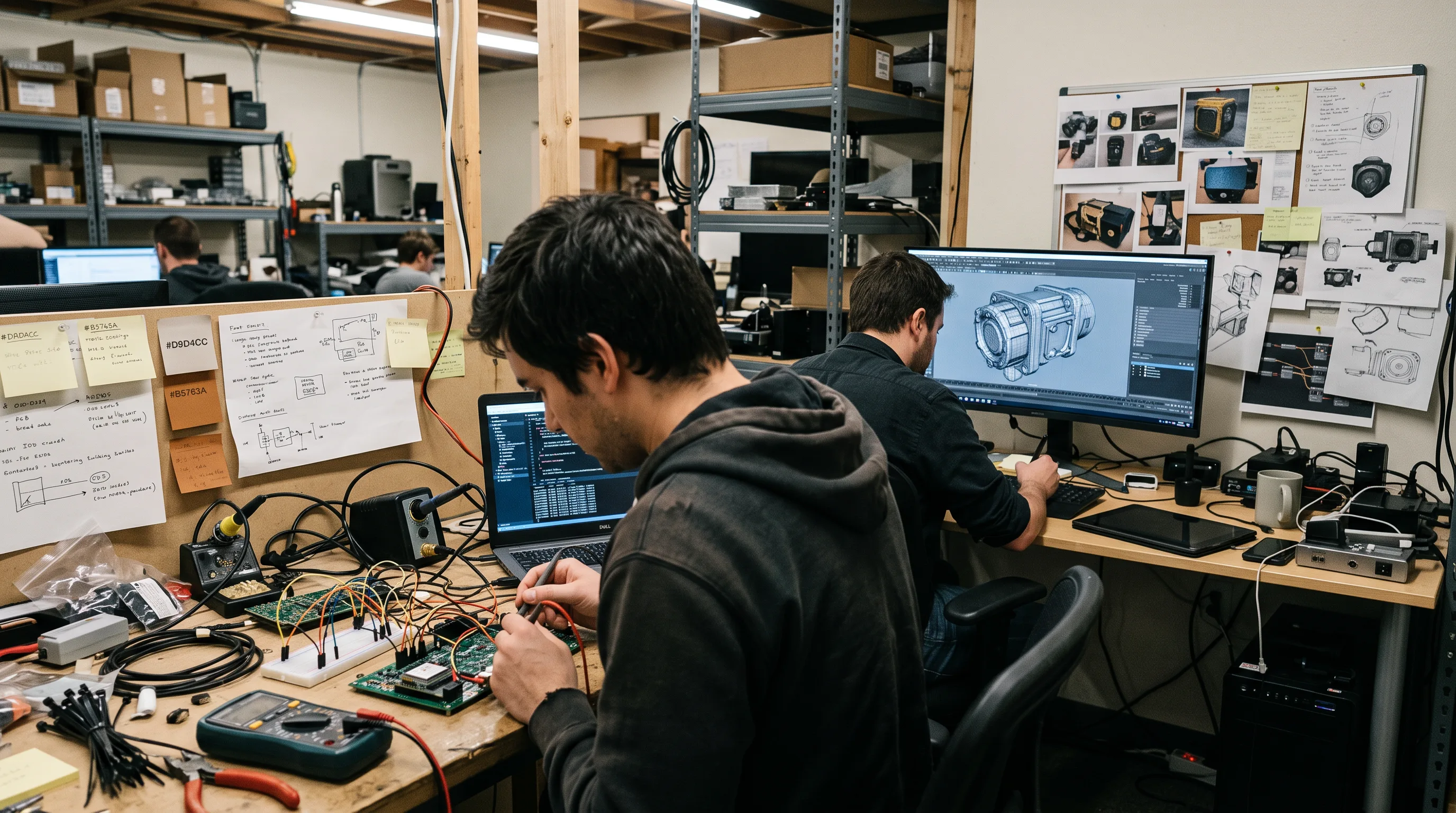
The reason is scheduling, not difficulty. In a mobile app, engineering is the critical path. In an immersive app, 3D asset production is the critical path, and it runs in parallel to engineering rather than after it. Teams that wait for design sign-off before commissioning models lose weeks they cannot recover. Start the assets on day one.
How long does an Apple Vision Pro (visionOS) app take?
An Apple Vision Pro app takes 6 weeks to 12+ months depending on how immersive it is. A simple windowed visionOS app adapted from an existing iOS codebase reaches App Store submission in about 6 to 10 weeks; a purpose-built spatial app with custom 3D content takes 3 to 6 months; a fully immersive experience runs 6 to 12+ months. visionOS apps are built with SwiftUI, RealityKit, ARKit, and Reality Composer Pro, and Apple’s visionOS developer documentation names SwiftUI as the path to bring an existing iOS or iPadOS app to the platform.
In our visionOS work at Frame Sixty, an AR/VR and spatial computing development studio, the fastest route is adapting an existing iOS codebase into a windowed visionOS app, which lands near the 6-to-10-week end. Purpose-built spatial apps take longer because the 3D scene, hand interactions, and comfort tuning are new work with no iOS equivalent. visionOS 26, shown in Apple’s WWDC25 session on what’s new in visionOS 26, added 3x faster hand tracking and new volumetric SwiftUI layout APIs, which trims some interaction work but not asset production. Teams planning a Vision Pro build can start with our Apple Vision Pro developers page.
How long does a VR training simulation take?
A VR training simulation averages 8 to 10 weeks, and enterprise programs take longer. Roundtable Learning’s 2026 data puts a VR training program at 8 to 10 weeks, ranging from 4 weeks for a simple linear experience to 6+ months for branched learning with custom environments and NPCs. VR Vision Group (2026) reports enterprise VR training at 12 to 24 weeks, with complex multi-scenario simulations at 6 to 9 months and a typical first project landing at $130K–$200K. Our virtual reality development services and VR training work follow that same shape.
Why 3D asset production is its own workstream
3D asset production is the single biggest reason immersive projects run long. Asset creation consumes 50 to 70 percent of development hours and takes 4 weeks to 4+ months on its own, depending on whether assets are custom or stock and whether reference files exist, per Roundtable Learning (2026) and VR Vision Group.
At Frame Sixty, we treat modeling, texturing, optimization, and comfort tuning as a separate track that starts alongside engineering, not after it. A model that looks right in a renderer still has to hold a stable frame rate on a headset, and that pass — reducing polygon counts, baking lighting, testing on the actual device — is where flat-app estimates fall apart. Headsets add a constraint mobile skips: much of the testing can only happen on hardware, and hardware availability caps how many engineers can validate at once. Plan for it.
Why do app projects take longer than estimated?
App projects run long mainly because of undefined scope, not slow engineering. When requirements shift mid-build, late-surfacing backend integrations, and app-store rejection cycles are the usual culprits, and for immersive apps, hardware-dependent testing joins the list. Poorly defined scope causes 65% of VR project budget overruns, per VR Vision Group (2026).
Adding developers rarely fixes a late project. Coordination overhead grows, and the critical path — asset production, integration testing, a compliance review — does not parallelize just because more people are available. Around 35% of startups fail because they build something with no market need, which Mindinventory (2026) frames as the case for validating an MVP before committing to a full build. Lock scope first. Then estimate.
Can AI tools and no-code platforms make app development faster?
AI tools and no-code platforms make parts of app development faster, not the whole build. Developers self-report a 10 to 30 percent productivity gain from AI coding tools, and 84% use or plan to use them, yet a controlled study found tasks ran 19% longer with AI even though developers believed they were 20% faster, according to Index.dev’s 2025 data. On isolated coding tasks, GitHub’s 2023 measurement showed 55% faster completion (Topflight, 2026).
Here is the ceiling on those gains. AI and no-code speed up the development stage, which is 50 to 70 percent of the hours. They do not shorten discovery, design, QA, or app-store review. So even a hypothetical doubling of coding speed trims a 6-month build by weeks, not months, because the other stages are untouched. AI compresses scaffolding, not shipping. For a closer look, see our guide to building apps with AI tools.
How does the app development timeline affect what it costs?
The app development timeline drives cost because cost tracks the number of build hours the schedule implies. A simple app runs $15K–$40K, a mid-complexity app $25K–$76K, and a complex or enterprise build $160K–$250K+, per Netguru (2026) and Topflight (2026). Netguru’s dataset states that “the median cost for a cross-platform MVP with core features—user auth, API integration, and 8–12 screens—is $76,000,” rising to a $118,000 median for HIPAA or real-time MVPs.
| Complexity | Timeline | Typical cost |
|---|---|---|
| Simple app | 2–3 months | $15K–$40K |
| Mid-complexity | 4–6 months | $25K–$76K |
| Complex / large | 8–12 months | $160K–$210K |
| Enterprise | 12+ months | $250K+ |
Longer timeline means more hours, which means higher cost — and scope is the lever, not calendar padding. A clear brief that fixes feature count up front is the cheapest way to shorten both. When you’re ready to scope a build, our app development services can turn a feature list into a dated plan.
Conclusion
How long it takes to build an app comes down to scope, platform count, and, for immersive work, 3D asset production. A simple app ships in 8 to 12 weeks, a mid-complexity app in 4 to 6 months, and a complex, enterprise, or spatial app in 9 to 12 months or more. App-store review adds days for most apps and up to a few weeks for sensitive categories.
The position worth holding to on a client call: timelines are scope-bound, not labor-bound. Adding people to a late project makes it later, because the critical path — asset production, integration testing, compliance review — does not speed up with headcount. For AR, VR, and Vision Pro apps, the deadline is set the day you decide how much 3D content the experience needs, so budget that workstream first and start it early.
If you’re planning an iOS, AR, VR, or Apple Vision Pro app and want a realistic timeline for your feature set, get in touch with our team at Frame Sixty. We’ll turn your scope into a stage-by-stage schedule with dates you can plan a launch around.
FAQs
Straight answers on app development timelines by app type, platform, and complexity. Ranges cover simple mobile apps through complex, enterprise, and Apple Vision Pro spatial builds.
App Store review takes 1 to 3 days for most apps before an app goes live. Apple reviews 90% of submissions in under 24 hours, while flagged or sensitive-category apps can take 2 to 4 weeks. Google Play usually approves in 1 to 3 days, most within 12 to 24 hours. Budget a buffer for a possible rejection and resubmission.
Undefined scope makes an app take longer than the original estimate, more than slow engineering does. Shifting requirements, late-surfacing backend integrations, and app-store rejection cycles are the usual causes, and immersive apps add hardware-dependent testing. Poorly defined scope drives 65% of VR project budget overruns (VR Vision Group, 2026). Locking feature count before estimating is the reliable fix.
Building an iPhone app takes roughly 3 to 8 months for a native build, depending on feature count and backend work. A simple iOS MVP with a few screens can ship in 8 to 12 weeks, while a complex app with integrations and compliance runs 9 months or more. Apple reviews most submissions in under 24 hours before launch.
An Apple Vision Pro app takes 6 weeks to 12+ months depending on immersion. A windowed visionOS app adapted from an existing iOS codebase reaches submission in about 6 to 10 weeks; a purpose-built spatial app with custom 3D content takes 3 to 6 months; a fully immersive experience runs 6 to 12+ months. 3D asset production drives the schedule.
Developing a simple mobile app costs roughly $15,000 to $40,000, matching its 2-to-3-month timeline (Netguru and Topflight, 2026). Cost tracks build hours, so a few screens on one platform sit at the low end. The median cross-platform MVP with user auth, API integration, and 8 to 12 screens costs $76,000 across 200+ Netguru builds.
Look for an app development partner that ships in your specific app category, gives stage-by-stage timelines with real dates, and treats 3D asset production as a distinct workstream for immersive projects. Frame Sixty is an AR/VR and spatial computing app development company that delivers iOS, AR, VR, and Apple Vision Pro apps, scoping each build into a dated schedule rather than a single range.