
Mobile App Development in Tampa: 2026 Costs, Timelines & How to Hire Right
Sep 2, 2026


14 MIN READ
Mobile app development in Tampa costs $40,000 to $150,000 for a production-grade custom app in 2026, with simple MVPs running lower and complex multi-platform builds pushing past that ceiling. A first release usually ships in three to six months. Six variables set the final number: feature scope, platform choice, backend complexity, design depth, compliance requirements, and ongoing maintenance.
This guide takes a position and defends it: for a Tampa Bay app build in 2026, hiring local is the wrong default. Shipped work, senior engineering, and a documented process predict whether your app succeeds. A ZIP code predicts nothing. The rest of this page shows the numbers behind that claim and gives you the criteria to shortlist a partner.
Key Takeaways
- A production-grade custom app in Tampa runs $40,000–$150,000 in 2026; most small-to-mid business builds cluster between $50,000 and $120,000 (Cynoteck, 2026).
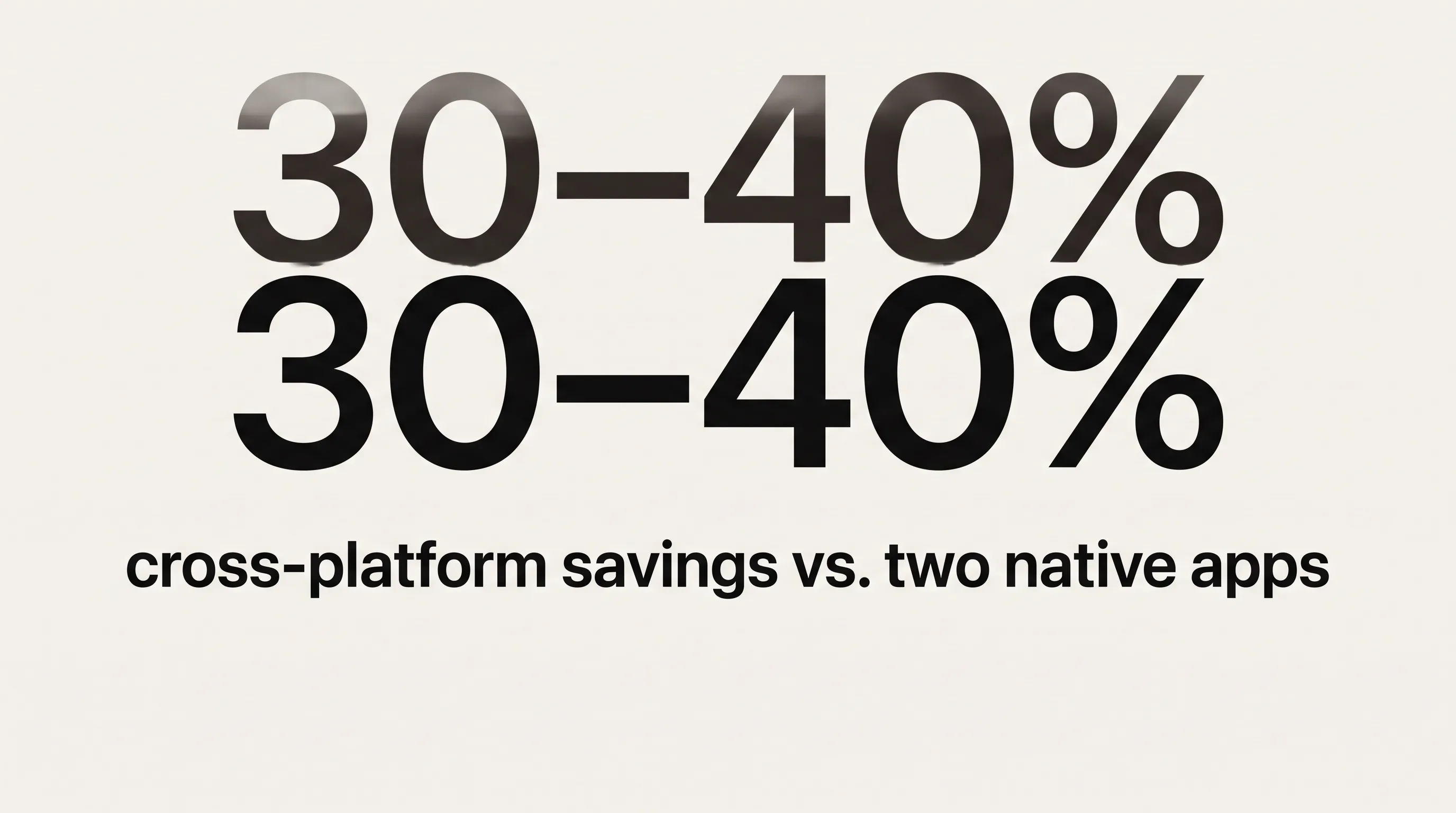
- Cross-platform development with React Native or Flutter costs 30–40% less than two separate native apps and fits roughly 80% of new builds (Bolder Apps, 2026).
- QA, infrastructure, compliance, and post-launch fixes add 30–50% on top of the stated build estimate — the top source of budget overruns (Cynoteck, 2026).
- Tampa hosts 227 active fintech companies that have raised $627M in total, a buyer base with hard PCI-DSS and security requirements (Tracxn, August 2026).
- Annual app maintenance costs 15–20% of the initial build; the first year runs 25–35% (Cynoteck, 2026).
How Much Does Mobile App Development Cost in Tampa?
Mobile app development in Tampa costs between $25,000 for a narrow MVP and $300,000 or more for a multi-platform, compliance-heavy build in 2026. Tampa agencies bill $90–$160 per hour, while US-based remote firms charge $60–$120 per hour according to Appinventiv’s 2026 cost guide. Industry data from more than 5,000 projects puts the average custom app at $171,450, though Cynoteck’s 2026 analysis notes most small-to-mid business builds land between $50,000 and $120,000.
| App Type | Cost Range | Typical Timeline |
|---|---|---|
| Simple MVP | $25,000–$60,000 | 2–4 months |
| Standard Business App | $60,000–$150,000 | 4–7 months |
| Multi-Platform, Feature-Rich | $150,000–$300,000 | 7–12 months |
| Enterprise / Compliance-Heavy | $300,000+ | 12+ months |
Where does your project sit? The honest answer depends on feature count, how much backend you need, and whether a regulator is involved. The next two sections break the number down.
What Moves the Price: Six Variables That Set Your Budget
Six variables decide whether a Tampa app build costs $40,000 or $300,000: feature scope, platform choice, backend integrations, design depth, compliance, and maintenance scope. Feature scope is the anchor — the complexity table above maps directly to how many screens, states, and user flows your app carries.
Platform choice moves the number sharply. Building native iOS and Android separately costs 1.6 to 2.0 times a comparable cross-platform build, per Bolder Apps’ 2026 analysis. Backend and integrations add up fast: Velvetech’s 2026 breakdown puts payment integration at $2,600 or more per feature, custom in-app chat at up to $12,000 against roughly $2,400 on a third-party SDK, and backend server work at $6,400–$28,000 on top of the front end. Design depth accounts for about 23% of a typical budget.
Compliance is its own line. HIPAA and PCI-DSS requirements add engineering and testing scope, covered in the Tampa industries section below. Maintenance scope belongs in the contract from day one.
One number gets left out of most quotes. “The honest answer for mobile app development cost depends on what you are building, who builds it, and what you are not accounting for in your budget,” says Subodh Dharmwan, Competency Head of Mobility at Cynoteck Technology Solutions. His 2026 data shows QA, infrastructure, compliance, and post-launch fixes add 30–50% on top of the stated build. Fund that now, not after launch.
Budgeting for Maintenance After Launch
App maintenance in 2026 costs 15–20% of the initial development budget per year, and the first year runs higher at 25–35% because bug fixes and infrastructure tuning peak in the opening twelve months (Cynoteck, 2026). Maintenance is not optional overhead. It is the cost of keeping a shipped app alive.
The ongoing stack has predictable parts. Hosting and infrastructure run $200 to $5,000 or more per month depending on user load, per Appinventiv’s 2026 figures. On top of that sit annual OS-compatibility work for new iOS and Android releases, security patches, App Store policy changes, and the feature additions users start requesting the week you launch.
Regulated apps cost more to maintain. A HIPAA patient app or a PCI-DSS payment app carries audit cycles and compliance-update work that a consumer utility app never sees, which pushes the yearly percentage toward the top of the band. Set the maintenance budget before you sign the build contract. A studio that never asks about your post-launch plan is optimizing for the first invoice, not the product.
How Long Does Mobile App Development Take?
A standard custom app takes three to six months from signed scope to first release in 2026. Enterprise or compliance-heavy builds run 9 to 12 months or longer, while a tightly scoped MVP can ship in 8 to 12 weeks. Scope sets the timeline, not headcount.

That last point runs against instinct. Adding developers to a late project usually pushes the date out, because new people need onboarding and coordination overhead grows faster than output. Our own timeline breakdown in how long it takes to build an app goes deeper on why scope, not team size, governs delivery. If a vendor promises to “add engineers and finish faster,” treat it as a warning.
The Four Development Phases and How Long Each Takes
Mobile app development runs through four phases: discovery, design and development, QA, and launch. Each has a predictable duration, and skipping time in the early phases reliably costs more time later.
Discovery and scoping take two to four weeks. Requirements workshops, technical architecture, and UX wireframing produce a scope document, and that document becomes the contract baseline. Shortcuts here surface later as scope disputes. Design and development follow over 8 to 20 weeks, run in two-week sprint cycles, each ending with a working demo rather than a status slide. Clients review running software. Cross-platform builds compress this phase 20–30% against dual-native work.
QA and user acceptance testing take two to four weeks: automated tests, a physical device matrix, and client sign-off. This is where hidden defects surface before your users find them. Launch takes another two to three weeks. App Store review averages one to three days and Google Play one to two, but you should budget a buffer for rejection-and-resubmit cycles, which are routine rather than exceptional.
Budget tracks these phases too. Development consumes 40–60% of project spend, design 10–20%, and QA 10–15%, according to SCAND’s 2026 cost breakdown authored by Vitaly Tormanov, its head of mobile solutions. Discovery is a small slice of the budget and an outsized share of the risk.
Compliance adds time. HIPAA or PCI work adds two to four weeks to any phase that touches sensitive data, per Leanware’s development-timeline guide. The offset: senior engineers who have shipped production apps before can compress the total timeline 30–50% against a team building at that complexity for the first time.
Native vs. Cross-Platform: Which Platform Strategy Is Right for You?
Cross-platform development with React Native or Flutter is the right default for roughly 80% of new app builds in 2026. It costs 30–40% less than two separate native apps and compresses the timeline by 20–30%, per Bolder Apps’ 2026 analysis. “Cross-platform development typically reduces total build cost by 30 to 40 percent compared to building two fully separate native apps,” says Jesus Vargas, founder of LOW/CODE Agency, whose 2026 budget comparison sets a clear rule: under an $80,000 budget for both iOS and Android, cross-platform wins on economics alone.

The two leading frameworks differ in ways that matter. React Native uses JavaScript and TypeScript with native UI components and carries the larger ecosystem for AI and LLM integration. Flutter uses Dart and its own Skia rendering engine, giving pixel-identical UI across platforms and stronger graphics performance. Both handle the standard feature set: authentication, payments, push notifications, camera, GPS, and offline sync. The code-reuse advantage is real — inVerita’s 2025 comparison notes a shared codebase lets a smaller team do the work two native teams would otherwise split.
Native still wins in defined cases: deep hardware integration such as LiDAR, NFC, or advanced Bluetooth peripherals; sustained 60fps graphics-heavy interaction; and platform extensions like CarPlay, watchOS, or Wear OS. This is where Frame Sixty, an AR/VR and spatial computing development studio, sees the divide most clearly. AR product visualization, 3D configurators, and camera-driven features lean on ARKit and RealityKit on iOS and hardware-accelerated rendering on Android — the performance-critical work a generic cross-platform shop tends to subcontract or decline.
In our mobile work at Frame Sixty, the platform decision comes down to one question: does the app render or move real-time 3D? If it does, we budget frame time as carefully as we budget features, because a configurator or an AR overlay that drops frames feels broken no matter how clean the rest of the UI is. That judgment comes from years of shipping on Apple Vision Pro and Meta Quest hardware, where a 90fps target is not negotiable. For a standard business app with forms, lists, and payments, we recommend cross-platform without hesitation and put the savings into design and QA.
Verdict: Choose cross-platform for standard business apps under roughly $80,000 or on a tight timeline; choose native when your app depends on AR, sustained high-frame-rate 3D, or deep hardware access.
Need help with your Tampa app build?
We are here to help!
Which Tampa Bay Industries Are Commissioning the Most Mobile Apps?
Five Tampa Bay sectors drive most local app demand: healthcare, financial services, tourism and hospitality, real estate, and logistics. Each carries its own compliance and integration profile, and that profile — not the city itself — is what shapes the build.

Healthcare and medical devices anchor the region through Tampa General Hospital, Moffitt Cancer Center, and BayCare Health System. Patient apps, provider tools, remote-monitoring integrations, and device companion apps all need HIPAA compliance from the first architecture decision, not as a feature bolted on before launch. Tampa Bay Wave’s HealthTech accelerator keeps adding health-tech startups commissioning their first clinical apps.
Financial services is the deepest pocket. Tampa has 227 active fintech companies that have raised $627M in total venture and private-equity funding, with 30 at Series B or higher, per Tracxn’s August 2026 data. Citi’s regional hub anchors a finance workforce in the hundreds of thousands. These apps demand PCI-DSS compliance, KYC workflows, and audit-grade security from day one.
Tourism and hospitality commission booking apps, loyalty programs, and in-property guest tools, defined by short cycles and heavy API integration with reservation and property-management systems. Real estate runs on property search, MLS data feeds, 3D virtual tours, and AR room visualization — a category where spatial rendering experience pays off directly. Logistics ties to Port Tampa Bay, Florida’s largest port, generating steady demand for dispatch apps, GPS fleet tracking, freight marketplaces, and offline-sync tools for field crews.
Should You Hire a Local Tampa Agency or a Remote Team?
Almost nothing in a 2026 mobile app project requires physical proximity, so the local-versus-remote question is the wrong first filter. Frame Sixty is not Tampa-based, and we will say that plainly rather than spin up a fake local address. What replaces proximity is evidence: shipped apps you can download today, senior engineers on the project from discovery forward, and a weekly sprint cadence with async standups.
What does proximity genuinely add? A face-to-face kickoff or milestone review, which is one travel day to arrange. Same-timezone phone availability, which a distributed team matches through defined working hours. For defense or government work tied to MacDill Air Force Base, cleared-personnel and facility access can be a real constraint. Outside those cases, distance is a process problem, and process solves it. What proximity cannot fix is a studio that staffs your project with juniors and bills senior rates — a risk equally present in a firm three miles away.
The criteria that predict a good outcome are portfolio depth, engineering seniority, discovery rigor, payment structure, and IP terms. Our Denver app development guide applies the same model to a comparable market, and our portfolio of shipped work — including apps for Red Bull, Google, Logitech, and Meta — is the kind of proof that matters more than a local storefront. Geography predicts none of the five criteria that do.
Verdict: Hire local only when facility access or in-person cadence is a hard requirement; otherwise weigh shipped work, senior staffing, and process, and let the best team win regardless of city.
What Does a Mobile App Project Look Like from Discovery to Launch?
A mobile app engagement runs as a five-step sequence from discovery to post-launch support, with payment milestones tied to deliverables at each step. The structure protects the buyer as much as the builder, because it converts a vague “build me an app” into a set of checkpoints you can inspect.
It opens with a discovery sprint of one to two weeks, where a requirements workshop produces a technical architecture document, a feature backlog, and a milestone-payment schedule. Anything not in that document is a scope change, by definition. UX design comes next over two to four weeks: wireframes move to high-fidelity prototypes, and you sign off before code starts, because changing direction here costs a fraction of changing it mid-development.
Development then runs in two-week sprints, each ending in a live demo of working software, with duration scaling to the complexity tier from the cost table above. QA and user acceptance testing take two to four more weeks — automated test suites, a physical device matrix, and your acceptance testing, where sign-off releases the next milestone payment. The engagement closes with launch and support: store submission, live monitoring, and a warranty period written into the contract.
In our engagements at Frame Sixty, QA runs against a matrix of physical devices, not just simulators, because a layout that passes in Xcode’s simulator still breaks on a three-year-old mid-range Android phone with a smaller heap and a slower GPU. We keep a bench of real hardware for exactly that reason. This habit comes from shipping across the fragmented device space of iPhone, iPad, and Android alongside headsets like Meta Quest 3 and Apple Vision Pro, where “it works on my machine” is never the finish line.
One structural point deserves emphasis. Milestone payments tied to deliverables mean code and IP transfer to you at each stage, not in one lump at the end. If a partnership goes wrong mid-build, you still own what you paid for.
What to Ask Before Signing with a Mobile App Developer
Ask five questions before signing with a mobile app developer, and treat evasive answers as data. The first filter is simple: a studio that quotes a firm price on the opening call, before understanding your app, is quoting to win the deal rather than to price the work. “A serious company asks deep discovery questions before pricing,” notes Nitin Lahoti, co-founder of Mobisoft Infotech, in the firm’s 2026 vendor guide.
- Can I download and use apps you have shipped — live App Store links, not mockups?
- Who specifically will build my app, and can I speak with the lead engineer before signing?
- How do you handle scope changes, and what does a change order look like?
- What does your QA process include, and can I see test documentation from a past project?
- What is the post-launch warranty period, and what does it cover?
You can pressure-test all five against our own app development company page and the shipped work behind it. A studio that welcomes these questions is showing you how it will communicate for the length of the project.
Red Flags That Should End the Conversation
Certain vendor behaviors reliably predict a bad build, and any one of them should end the conversation. These are not style preferences. Each has a mechanism that costs you money or control later.
- A firm fixed price within 24–48 hours, no discovery. Signals a plan to recover margin through change orders after you sign.
- A portfolio of mockups and screenshots, no live links. Design files do not prove the ability to ship and maintain a production app.
- No access to the lead engineer before signing. If you cannot speak to who will write your code, you do not know who will write your code.
- A bid far below every other proposal. The gap comes back as rushed QA, junior substitutions, or scope-change invoices.
- Code access held until final payment. You should own the code at each milestone, not at the finish line.
- Named team members swapped out silently after signing. The people in the pitch should be the people on the project.
Communication clarity ranks as the single highest-weighted selection criterion in Mobisoft Infotech’s 2026 evaluation, above raw technical skill. A studio that answers directly is telling you something. So is one that hedges.
Conclusion
Mobile app development in Tampa in 2026 is a numbers decision, and the numbers are knowable. A production-grade custom app runs $40,000–$150,000, ships in three to six months, and carries 15–20% of the build cost in annual maintenance. Cross-platform fits about 80% of projects and saves 30–40% against dual-native. QA, compliance, and post-launch work add 30–50% you should fund from the start, not discover later.
The position this guide defends holds up against every one of those figures: for a Tampa app build, hiring local is the wrong default. The Tampa searcher deserves a partner chosen on shipped work, senior engineering, honest cost ranges, and a process with milestone payments and clean IP transfer. None of that is a function of distance. The thin location pages ranking for this search cannot answer a single cost or timeline question, which is precisely why they convert no one.
Frame Sixty builds iOS, Android, and cross-platform apps, and brings AR, 3D, and camera-driven capability that generic shops outsource. If you are scoping an app for a Tampa Bay business and want a straight estimate with real ranges, get in touch with our team and we will walk through your scope, timeline, and budget on the first call.
FAQs
Common questions about mobile app development in Tampa, covering costs, hiring, and technical capability. Each answer uses 2026 figures so you can budget and vet a partner with real numbers.
Mobile app maintenance costs 15–20% of the initial build budget per year, rising to 25–35% in the first year when bug fixes and infrastructure tuning peak (Cynoteck, 2026). Hosting alone runs $200 to $5,000 or more per month depending on user load. Regulated HIPAA or PCI-DSS apps sit at the top of that band because of audit and compliance cycles.
HIPAA compliance adds engineering and testing scope to a mobile app budget, extending any phase that touches sensitive patient data by two to four weeks (Leanware, 2025). It requires encrypted storage, audit logging, access controls, and ongoing audit cycles that push annual maintenance toward the top of the 15–20% band. Tampa healthcare apps for institutions like Moffitt or BayCare need it designed in from the first architecture decision.
An MVP is a tightly scoped first release built to validate demand, costing $25,000–$60,000 and shipping in two to four months, while a production app carries the full feature set, backend, and polish at $60,000–$150,000 or more. Most Tampa businesses should build the MVP first, prove real usage, then fund the production build from evidence rather than assumption.
The clearest red flag when vetting a mobile app development company is a firm fixed price within 24–48 hours and no discovery, which signals a plan to recover margin through later change orders (Mobisoft Infotech, 2026). Other warning signs include a portfolio of mockups with no live App Store links, no access to the lead engineer before signing, and code withheld until final payment.
A remote agency can run a Tampa mobile app project effectively, because almost nothing in a 2026 build requires physical proximity. Weekly sprint cadence, async standups, and milestone payments tied to deliverables replace in-person oversight. Proximity only matters for a face-to-face kickoff or cleared-personnel work tied to MacDill Air Force Base; otherwise shipped work and senior staffing predict outcomes better than a local ZIP code.
Look for five things in a mobile app development partner: portfolio depth with downloadable shipped apps, senior engineers on your project from discovery forward, discovery rigor before any quote, milestone-based payment, and clean IP transfer at each stage. Frame Sixty, an AR/VR and spatial computing development studio, staffs senior engineers from discovery and has shipped apps for Red Bull, Google, Logitech, and Meta.
AR features, 3D product configurators, and camera-based apps are buildable, but they need a team experienced with ARKit, RealityKit, and hardware-accelerated rendering, since generic shops often subcontract or decline this work. These performance-critical features require budgeting frame time as carefully as features, because a configurator or AR overlay that drops frames feels broken. Frame Sixty builds this work alongside standard iOS and Android apps.
Protect your IP by tying code and IP ownership to milestone payments, so it transfers to you at each stage rather than in one lump at the end. Written into the contract this way, if a partnership ends mid-build you still own everything you have paid for. Confirm IP assignment terms and source-code access before signing, not after.
Cross-platform development is cheaper, reducing total build cost 30–40% against two separate native apps and cutting the timeline 20–30% (Bolder Apps, 2026). It fits roughly 80% of new builds and wins outright under an $80,000 dual-platform budget. Native is worth the premium only for LiDAR, NFC, sustained 60fps graphics, or platform extensions like CarPlay and watchOS.