
CloudXR Vision Pro: What Changed in visionOS 27 — and What We Learned Building It on visionOS 26
Jun 12, 2026

17 MIN READ
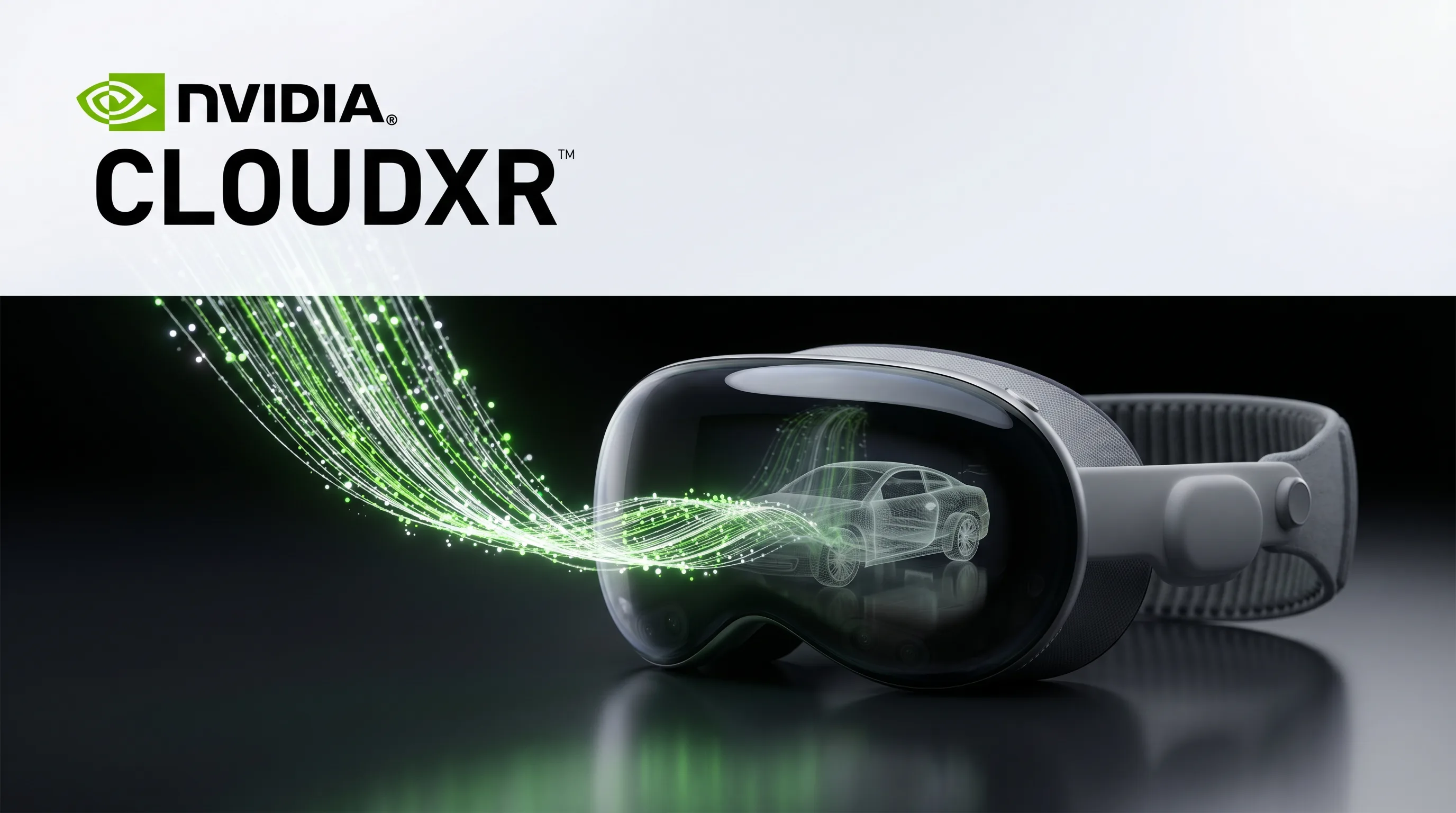
CloudXR Vision Pro is the pairing of NVIDIA’s CloudXR streaming platform with Apple Vision Pro, where an NVIDIA RTX workstation or cloud server renders demanding 3D content and sends finished frames to the headset over Wi-Fi at 4K. visionOS 27, shown at WWDC 2026, builds this into the operating system through the Foveated Streaming framework, which uses on-device eye tracking to stream the gaze region at full resolution while compressing the periphery to save bandwidth. Earlier visionOS 26 required developers to integrate the CloudXR SDK by hand with no eye-tracking access. More than 50 Fortune 100 organizations, including Kia, Roche, and Foxconn, already run Apple Vision Pro for full-scale design and simulation work.
Key Takeaways
- CloudXR Vision Pro streams 3D content from an NVIDIA RTX GPU to Apple Vision Pro over Wi-Fi at 4K, no cables required, using NVIDIA CloudXR 6.0.
- visionOS 27 makes the Foveated Streaming framework a native, OS-level feature; visionOS 26 required developers to integrate the CloudXR SDK by hand.
- Foveated streaming uses Vision Pro eye tracking to stream the gaze region at full resolution and compress the periphery, cutting bandwidth while keeping gaze data on-device.
- More than 50 Fortune 100 organizations run Apple Vision Pro, and enterprise now drives the majority of its sales (The Gadgeteer, 2026).
- Apple Vision Pro costs $3,499; the streaming server needs an NVIDIA RTX PRO workstation or GeForce RTX GPU, on-premise or in the cloud.
Need help streaming 3D to Vision Pro?
Frame Sixty is a full-service digital innovation studio specialising in AR/VR, mobile, and web development.
Why Companies Stream High-End 3D Software to Vision Pro
Companies stream high-end 3D software to Apple Vision Pro because the headset cannot render demanding professional content in real time on its own, and streaming keeps that work on hardware that can. The Vision Pro’s M5 chip is capable for a wearable, but real-time ray tracing, large CAD assemblies, and physics-heavy simulations need a dedicated GPU. Streaming moves the rendering to an NVIDIA RTX workstation or cloud server and sends the finished frames to the headset.
The practical payoff is reach without a rewrite. Existing tools such as Autodesk VRED, Revit, and simulation packages can appear inside Vision Pro at full scale without being ported to visionOS first. The 3D model keeps running on the PC, so a change made on the workstation shows up in the headset immediately.
Enterprise demand is the reason this matters commercially. More than 50 Fortune 100 organizations are already running Apple Vision Pro, and enterprise now accounts for the majority of its unit sales (The Gadgeteer, 2026). The wider market is moving the same direction: the spatial computing platform market is valued at $164 billion in 2025 and projected to reach $1.2 trillion by 2035, a 22% compound annual growth rate, according to SNS Insider’s 2026 forecast. For a fuller view of how organizations are deploying these headsets, see our overview of spatial computing in the enterprise. The takeaway: streaming is what turns a consumer headset into a professional 3D terminal.
What Is NVIDIA CloudXR and How Does It Work with Apple Vision Pro?
NVIDIA CloudXR is a GPU-accelerated streaming platform that renders immersive 3D content on a server and delivers it to a headset as a compressed video stream. The current release, CloudXR 6.0, is fully compliant with OpenXR (the open standard that lets one application run across many XR devices), so developers build once and stream to any supported headset, including Apple Vision Pro. It works much like a video call, except the picture is a fully interactive immersive scene.
The loop runs in both directions. On the server, an NVIDIA RTX GPU renders the scene and encodes it. Apple Vision Pro receives the stream over Wi-Fi and sends back head pose, hand positions, and microphone audio in real time, so what you do in the headset drives what the server renders next. The hardware requirements are an NVIDIA RTX PRO workstation or GeForce RTX GPU on the server side, on-premise or in the cloud, and an Apple Vision Pro at $3,499 on the user side (NVIDIA CloudXR SDK).
The technology is already in production across several industries. Kia, BMW Group, Rivian, and Volvo Group use it for full-scale vehicle design reviews through Autodesk VRED; Roche uses it to plan laboratory layouts; and Foxconn uses it for factory-floor digital twins (NVIDIA, 2026). Karim Habib, Kia’s Executive Vice President and Head of Global Design, described the result this way: “We can experience proportions, surfaces, colors and materials together in a shared real-world environment and collaborate in real time across our global teams” (UploadVR, 2026).
For teams whose pipeline runs through NVIDIA’s digital-twin tooling, our guide to NVIDIA Omniverse for XR digital twins and spatial streaming covers the related Omniverse path, and our enterprise Vision Pro development page outlines where this fits a production project.

What Changed for CloudXR Vision Pro in visionOS 27
visionOS 27, shown at WWDC 2026 on June 8, completes the native integration of CloudXR that began with visionOS 26.4 in March 2026. Before that, streaming on Vision Pro was a manual job built on the raw CloudXR SDK. The three sections below cover what visionOS 26 required, what foveated streaming now adds, and how the new pairing flow removes setup friction. For background on the prior release, see our what’s new in visionOS 26 breakdown.
What the visionOS 26 Approach Required
Under visionOS 26, through version 26.3, there was no system-level streaming support, so any team that wanted CloudXR on Vision Pro had to integrate NVIDIA’s CloudXR SDK directly into a custom native app. That meant writing the connection and pairing logic themselves and managing the streaming session in app code rather than relying on the OS.
The bigger constraint was eye tracking. visionOS 26 did not expose gaze data to third-party apps, so a streamed frame was delivered at uniform quality everywhere. The headset had no way to spend more bandwidth on the spot the user was actually looking at, which meant higher bandwidth for the same perceived sharpness. This is the gap visionOS 27 closes (Blake Crosley, 2026).
Foveated Streaming: What It Is and Why It Matters
Foveated streaming is a technique that uses Apple Vision Pro’s eye tracking to stream the small region you are looking at in full detail while compressing everything in your peripheral vision. Because human eyes only see sharply at the center of focus, matching the stream to where you look gives you the same perceived image quality for far less bandwidth. The Foveated Streaming framework in visionOS delivers this over Wi-Fi at 4K with no cables.
The quality and efficiency gains are the point. Concentrating resolution on the gaze region produces a visibly sharper image where it counts and lighter network use overall, which is what makes wireless 4K streaming practical (NVIDIA, 2026).
Privacy is handled at the system level. The gaze data that drives foveation stays on the Vision Pro and is never sent to the streaming server or exposed to the app, in line with Apple’s privacy model (Apple WWDC26, session 286). For an enterprise buyer, that means the bandwidth benefit does not come with a data-governance cost.
The New Pairing Experience
visionOS 27 includes a built-in pairing flow, so connecting Apple Vision Pro to a streaming server no longer needs a separate setup app or manual network configuration. The streaming endpoint advertises itself on the local network using Bonjour, the same service discovery Apple uses for AirPrint, and then shows a QR code containing a secure token. The Vision Pro user looks at the code to authenticate. There is no IP address to type and no second device involved.
The framework also adds a two-way message channel between the headset app and the server. The Vision Pro app and the OpenXR application can exchange custom data over it, such as triggering a content load or receiving a progress update, which keeps the two sides in sync without a separate back channel. Apple’s engineering team summarized the speed of the new path in its WWDC 2026 session: “In just one day you can start streaming your OpenXR applications to Apple Vision Pro, and in a week you can enhance your application with features you can find only on visionOS” (Apple, 2026).

Mixing Streamed Content with Native visionOS Screens in the Same App
visionOS 27 lets a single app show CloudXR streamed content and native visionOS elements together in the same space, which a pure streaming client cannot do. The Foveated Streaming framework places native RealityKit objects and SwiftUI windows alongside the stream inside one ImmersiveSpace, and depth-buffer support means streamed and native objects correctly hide each other instead of clipping through.
The flight-simulator example Apple demonstrated makes the value concrete. The processor-intensive landscape streams from the PC, while the cockpit instruments render natively in RealityKit, so the controls stay responsive even if the stream hits a momentary delay. An ARKit coordinate bridge lets the server-side application know where real physical objects sit in the room, so streamed content can line up precisely with them (Apple WWDC26, session 287).
For product teams, this changes the design conversation from “stream or native” to “which layer for which content.” Responsive UI and data panels can live natively while the heavy 3D scene streams. Our guide to building Apple Vision Pro apps and our developer’s perspective on the Apple Vision Pro cover how that split plays out in practice.
The table below summarizes how the two visionOS generations compare for a CloudXR project.
| Capability | visionOS 26 | visionOS 27 |
|---|---|---|
| CloudXR integration | Manual SDK integration in a custom app | Native OS-level Foveated Streaming framework |
| Eye-tracking for streaming | Not available; uniform-quality frames | Foveated streaming, gaze region at full resolution |
| Pairing | Custom connection logic | Built-in Bonjour discovery and QR-code pairing |
| Streamed plus native content | Difficult to combine | Composited in one ImmersiveSpace with depth occlusion |
| Server-to-app messaging | Available via SDK | Built-in two-way message channel |
Which Industries Are Using CloudXR on Vision Pro Today?
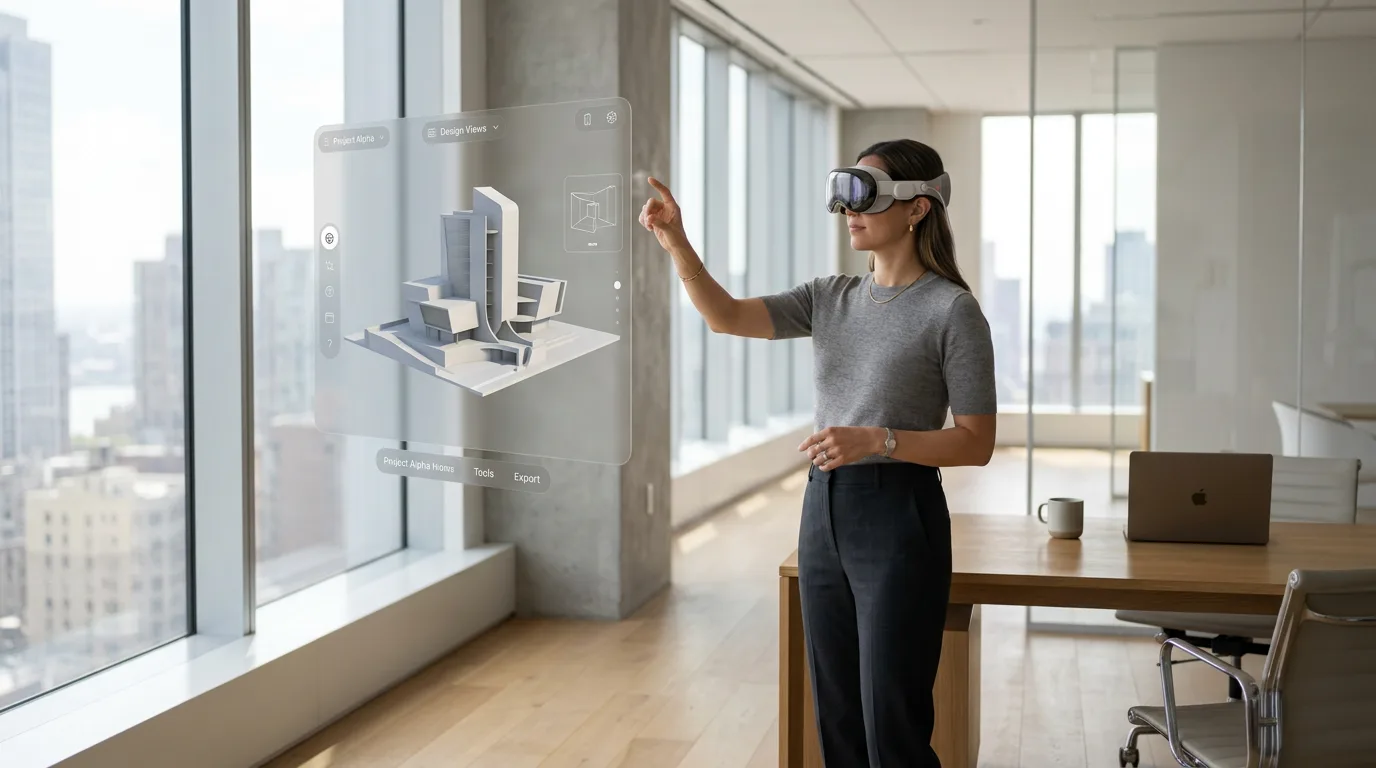
CloudXR Vision Pro is in production across automotive, healthcare, and manufacturing, where teams already work with large 3D datasets that exceed what any headset can render on its own. NVIDIA and Apple named these deployments when they detailed the integration at NVIDIA GTC in San Jose on March 17, 2026, and the common thread is professional 3D software that companies want to use at full scale without rebuilding it for visionOS.
Automotive design leads the list. Kia, BMW Group, Rivian, and Volvo Group review vehicle designs at true 1:1 scale through Autodesk VRED streamed to Apple Vision Pro, with RTX ray tracing handled on the workstation. Because the model runs on the PC, edits appear in the headset instantly, and several Vision Pro wearers in the same room can annotate the same model together (UploadVR, 2026).
The pattern extends beyond cars. Roche uses CloudXR to simulate laboratory layouts before construction starts, and Foxconn uses the same pipeline for factory-floor walkthroughs. Simulation vendors X-Plane 12 and iRacing built streaming clients that align a virtual cockpit with physical controls. The table below maps the confirmed deployments to their use cases.
| Industry | Organizations | Use case |
|---|---|---|
| Automotive design | Kia, BMW Group, Rivian, Volvo Group | Full-scale design reviews via Autodesk VRED |
| Pharmaceutical | Roche | Lab layout planning before construction |
| Manufacturing | Foxconn | Factory-floor digital twins and walkthroughs |
| Simulation | X-Plane 12, iRacing | Cockpit aligned to physical controls |
The takeaway: if your team already runs heavy 3D software on a workstation, CloudXR Vision Pro is the path that brings it into the headset without a rewrite.
CloudXR Streaming or a Fully Native Vision Pro App: Which Fits Your Project?
The choice between CloudXR streaming and a fully native Apple Vision Pro app comes down to where your 3D content already lives and how heavy it is. CloudXR Vision Pro suits teams that run demanding software, such as CAD assemblies, ray-traced design tools, and simulations, on a workstation today and want that exact content in the headset. A fully native build suits content that can run on the Vision Pro’s own M5 chip and benefits from working offline.
Streaming wins when the content cannot fit on the device. A ray-traced car model or a physics simulation that needs an NVIDIA RTX GPU has nowhere to run on the headset alone, and rebuilding it for visionOS would be expensive and lossy. Native wins when responsiveness and independence matter more than raw fidelity, since a native app keeps working without a server or network and has no streaming latency.
Most enterprise projects land somewhere in the middle, and visionOS 27 is built for that. The Foveated Streaming framework lets the heavy 3D scene stream while menus, controls, and data panels run natively, so a single app gets the best of both. The questions below sort the decision.
- Does your core 3D content already run on an NVIDIA RTX workstation? Lean toward streaming.
- Must the app work with no network or server available? Lean toward native.
- Do you need responsive UI layered over a heavy 3D scene? Use the hybrid approach visionOS 27 supports.
The takeaway: CloudXR Vision Pro and native development are not rivals on visionOS 27. The practical question is which layer each piece of content belongs in.
Building CloudXR Vision Pro on visionOS 26: What Worked and What Didn’t
Frame Sixty, an AR/VR and spatial computing development studio, built a CloudXR integration for a client project on visionOS 26, before the native framework existed. We integrated NVIDIA’s CloudXR SDK directly into a native Vision Pro app, and the account below is a candid look at that work: what the SDK handled well, where the friction was, and what it taught us about scoping these projects. We name no client or confidential details here. More on our team’s focus is on our Apple Vision Pro developer page.
What Worked Well
Several parts of the visionOS 26 integration went smoothly. The visionOS simulator worked with our CloudXR setup, so we could run and test the streaming connection without putting on the headset for every change. That alone made the day-to-day development cycle noticeably faster.
NVIDIA’s example project was a solid starting point. It covered the basic wiring, which let us focus on the product-specific work instead of building the SDK plumbing from scratch. The message-passing API between the app and the CloudXR server also behaved well: sending custom data back and forth, triggering loads and syncing state, was predictable and reliable.
Where We Hit Friction
Two things were genuinely hard. Combining the CloudXR stream with native visionOS screens and UI was the most demanding part of the project. The streamed content and the native interface have different coordinate systems and timing, and getting them to sit together cleanly took careful work that the documentation alone did not fully prepare us for.
Server proximity was the other lesson, and it caught us by surprise. Because our development team was geographically far from the streaming server, the connection timed out repeatedly during development. This was not a coding problem. It was a network and infrastructure problem that slowed the workflow and stretched our testing cycles, and it taught us to treat server location as a scoping decision rather than a deployment afterthought.
What visionOS 27 Changes for Teams Starting Now
visionOS 27 removes several of the things we had to build by hand. The native Foveated Streaming framework handles pairing, connection management, the privacy-preserving eye-tracking layer, and the coordinate bridge between native and streamed content, so a team starting a CloudXR Vision Pro project today faces less setup work and a much easier path to mixing streamed and native content.
What the documentation still will not tell you is how the system behaves at the edges: intermittent networks, specific hardware combinations, and the details of compositing streamed and native content under real production load. That is where having shipped the previous version pays off. Our earlier coverage of what to expect from visionOS and XR development at WWDC tracks how the platform has matured, and reporting from AppleInsider and The Gadgeteer confirms how recent this native support is.
Three Things to Settle Before You Scope a CloudXR Vision Pro Project
Before scoping a CloudXR Vision Pro project, settle three questions early: where the streaming server lives, which content is streamed versus native, and how you will use the simulator to keep development efficient. These came out of production work, not theory, and each is a decision the product owner needs to weigh in on, not just the engineering team. Teams ready to move can hire our Apple Vision Pro developers to work through them.
Decide Where Your Streaming Server Will Live
Server location is a first-week decision for a CloudXR Vision Pro project because latency between the headset and the server directly shapes the experience. For a showroom or factory-floor deployment, an on-premise NVIDIA RTX workstation on the same Wi-Fi network is the low-risk choice. For a distributed team or a hosted product, the cloud instance should sit in the same region as the device, ideally the same data center, during both development and production. As The Gadgeteer noted in its 2026 coverage, the server side needs an NVIDIA RTX PRO workstation or GeForce RTX GPU, and where you place it matters as much as which GPU you pick.
Plan Which Content Is Streamed and Which Is Native
Deciding the streamed-versus-native split early prevents integration surprises later in a CloudXR Vision Pro project. High-fidelity 3D scenes such as CAD assemblies, simulations, and full environments are the natural candidates for streaming from the server. Menus, data panels, notifications, and any interface that must stay responsive under poor network conditions are better built natively in visionOS. visionOS 27’s composition support means the architecture is sound either way; the product decision is which layer each piece of content belongs in. Our walkthrough of creating a digital twin in VR shows how that division plays out for a data-heavy 3D use case.
Use the Simulator Early and Often
The visionOS simulator supports CloudXR streaming, so most of the integration work on a CloudXR Vision Pro project, including connection management, message channels, and content loading, can be validated without wearing the headset. That compresses the feedback loop and keeps the team moving. Reserve headset time for the things that genuinely need the physical display: visual quality checks, comfort testing, and final tuning of mixed streamed-and-native content. As Apple’s WWDC 2026 foveated streaming session showed, the path from first stream to a polished app is short when the workflow is set up this way. This habit paid off on our visionOS 26 project and matters even more now that the framework does more.
Conclusion
CloudXR Vision Pro has moved from a hand-built integration to a native capability in roughly a year. visionOS 26.4 brought NVIDIA CloudXR 6.0 into the operating system in March 2026, and visionOS 27 at WWDC 2026 added foveated streaming, built-in pairing, and the ability to mix streamed and native content in one space. For a product team, that means streaming high-fidelity 3D content to Apple Vision Pro is now a supported path rather than a research project, and the early enterprise adopters, from Kia to Roche to Foxconn, show it works in production.
The technology removes a lot of the old setup work, but the decisions that determine whether a project succeeds still sit with the people scoping it: where the server lives, which content streams, and how the team tests. Those are exactly the lessons we carried out of our visionOS 26 client project, including the parts the documentation does not cover.
Frame Sixty has shipped CloudXR on Vision Pro in production and is tracking visionOS 27 as it moves from WWDC beta toward its fall release. If you are weighing a project that involves streaming CAD, simulation, digital-twin, or training content to Apple Vision Pro, get in touch with our team and we will scope it based on what we have actually built.
CloudXR Vision Pro: Frequently Asked Questions
Common questions about streaming high-fidelity 3D content from a PC or cloud server to Apple Vision Pro with NVIDIA CloudXR, including hardware, cost, and how visionOS 27 changes the work.
No, you do not need to rebuild your existing 3D or CAD software for Vision Pro when you stream it with CloudXR. Tools such as Autodesk VRED, Revit, and physics simulations keep running on the workstation, and CloudXR sends the finished frames to the headset. The model stays on the PC, so a change made there appears in Vision Pro immediately without a visionOS port.
CloudXR on Vision Pro is in production across automotive, healthcare, and manufacturing. Kia, BMW Group, Rivian, and Volvo Group run full-scale design reviews through Autodesk VRED; Roche plans laboratory layouts before construction; and Foxconn builds factory-floor digital twins. The common thread is large 3D datasets that exceed what any headset can render on its own, according to NVIDIA’s 2026 deployment details.
You stream 3D content to Vision Pro because the headset’s M5 chip cannot render demanding professional scenes, such as ray-traced CAD assemblies or physics simulations, in real time on its own. Streaming moves that rendering to an NVIDIA RTX workstation or cloud server and sends finished frames over Wi-Fi, so existing high-end software reaches the headset at full scale without a costly rewrite.
A user needs an Apple Vision Pro, priced at $3,499, on the headset side, and the server side needs an NVIDIA RTX PRO workstation or GeForce RTX GPU, on-premise or in the cloud. The two connect over Wi-Fi, where CloudXR 6.0 delivers 4K streaming with no cables. The GPU does the heavy rendering while the headset displays the result.
No, eye-tracking data is not sent to the streaming server when using CloudXR on visionOS 27. The gaze data that drives foveated streaming stays on the Apple Vision Pro and is never exposed to the server or the app, in line with Apple’s privacy model. The bandwidth benefit of streaming the gaze region at full resolution arrives without any data-governance cost for enterprise buyers.
The streaming server should sit as close to the Apple Vision Pro as the deployment allows, because latency between the two directly shapes the experience. For a showroom or factory floor, an on-premise NVIDIA RTX workstation on the same Wi-Fi network is the low-risk choice. For a distributed team, place the cloud instance in the same region as the device, ideally the same data center.
Yes, multiple Apple Vision Pro wearers in the same room can review the same streamed model together. In automotive design reviews using Autodesk VRED, several Vision Pro users view a vehicle at true 1:1 scale and annotate it collaboratively, because the model runs on the workstation and edits appear in every headset instantly. This shared-session capability is a core enterprise use case for CloudXR.
visionOS 27 makes CloudXR a native, OS-level feature through the Foveated Streaming framework, which handles pairing, connection management, eye-tracking, and the bridge between streamed and native content. Under visionOS 26, developers integrated the CloudXR SDK by hand and could not access gaze data, so frames streamed at uniform quality. A team starting today faces far less setup work.
Look for a partner that has shipped CloudXR on Vision Pro in production, not just read the documentation. Frame Sixty, an AR/VR and spatial computing development studio, built a native CloudXR integration on visionOS 26, learning how the system behaves with intermittent networks, server proximity, and mixing streamed and native content. That hands-on experience covers the edge cases the documentation does not.
Get in touch
We’re interested to see how we can help. Send us a message and we will get back to you within 24 hours.