
Bring Your iOS or iPad Game to visionOS
Aug 22, 2024
Updated

7 MIN READ
As startups navigate the competitive landscape of mobile app development, staying ahead of the curve requires embracing emerging technologies that enhance user experience and engagement. With Apple’s Vision Pro and visionOS, there’s a unique opportunity to elevate your iOS and iPadOS apps into immersive experiences that resonate deeply with users. Whether you’re looking to convert an existing app or develop a native visionOS application, understanding the power of Vision Pro is crucial to maximizing your app’s potential for revenue and downloads.
Need help to get your Vision Pro app started?
We are here to help!
Get in Touch
Apple Vision Pro: An Overview
The Apple Vision Pro is a mixed-reality headset unveiled at Apple’s Worldwide Developers Conference on June 5, 2023. Apple started taking pre-orders for its first major product category on January 19, 2024, and the Vision Pro officially went on sale on February 2, 2024.
Besides the United States (US), Apple made the Vision Pro available in China, Australia, Japan, Hong Kong, and Singapore on June 28, 2024, and in Canada, Australia, Germany, France, and the United Kingdom (UK) a month after. Apple says Vision Pro is a “spatial computer” where digital media seamlessly integrates with the real world.
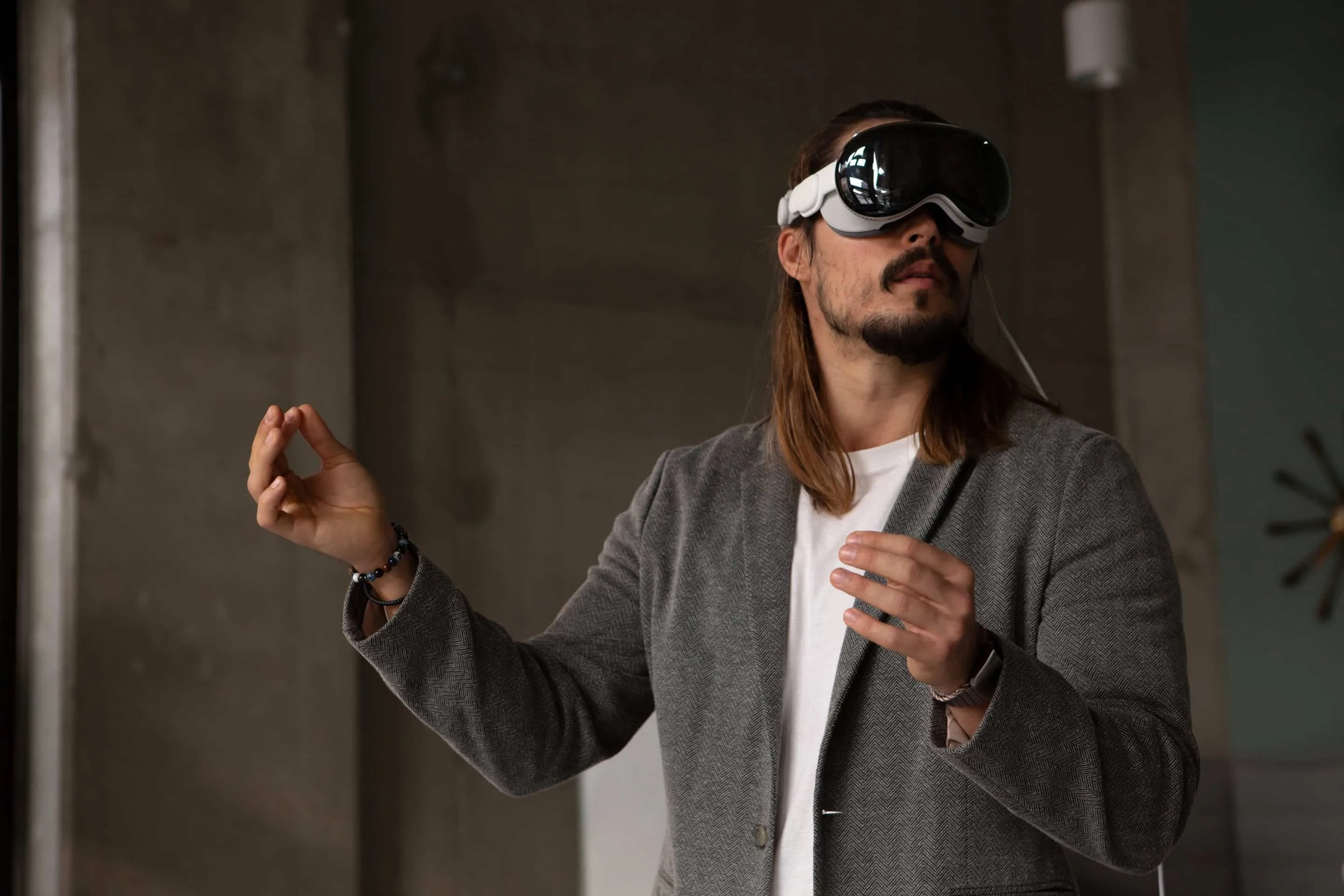
Vision Pro uses eye tracking, speech recognition, and motion gestures, by users and allows them to interact with the system. It operates on visionOS, a mixed-reality operating system designed using different iPadOS frameworks. Utilising a 3D UI, Vision Pro allows users to multitask through floating windows in their surroundings.
Transforming iOS and iPadOS Apps into Immersive Experiences
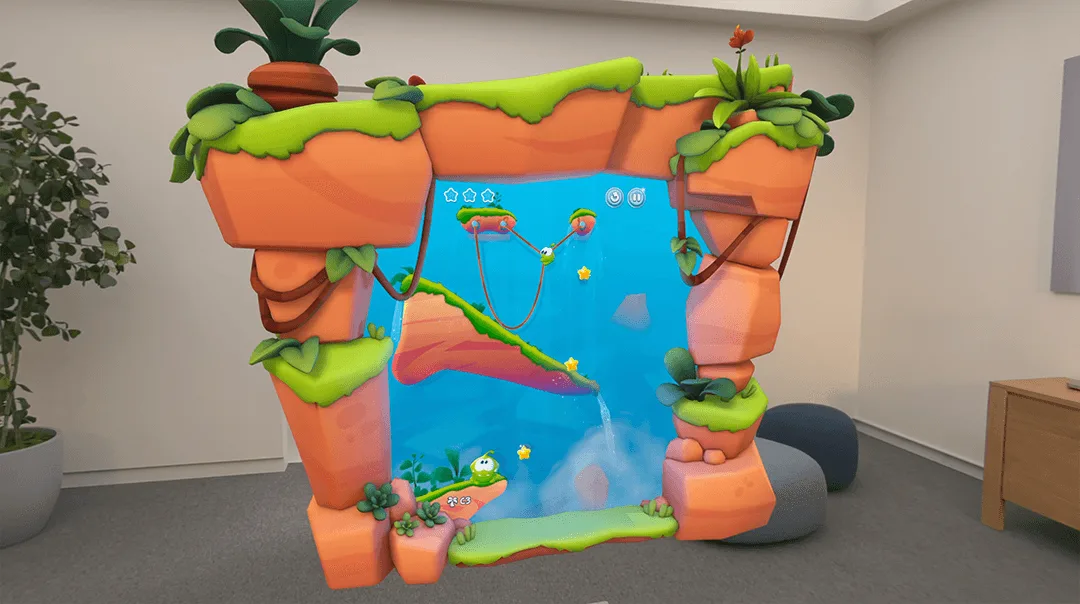
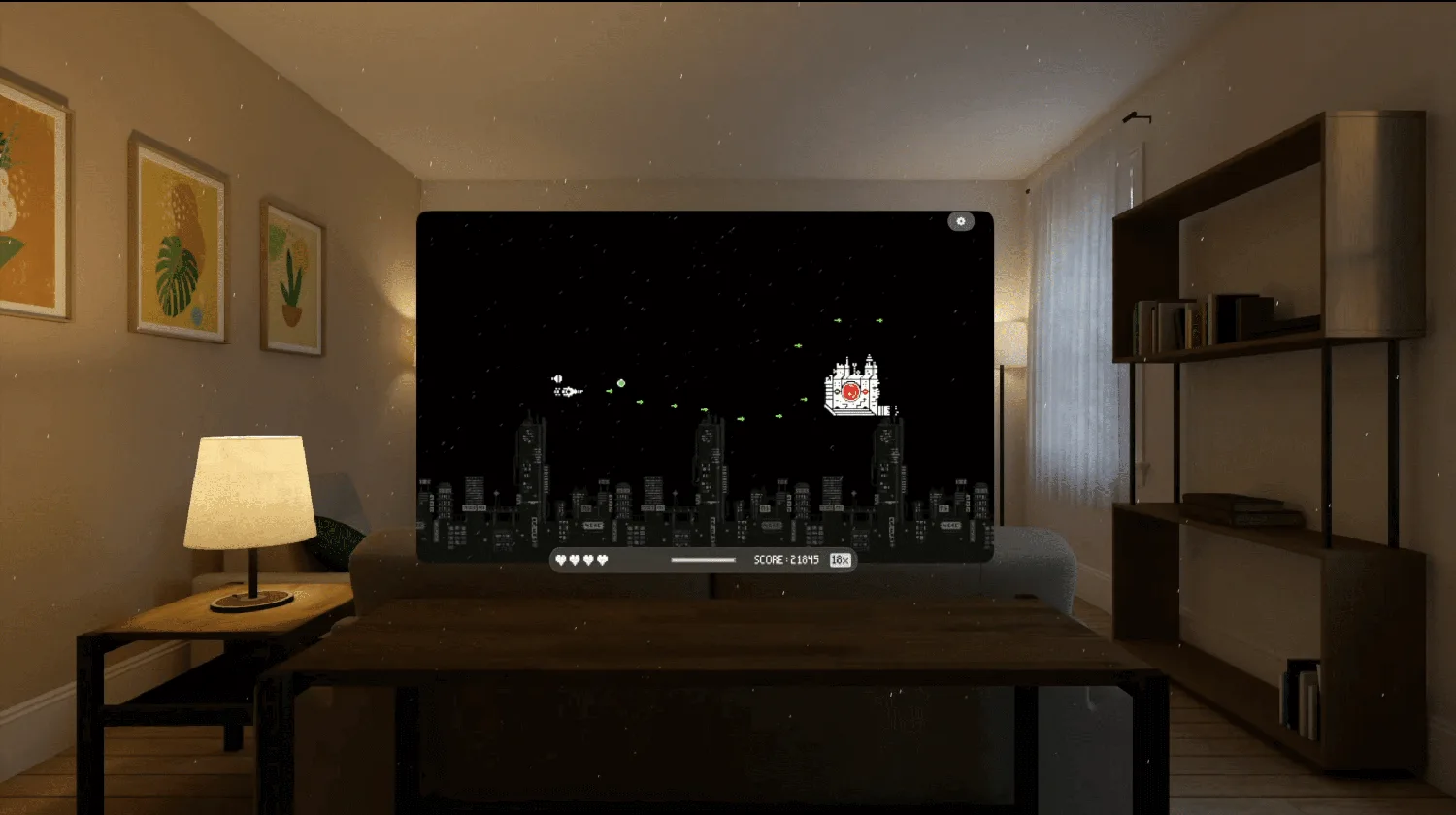
Apple’s Vision Pro offers a groundbreaking platform that enables developers to transform their iOS or iPadOS games and apps into fully immersive experiences. Take, for instance, the popular game Wylde Flowers, originally designed for iPad. When running on visionOS, it evolves into a more engaging experience with 3D frames that respond to gameplay and an immersive background that enhances the overall ambiance. By leveraging the capabilities of Vision Pro, developers can create spatial designs that captivate users, driving increased engagement and, ultimately, higher revenue.
Harnessing the Power of RealityKit and Metal
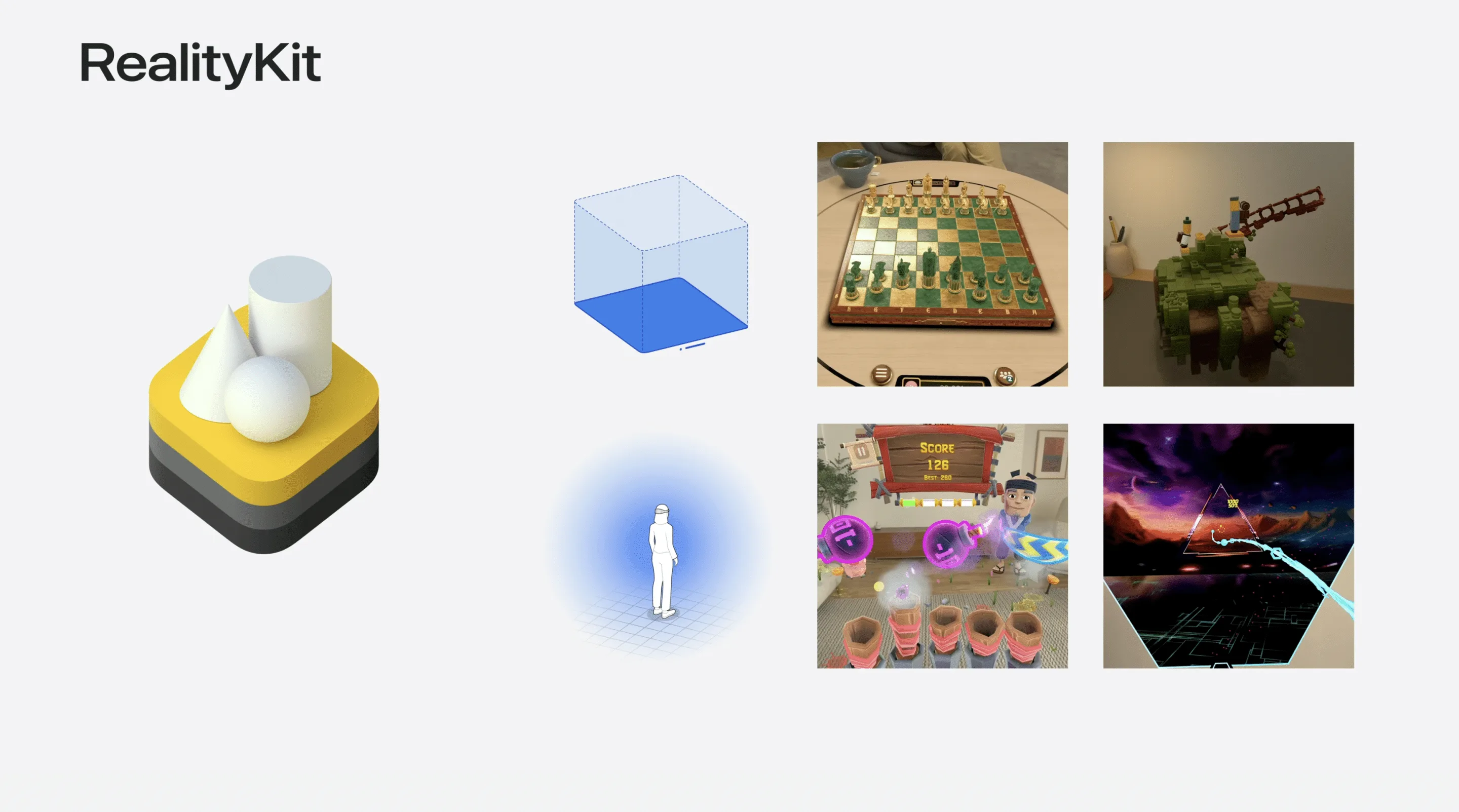
For startups, the challenge lies in utilizing the right rendering technologies to achieve the desired level of immersion. Vision Pro supports 3D rendering through RealityKit and Metal, allowing developers to choose the best approach based on their app’s needs. RealityKit, integrated directly with Swift, enables the creation of volumetric content, such as dynamic frames and immersive spaces that respond to user interactions. On the other hand, Metal provides a custom rendering pipeline ideal for more complex apps that require detailed control over rendering processes.
By understanding these technologies and how they interact with visionOS, startups can effectively convert their existing iOS apps into native visionOS apps, opening the door to new features like head tracking and stereoscopy. These enhancements make apps feel like physical windows into another world, offering users a level of immersion previously unattainable on traditional mobile platforms.
The Benefits of Converting to a Native VisionOS App
Running an iPad app as a compatible app on Vision Pro is straightforward, offering the advantage of running alongside other apps in a Shared Space. However, converting your app to a native visionOS app unlocks new opportunities for immersion and interaction. For example, adding RealityKit frames or backgrounds can transform a simple game into a rich, multidimensional experience that stands out in the Vision Pro App Store.
Moreover, enhancing your app with Metal rendering techniques, such as stereoscopy and Variable Rasterization Rates (VRR), not only improves visual depth but also optimizes performance. These features ensure your app not only looks stunning but also runs smoothly, providing a seamless user experience that keeps users coming back.
Why Vision Pro Development is Key to Your Startup’s Success
As a startup, adopting Vision Pro development can be a game-changer. It allows you to tap into a rapidly growing market of users eager for new and innovative experiences on Apple’s latest platform. By converting your existing apps or developing new ones tailored for visionOS, you can position your startup as a leader in the mobile development space, attracting more downloads and increasing revenue.
At Frame Sixty, we specialize in helping startups and enterprises alike transition their apps to Vision Pro. Our expertise in iOS, iPadOS, and visionOS development ensures that your app not only meets the technical requirements of the platform but also exceeds user expectations in terms of design and functionality.
Start Your Vision Pro Journey Today
Don’t miss out on the opportunity to elevate your iOS and iPadOS apps with Vision Pro. Whether you’re looking to enhance an existing app or develop a new one from scratch, our team at Frame Sixty is here to guide you through the process. Visit our Apple Vision Pro Developers page to learn more about our services, or explore our offerings in iOS App Development and Android App Development.
Bringing an iOS or iPad Game to visionOS: FAQs
Common questions about porting an existing iOS or iPadOS game to Apple Vision Pro - what changes, which frameworks to use, and where to start.
Yes - most iPad apps can run on Apple Vision Pro in compatibility mode, appearing alongside other apps in the Shared Space. Taking full advantage of the platform, though, requires converting to a native visionOS app that supports spatial features like head tracking, stereoscopy, and immersive backgrounds.
Converting an iPad game to native visionOS unlocks immersion that compatibility mode cannot offer: RealityKit frames and backgrounds that respond to gameplay, volumetric content, and spatial interactions. The iPad game Wylde Flowers, for example, gains 3D frames and an immersive ambient background on Vision Pro, helping it stand out in the App Store.
Frame Sixty specializes in helping startups and enterprises bring iOS and iPadOS apps to Apple Vision Pro, covering both compatibility updates and full native visionOS conversions. See our Apple Vision Pro developers page or iOS app development services to get started.
Choose RealityKit when you want Swift-integrated volumetric content such as dynamic frames and immersive spaces that respond to interaction; choose Metal when your game needs a custom rendering pipeline with detailed control. Metal techniques like stereoscopy and Variable Rasterization Rates add visual depth while keeping performance smooth.
A visionOS port typically means adopting visionOS-specific APIs, supporting new input methods such as eye tracking, hand gestures, and voice, and optimizing rendering for 3D and spatial presentation. Because visionOS is built on iPadOS frameworks, much of an existing codebase carries over.
Developers can test with Apple's Simulator and the visionOS SDK in Xcode, which emulate the Vision Pro environment before hardware testing. Best practice is to test continuously on the device itself, since spatial interaction, comfort, and performance behave differently than in the Simulator.
Get in touch
We’re interested to see how we can help. Send us a message and we will get back to you within 24 hours.