
Android XR 2026: A Technical Analysis of Why Google’s Open Ecosystem is Poised to Dominate Spatial Computing
Mar 17, 2026
25 MIN READ
Android XR is a re-architecture of the Android operating system providing foundational services for an open spatial computing ecosystem. It is defined by a trilateral alliance combining Samsung’s hardware manufacturing, Google’s immersive OS, and Qualcomm’s Snapdragon XR3 silicon. The core architecture integrates a low-latency display compositor for sub-20ms motion-to-photon latency, a native implementation of the OpenXR 1.1 specification, and a standardized hardware abstraction layer (HAL) for sensor fusion and 6DoF tracking. Inaugural hardware from Samsung and Lenovo utilizes the Snapdragon XR3 platform and adopts key standards like Wi-Fi 7 and Vulkan 1.3 for system-wide foveated rendering.
The Samsung-Google-Qualcomm Alliance: A Strategic Realignment for Spatial Computing
The Samsung-Google-Qualcomm alliance is a trilateral partnership designed to create a vertically integrated yet open ecosystem for spatial computing, combining Samsung’s hardware manufacturing, Google’s immersive OS, and Qualcomm’s silicon leadership to directly challenge closed platforms. This collaboration is not merely a marketing agreement; it represents a foundational realignment of the industry, creating a reference architecture powerful enough to set a new baseline for performance and accessible enough to foster a broad ecosystem of original equipment manufacturers (OEMs).
Defining the Trilateral Partnership Announced at Google I/O 2026
The landmark announcement at Google I/O 2026 formalized the industry’s most significant spatial computing partnership to date. The agreement establishes a co-engineering roadmap where Google’s Android XR software team works in lockstep with Qualcomm’s silicon architects and Samsung’s hardware engineers. The primary objective is to eliminate the performance and integration gaps that have historically plagued non-vertically integrated systems.
This partnership creates a “reference vanguard” model. Samsung’s flagship device serves as the lead implementation, proving out the tight integration of hardware and software at the highest level. This validated architecture then becomes the gold standard for other OEMs, dramatically lowering the barrier to entry for building competitive, high-performance XR hardware and preventing the ecosystem fragmentation that hindered early Android efforts.
How the Samsung XR Headset Leverages Google’s Immersive OS and Qualcomm’s Silicon
The Samsung XR Headset is the first physical manifestation of this trilateral strategy. It is an exercise in deep system integration. Google’s immersive OS provides the core software stack, including a low-latency compositor, native OpenXR runtime, and AI-driven services for scene understanding. This is not an application layer but a fundamental component of the operating system, ensuring privileged access to system resources.
Powering this experience is Qualcomm’s silicon, which handles the immense computational load required for high-resolution rendering and real-time sensor processing. Samsung’s contribution is its world-class manufacturing, display technology, and hardware design. The company integrates its industry-leading micro-OLED panels and advanced optics with the core software and silicon, creating a polished, consumer-ready product that defines the premium Android XR experience. This synergy is explored in depth in our analysis of the Samsung Galaxy XR.
Analyzing Hugo Swart’s Vision for Qualcomm XR Platform Integration
Qualcomm’s Hugo Swart has articulated a clear vision for the company’s role: to provide a scalable silicon platform that enables a diverse range of form factors. The architecture is not monolithic; it is designed to power everything from lightweight, connected AR glasses to high-fidelity, standalone mixed reality headsets. This vision is realized through a common software development kit, the Qualcomm Spaces XR Platform, which exposes hardware-accelerated features to developers.
This tiered approach is critical for the ecosystem’s health. It allows OEMs to target specific market segments—consumer, prosumer, or enterprise—using a shared foundation. As detailed on the official Qualcomm XR page, this ensures that an application developed for a flagship Samsung device can run efficiently on a more streamlined enterprise headset from another partner, creating a unified market for developers.
The Legacy of Project Iris and Clay Bavor in Shaping Android XR’s Foundation
Android XR did not emerge from a vacuum. It is the direct successor to years of research and development within Google, most notably the internal effort codenamed Google Project Iris. Under the leadership of Clay Bavor, this project explored the fundamental challenges of creating a standalone AR/MR device, from custom silicon to novel user interfaces.
While Project Iris itself did not ship as a product, its learnings were invaluable. The project underscored the necessity of building XR services at the OS level rather than as an application framework like Daydream or ARCore. The decision to integrate a real-time display compositor, a native OpenXR runtime, and a standardized sensor HAL directly into Android is a direct result of the architectural insights gained during the Iris era.
***
This strategic alliance provides the vertical integration necessary to compete on performance while maintaining the horizontal scalability that defines the Android ecosystem.
Need help with AR / VR development?
We are here to help!
Core Architecture: Deconstructing the Android Mixed Reality Framework
The Android Mixed Reality Framework is a deeply integrated set of system services, APIs, and hardware abstraction layers built into the core of Android, designed to deliver low-latency, high-fidelity spatial experiences by managing rendering, sensor data, and input natively. This architecture represents a fundamental shift from mobile-first AR libraries to a true spatial computing on Android platform, engineered from the silicon up for the demands of mixed reality.
What is the Android XR Display Compositor and How Does It Achieve Low MTP Latency?
The Android XR Display Compositor is a privileged, real-time system process responsible for combining application-rendered eye buffers with system UI, video passthrough data, and other layers. Crucially, it operates outside the standard Android SurfaceFlinger pipeline, giving it direct, low-level control over the display hardware. This is the key to achieving the sub-20ms Motion-to-Photon (MTP) Latency required for comfortable and immersive experiences.
To minimize latency, the compositor employs several techniques. It uses late-stage reprojection, including Asynchronous Timewarp (ATW), to adjust the final rendered image based on the very latest head-tracking data just before it is sent to the display. It also leverages direct front-buffer rendering, allowing applications to write to the buffer that is actively being scanned out, bypassing multiple frames of buffering inherent in traditional graphics pipelines. The principles are an extension of those found in the Android graphics documentation.
How Android XR Natively Implements the OpenXR 1.1 Specification
Android XR is architected around the OpenXR 1.1 Specification as its native application interface. This is a critical distinction: Android XR does not simply offer an OpenXR loader that translates calls to a proprietary API. Instead, the core system services—for session management, space tracking, and input handling—are a direct implementation of the OpenXR standard.
This native implementation, detailed in the official Khronos specification, provides two profound advantages. First, it guarantees that any application or game engine using OpenXR will run with maximum performance and minimal abstraction overhead on any Android XR device. Second, it provides developers with a single, stable, cross-vendor API, ensuring that experiences built for one Android XR headset will function seamlessly on another, solidifying the platform’s value proposition.
The Role of the Android Hardware Abstraction Layer (HAL) in Sensor Fusion and 6DoF Tracking
At the heart of Android XR’s tracking stability is the Android Hardware Abstraction Layer (HAL). The XR HAL defines a standardized interface between the operating system and the device’s physical sensors, including cameras, inertial measurement units (IMUs), and depth sensors. This abstraction allows Google to develop and refine its sensor fusion and Simultaneous Localization and Mapping (SLAM) algorithms at the OS level, while allowing OEMs to innovate with different sensor hardware.
This architecture ensures that all Android XR devices benefit from Google’s core tracking software, which processes raw sensor data from the HAL to deliver robust 6 Degrees of Freedom (6DoF) tracking. This consistent, high-quality tracking is the bedrock of the entire user experience and a core focus of any competent Android XR development guide.
Does Android XR Support a System-Wide Foveated Rendering Pipeline?
Yes, Android XR provides native, system-level support for a foveated rendering pipeline. By integrating eye-tracking sensor data at the HAL, the OS can provide the real-time gaze vector to the Android XR Display Compositor and the graphics driver. This allows the system to automatically orchestrate foveated rendering for any OpenXR application.
The implementation leverages extensions in the Vulkan 1.3 Graphics API to vary the shading rate across the rendered image, concentrating detail in the fovea (the center of gaze) and reducing it in the periphery. This can yield performance improvements of 30% or more with no perceptible loss in visual quality, enabling higher-fidelity graphics or longer battery life on untethered devices.
Volumetric Display Support via the Vulkan 1.3 Graphics API
Looking toward the next horizon of what is spatial computing, the Android XR framework includes forward-looking support for advanced display technologies. Through a set of custom Vulkan 1.3 extensions, the platform provides an API for volumetric display and light-field rendering.
This allows the graphics pipeline to render scenes not as two stereoscopic 2D planes, but as a true 3D volume of light. While initial 2026 hardware will primarily use traditional stereo displays, this foundational support ensures that as volumetric display technology matures, Android XR will be ready to power devices that offer a more natural and comfortable 3D viewing experience without the vergence-accommodation conflict of current headsets.
***
By building core XR functionalities like a low-latency compositor and native OpenXR support directly into the OS, Android XR provides a robust and standardized foundation for all OEM partners.
The Inaugural Hardware Wave: Which OEMs Are Launching Android XR Headsets?
The 2026 inaugural hardware wave for Android XR is led by the flagship Samsung XR headset, with enterprise-focused devices from partners like Lenovo XR, all standardized around the powerful Qualcomm Snapdragon XR3 platform and next-generation connectivity standards. This initial lineup is designed to showcase the platform’s versatility, offering distinct products for the prosumer and enterprise markets while establishing a high-performance baseline for all subsequent devices.
Technical Specifications of the Flagship Samsung XR Headset
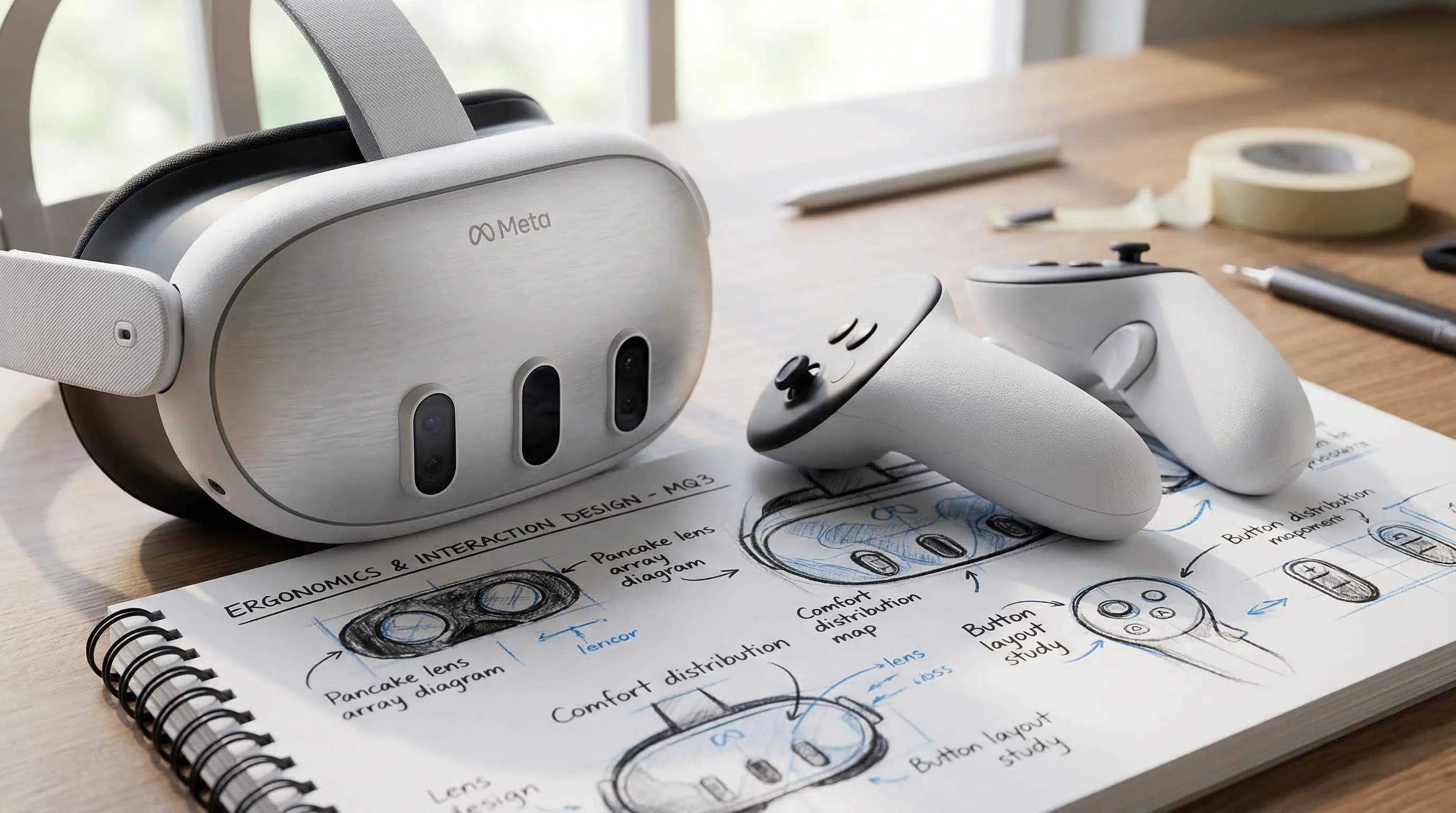
The Samsung XR headset is the halo device for the Android XR launch, engineered to compete at the highest echelon of the market. It combines premium components with the deep software integration of the trilateral partnership to deliver a state-of-the-art mixed reality experience.
| Feature | Specification | Impact |
|---|---|---|
| Processor | Qualcomm Snapdragon XR3 | High-performance compute, AI, and computer vision for untethered use. |
| Displays | Dual 3.5K Micro-OLED Panels | 3500×3500 per eye, enabling ~40 Pixels Per Degree (PPD) for near-retinal resolution. |
| Optics | Pancake Lenses | Delivers a wide 110° FoV in a compact, lightweight form factor. |
| RAM | 16 GB LPDDR5X | Ensures smooth multitasking between multiple 2D and 3D applications. |
| Passthrough | Dual 12MP RGB Cameras | High-resolution, low-latency Video Passthrough (VPT) for seamless world blending. |
| Tracking | 6 Inside-Out Cameras, Eye Tracking | Robust 6DoF tracking for headset, controllers, and hands; enables foveated rendering. |
| Connectivity | Wi-Fi 7, Bluetooth 5.4 | Low-latency streaming and peripheral support. |
What is the Snapdragon XR3 Architecture Powering 2026 Devices?
The Qualcomm Snapdragon XR3 is the purpose-built System-on-Chip (SoC) at the heart of the first Android XR devices. It is a heterogeneous compute architecture, integrating a powerful Kryo CPU, a next-generation Adreno GPU, and a dedicated Hexagon processor for AI and computer vision (CV) workloads. This distribution of tasks is critical for efficiency and performance.
The Hexagon processor, for example, handles real-time processing for hand tracking, environment meshing, and object recognition, freeing up the CPU and GPU for application logic and rendering. The architecture also includes a dedicated Spectra Image Signal Processor (ISP) engineered for the unique demands of XR, capable of processing data from multiple cameras with extremely low latency, which is essential for high-quality video passthrough. This silicon is the engine enabling viable enterprise XR app development.
Lenovo XR: A Focus on Enterprise and Productivity Use Cases
While Samsung targets the prosumer market, Lenovo is launching an Android XR device squarely aimed at enterprise and industrial verticals. The Lenovo XR headset features a design optimized for extended wear, with an emphasis on ergonomics, durability, and serviceability.
It differentiates itself with enterprise-specific features such as a top-strap design for better weight distribution, an ANSI Z87.1 safety rating for industrial environments, and a robust device management platform with support for enterprise mobility management (EMM) solutions. This focus demonstrates the flexibility of the Android XR ecosystem, allowing partners to build specialized hardware on a common software foundation.
Key Hardware Standards: Wi-Fi 7, DisplayPort 2.1, and MIPI I3C Sensor Interface
The 2026 hardware wave is unified by its adoption of next-generation standards. Wi-Fi 7 (802.11be) is a cornerstone, with its Multi-Link Operation (MLO) and 320 MHz channels providing the high-throughput, low-latency connection required for streaming complex digital twins from platforms like NVIDIA Omniverse.
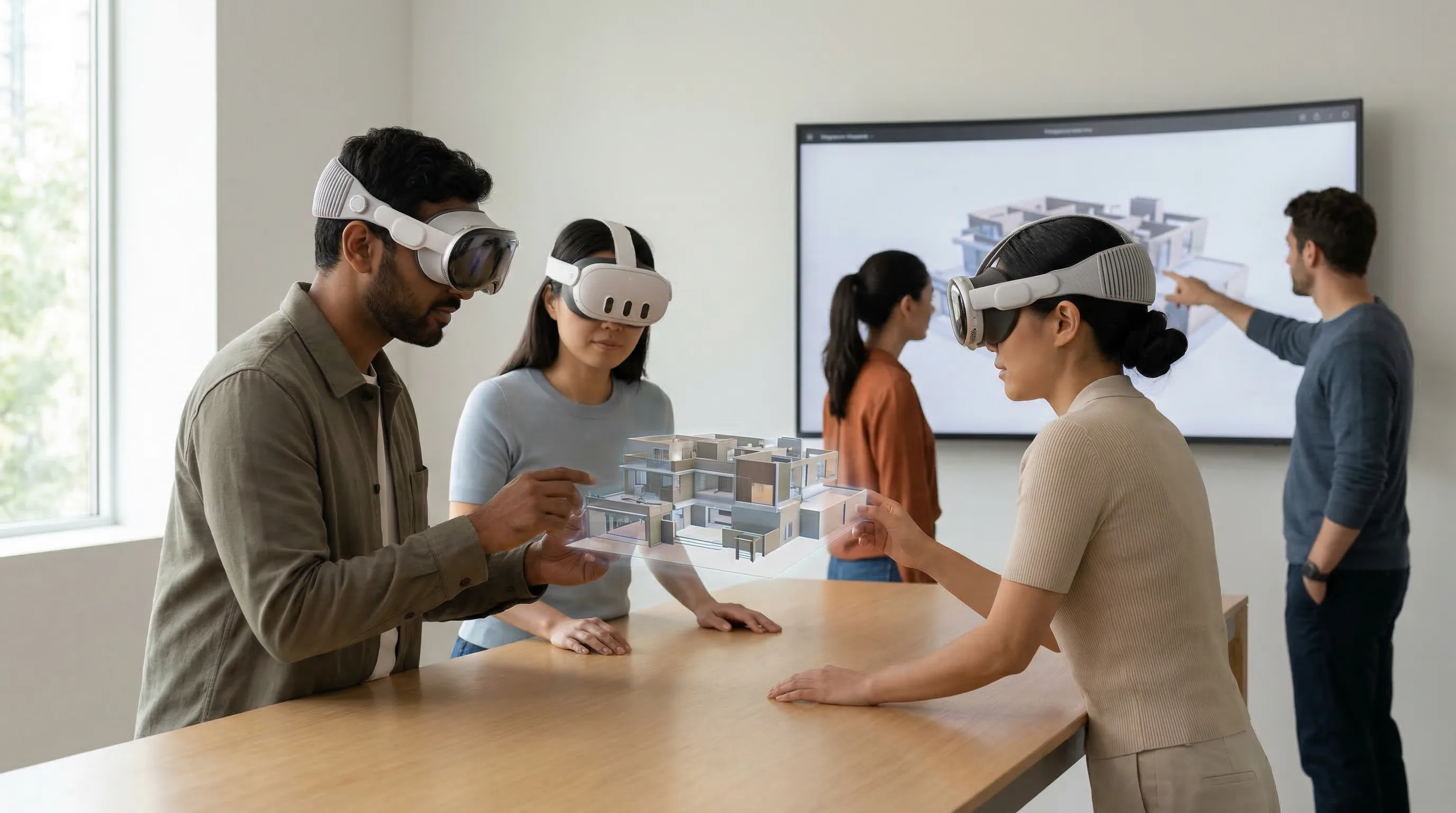
For tethered use cases demanding maximum fidelity, devices feature USB-C with DisplayPort 2.1, offering the bandwidth to drive the high-resolution displays without compression. Internally, the MIPI I3C Sensor Interface provides a unified, high-speed, low-power bus for connecting the multitude of sensors (IMUs, cameras, eye trackers) to the SoC, improving efficiency and simplifying hardware design.
Benchmarking Video Passthrough (VPT) Quality and Pixels Per Degree (PPD) Across Launch Devices
While built on the same platform, launch devices will exhibit differences in passthrough quality and visual acuity based on their specific camera and display integrations. Early benchmarks indicate a new standard for mixed reality clarity.
| Device | PPD (Approx.) | Passthrough Latency | Color Accuracy | Target Use Case |
|---|
| Samsung XR | ~40 | < 12ms | 99% DCI-P3 | Prosumer / Media | | Lenovo XR | ~35 | < 15ms | 95% sRGB | Enterprise / Productivity | | Hypothetical OEM | ~32 | < 18ms | 92% sRGB | Mainstream / Gaming |
The Samsung XR sets the benchmark with near-retinal PPD and extremely low latency, making text legible and the blending of real and virtual elements seamless. The Lenovo XR prioritizes a balance of performance and cost, suitable for enterprise tasks where legibility is key but cinematic color is less critical.
***
The first generation of Android XR hardware establishes a high-performance baseline, offering enterprises and consumers a choice of form factors without sacrificing core platform capabilities.
The Developer Toolchain: How to Develop for Google’s Spatial Computing Platform
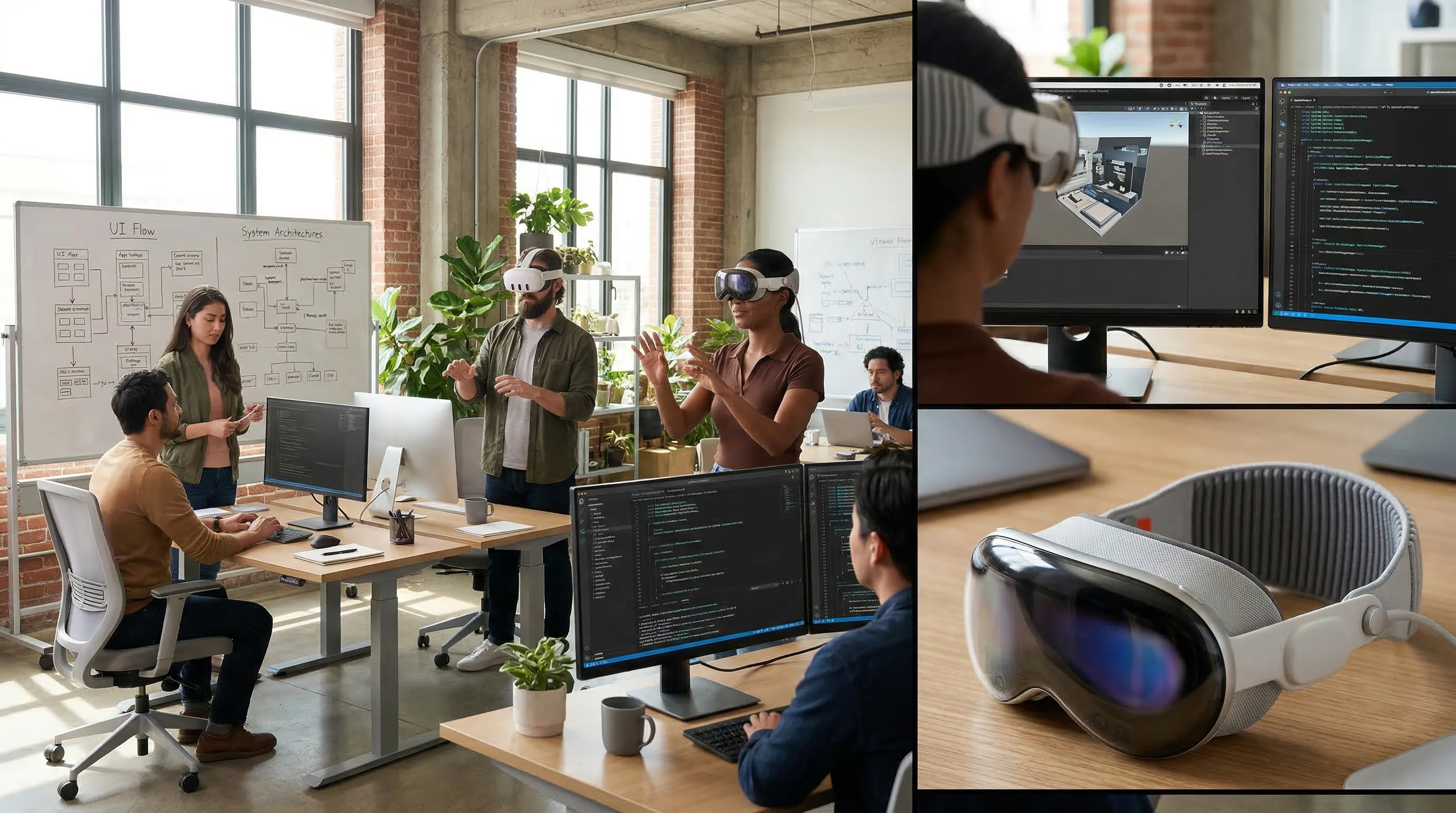
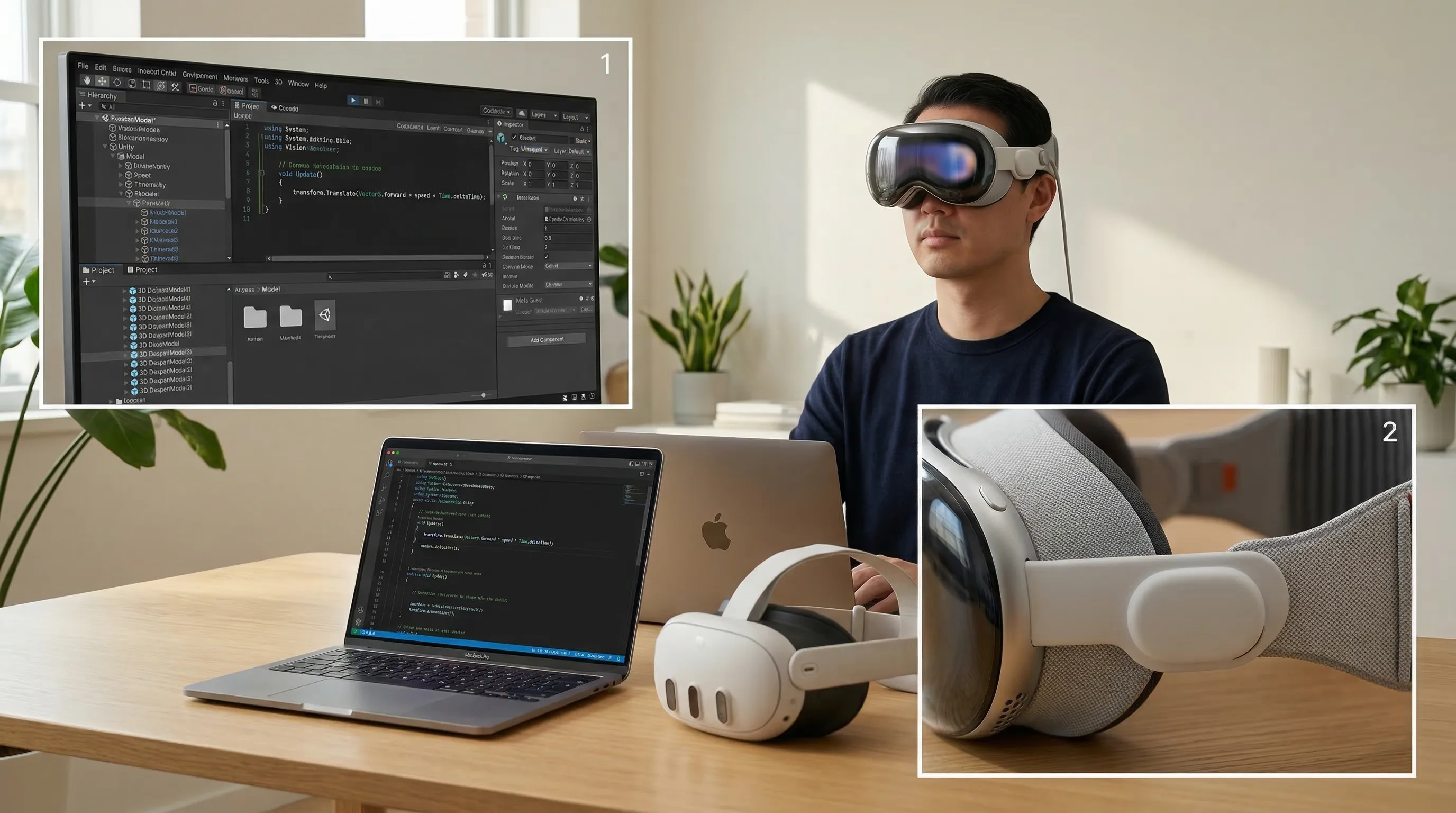
Developing for Android XR leverages a familiar yet powerful toolchain, including an Android Studio XR Emulator and OpenXR SDK 1.1, with first-class support for industry-standard engines like Unity and Unreal, ensuring a low barrier to entry for existing XR developers. Google’s strategy is to meet developers where they are, augmenting established workflows with powerful, spatial-first services and APIs.
Getting Started with the Android Studio XR Emulator and OpenXR SDK 1.1
The entry point for developers is an updated version of Android Studio featuring a dedicated XR emulator. This virtual environment allows developers to simulate a 3D space, test 6DoF movement, and emulate hand and controller inputs without requiring physical hardware for initial development and debugging. This dramatically accelerates the development cycle.
Developers interface with the system using the standard OpenXR SDK 1.1, which provides the API headers and loader for C++. For those using Kotlin or Java, Google provides wrapper libraries that offer a more idiomatic Android development experience. The complete toolchain and documentation are available on the official Android XR developer portal.
Building Cross-Platform Experiences with Unity PolySpatial for Android
Recognizing Unity’s dominance in XR development, Google has worked closely with Unity to integrate Unity PolySpatial for Android. This technology allows developers to build their application once and deploy it across multiple spatial platforms, including visionOS and the entire Android XR ecosystem. It provides tools for creating shared spaces and windowed applications that respect the host OS’s user interface conventions.
This cross-platform capability is a strategic imperative, enabling development studios to maximize their total addressable market. For enterprises and developers looking to engage with this ecosystem, partnering with experienced firms, such as the top Unity development companies, is a critical step to leveraging these powerful new tools effectively.
Leveraging Unreal Engine 5.5 and Snapdragon Game Super Resolution for High-Fidelity Graphics
For applications demanding the highest level of visual fidelity, Unreal Engine 5.5 offers full support for Android XR. The engine’s integration is tightly coupled with the Snapdragon XR3’s hardware capabilities. A key feature is the support for Snapdragon Game Super Resolution (GSR).
GSR is a hardware-accelerated upscaling technique that allows the engine to render a scene at a lower resolution (e.g., 70% of native) and then intelligently upscale it to the full display resolution. This process, executed by dedicated hardware blocks on the Adreno GPU, provides a significant performance uplift, enabling developers to achieve higher frame rates or implement more complex graphical features like Lumen real-time global illumination, all while maintaining a sharp, high-resolution final image.
Implementing Cross-Device XR Persistence with Google Cloud Anchors API
Android XR is deeply integrated with Google’s cloud services to enable experiences that transcend a single device. The Google Cloud Anchors API allows an application to anchor virtual content to a specific real-world location. This anchor can then be resolved by other devices in the same location, creating persistent, shared AR and MR experiences.
This technology is foundational for collaborative enterprise use cases, such as a factory floor where multiple technicians can see the same virtual overlay on a piece of machinery, or for location-based entertainment. The API handles the complexities of storing and retrieving spatial data, allowing developers to focus on the user experience.
Utilizing Niantic Lightship VPS and ARCore Geospatial Creator for World-Scale AR
For applications that extend beyond a single room, Android XR integrates with Google’s premier world-scale AR technologies. The ARCore Geospatial Creator allows developers to place virtual content at precise latitude, longitude, and altitude coordinates using Google Maps data directly within the Unity editor.
When deployed, these experiences can be localized with incredible accuracy using the Niantic Lightship VPS (Visual Positioning System). By matching features from the device’s camera feed against a global 3D map, VPS can determine a device’s position and orientation with centimeter-level accuracy, enabling city-scale AR games, navigation overlays, and interactive historical tours that are perfectly aligned with the real world.
***
Google’s developer strategy combines familiar Android tools with powerful, cross-platform XR engines and world-scale AR services, minimizing friction and maximizing reach for creators.
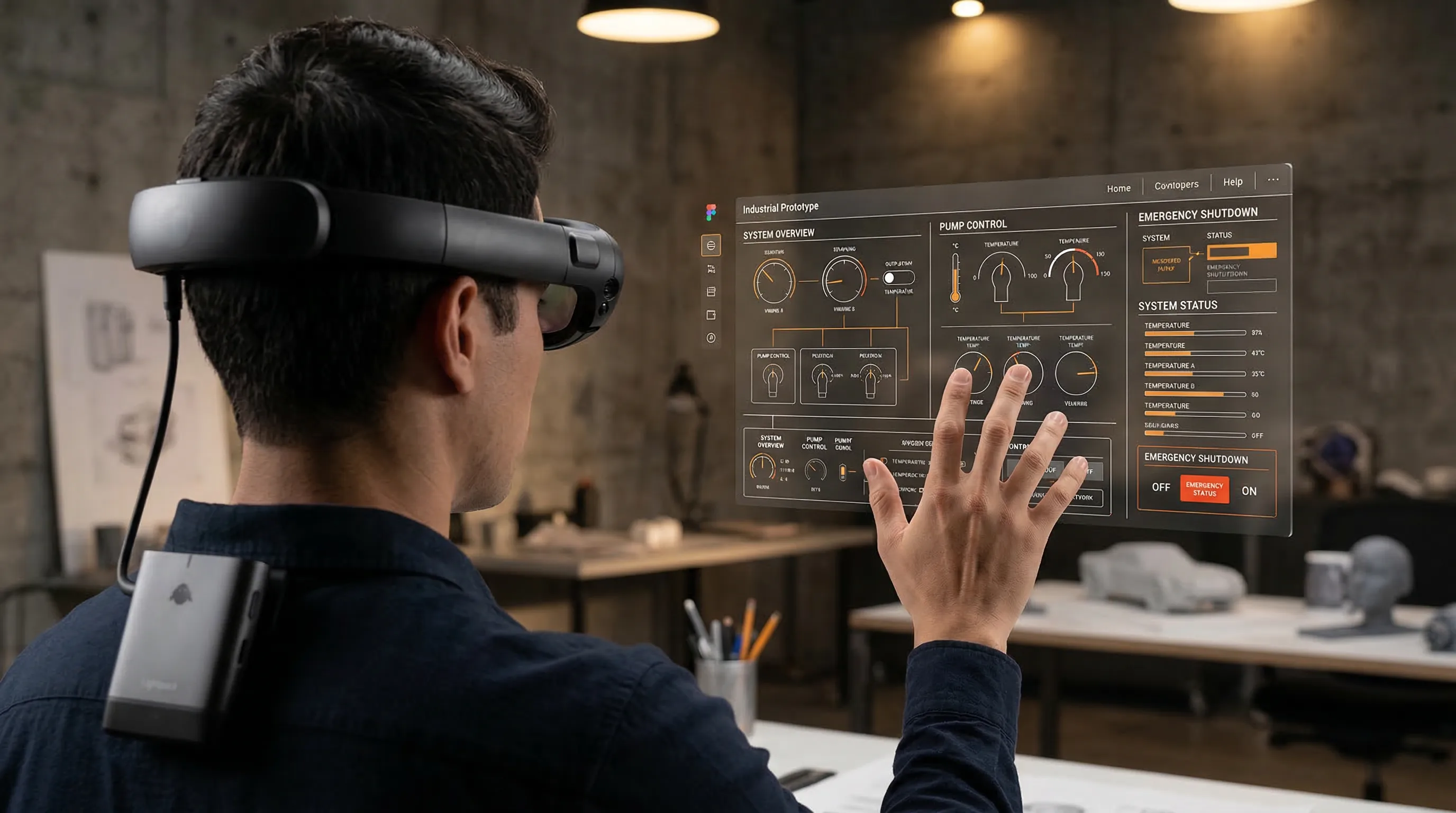
Advanced Capabilities: From SLAM to Scene Understanding
Android XR’s advanced capabilities move beyond basic tracking to provide deep scene understanding, leveraging Google’s AI leadership for real-time object recognition, robust spatial mapping with Open Universal Scene Description (OpenUSD), and sophisticated rendering techniques for a seamless blend of the physical and digital worlds. These features are not add-ons; they are core platform services that enable a new class of context-aware spatial applications.
How Android XR Handles 6DoF Controller and Hand Tracking
The platform treats both controllers and hands as first-class input citizens, abstracted through the OpenXR input subsystem. 6DoF controller tracking is achieved via on-board cameras that track the controllers’ infrared LEDs, providing low-latency, high-precision input for gaming and detailed manipulation tasks.
Simultaneously, the system provides robust, controller-free hand tracking. This is processed on the Snapdragon XR3’s dedicated Neural Processing Unit (NPU) using advanced computer vision models derived from Google’s MediaPipe framework. The system provides developers with a full 26-point skeletal model of each hand, enabling intuitive direct interaction with virtual objects and user interfaces.
The Integration of Google Lens for Real-Time Object and Scene Recognition
A key differentiator for Android XR is the system-level integration of Google Lens technology. Developers can make a simple API call to access the platform’s powerful scene recognition capabilities. When invoked, the system can identify and classify objects, read and translate text, and recognize landmarks within the user’s field of view.
This enables powerful contextual computing use cases. A maintenance application could allow a technician to simply look at a machine part to automatically pull up its corresponding service manual. A retail application could identify a product on a shelf and overlay pricing and reviews. This deep integration of Google’s AI services provides a significant advantage.
Managing Spatial Anchors and Scene Data with Open Universal Scene Description (OpenUSD)
Android XR has standardized on Open Universal Scene Description (OpenUSD) as its core format for representing and exchanging spatial data. When the device performs its initial room scan, it generates a dynamic OpenUSD file that describes the scene geometry, including floors, walls, and furniture. This is a departure from proprietary mesh formats.
By using an open, extensible standard supported by the Alliance for OpenUSD, the platform ensures interoperability. An application can easily export the scene geometry to a digital content creation tool like Blender or import a complex digital twin for visualization. This commitment to open standards is critical for building a collaborative and interconnected ecosystem of applications and tools.
Asynchronous Timewarp (ATW) and Saccadic Suppression Techniques Employed
To ensure visual comfort and stability, Android XR employs a suite of advanced rendering techniques. Asynchronous Timewarp (ATW) is a fundamental reprojection method that runs in the display compositor. It takes the most recently rendered frame from an application and warps it based on the latest head-pose data just before display, effectively correcting for any latency between rendering and photon emission.
The platform also utilizes more advanced methods like Saccadic Suppression. By using the integrated eye trackers to detect saccades—the rapid, ballistic movements the eye makes when shifting gaze—the system can intelligently reduce rendering quality or display brightness during these moments. Because the human brain significantly suppresses visual processing during a saccade, this optimization can save considerable power and performance with no negative impact on the user’s perceived experience.
How the Qualcomm Spaces XR Platform Extends Core Android XR Functionality
While Android XR provides the foundational OS, the Qualcomm Spaces XR Platform offers an optional SDK that exposes additional hardware-accelerated features. It serves as a performance-enhancing layer that sits between the application and the core Android XR APIs.
Qualcomm Spaces provides highly optimized implementations for features like plane detection, image tracking, and spatial meshing that are specifically tuned for the Snapdragon XR3 silicon. While developers can achieve these functions using the standard Android XR APIs, using the Spaces SDK can often provide superior performance and lower power consumption by leveraging hardware blocks and instruction sets unique to the Qualcomm platform.
***
By integrating Google’s AI services and adopting open standards like OpenUSD, Android XR provides developers with a rich understanding of the user’s environment, enabling a new class of context-aware spatial applications.
2026 Competitive Analysis: Android XR vs. The Walled Gardens
In 2026, Android XR’s primary competitive advantage is its open ecosystem model, which fosters hardware diversity and developer freedom, presenting a direct strategic challenge to the vertically integrated, closed “walled garden” platforms of Apple’s visionOS and Meta’s Quest ecosystem. The platform’s success will be defined not by a single device, but by its ability to enable a broad market of competing and complementary hardware.
How Does Android XR Compare to visionOS 2 on Performance and Openness?
The most direct competitor in the premium market is Apple’s visionOS 2. From a performance perspective, the two platforms are closely matched, each leveraging custom silicon and deeply integrated software to achieve low latency and high-fidelity graphics. A developer’s perspective on the Vision Pro often highlights its polish and integration.
The fundamental difference lies in philosophy and strategy. Apple’s visionOS is a closed, vertical ecosystem, inextricably linked to Apple’s hardware and controlled App Store. Android XR, by contrast, is a horizontal platform designed to run on hardware from any OEM partner. This creates choice for consumers and prevents platform lock-in for enterprise customers.
| Aspect | Android XR | visionOS 2 |
|---|---|---|
| Hardware | Open to multiple OEMs (Samsung, Lenovo, etc.) | Apple hardware only |
| App Distribution | Google Play Store, OEM Stores, Sideloading | Apple App Store only |
| Core API | OpenXR 1.1 (Open Standard) | RealityKit, ARKit (Proprietary) |
| Web Integration | First-class WebXR support in Chrome | Limited WebXR support in Safari |
| Customization | OEMs can customize the user experience | Locked, uniform Apple UX |
As the official visionOS documentation shows, Apple’s approach offers a highly consistent user experience, whereas Android XR’s strength is in its flexibility and market reach.
A Platform Comparison: The Open Android XR Ecosystem vs. the Meta Quest 4
The Meta Quest 4 represents the other major walled garden. Meta’s strategy, akin to the video game console market, involves subsidizing hardware to build a large install base, then monetizing through its 30% cut of software sales on the Quest Store. This has been effective in the consumer gaming segment but creates friction for enterprise and productivity use cases.
Android XR offers a more open model. While the Google Play Store will be a primary distribution channel, the platform allows for alternative app stores (e.g., a Samsung Galaxy Store for XR) and direct application distribution via sideloading. This flexibility is highly attractive to enterprise customers who may need to deploy proprietary applications outside of a public storefront and to developers who want to avoid the platform tax.
Enterprise Viability: Android XR vs. Specialized Headsets like Varjo XR-4 and Magic Leap 3
In the enterprise space, Android XR competes not only with major platforms but also with specialized, high-performance headsets like the Varjo XR-4 and Magic Leap 3. These devices offer industry-leading visual fidelity and are tailored for specific, high-stakes use cases like pilot training and surgical planning. However, their high cost and specialized software limit their scalability across an organization.
Android XR, with hardware from partners like Lenovo, is positioned to capture the broad enterprise market. It provides a “pro-grade” experience that is more than sufficient for the majority of enterprise applications—such as remote assistance, design visualization, and collaborative training—at a price point that allows for large-scale deployment. Authoritative analysis from sources like the Gartner Magic Quadrant highlights the growing demand for scalable, multi-purpose XR solutions, a segment Android XR is perfectly positioned to serve alongside the best mixed reality companies providing solutions on the platform.
The WebXR Device API as a Strategic Advantage for Android XR
Perhaps Android XR’s most potent long-term advantage is its deep commitment to the web. The platform’s Chrome browser will feature best-in-class support for the WebXR Device API, an open standard for delivering immersive VR and MR experiences directly through a web page.
This enables frictionless access to content. An enterprise can deploy a training module simply by sending employees a URL, bypassing app stores and installation entirely. A retailer can create an interactive product visualization on their website that works on both desktop and Android XR headsets. As detailed in the MDN WebXR documentation, this open, accessible distribution model is a powerful counterpoint to the closed, app-centric models of its competitors and plays to Android’s historic strengths on the open web.
***
Android XR’s open model provides a compelling alternative to closed ecosystems, offering enterprises and developers greater choice, flexibility, and reach through both native and web-based applications.
Conclusion
The launch of Android XR in 2026 is more than the debut of a new product category; it is the deployment of a strategic ecosystem. The Samsung-Google-Qualcomm alliance has solved the core challenge that has long plagued non-Apple platforms: the deep, silicon-level integration required for high-performance spatial computing. By creating a powerful reference architecture, the partnership has established a new baseline for the industry, enabling a wave of competitive hardware that offers genuine choice to consumers and enterprises. This is not a repeat of the fragmented early days of Android smartphones, but a coordinated and mature platform launch.
For developers, Android XR represents a paradigm shift. The native implementation of OpenXR, coupled with first-class support in Unity and Unreal Engine, dramatically lowers the barrier to entry. The platform’s integration of advanced capabilities like Google Lens AI, world-scale ARCore, and the open OpenUSD standard provides the tools to build a new generation of truly context-aware applications. This robust developer toolchain, combined with the reach of the Android ecosystem, creates an unparalleled market opportunity.
Ultimately, Android XR’s most durable advantage is its philosophy. In a market increasingly defined by walled gardens, Google is making a definitive bet on openness. By fostering hardware competition, supporting multiple distribution channels, and embracing open standards like OpenXR and WebXR, the platform offers a compelling value proposition for partners, developers, and users who prioritize flexibility and choice. This strategic positioning, backed by a deeply engineered technical foundation, is why Android XR is not just another player in the market—it is poised to become the defining XR story of 2026 and the foundational operating system for the future of spatial computing.
Frame Sixty specializes in architecting and developing the enterprise-grade spatial applications that will define this new ecosystem. If your organization is ready to build for the future of computing, we can help you define the strategy and execute the vision.
Android XR: Technical and Strategic Inquiries
Answering key technical, strategic, and implementation questions about Google’s spatial computing platform, Android XR, for developers and industry professionals in 2026.
Google limits Android XR fragmentation by building core XR services into the operating system itself: a standardized hardware abstraction layer for sensors, a native OpenXR 1.1 runtime, and a real-time display compositor that every device shares. Samsung's flagship acts as a validated reference architecture, giving other OEMs a proven baseline instead of a patchwork of custom implementations.
Android XR competes with closed platforms on openness: hardware from multiple OEMs such as Samsung and Lenovo, app distribution through Google Play, OEM stores, or sideloading, and OpenXR 1.1 as an open core API instead of proprietary frameworks. Cross-platform tools like Unity PolySpatial and first-class WebXR support in Chrome extend developer reach beyond any single device.
Yes, Android XR supports foveated rendering at the system level. Eye-tracking data enters through the hardware abstraction layer, and the OS supplies the real-time gaze vector to the display compositor and graphics driver, using Vulkan 1.3 extensions to vary shading rate across the image. Concentrating detail at the center of gaze can improve performance by 30% or more with no perceptible quality loss.
The 2026 Android XR hardware wave is led by Samsung's flagship headset, built on the Qualcomm Snapdragon XR3 with dual 3.5K micro-OLED panels at roughly 40 pixels per degree, pancake optics with a 110-degree field of view, and Wi-Fi 7. Lenovo's enterprise-focused headset targets industrial use with an ANSI safety rating and enterprise mobility management support.
Android XR developers can use Android Studio with its dedicated XR emulator, the OpenXR SDK 1.1, Unity with PolySpatial for cross-platform builds, and Unreal Engine 5.5 with Snapdragon Game Super Resolution for high-fidelity graphics. For world-scale AR, the platform integrates the Google Cloud Anchors API, ARCore Geospatial Creator, and Niantic Lightship VPS.
Yes, Android XR apps can share persistent spatial content through the Google Cloud Anchors API, which pins virtual objects to a real-world location that other devices in the same place can resolve. Combined with Niantic Lightship VPS localization, this supports collaborative enterprise scenarios such as multiple technicians seeing the same virtual overlay on one machine.
Get in touch
We’re interested to see how we can help. Send us a message and we will get back to you within 24 hours.