
Unreal Engine Game Development: Advanced Workflows, Tools, and Performance Strategies
Apr 16, 2026

11 MIN READ
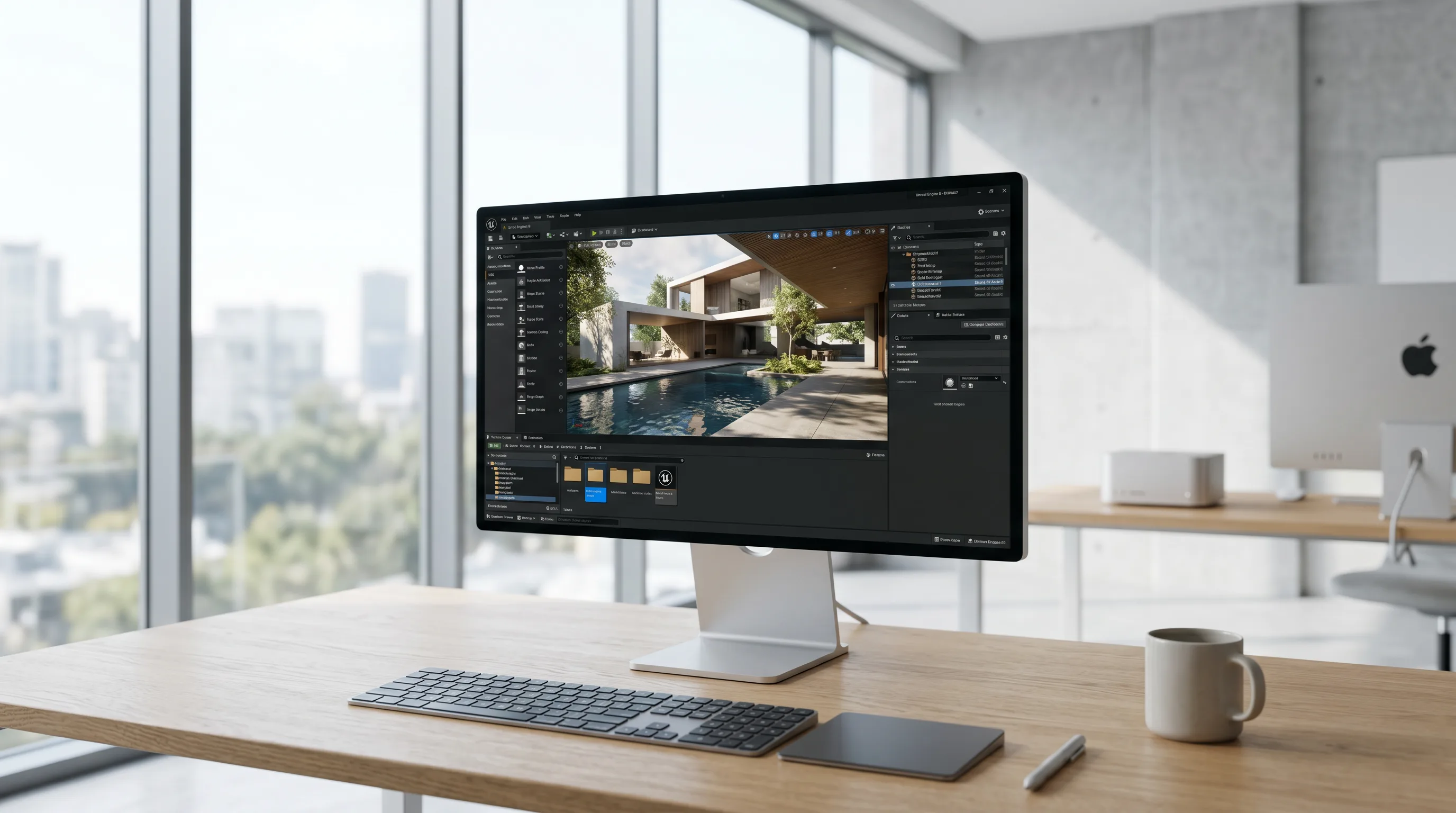
Unreal Engine game development involves creating high-performance, visually advanced interactive experiences using Epic Games’ real-time 3D engine. Unreal Engine 5 introduces Nanite for virtualized geometry, Lumen for dynamic global illumination, and Chaos Physics for realistic physical simulation, enabling developers to build cinematic-quality worlds efficiently. Its modular architecture supports both C++ programming and Blueprint visual scripting, allowing flexible workflows for teams of all sizes. Integrated tools like MetaHuman Creator, Quixel Megascans, and Niagara VFX streamline asset creation, while profiling and cross-platform deployment tools ensure optimized performance across PC, console, mobile, and VR platforms.
Understanding Unreal Engine’s Core Architecture
Unreal Engine’s architecture is a modular, real-time rendering framework designed to maximize performance, visual fidelity, and scalability across platforms. It integrates rendering, physics, AI, and asset management into a unified toolset.
The Evolution of Unreal Engine from 4 to 5
The transition from Unreal Engine 4 to Unreal Engine 5 marked a paradigm shift in how developers approach world-building and rendering. Unreal Engine 5 introduced Nanite, a virtualized geometry system that allows artists to import film-quality assets without manual polygon reduction. Lumen, the new global illumination system, replaced static light baking with fully dynamic lighting, enabling real-time reflections and indirect lighting.
Epic Games’ ongoing innovation, documented in the official Unreal Engine documentation, demonstrates how the engine’s modular design supports scalability for both large-scale open worlds and mobile experiences. Developers can explore structured tutorials and deep-dive courses through the Epic Games Learning Portal, which provides authoritative training on Unreal Engine 5 workflows.
Key Components: Nanite, Lumen, and Chaos Physics
- Nanite handles billions of polygons efficiently, streaming only visible details to maintain optimal performance. This eliminates the need for traditional LODs.
- Lumen provides dynamic, fully real-time lighting that reacts to geometry and material changes instantly.
- Chaos Physics delivers realistic destruction, cloth simulation, and vehicle dynamics, replacing older physics engines with a unified system.
Together, these systems redefine real-time rendering and physical realism. For instance, a developer can simulate a collapsing building using Chaos Physics while maintaining high frame rates through Nanite’s efficient geometry streaming.
How Epic Games Shapes the Future of Real-Time Rendering
Epic Games continues to lead real-time rendering innovation through partnerships with hardware vendors like NVIDIA and AMD. The NVIDIA Developer site and AMD Developer Central provide SDKs and optimization tools that align with Unreal Engine’s rendering pipeline, ensuring developers can leverage GPU acceleration for ray tracing, DLSS, and FSR technologies.
Key takeaway: Unreal Engine’s architecture seamlessly integrates next-gen rendering, physics, and lighting systems, enabling developers to push visual boundaries without sacrificing performance.

Need help with Unreal Engine development?
We are here to help!
Setting Up for Unreal Engine Game Development
Setting up a robust Unreal Engine development environment ensures stability, scalability, and efficient iteration. Unreal Engine 5 supports Windows, macOS, and Linux, with integrations for Visual Studio, Rider, and other IDEs.
System Requirements for Unreal Engine 5
Unreal Engine 5 demands a modern workstation with a multi-core CPU, high-end GPU, and fast storage. Epic Games recommends:
- CPU: Quad-core Intel or AMD processor (3.0 GHz+)
- GPU: NVIDIA RTX 2080 / AMD RX 6800 XT or better
- RAM: 32 GB or more
- Storage: NVMe SSD for optimal asset streaming
Developers targeting VR or virtual production should also review Meta’s Oculus Developer documentation for VR hardware optimization and OpenXR compatibility.
Installing and Configuring the Development Environment
Setting up Unreal Engine involves installing the Epic Games Launcher, downloading the engine, and configuring IDE integration. The Microsoft Visual Studio documentation provides detailed steps for linking Unreal Engine with Visual Studio, including compiler settings and debugging configurations.
Rider for Unreal Engine offers an alternative IDE with deep C++ integration and Blueprint debugging. Both environments support live coding, hot reload, and source control integration.
Choosing Between Visual Studio and Rider for Unreal Engine
| IDE | Strengths | Ideal Use Case |
|---|---|---|
| Visual Studio | Deep Microsoft ecosystem integration, robust debugging tools | Enterprise and Windows-focused teams |
| Rider for Unreal Engine | Faster indexing, cross-platform, built-in Blueprint analysis | Multi-platform teams and rapid iteration |
Key takeaway: A well-configured environment using Visual Studio or Rider ensures efficient coding, debugging, and build management for Unreal Engine projects.

Core Development Workflows
Unreal Engine’s core workflows combine visual scripting, C++ programming, and asset integration. These workflows allow teams to iterate quickly while maintaining technical depth.
Blueprint Visual Scripting vs. C++ Game Programming
Blueprint Visual Scripting enables designers to prototype gameplay without writing code, while C++ game programming offers full control over engine systems. Most studios use a hybrid approach—Blueprints for high-level logic and C++ for performance-critical systems.
Blueprints are ideal for:
- Rapid prototyping
- UI interactions
- Level scripting
C++ excels in:
- Custom engine modules
- AI systems
- Physics and rendering extensions
Integrating MetaHuman Creator and Quixel Megascans
MetaHuman Creator allows developers to generate photorealistic digital humans with customizable facial rigs and animation-ready assets. Combined with Quixel Megascans, developers can populate worlds with high-quality, physically accurate materials and props.
Frame Sixty’s production team, as showcased in GameMasters, demonstrates how these tools streamline asset creation and realism. The integration of Megascans with Nanite ensures seamless performance even with film-quality assets.
Using Niagara VFX System for Dynamic Effects
The Niagara VFX System replaces the older Cascade system, offering node-based control over particle behavior. Developers can simulate complex effects such as smoke, fire, and weather systems that respond dynamically to gameplay events.
Managing Assets with Perforce Helix Core or GitHub
For version control, Unreal Engine integrates natively with Perforce Helix Core and GitHub. Large studios prefer Perforce for binary asset management, while indie teams often use GitHub for flexibility and collaboration.
Key takeaway: Combining Blueprints, C++, and advanced asset pipelines allows teams to balance creativity with technical precision in Unreal Engine game development.
Building Interactive and Optimized 3D Worlds
Creating immersive worlds in Unreal Engine requires balancing visual fidelity with performance optimization. This involves managing geometry, lighting, and memory efficiently.
3D Asset Optimization and Polygon Count Management
High-quality assets must be optimized to maintain stable frame rates. Nanite automates much of this process, but developers still need to monitor polygon count and draw calls. Studios like Frame Sixty provide 3D model design services that ensure assets are both visually compelling and technically efficient.
For industrial or manufacturing visualization, Frame Sixty’s 3D modeling for manufacturing and industrial design demonstrates how Unreal Engine can handle complex CAD data while maintaining interactive performance.
Lighting and Shadows with Lumen and PBR Standards
Lumen enables real-time global illumination, eliminating the need for baked lightmaps. Combined with PBR (Physically Based Rendering) materials, developers can achieve realistic lighting that adapts dynamically to environmental changes.
Procedural Generation and Interactive Environments
Procedural generation tools allow developers to create vast, interactive environments efficiently. Using Blueprints or C++, designers can generate terrain, foliage, and dynamic weather systems that respond to player actions.
Texture Streaming and Memory Usage Optimization
Efficient texture streaming ensures only visible textures are loaded into memory, reducing memory usage and load times. Unreal’s profiling tools help balance resolution and performance, especially for open-world projects.
Key takeaway: Optimized 3D worlds rely on balancing realism and performance through smart asset management, lighting, and procedural techniques.

Real-Time Rendering and Performance Tuning
Performance tuning ensures smooth gameplay and consistent frame rates across platforms. Unreal Engine provides built-in profiling tools and supports GPU-specific optimizations.
Measuring Frame Rate, Render Time, and GPU Performance
Developers can analyze render time, GPU performance, and frame rate using Unreal’s built-in profiler. Integration with NVIDIA Developer and AMD Developer Central tools allows for deeper hardware-level insights.
Reducing Draw Calls and Load Time
Reducing draw calls through instancing and batching improves rendering efficiency. Developers can also optimize load time by compressing assets and using asynchronous loading.
Best Practices for Game Performance Tuning in Unreal Engine
- Profile early and often using Unreal Insights.
- Use Nanite for geometry-heavy scenes.
- Enable Lumen only where dynamic lighting is essential.
- Optimize materials and shaders to reduce GPU strain.
Profiling Tools and Debugging Techniques
Unreal Engine’s Stat Unit, GPU Visualizer, and Session Frontend tools help identify performance bottlenecks. Developers can also integrate third-party profilers for advanced analysis.
Key takeaway: Continuous profiling and GPU optimization are essential for achieving stable, high-performance Unreal Engine experiences.
Cross-Platform and Virtual Production Capabilities
Unreal Engine 5 supports cross-platform development for PC, consoles, mobile, and VR, making it a versatile solution for both games and virtual production.
Cross-Platform Development for PC, Console, and Mobile
Developers can target multiple platforms from a single project, adjusting rendering pipelines and input systems as needed. Unreal’s abstraction layers simplify deployment to Windows, PlayStation, Xbox, and mobile devices.
Virtual Production Pipelines Using Unreal Engine 5
Unreal Engine has become the industry standard for virtual production, enabling real-time compositing and LED wall integration. Studios like Frame Sixty leverage these techniques for cinematic visualization and interactive storytelling.
Integrating OpenXR, Vulkan API, and DirectX 12 for Maximum Compatibility
Support for OpenXR, Vulkan API, and DirectX 12 ensures broad compatibility and performance optimization across devices. Developers can learn more about OpenXR integration through Meta’s Oculus Developer documentation.
Key takeaway: Unreal Engine’s cross-platform and virtual production capabilities empower developers to deliver consistent, high-quality experiences across devices.
Integrating External Tools and Pipelines
Unreal Engine integrates seamlessly with major content creation tools, enabling efficient asset workflows across 3D modeling, texturing, and animation.
Working with Blender, Maya, and Substance Painter
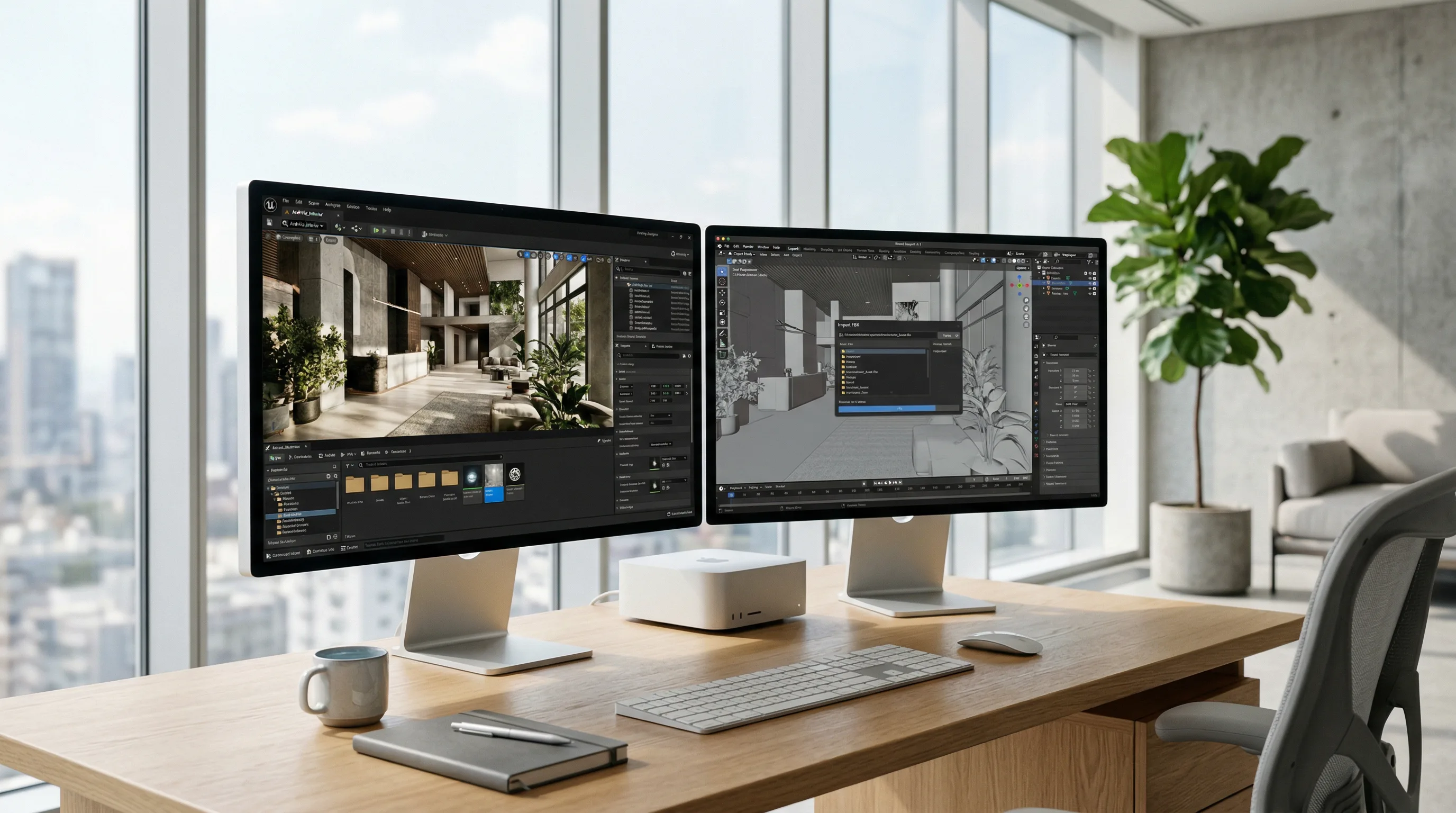
Unreal Engine supports direct import from Blender, Maya, and Substance Painter. The Autodesk Developer Network provides APIs for deeper integration with Maya, streamlining animation and rigging workflows.
Texture and Material Workflows in Adobe Photoshop
Artists can create and edit textures in Adobe Photoshop, then import them into Unreal Engine as PBR materials. Consistent naming conventions and color space management ensure accurate rendering.
Using USD and FBX Formats for Asset Exchange
USD (Universal Scene Description) and FBX are the most common formats for asset exchange. Unreal Engine’s USD importer allows for non-destructive updates, while FBX remains the standard for animation pipelines.
Leveraging Steamworks SDK and Oculus SDK for Deployment
For deployment and distribution, Unreal integrates with the Steamworks SDK for PC games and the Oculus SDK for VR experiences. These SDKs handle achievements, multiplayer, and VR input systems.
Key takeaway: Efficient integration with external tools accelerates production and ensures consistent quality across the Unreal Engine pipeline.
Packaging, Deployment, and Distribution
Packaging and deployment are the final steps in the Unreal Engine production pipeline, ensuring your game reaches players efficiently.
Packaging and Deploying Games for Different Platforms
Unreal Engine’s packaging system automates build generation for Windows, macOS, consoles, and mobile. Developers can configure build profiles in the Project Settings panel to target specific platforms.
Build Size Optimization and Compression Techniques
Reducing build size involves compressing textures, removing unused assets, and using Unreal’s chunk-based packaging system. Optimized builds improve download times and performance.
Publishing to Epic Games Store and Other Marketplaces
The Epic Games Store provides direct integration for Unreal Engine developers, simplifying submission and revenue tracking. Developers can also distribute through Steam using the Steamworks SDK.
Key takeaway: Streamlined packaging and distribution workflows ensure efficient delivery and optimal performance across all platforms.
Comparing Unreal Engine to Other Game Engines
Unreal Engine stands out for its visual fidelity, scalability, and real-time rendering capabilities. However, comparing it to other engines highlights its unique strengths and trade-offs.
Unreal Engine vs. Unity: Strengths and Limitations
| Feature | Unreal Engine 5 | Unity |
|---|---|---|
| Rendering | Nanite & Lumen for next-gen visuals | URP/HDRP pipelines |
| Programming | C++ and Blueprints | C# scripting |
| Performance | Optimized for AAA titles | Lightweight for mobile |
| Licensing | Royalty-based | Subscription-based |
AAA Game Production and Indie Development Use Cases
Unreal Engine dominates AAA game production due to its scalability and visual power, while Unity remains popular for mobile and 2D projects. Indie developers benefit from Unreal’s free tier and access to cinematic-quality tools.
Future Trends in Game Engine Comparison and Real-Time Rendering
The future of real-time rendering lies in convergence—AI-assisted workflows, procedural generation, and agentic spatial computing. Frame Sixty explores these frontiers in projects like Agentic Spatial Computing and AI in Virtual Reality Development, bridging immersive design and intelligent automation.
Key takeaway: Unreal Engine’s advanced rendering and scalability make it the top choice for developers seeking cinematic quality and cross-platform flexibility.
Conclusion
Mastering Unreal Engine game development requires a deep understanding of its architecture, tools, and performance strategies. From Nanite’s virtualized geometry to Lumen’s dynamic lighting and Chaos Physics, Unreal Engine 5 empowers creators to deliver visually stunning, high-performance experiences across platforms.
The integration of tools like MetaHuman Creator, Quixel Megascans, and Niagara VFX System streamlines production pipelines, while external SDKs such as Steamworks and Oculus expand deployment opportunities. Whether you’re optimizing for GPU performance or building cross-platform virtual production pipelines, Unreal Engine offers the flexibility and power to meet any creative challenge.
Frame Sixty’s expertise in Unreal Engine development, showcased through projects like GameMasters and innovations in AI development, demonstrates how technical mastery and creative vision converge. As the industry evolves toward AI-driven workflows and immersive spatial computing, partnering with experienced Unreal developers becomes essential.
If you’re ready to elevate your next project with Unreal Engine 5’s cutting-edge capabilities, get in touch with Frame Sixty today. Our team specializes in advanced real-time rendering, AI integration, and immersive 3D experiences that define the future of interactive design.
Unreal Engine Game Development Insights
This FAQ addresses common questions about Unreal Engine game development, covering setup, technical performance, and strategic considerations for creating high-quality, optimized 3D experiences.
Unreal Engine game development is used to create interactive 3D experiences across games, simulations, and virtual production. Unreal Engine 5 supports real-time rendering, Chaos Physics simulation, and cross-platform deployment for PC, console, mobile, and VR, and has become the industry standard for LED-wall virtual production pipelines.
Unreal Engine 5 introduces Nanite for virtualized geometry and Lumen for real-time global illumination, replacing manual LOD work and baked lightmaps. Together with Chaos Physics for destruction, cloth, and vehicle dynamics, these systems let developers achieve cinematic quality while maintaining high performance across platforms.
Developers optimize Unreal Engine performance by profiling early with Unreal Insights, reducing draw calls through instancing and batching, using Nanite for geometry-heavy scenes, and enabling Lumen only where dynamic lighting is essential. Built-in tools like Stat Unit, GPU Visualizer, and Session Frontend help identify and resolve bottlenecks efficiently.
Yes - Unreal Engine supports direct integration with Blender, Maya, Substance Painter, and Adobe Photoshop. Assets move through FBX or USD formats, with USD allowing non-destructive updates, and libraries like Quixel Megascans plus MetaHuman Creator further streamline asset creation and character work.
Unreal Engine itself is free to use, with royalties applied only after a revenue threshold. For a small team, costs mainly come from workstation hardware - Epic recommends an RTX-class GPU and 32 GB of RAM - plus version control, 3D modeling applications, and the production time itself.
Frame Sixty develops Unreal Engine projects spanning games, real-time rendering, and immersive 3D experiences, with production work such as GameMasters showcasing MetaHuman and Megascans pipelines. See hire Unreal Engine developers for team capabilities and how a typical engagement is scoped and structured.
Get in touch
We’re interested to see how we can help. Send us a message and we will get back to you within 24 hours.