
How to Develop a VR Game: A Complete Guide to Building Immersive Virtual Reality Experiences
Jun 2, 2026
Updated
12 MIN READ
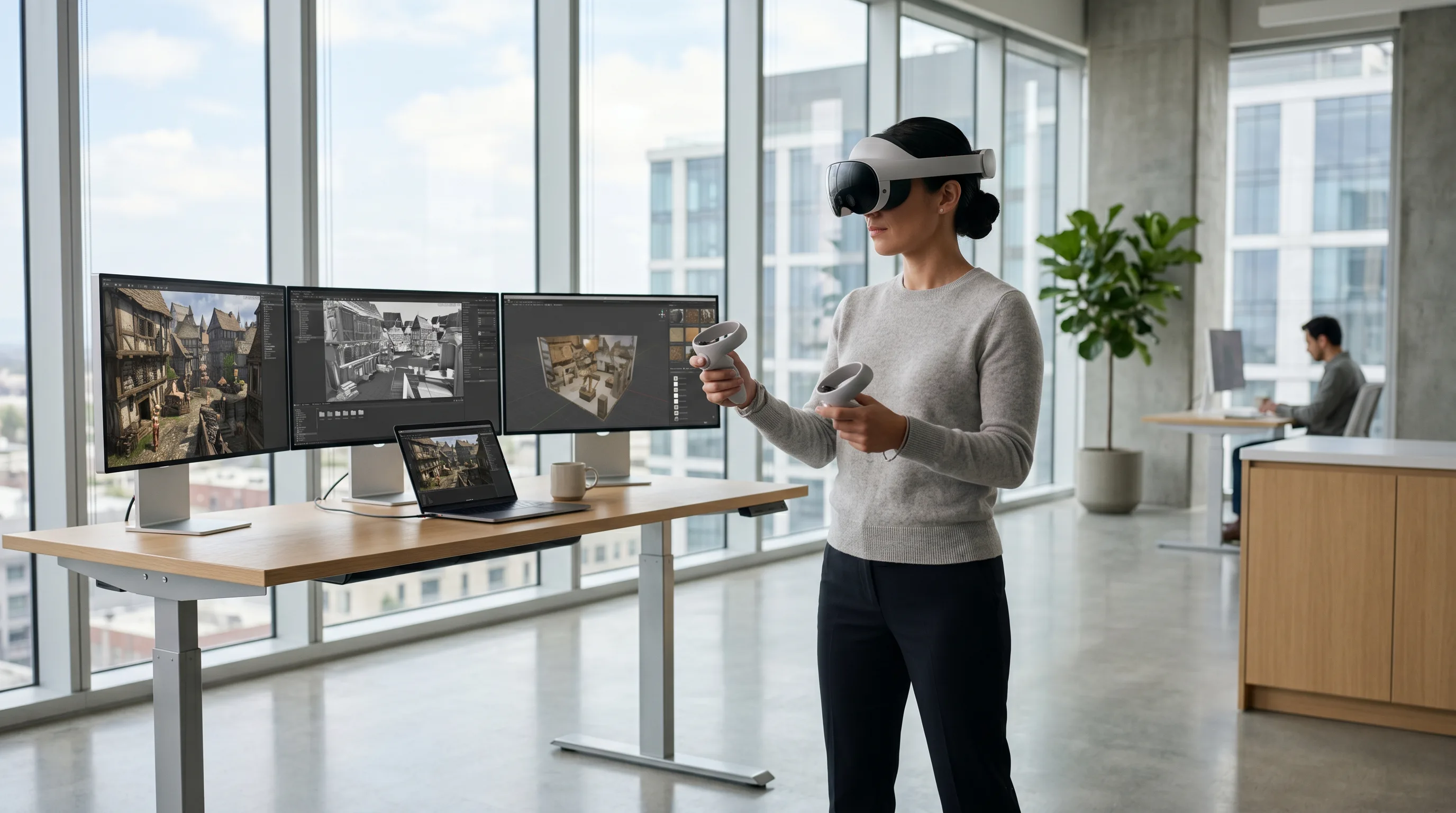
To develop a VR game, begin by selecting a suitable game engine such as Unity or Unreal Engine and targeting a specific platform like Meta Quest, SteamVR, PlayStation VR2, or Apple Vision Pro. Build optimized 3D assets using tools like Blender or Maya, and design immersive environments that maintain high frame rates and low latency for player comfort. Implement intuitive interactions through motion tracking, spatial audio, and haptic feedback while adhering to OpenXR standards for cross-platform compatibility. Rigorously test for performance, accessibility, and comfort before publishing to ensure a stable, engaging, and immersive virtual experience.
Want it built for you? Frame Sixty is a US-based VR game development company — we take VR games from prototype to store launch on Meta Quest, Apple Vision Pro, and PC VR.
Understanding the Core Principles of VR Game Development
Virtual reality (VR) game development combines real-time 3D rendering, motion tracking, and spatial computing to create fully immersive environments where players can interact naturally. It differs from traditional game design in that it requires a deep understanding of human perception, ergonomics, and presence.
The Evolution of Virtual Reality Gaming
VR gaming has evolved from early prototypes like the 1990s Virtual Boy to today’s advanced headsets such as Meta Quest, HTC Vive, PlayStation VR2, and Apple Vision Pro. Each generation has pushed the boundaries of immersion, graphics fidelity, and interaction fidelity. According to IEEE VR, the industry has grown exponentially due to advancements in rendering pipelines, tracking systems, and GPU performance.
The release of standalone devices like the Meta Quest series, supported by Meta’s developer documentation, democratized access to VR. Meanwhile, Apple’s entry with visionOS has introduced spatial computing concepts that merge augmented and virtual realities.
Key Differences Between VR and Traditional Game Design
Unlike flat-screen games, VR experiences rely on presence—the player’s psychological sense of “being there.” This requires:
- Low latency and high frame rates (ideally 90Hz or higher)
- Accurate motion tracking for head and hand movements
- Spatial audio that responds to player position
- Comfortable locomotion systems that reduce motion sickness
Traditional camera controls and UI paradigms don’t translate directly into VR. Instead, developers must design diegetic interfaces—menus and information embedded naturally within the environment.
What Skills Are Needed to Build a VR Game?
To build a VR game, you need a blend of technical and creative skills:
- 3D modeling and texturing – Learn tools like Blender, Maya, or 3ds Max.
- Programming – Proficiency in C# (for Unity) or C++ (for Unreal Engine).
- Interaction design – Understanding spatial input, gesture recognition, and haptics.
- Optimization – Managing polygon count, render time, and memory usage.
- Testing and UX – Evaluating comfort, accessibility, and user experience.
For professional 3D asset creation, studios like Frame Sixty and their expert 3D modelers specialize in optimizing models for immersive environments.
Key takeaway: Successful VR game development requires balancing technical precision with human-centered design to create comfortable, believable experiences.
Need help with VR game development?
We are here to help!
Choosing the Right VR Platform and Hardware
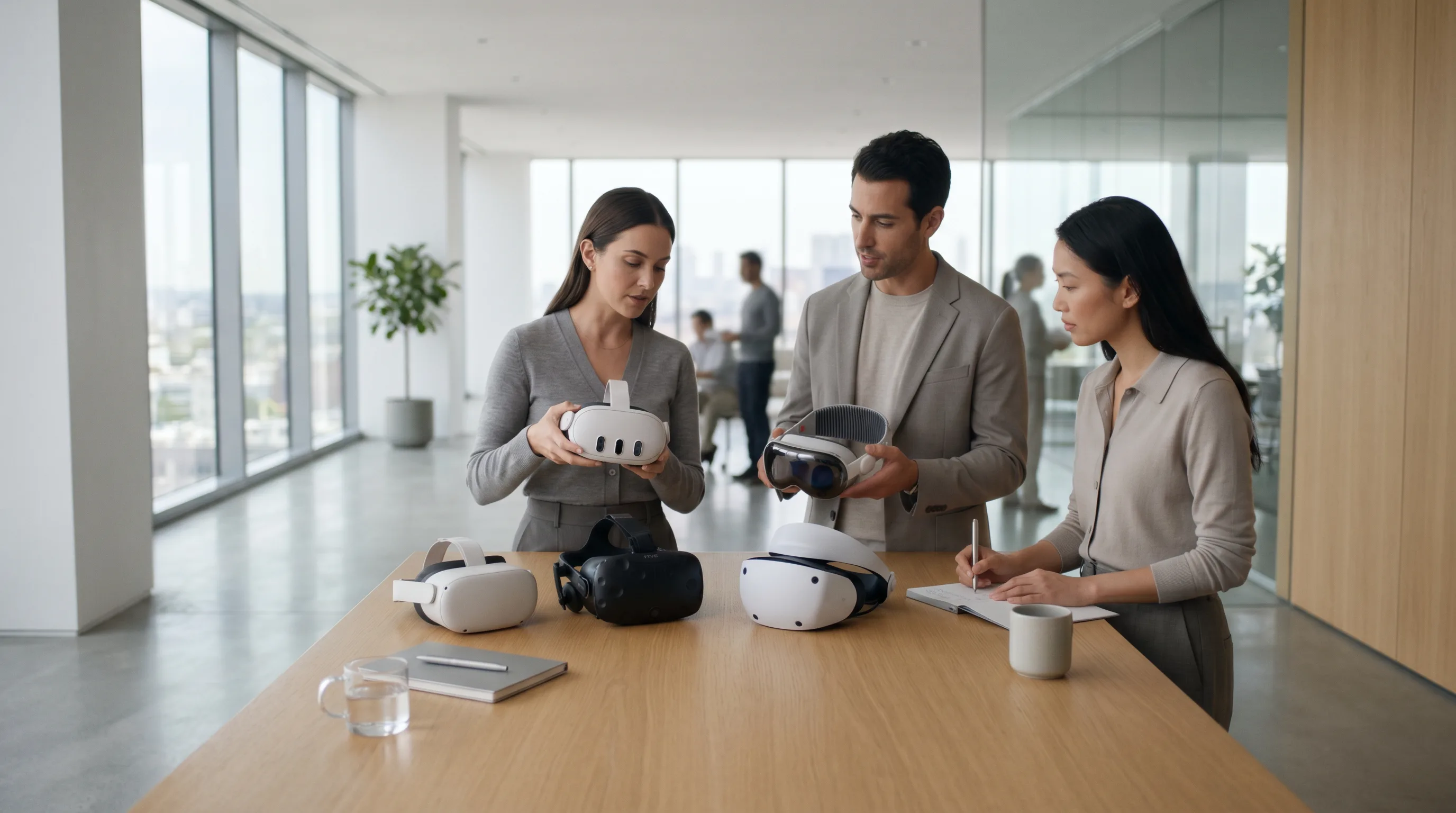
Selecting the right VR platform determines your game’s audience, performance targets, and development workflow. Major ecosystems include Meta Quest, SteamVR, PlayStation VR2, and Apple Vision Pro.
Comparing Major VR Headsets: Meta Quest, HTC Vive, PlayStation VR2, Apple Vision Pro
| Headset | Platform | Tracking | Input | Notable Strength |
|---|---|---|---|---|
| Meta Quest 3 | Meta | Inside-out | Touch Controllers, Hand Tracking | Standalone capability |
| HTC Vive Pro 2 | SteamVR | Lighthouse | Vive Controllers | High resolution, modular ecosystem |
| PlayStation VR2 | PlayStation 5 | Inside-out | Sense Controllers | Haptic triggers, console integration |
| Apple Vision Pro | visionOS | Inside-out | Hand & Eye Tracking | Spatial computing, mixed reality |
For Meta devices, consult the Oculus Developer portal. SteamVR developers can find publishing and SDK details at Valve’s official documentation. PlayStation developers should review Sony’s developer portal. For Apple’s spatial computing environment, visionOS documentation covers rendering pipelines and gesture input.
Cross-Platform VR Development with OpenXR and WebXR
The OpenXR standard by the Khronos Group enables developers to write once and deploy across multiple VR devices. Combined with WebXR, it allows browser-based VR experiences that run without dedicated apps. Using OpenXR ensures consistent input handling, tracking, and rendering across hardware.
Frame Sixty’s research on agentic spatial computing explores how OpenXR integrates with AI-driven spatial environments—bridging VR, AR, and mixed reality.
Hardware Requirements for VR Development and Testing
A robust development machine is essential:
- CPU: Multi-core processor (Intel i7 or AMD Ryzen 7+)
- GPU: NVIDIA RTX 4070+ or AMD equivalent (see NVIDIA Research for GPU innovations)
- RAM: 32GB or more
- Storage: NVMe SSD for fast asset loading
- Peripherals: VR headset, motion controllers, and tracking sensors
Key takeaway: Choose your platform based on target audience and ecosystem support, and leverage OpenXR for cross-platform flexibility.
Selecting the Best Game Engine for VR
The game engine defines your workflow, performance optimization options, and visual fidelity. The two dominant engines—Unity and Unreal Engine—both offer robust VR toolsets.
Unity vs Unreal Engine: Strengths, Workflows, and Ecosystem Support
Unity’s VR solutions are renowned for accessibility and rapid iteration, especially for indie teams. Unity uses C# scripting and supports the XR Interaction Toolkit for intuitive prototyping. It’s ideal for mobile or standalone VR like Meta Quest. If you would rather bring in a team that already ships on this stack, you can hire Unity developers instead of building the capability in-house.
Unreal Engine offers superior graphical fidelity and real-time lighting through Lumen and Nanite. Its Unreal XR Framework provides native support for OpenXR, making it a top choice for AAA projects or cinematic VR.
| Feature | Unity | Unreal Engine |
|---|---|---|
| Programming Language | C# | C++ / Blueprints |
| Ideal Use Case | Rapid prototyping, mobile VR | High-end visuals, AAA VR |
| Ecosystem Support | Extensive asset store | Advanced rendering pipeline |
Alternative Engines: Godot, Custom Engines, and Web-Based VR
Godot offers an open-source alternative with growing XR support. Web-based engines like Three.js and Babylon.js enable lightweight VR experiences through WebXR. Custom engines are used in research or proprietary projects but require significant maintenance.
Integrating XR Frameworks: Unity XR Plugin, Unreal XR Framework, and OpenVR
Both Unity and Unreal support OpenVR and OpenXR, ensuring compatibility with SteamVR and other ecosystems. Developers can integrate Unity XR Plugin or Unreal XR Framework for device abstraction and input management.
Frame Sixty’s AI-augmented reality research highlights how XR frameworks are evolving to support intelligent, adaptive environments.
Key takeaway: Choose Unity for flexibility and speed, Unreal for realism and scalability, and OpenXR for cross-device compatibility.

Designing Immersive VR Experiences
Designing for VR means crafting environments that feel natural, intuitive, and emotionally engaging. The player’s comfort and presence are paramount.
Principles of VR Game Design and Interactive Storytelling
VR storytelling relies on environmental cues rather than forced camera cuts. Players should discover narratives through exploration and interaction. Use spatial storytelling—placing clues, sounds, and visual triggers in the environment.
Frame Sixty’s about us page outlines their design philosophy: blending narrative design with spatial computing to create emotionally resonant experiences.
Creating Player Presence Through Motion Tracking and Spatial Audio
Presence depends on accurate motion tracking and spatial audio. Head and hand tracking must respond instantly to user movement. Audio should adjust dynamically to simulate real-world acoustics.
Apple’s Vision Pro developer documentation emphasizes spatial audio as a cornerstone of immersion. Similarly, Unity’s VR resources provide tools for integrating 3D soundscapes.
Implementing Haptic Feedback and Realistic Physics in VR
Haptic feedback bridges the gap between virtual and physical sensations. Controllers like the PS VR2 Sense and Meta Touch Pro simulate texture, resistance, and impact. Realistic physics engines ensure believable object interactions.
Frame Sixty’s 3D modeling for manufacturing and industrial design expertise demonstrates how accurate physics simulations enhance realism in both games and industrial training applications.
Key takeaway: Immersion arises from sensory coherence—when visuals, sound, and touch align perfectly with player expectations.

Building 3D Assets and Environments for Virtual Reality
High-quality 3D assets form the backbone of any VR experience. However, performance constraints demand careful optimization.
Tools for 3D Asset Creation: Blender, Maya, 3ds Max, Substance Painter
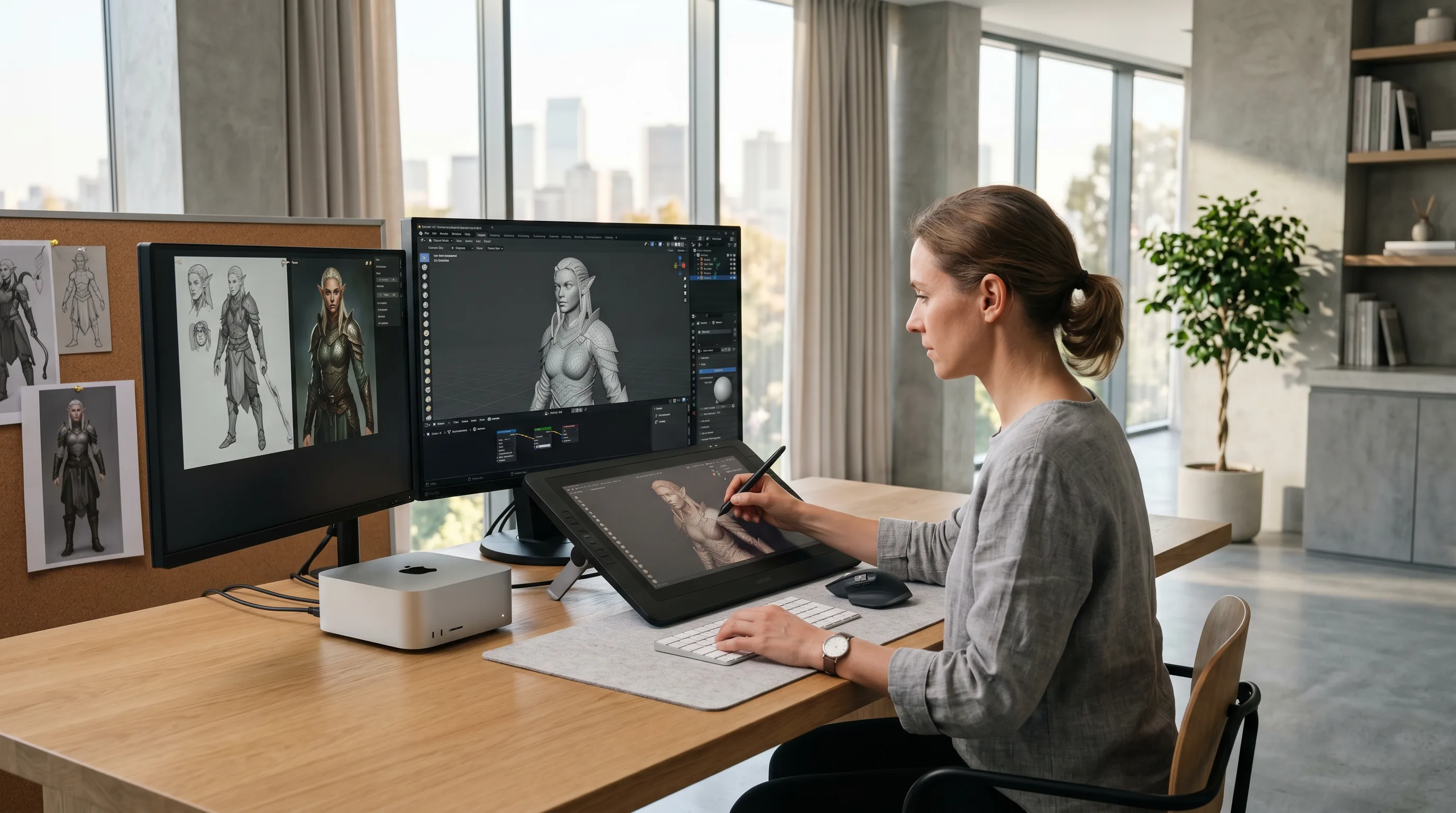
Artists use Blender, Maya, 3ds Max, and Substance Painter to create detailed models and textures. Services like Frame Sixty’s 3D model design ensure assets are optimized for real-time rendering and VR scale accuracy.
Optimizing Models for Performance: Polygon Count and Texture Efficiency
VR requires maintaining high frame rates (90–120 FPS). To achieve this:
- Limit polygon count per model.
- Use normal maps to simulate detail.
- Compress textures efficiently.
- Employ level of detail (LOD) systems.
GPU research from NVIDIA shows that efficient geometry culling and adaptive shading can reduce render time without sacrificing quality.
Using GLTF 2.0 and Vulkan for High-Fidelity Rendering
The GLTF 2.0 format provides a lightweight, universal standard for 3D asset exchange. Combined with Vulkan or DirectX 12, it enables high-fidelity rendering with minimal overhead.
Key takeaway: Optimize assets early and use modern standards like GLTF 2.0 and Vulkan to balance visual quality and performance.
Implementing Core VR Mechanics and Interactions
Core mechanics define how players engage with the virtual world. These include grabbing objects, teleporting, interacting with UI, and using gestures.
Hand Tracking, Controllers, and Gesture Recognition
Modern VR systems like Meta Quest and Apple Vision Pro support hand tracking and gesture recognition. Developers can use SDKs from Oculus Developer or Apple’s visionOS to implement natural interactions.
Using VRTK and XR Interaction Toolkit for Rapid Prototyping
Tools like VRTK and Unity’s XR Interaction Toolkit accelerate prototyping by providing prebuilt locomotion, grabbing, and UI systems. This allows teams to focus on gameplay innovation rather than low-level input coding.
Interaction Fidelity and User Comfort Score Metrics
Interaction fidelity measures how closely virtual actions match real-world expectations. Developers use metrics like user comfort score and motion-to-photon delay to evaluate experience quality. The XR Safety Initiative provides best practices for maintaining comfort and accessibility.
Key takeaway: Prioritize intuitive, low-latency interactions to maintain immersion and reduce discomfort.
Optimizing Performance for VR
Performance optimization is critical for maintaining immersion and preventing motion sickness.
Managing Frame Rate, Latency, and Render Time
Aim for consistent frame rates above 90 FPS. Use GPU profiling tools to monitor render time and latency. Techniques include:
- Batching draw calls
- Reducing overdraw
- Using occlusion culling
- Implementing foveated rendering
Reducing Motion-to-Photon Delay and Improving Tracking Accuracy
Motion-to-photon delay—the time between movement and visual update—should be under 20ms. Use asynchronous reprojection and predictive tracking to minimize lag. NVIDIA Research explores real-time rendering methods that enhance tracking accuracy.
VR Optimization Techniques for Unity and Unreal Engine
In Unity, leverage baked lighting, GPU instancing, and adaptive quality settings. In Unreal, use Lumen for optimized lighting and Nanite for efficient geometry streaming. Refer to Unity’s VR resources and Unreal Engine documentation for engine-specific techniques.
Key takeaway: Optimize continuously—VR performance depends on every millisecond of render time.
Testing and Quality Assurance in VR Development
Testing ensures comfort, performance, and accessibility before release.
How to Test a VR Game Before Release
Conduct iterative testing with real users. Evaluate:
- Comfort during extended sessions
- Tracking reliability
- Interaction consistency
- Visual stability
Use performance profiling tools and gather player feedback across devices like Meta Quest and SteamVR (Valve Developer Docs).
Performance Benchmarking and User Comfort Evaluation
Measure frame rate, latency, and user comfort scores. Tools like SteamVR’s performance test and Unity Profiler help identify bottlenecks. Benchmark against standards from IEEE VR for consistency.
Accessibility and Safety Considerations in Virtual Environments
Follow XRSI guidelines for safety, accessibility, and privacy. Ensure seated and standing play options, clear boundaries, and adjustable comfort settings.
Key takeaway: Rigorous testing ensures your VR game is not only fun but also safe and comfortable for all players.
Publishing and Distributing Your VR Game
Publishing involves packaging, certification, and marketing across major VR stores.
How to Publish a VR Game on SteamVR, Meta Quest Store, and PlayStation VR2
- SteamVR: Submit through Valve’s developer portal.
- Meta Quest Store: Follow Oculus Developer submission guidelines.
- PlayStation VR2: Apply for developer access via Sony’s portal.
Each platform has unique certification requirements, including performance thresholds and comfort ratings.
Preparing Marketing Assets and Store Listings
Create compelling trailers, screenshots, and descriptions. Highlight unique VR mechanics and comfort features. Frame Sixty’s Apple Vision Pro app insights demonstrate how visually rich marketing materials attract attention in emerging markets.
Post-Launch Updates, Analytics, and Community Feedback Loops
Use analytics to track engagement and retention. Post-launch updates can refine comfort, fix bugs, and add content. Engage communities through Discord, Reddit, and Steam forums to gather feedback.
Key takeaway: A successful VR launch depends on platform compliance, strong marketing, and continuous community engagement.
Future Trends in Virtual Reality Development
The future of VR is defined by convergence—AI, cloud rendering, and cross-platform standards are reshaping how developers build and distribute immersive experiences.
Advances in Cross-Platform VR and Cloud Rendering
With OpenXR and WebXR, developers can deploy across devices seamlessly. Cloud rendering allows high-fidelity experiences on lightweight headsets. NVIDIA Research explores real-time ray tracing and neural rendering for cloud-based VR streaming.
AI-Driven Tools for Procedural Environments and Adaptive Gameplay
AI assists in procedural world generation, adaptive difficulty, and intelligent NPCs. Frame Sixty’s work in AI-augmented reality showcases how machine learning enhances spatial understanding and environmental responsiveness.
The Role of IEEE VR Standards and ISO/IEC 23090 in the Next Generation of VR Experiences
Standards from IEEE VR and ISO/IEC 23090 ensure interoperability, safety, and performance consistency across platforms. These frameworks guide the next generation of immersive content creation.
Key takeaway: The future of VR lies in intelligent, cross-platform ecosystems powered by AI and standardized by global research bodies.
Conclusion
Developing a VR game is both an art and a science—requiring mastery of design, engineering, and optimization. From choosing the right hardware and engine to implementing intuitive interactions and publishing across major platforms, each decision shapes the player’s sense of presence and comfort.
As VR technology continues to evolve, developers must embrace standards like OpenXR, leverage AI-driven tools, and prioritize accessibility and safety. The integration of spatial computing and cloud rendering will make immersive experiences more dynamic and widely accessible than ever before.
For studios and creators looking to build next-generation VR experiences, partnering with experts in 3D modeling, spatial design, and optimization can accelerate success. Frame Sixty’s team of 3D modeling artists and immersive design specialists understand the nuances of performance, realism, and storytelling in virtual environments.
If you’re ready to bring your vision to life, Get in touch with Frame Sixty to start developing your immersive VR game today.
Common Questions About Developing a VR Game
This FAQ explores practical and technical aspects of developing a VR game, helping creators understand the process, tools, and strategies needed to build immersive virtual reality experiences.
The first step in developing a VR game is choosing an engine that supports VR, such as Unity or Unreal Engine, and targeting a specific platform like Meta Quest, SteamVR, PlayStation VR2, or Apple Vision Pro. From there, learn 3D modeling, spatial design, and interaction principles, because presence and comfort make VR fundamentally different from flat-screen game design.
Developing a VR game takes 6 to 12 months for small projects, while complex titles can require several years, depending on scope and team size. VR timelines run longer than standard game development because iterative comfort testing and performance optimization, holding 90+ FPS on target hardware, add work that flat games never need.
User comfort is critical in VR game development because discomfort breaks immersion and causes motion sickness. Developers must hold high frame rates, keep motion-to-photon delay under about 20 milliseconds, and design intuitive locomotion systems. Comfort also matters commercially: each platform's certification process includes performance thresholds and comfort ratings.
OpenXR, the Khronos Group standard, lets you write a VR game once and deploy it across multiple headsets without rewriting code for each device, with consistent input handling and tracking. Supported natively by both Unity and Unreal Engine and complemented by WebXR in the browser, it is the practical route to shipping one game on SteamVR, the Meta Quest Store, and beyond, though each store still runs its own certification.
Developing a VR game costs from about $50,000 for small indie projects to several million dollars for AAA productions in 2026. Team size, asset quality, platform licensing, and testing requirements drive the range, with optimized 3D assets and rigorous on-device comfort testing adding costs that flat-screen games avoid.
Frame Sixty is a US-based VR game development company that takes VR games from prototype to store launch on Meta Quest, Apple Vision Pro, and PC VR. The team pairs immersive design specialists with expert 3D modelers who optimize assets for performance, realism, and storytelling in virtual environments.
Get in touch
We’re interested to see how we can help. Send us a message and we will get back to you within 24 hours.