
How to Develop an Augmented Reality App: Frameworks, Tools, and Best Practices for 2026
Mar 26, 2026
10 MIN READ
To develop an augmented reality app, start by defining a clear use case that aligns user needs with business goals, then select an appropriate framework such as ARKit, ARCore, or AR Foundation for cross-platform compatibility. Build the app using engines like Unity or Unreal, integrating real-time 3D rendering, spatial mapping, and intuitive gesture-based interfaces. Optimize performance through efficient asset management, sensor calibration, and adaptive rendering techniques. Test across varied environments and devices to ensure stability, then deploy with analytics integration for continuous improvement and scalability across mobile and wearable platforms.
Understanding Augmented Reality Development in 2026
Augmented reality development in 2026 combines real-time 3D rendering, AI-based spatial mapping, and cross-device compatibility to create digital overlays on the physical world.
The evolution of AR and spatial computing
From early mobile AR experiments to today’s spatial computing systems, AR has moved from novelty to necessity. The release of Apple Vision Pro and Meta Quest 3 has accelerated adoption, while industrial sectors use AR for remote collaboration and training. According to the ISO/IEC 18039:2019 standard, AR integrates digital content into a user’s perception of the real world to create interactive, context-aware experiences.
Spatial computing extends AR beyond screens by combining real-world geometry with digital intelligence. Platforms like Frame Sixty specialize in this connection, offering 3D modeling and AR design services that link digital and physical environments.
Key differences between augmented, mixed, and virtual reality
| Technology | Definition | Device Examples | Interaction Type |
|---|---|---|---|
| Augmented Reality (AR) | Adds digital elements to the real world | Smartphones, tablets, smart glasses | Real-world view with digital content |
| Mixed Reality (MR) | Anchors digital objects in the real world with spatial awareness | Microsoft HoloLens, Magic Leap | Real-time interaction with physical space |
| Virtual Reality (VR) | Immerses users in a fully digital environment | Oculus Quest, HTC Vive | Fully virtual interaction |
AR enhances reality, MR merges it, and VR replaces it. Understanding these distinctions helps developers choose the right approach for their projects.
Market trends driving AR adoption across industries
By 2026, AR is expected to exceed $120 billion in market value, driven by sectors such as retail, manufacturing, and healthcare. Enterprise use is supported by devices like Microsoft HoloLens and Magic Leap, which enable remote assistance and digital twin visualization. Consumer AR experiences powered by Niantic Lightship and Snap Lens Studio are reshaping social engagement.
Key takeaway: AR development in 2026 focuses on spatial computing, cross-device compatibility, and enterprise scalability.

Need help with AR app development?
We are here to help!
Defining Your AR App Concept and Use Case
To successfully develop an augmented reality app, begin with a clear concept that aligns user needs with business goals.
Identifying user needs and problem-solving opportunities
Effective AR apps address real-world problems. Examples include:
- Retail: Virtual try-ons and product visualization.
- Education: Interactive learning modules.
- Manufacturing: Real-time equipment diagnostics.
Teams like Frame Sixty’s AR developers emphasize user research and prototyping to define meaningful AR interactions that add value.
Selecting the right AR experience type (marker-based, markerless, location-based)
| AR Type | Description | Example Use Case |
|---|---|---|
| Marker-based AR | Uses predefined images or QR codes for tracking | Museum exhibits |
| Markerless AR | Uses device sensors and SLAM (Simultaneous Localization and Mapping) | Furniture placement apps |
| Location-based AR | Uses GPS and geospatial data | AR navigation or tourism |
Frameworks like Google ARCore and Apple ARKit support all three, allowing developers to tailor experiences to user context.
Aligning business goals with AR app functionality
AR should support measurable business outcomes, such as:
- Increasing engagement through gamified interactions.
- Reducing training costs with immersive simulations.
- Boosting sales through 3D product visualization.
Key takeaway: A successful AR app starts with a clear use case that connects user needs to business goals.
Choosing the Right AR Development Framework
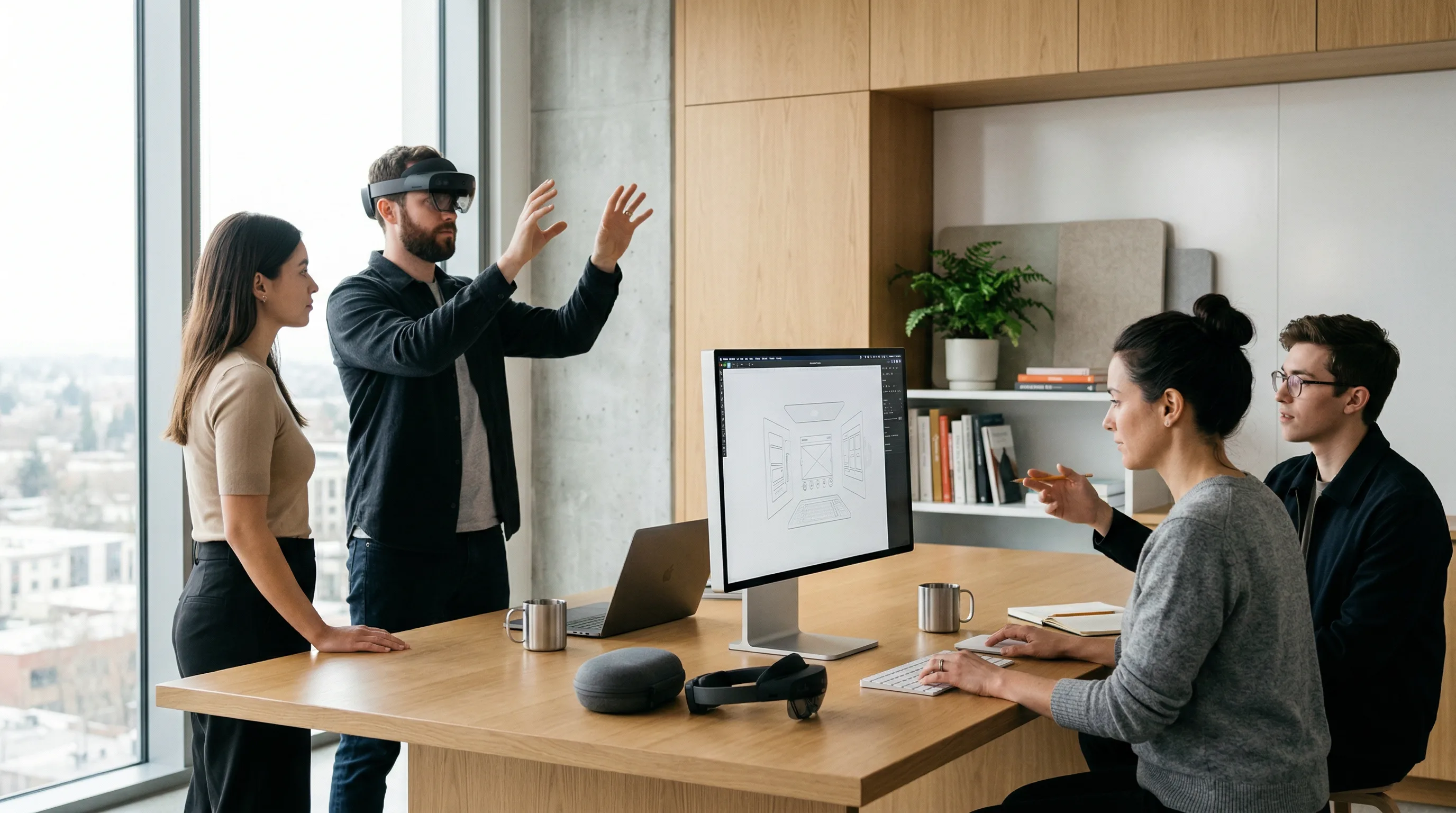
Selecting the right SDK determines an app’s performance, compatibility, and scalability.
Comparing leading SDKs and engines
Apple ARKit vs Google ARCore
Apple ARKit leads iOS AR development with motion tracking, scene understanding, and RealityKit integration. Google ARCore offers similar capabilities for Android, including environmental understanding and light estimation.
| Feature | ARKit | ARCore |
|---|---|---|
| Platform | iOS | Android |
| Depth API | Yes | Yes |
| Face Tracking | Advanced (TrueDepth) | Limited |
| Cloud Anchors | Supported | Supported |
Cross-platform frameworks like AR Foundation unify both ecosystems and simplify development.
Unity 3D vs Unreal Engine for immersive experiences
Unity 3D remains the most common engine for AR because of its asset store and mobile optimization. Unreal Engine delivers high-quality visuals suited for cinematic or enterprise AR.
Niantic Lightship, Snap Lens Studio, and Meta Spark AR for social AR
Niantic Labs created Lightship ARDK for shared, location-based AR experiences. Snap Lens Studio and Meta Spark AR focus on social filters and branded AR campaigns.
Vuforia Engine, Microsoft HoloLens, and Magic Leap for enterprise solutions
Enterprise AR depends on stable SDKs like Vuforia Engine, Microsoft HoloLens, and Magic Leap for industrial training, remote collaboration, and spatial visualization.
Evaluating SDK compatibility with mobile and wearable devices
When choosing an SDK:
- Mobile AR: ARKit, ARCore, AR Foundation
- Wearable AR: HoloLens, Magic Leap, Vision Pro
- Web-based AR: WebXR, OpenXR
Compatibility ensures consistent performance across devices.
How to choose the best SDK for AR development
- Define your target platform.
- Review SDK documentation and community support.
- Test sample projects for performance.
- Check licensing and commercial terms.
Key takeaway: The right SDK matches your target platform, performance needs, and scalability goals.
Designing an Immersive AR User Experience
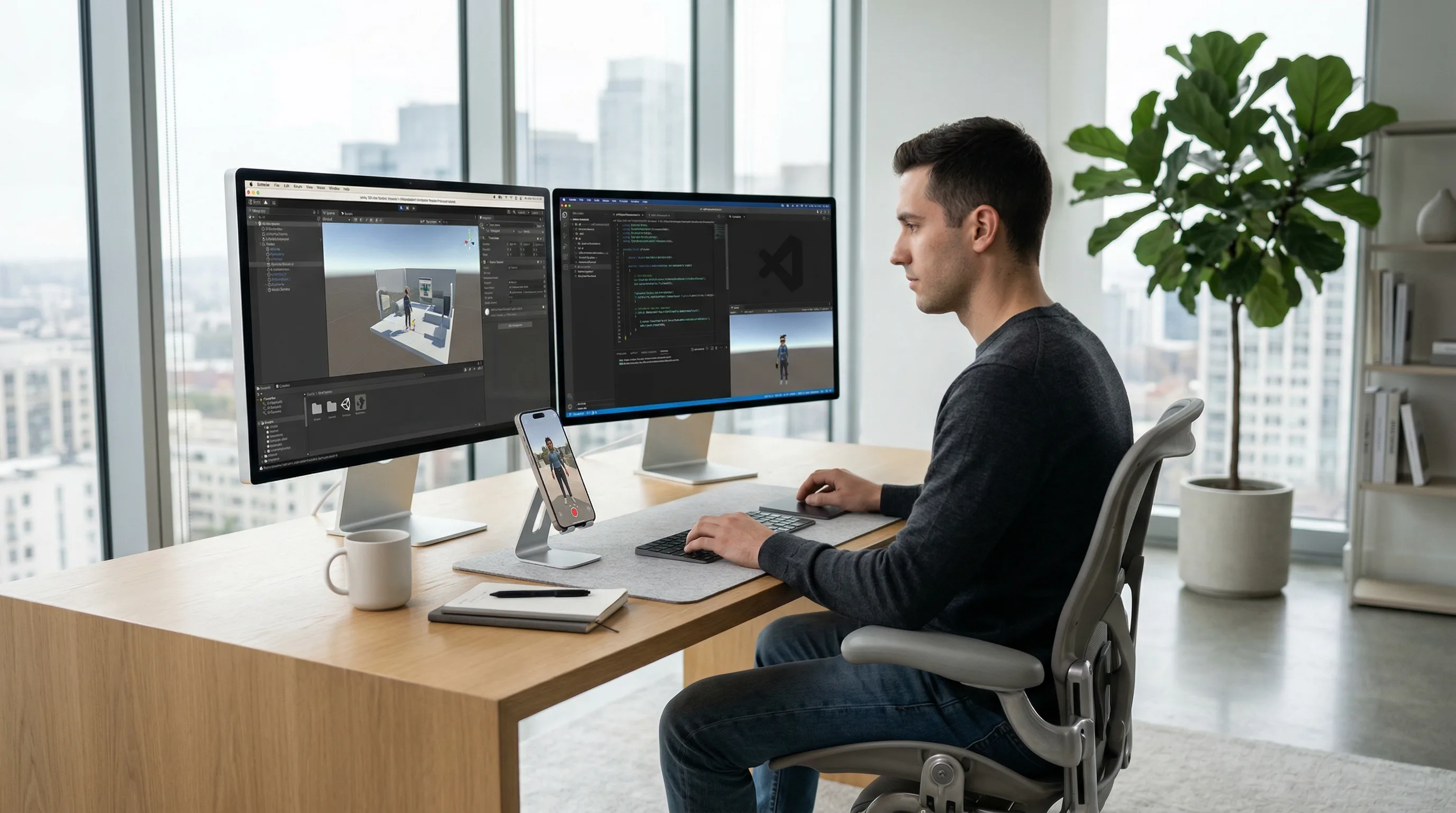
An AR app’s success depends on intuitive design and spatial interaction.
Principles of AR app design and interaction
AR design should focus on context, clarity, and comfort. Users need to understand how to interact with digital content in real-world space.
Creating intuitive spatial interfaces and gesture controls
Spatial interfaces use gestures, gaze, and voice commands. Devices like Apple Vision Pro and HoloLens track hand and eye movement for natural interaction. Frame Sixty’s developer insights describe how spatial UX differs from traditional 2D design.
Integrating 3D assets and animations for realism
Realistic 3D assets improve immersion. Services like Frame Sixty’s 3D model design and 3D modeling for manufacturing create optimized geometry and textures for AR performance.
Tools for AR prototyping and design
| Tool | Purpose |
|---|---|
| Blender | 3D modeling and animation |
| Maya | Professional asset creation |
| 3ds Max | Architectural and industrial visualization |
| Reality Composer | Apple’s AR prototyping tool |
Key takeaway: Effective AR design combines intuitive spatial interaction with optimized 3D assets and responsive feedback.

Building the AR Application
Building an AR app involves setting up the environment, coding key features, and integrating assets.
Setting up your development environment
- Xcode for iOS projects
- Android Studio for Android
- Visual Studio for cross-platform C# or C++ projects
- GitHub for version control and collaboration
Implementing core AR features
- 3D object tracking and markerless AR: Use SLAM algorithms for real-world mapping.
- Real-time rendering and lighting: Adjust virtual lighting to match real-world conditions.
- Scene understanding and occlusion: Enable depth perception by hiding virtual objects behind real ones.
Coding languages and frameworks used in AR development
| Framework | Language | Use Case |
|---|---|---|
| SceneKit | Swift | iOS 3D rendering |
| RealityKit | Swift | Apple ARKit integration |
| AR Foundation | C# | Cross-platform AR |
| WebXR | JavaScript | Browser-based AR |
| OpenXR | C++ | Multi-device compatibility |
Key takeaway: A stable environment and structured framework selection make AR app creation more efficient.
Optimizing AR App Performance
Performance optimization ensures smooth AR experiences across devices.
Performance metrics to monitor
- Frame rate (target 60+ FPS)
- Render latency
- Tracking accuracy
- Load time
- Battery consumption
Techniques to enhance app performance and stability
- Asset optimization: Compress textures and reduce polygon count.
- Memory management: Use object pooling and efficient garbage collection.
- Tracking accuracy: Calibrate sensors and apply filtering algorithms.
- Render latency reduction: Use asynchronous rendering pipelines.
How to optimize AR performance on mobile devices
Mobile devices have limited GPU and thermal capacity. Developers should:
- Use lightweight shaders.
- Limit draw calls.
- Implement adaptive resolution scaling.
Key takeaway: Performance optimization balances visual quality with real-time responsiveness.
Testing, Debugging, and Deployment
Thorough testing ensures reliable AR experiences in different environments.
Methods for testing AR experiences in real-world conditions
Test in varied lighting, surfaces, and motion conditions. Use device simulators and physical testing to verify tracking stability.
Debugging spatial interactions and sensor data
Debugging tools in Xcode and Android Studio help analyze sensor data. Developers can visualize AR planes, anchors, and meshes during runtime.
Using Firebase and analytics to measure user engagement, retention rate, and session duration
Integrate Firebase Analytics to track:
- User engagement
- Retention rate
- Session duration
Data-driven insights guide ongoing improvements.
Publishing to app stores and maintaining version control
Follow platform-specific guidelines for App Store and Google Play submissions. Maintain version control with GitHub for collaborative updates.
Key takeaway: Continuous testing and analytics-based iteration support long-term AR app success.
Advanced Capabilities and Integrations
Modern AR apps use AI, cloud computing, and advanced file formats.
Incorporating AI and computer vision for intelligent AR
AI improves AR through object recognition, gesture tracking, and semantic understanding. Research from Google Research shows how deep learning models enhance spatial awareness and contextual interaction.
Integrating cloud anchors and shared AR sessions
Shared AR experiences use cloud anchors for persistent spatial mapping. Platforms like Niantic Lightship enable multiplayer AR synchronized across devices.
Supporting 3D file standards like USDZ, glTF, and ARML
These standards ensure interoperability:
- USDZ: Apple’s AR-ready format
- glTF: Lightweight 3D transmission format
- ARML: XML-based AR content description
Extending AR to wearables and headsets (HoloLens, Magic Leap)
Wearable AR devices like HoloLens and Magic Leap provide hands-free experiences for enterprise and industrial use. Frame Sixty’s agentic spatial computing insights explain how these devices integrate with AI-driven environments.
Key takeaway: Advanced integrations expand AR’s capabilities across devices and industries.
Common Challenges and Solutions in AR App Development
AR development brings specific technical and design challenges.
Handling device fragmentation and sensor limitations
Devices vary in camera quality, sensor precision, and processing power. Developers should:
- Use OpenXR for cross-device compatibility.
- Add fallback modes for older hardware.
Balancing realism with performance constraints
High-quality visuals can strain mobile GPUs. Optimize by:
- Using baked lighting.
- Reducing polygon count.
- Applying level-of-detail (LOD) models.
Ensuring accessibility and usability in spatial environments
Accessibility in AR means supporting users with different physical abilities and ensuring comfortable interaction distances. Developers should follow inclusive design principles.
Key takeaway: Planning for hardware limitations and user diversity keeps AR experiences accessible and efficient.
Future Outlook: The Next Generation of AR Experiences
The next phase of AR will combine AI, IoT, and spatial computing.
The role of mixed reality and spatial computing ecosystems
Mixed reality devices like Apple Vision Pro and HoloLens 3 will change how users interact with digital content. Frame Sixty’s Vision Pro insights show how developers can use spatial computing to create persistent, context-aware environments.
How AR will integrate with IoT, AI, and the metaverse
AR will act as a visual interface for IoT data, enabling real-time visualization of connected devices. AI-driven personalization will adapt AR content dynamically, while the metaverse will connect AR and VR ecosystems.
Preparing your team and tech stack for the next wave of AR innovation
Future-ready AR teams should master:
- 3D modeling and optimization
- Cross-platform SDKs
- AI and computer vision
- Cloud-based spatial mapping
Key takeaway: Preparing for the future of AR requires investment in AI, spatial computing, and cross-platform skills.
Conclusion
Developing an augmented reality app in 2026 requires technical skill, creative design, and business alignment. From defining your concept to selecting the right SDK and optimizing performance, each step shapes how users experience digital content in the real world.
AR is now a core interface for digital transformation across industries. By using frameworks like ARKit, ARCore, Unity 3D, and Unreal Engine, and integrating AI-based spatial computing, developers can create scalable, intelligent AR solutions that deliver measurable results.
Organizations ready to adopt AR should work with experienced teams who understand both the creative and technical aspects of spatial computing; our guide to choosing the best AR app development company sets out the portfolio, tooling, and compliance signals worth checking before you sign. Frame Sixty offers expertise in 3D modeling, AR development, and immersive experience design to help brands innovate with confidence.
To bring your AR vision to life, Get in touch with Frame Sixty’s experts to start building immersive, future-ready augmented reality applications that enhance user engagement and business growth.
Developing an Augmented Reality App in 2026
This FAQ explores key questions about how to develop an augmented reality app, including practical considerations for frameworks, performance, and future readiness in 2026.
The first step in developing an augmented reality app is defining a clear use case that aligns user needs with business goals, such as retail try-ons, interactive education, or enterprise training. That decision drives whether the app uses marker-based, markerless, or location-based AR. Teams like Frame Sixty's AR developers emphasize user research and prototyping to define interactions that add real value.
The SDK choice for an augmented reality app depends on the target platform: ARKit for iOS, ARCore for Android, and AR Foundation to unify both from one codebase. The SDK determines tracking accuracy, rendering quality, and device compatibility, so review the documentation, test sample projects for performance, and check licensing terms before committing.
Augmented reality apps are written mainly in Swift for iOS work with SceneKit and RealityKit, C# for Unity and AR Foundation projects, JavaScript for browser-based WebXR experiences, and C++ for OpenXR multi-device compatibility. The language follows the framework: pick the platform and engine first, and the language comes with it.
Yes, one augmented reality app can target both mobile and wearable devices when it is built on cross-platform frameworks such as AR Foundation and OpenXR. Mobile AR relies on ARKit and ARCore, while wearables include HoloLens, Magic Leap, and Apple Vision Pro, so performance and interface consistency should be tested separately on each device type.
Optimizing an augmented reality app for mobile means targeting 60+ FPS by compressing textures, reducing polygon counts, limiting draw calls, using lightweight shaders, and applying adaptive resolution scaling. Mobile devices have limited GPU and thermal capacity, so these techniques keep frame rates smooth, cut render latency, and reduce battery consumption.
Developing an augmented reality app in 2026 typically costs from $30,000 for a simple mobile AR experience to over $200,000 for enterprise-grade, AI-integrated solutions. Complexity is the main driver: custom 3D assets, advanced tracking, and integrations all add cost, and the budget should cover design, development, and testing phases.
Get in touch
We’re interested to see how we can help. Send us a message and we will get back to you within 24 hours.